Interactive Tables
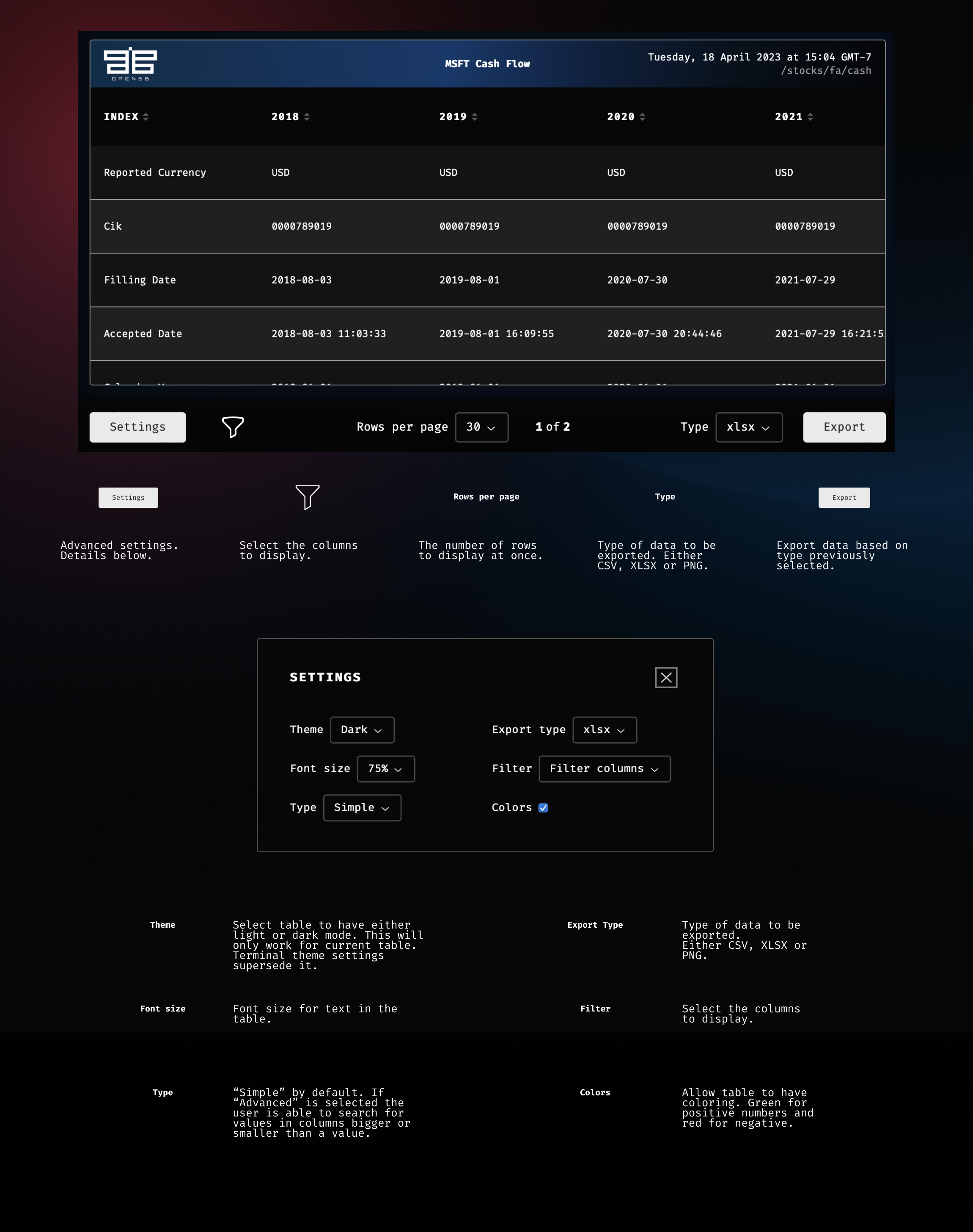
Interactive tables open in a separate window (PyWry). These provide methods for searching, sorting, filtering, exporting and even adapting settings directly on the table.
All OpenBB Platform CLI results are displayed in interactive tables by default, unless the interactive model is disabled from the /settings menu.
Details
Table cheat sheet
Sorting
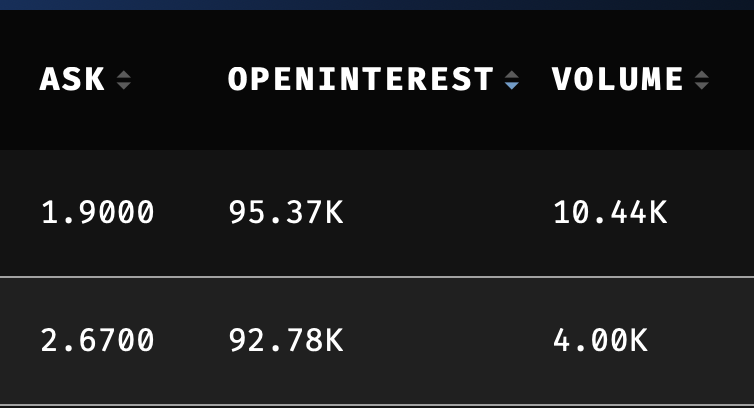
Columns can be sorted ascending/descending/unsorted, by clicking the controls to the right of each header title. The status of the filtering is shown as a blue indicator.
Filtering
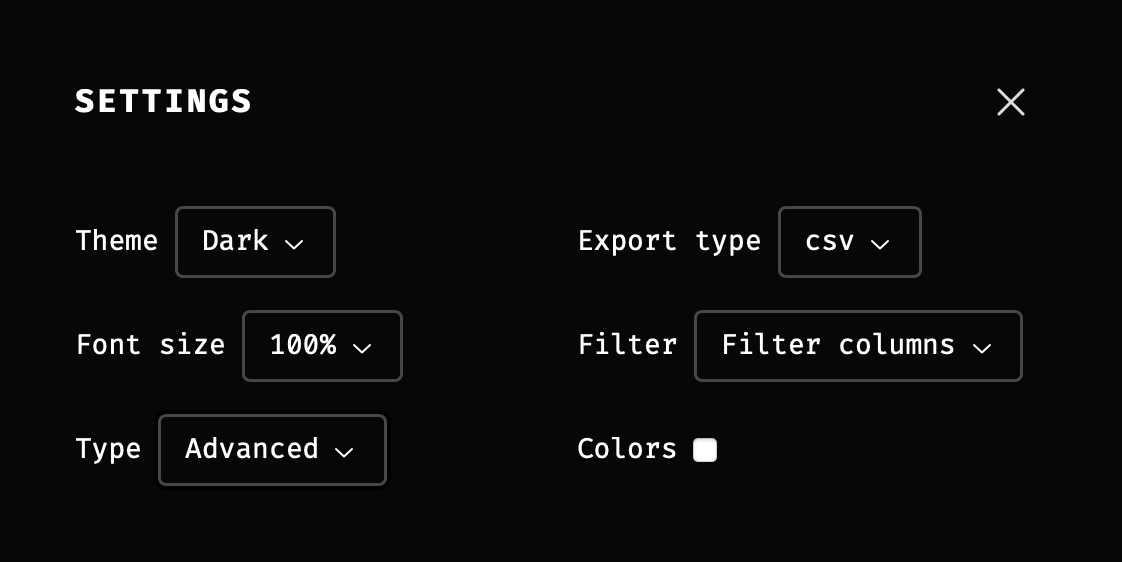
The settings button, at the lower-left corner, displays choices for customizing the table. By selecting the Type to be Advanced, columns become filterable.
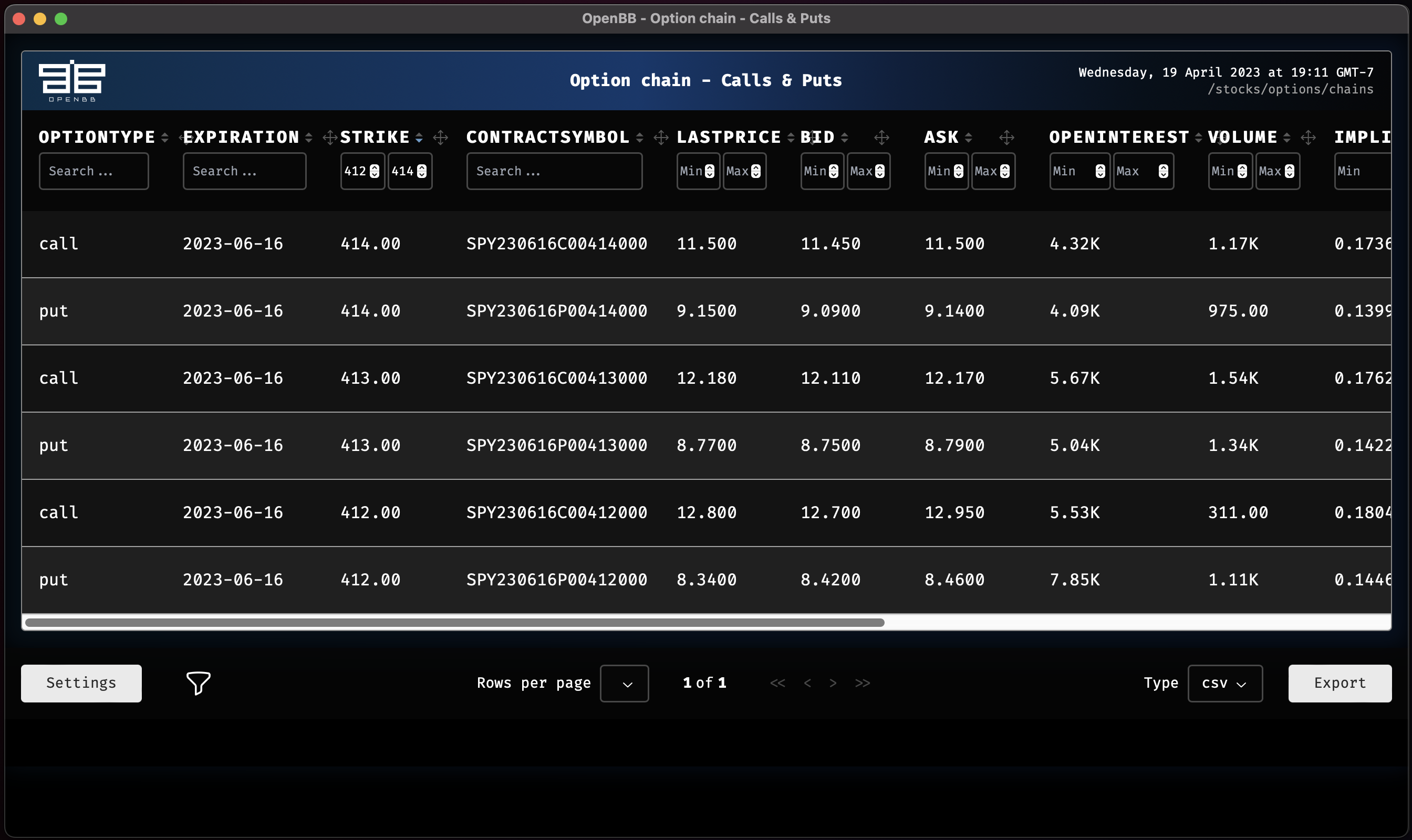
The columns can be filtered with min/max values or by letters, depending on the content of each column.
Hiding columns
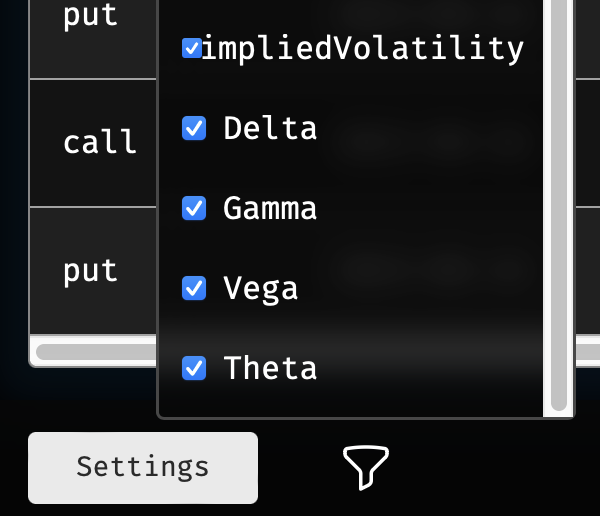
The table will scroll to the right as far as there are columns. Columns can be removed from the table by clicking the icon to the right of the settings button and unchecking it from the list.
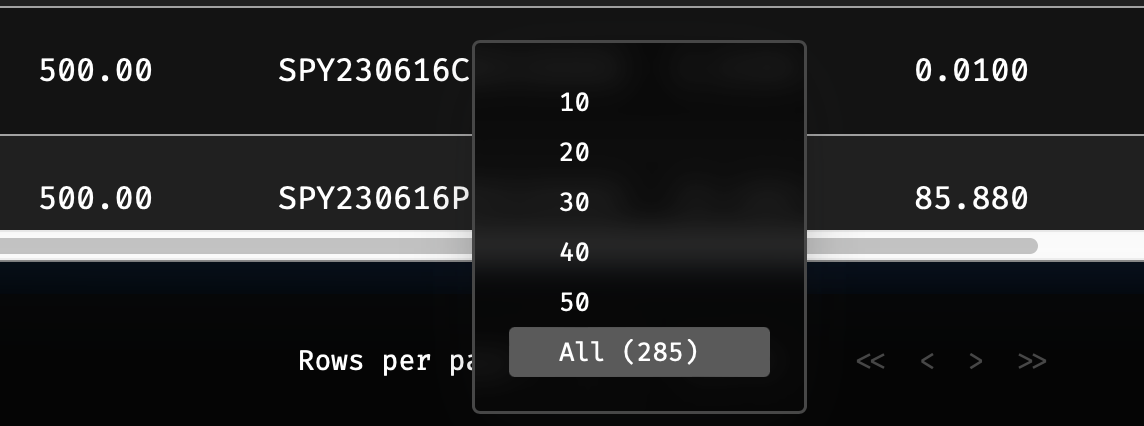
Select rows per page
The number of rows per page is defined in the drop down selection near the center, at the bottom.
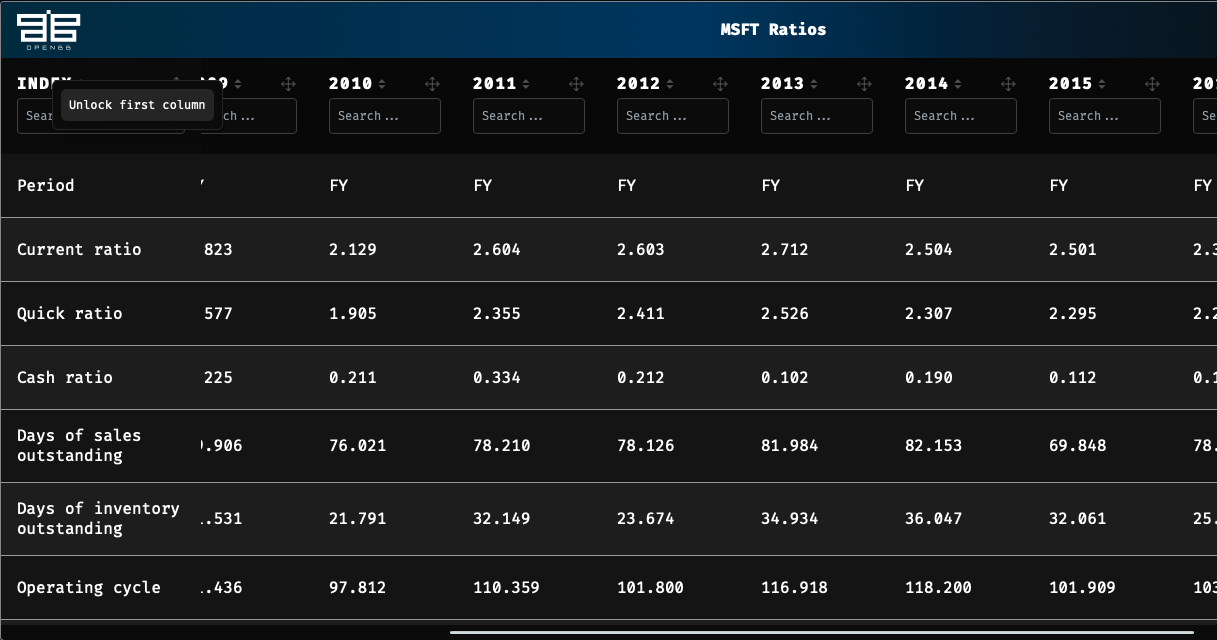
Freeze the Index and Column Headers
Right-click on the index name to enable/disable freezing when scrolling to the right. Column headers are frozen by default.
Exporting Data
At the bottom-right corner of the table window, there is a button for exporting the data. To the left, the drop down selection for Type can be defined as a CSV, XLSX, or PNG file. Exporting the table as a PNG file will create a screenshot of the table at its current view, and data that is not visible will not be captured.