Set API Keys
Accessing API Keys
With the OpenBB SDK you can define your, often free, API key from various platforms like Alpha Vantage, FRED, IEX, Twitter, DeGiro, Binance and Coinglass. An API key is a set of random characters provided to you by a third party vendor that allows you to access data via their API endpoints. API keys can be managed directly from the SDK environment. If there is already a Terminal installation configured with API keys, they will be recognized by the SDK. Find the complete list of options below:
Summary of API Key Providers
Their status can be verified with the line of code below.
from openbb_terminal.sdk import openbb
openbb.keys.mykeys(show = True)
Removing show = True from the syntax will hide the values for the keys, as shown in the table below.
| API | Key |
|---|---|
| BINANCE_KEY | *** |
| BINANCE_SECRET | *** |
| BITQUERY_KEY | *** |
| CMC_KEY | *** |
Individual keys are entered like this example:
obb.keys.fred(
    key = 'replace_me',
    persist = True,
)
The required fields for each source will vary, print the docstring for each to know the required inputs.
help(openbb.keys.reddit)
    Help on Operation in module openbb_terminal.core.library.operation:

    <openbb_terminal.core.library.operation.Operation object>
    Set Reddit key

    Parameters
    ----------
    client_id: str
        Client ID
    client_secret: str
        Client secret
    password: str
        User assword
    username: str
        User username
    useragent: str
        User useragent
    persist: bool
        If False, api key change will be contained to where it was changed. For example, Jupyter notebook.
        If True, api key change will be global, i.e. it will affect terminal environment variables.
        By default, False.
    show_output: bool
        Display status string or not. By default, False.

    Returns
    -------
    str
        Status of key set
In cases where API credentials must be passed to another process, use the following import statement:
from openbb_terminal import config_terminal as cfg
Values can then be passed to a request URL as a variable, f"{cfg.API_KEY_QUANDL}"
The code block below will authorize Quandl to request data from Nasdaq Data Link. The series in the example is for the historical price of gold.
import quandl
from openbb_terminal import config_terminal as cfg

gold = quandl.get("LBMA/GOLD", collapse="monthly", transform="", index_col=0, order="desc", parse_dates=True, authtoken=f"{cfg.API_KEY_QUANDL}")
| Date | USD (AM) | USD (PM) | GBP (AM) | GBP (PM) | EURO (AM) | EURO (PM) |
|---|---|---|---|---|---|---|
| 2022-11-30 00:00:00 | 1757.35 | 1768.9 | 1491.46 | 1506.57 | 1704.98 | 1714.06 |
| 2022-10-31 00:00:00 | 1638.85 | 1639 | 1419.74 | 1425.27 | 1649.5 | 1656.87 |
| 2022-09-30 00:00:00 | 1672.75 | 1671.75 | 1495.94 | 1502.4 | 1703.7 | 1710.53 |
| 2022-08-31 00:00:00 | 1712.4 | 1715.9 | 1472.15 | 1478.08 | 1713.6 | 1715.21 |
| 2022-07-31 00:00:00 | 1758.9 | 1753.4 | 1447.4 | 1451.64 | 1724.07 | 1725.7 |
To make a backup file containing all stored keys, use the code block below.
df_keys = openbb.keys.mykeys(show = True)
df_keys.to_csv('backup.csv')
How to obtain the API Key from each source
This section covers all API keys listed above and include detailed instructions how to obtain each API key. By clicking on each name, the section will expand and instructions are provided.
AlphaVantage
Go to https://www.alphavantage.co/support/#api-key. You will be greeted with the following screen:

Once you enter the type of investor you are, the organization you work at and your email address pressing "GET FREE API KEY" gets you the key that you can submit into the OpenBB SDK with openbb.keys.av
Binance
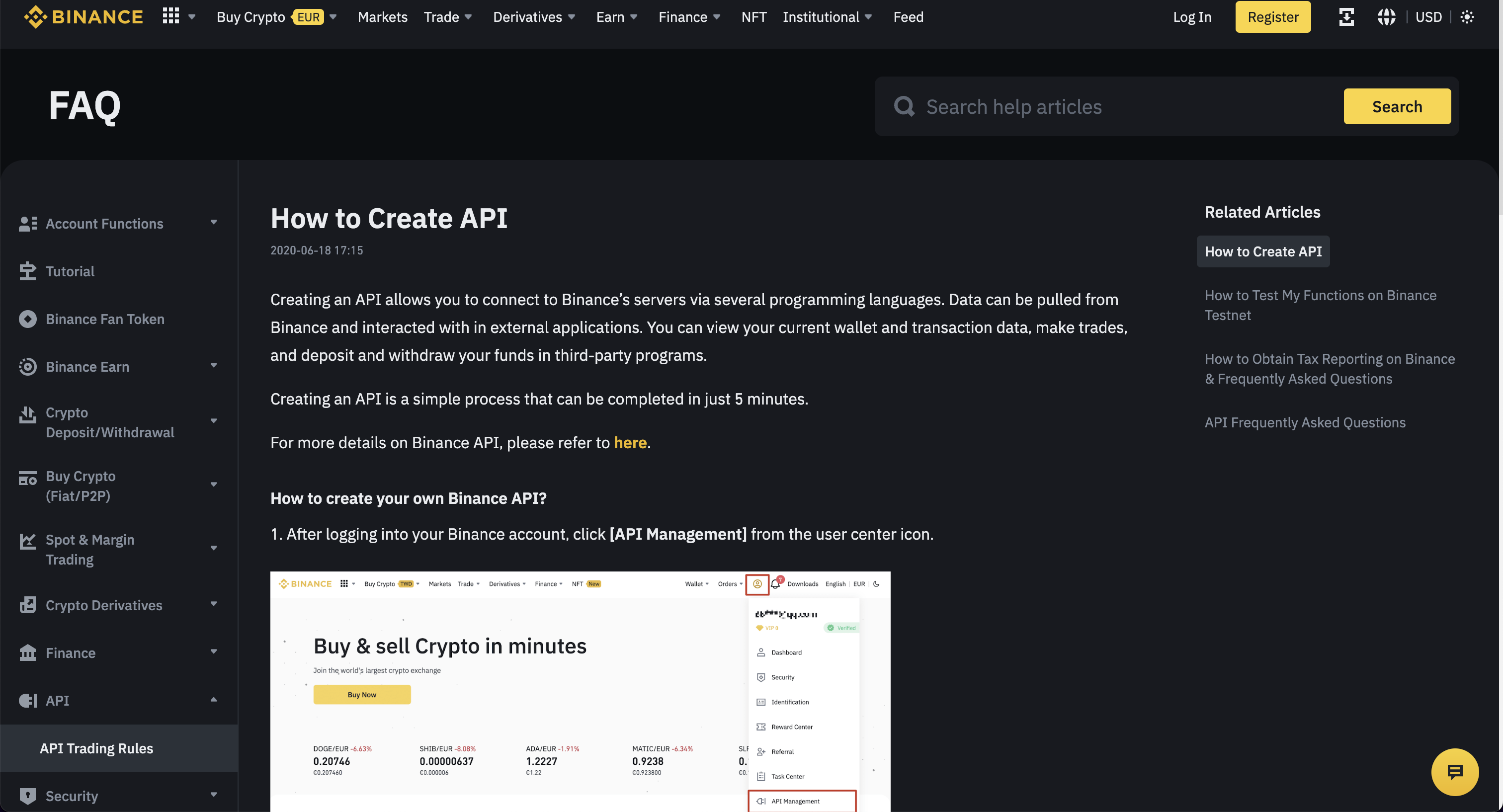
These instructions should provide clear guidance how to set up an API Key. Enter this API key into the OpenBB SDK by typing openbb.keys.binance.
Bitquery
Go to https://bitquery.io/. You will be greeted with the following screen:

Click "Try GraphQL API". This opens the following screen:

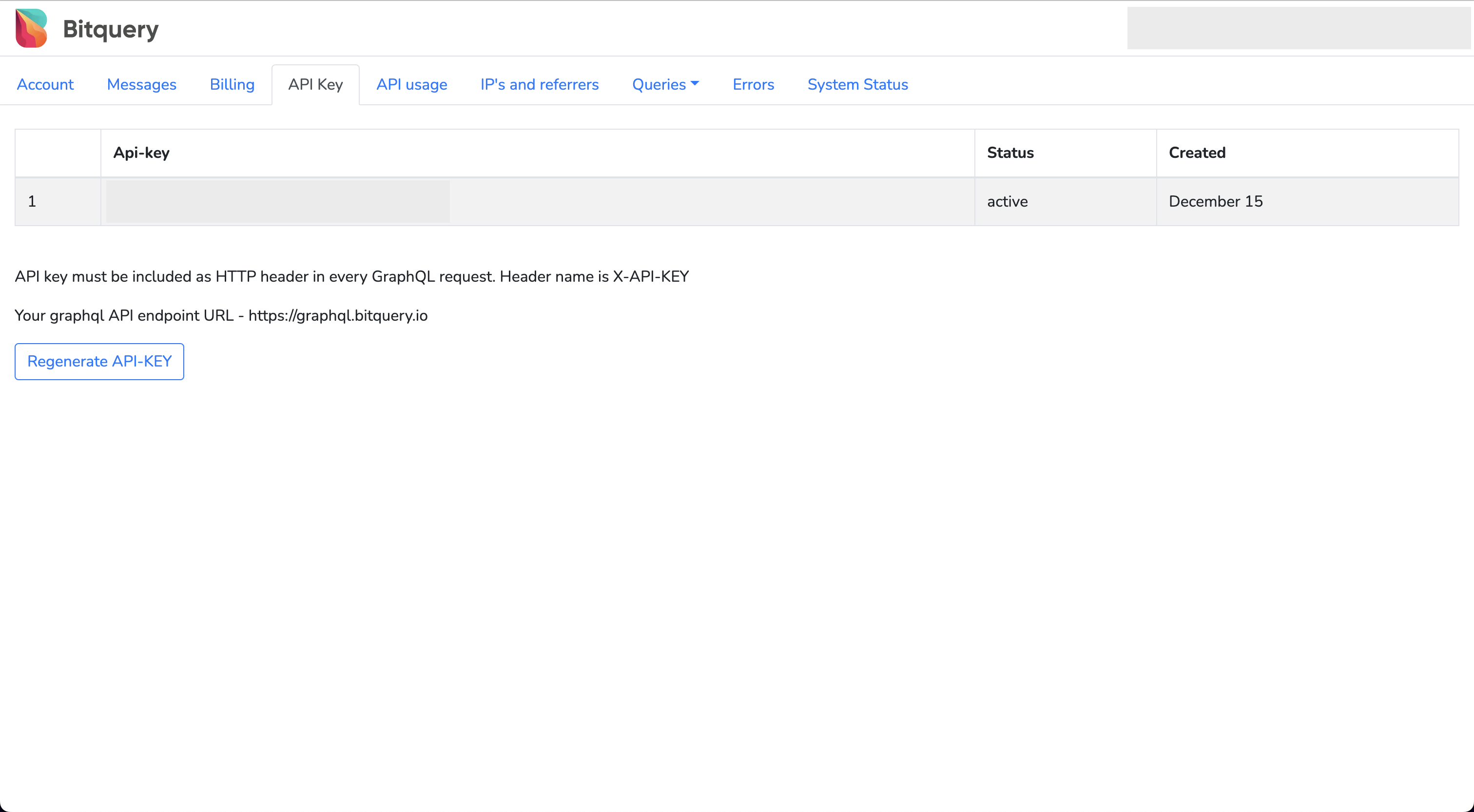
After creating an account and verifying your email address, you will be able to access your API Key by clicking "Api Key". Enter this API key into the OpenBB SDK by typing openbb.keys.bitquery.
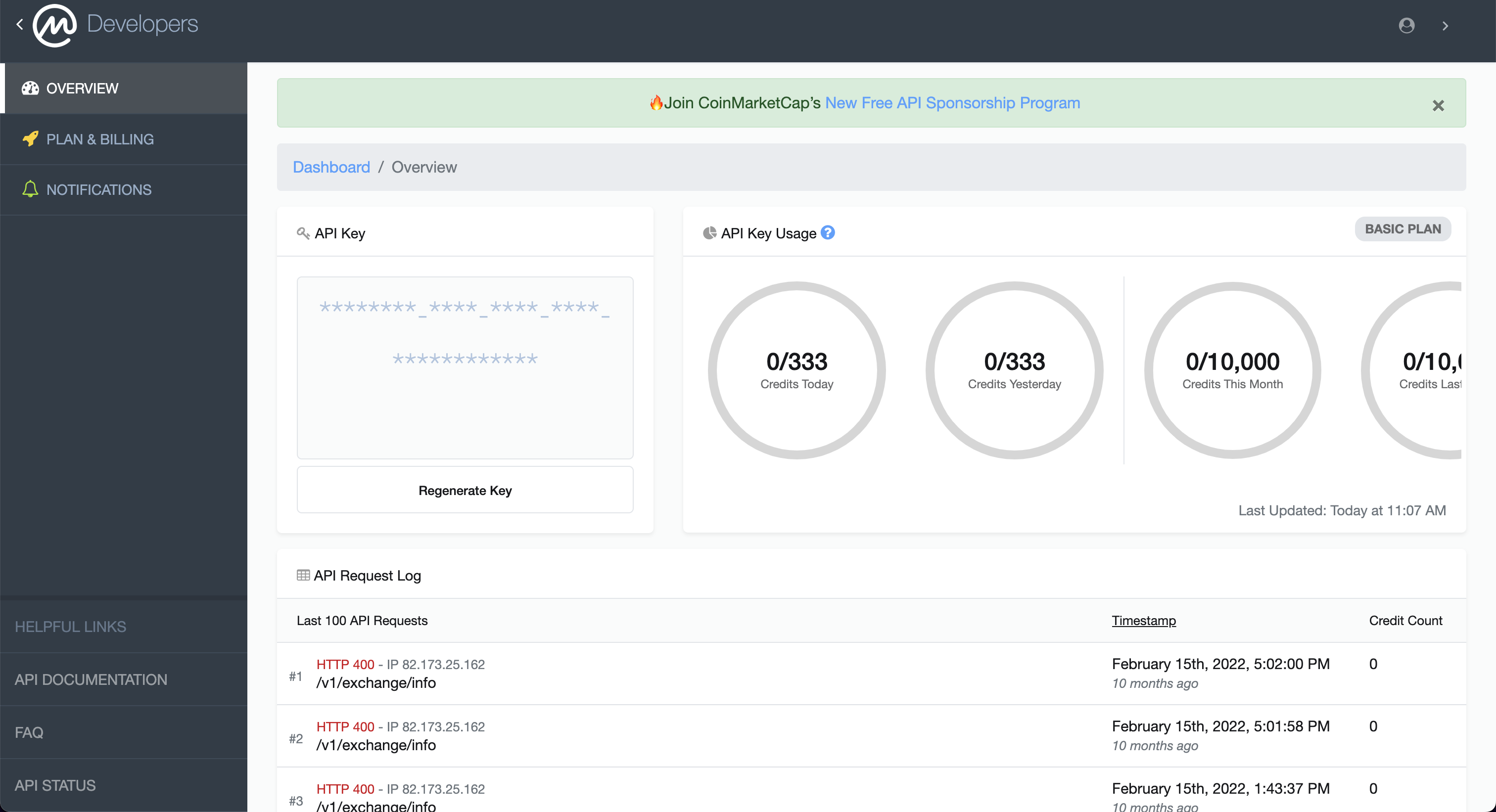
CoinMarketCap
Go to https://coinmarketcap.com/api. You will be greeted with the following screen:
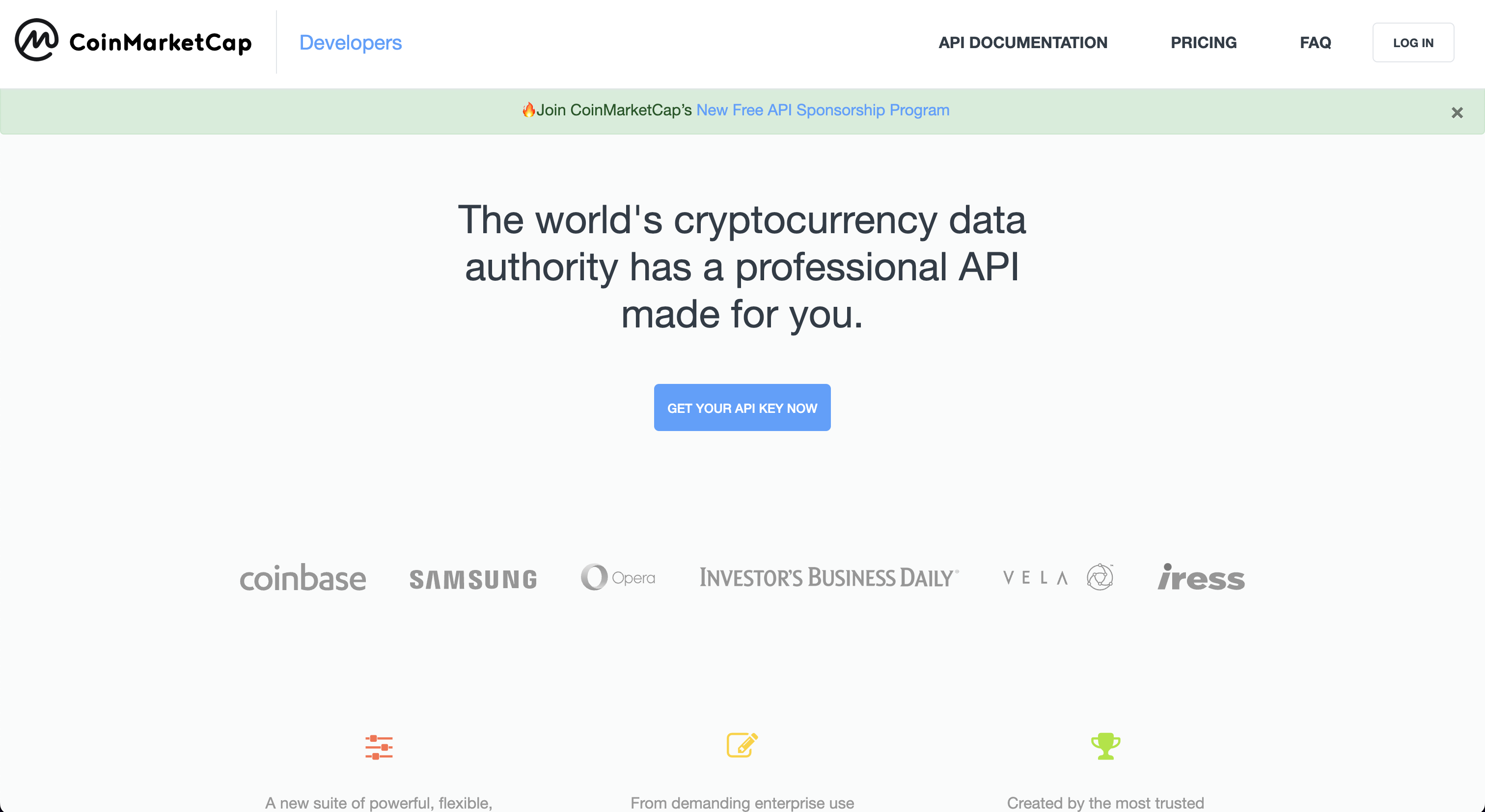
From here, click "Get Your Free API Key Now". This opens up the following screen:
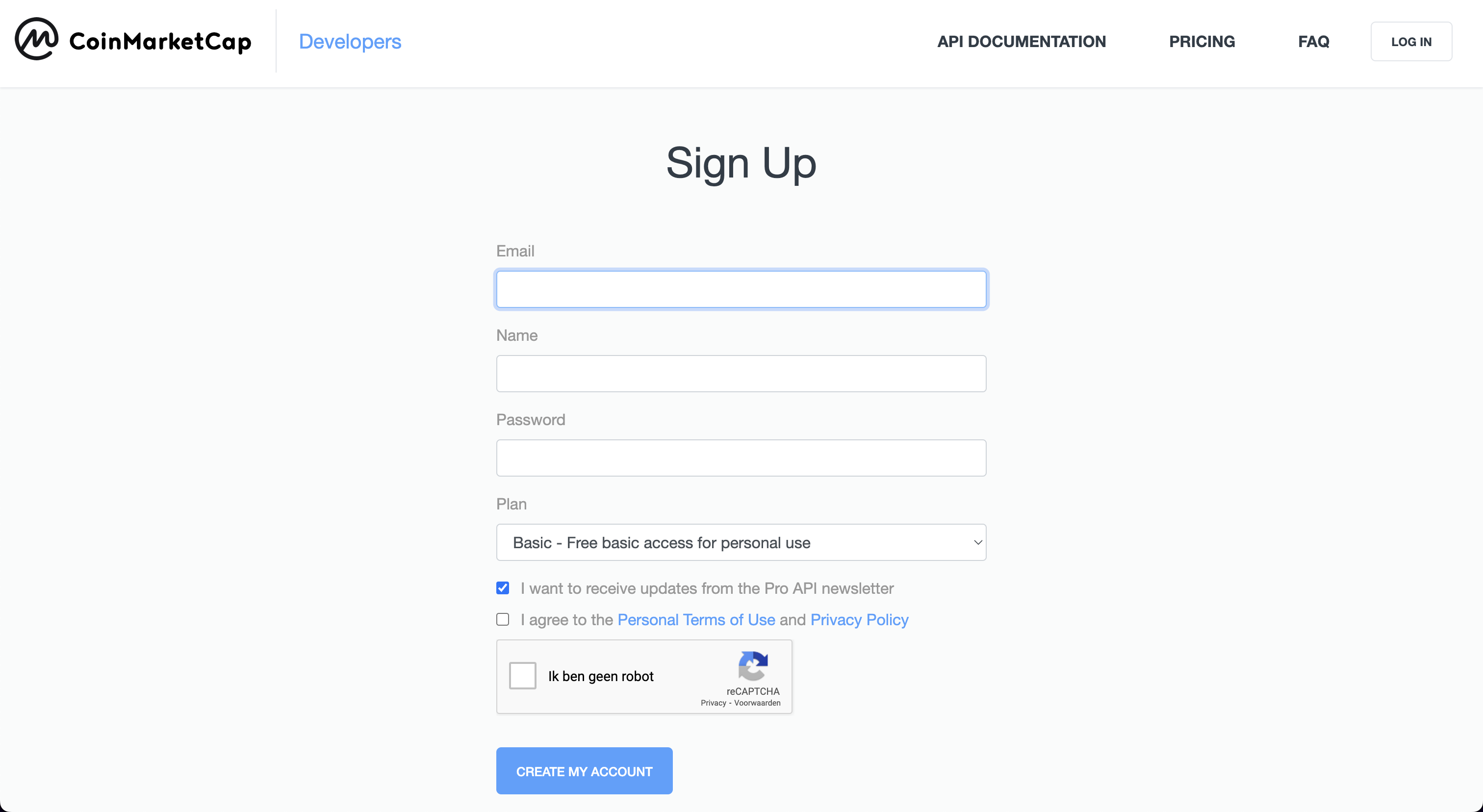
Once you have created an account, you will be able to find your API key in the following screen. Enter this API key into the OpenBB SDK by typing openbb.keys.cmc
CoinBase
Go to https://help.coinbase.com/en/exchange/managing-my-account/how-to-create-an-api-key. You will be greeted with the following screen:
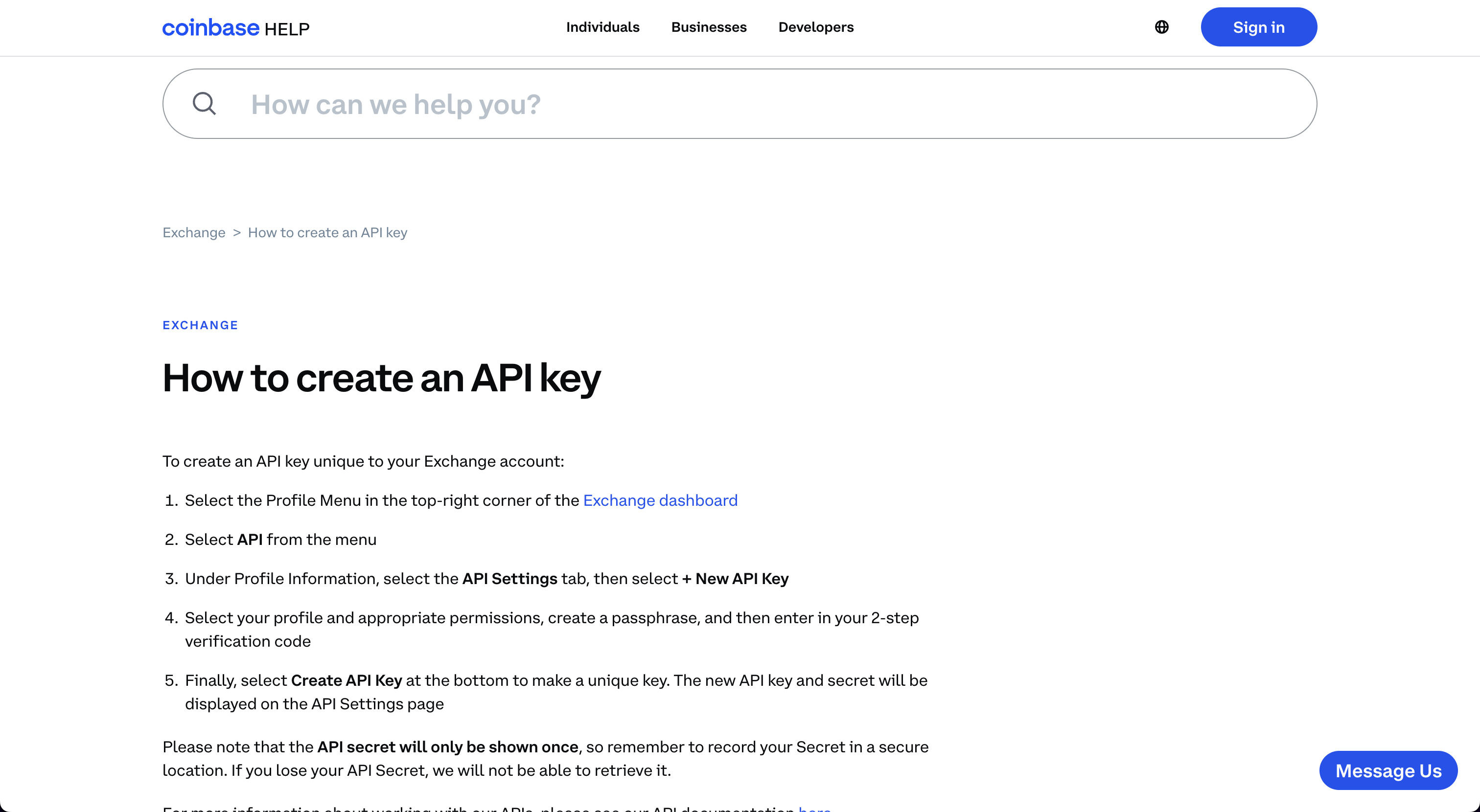
By following these instructions you should be able to set-up an API Key. Enter this API key into the OpenBB SDK by typing openbb.keys.coinbase.
Coinglass
Go to https://www.coinglass.com/. You will be greeted with the following screen:

Click "Log in" and sign up for an account. This opens up the following screen:

Once you created your account, you will be able to find the API Key on your profile. Enter this API key into the OpenBB SDK by typing openbb.keys.coinglass.
Crypto Panic
Go to https://cryptopanic.com/developers/api/. You will be greeted with the following screen:
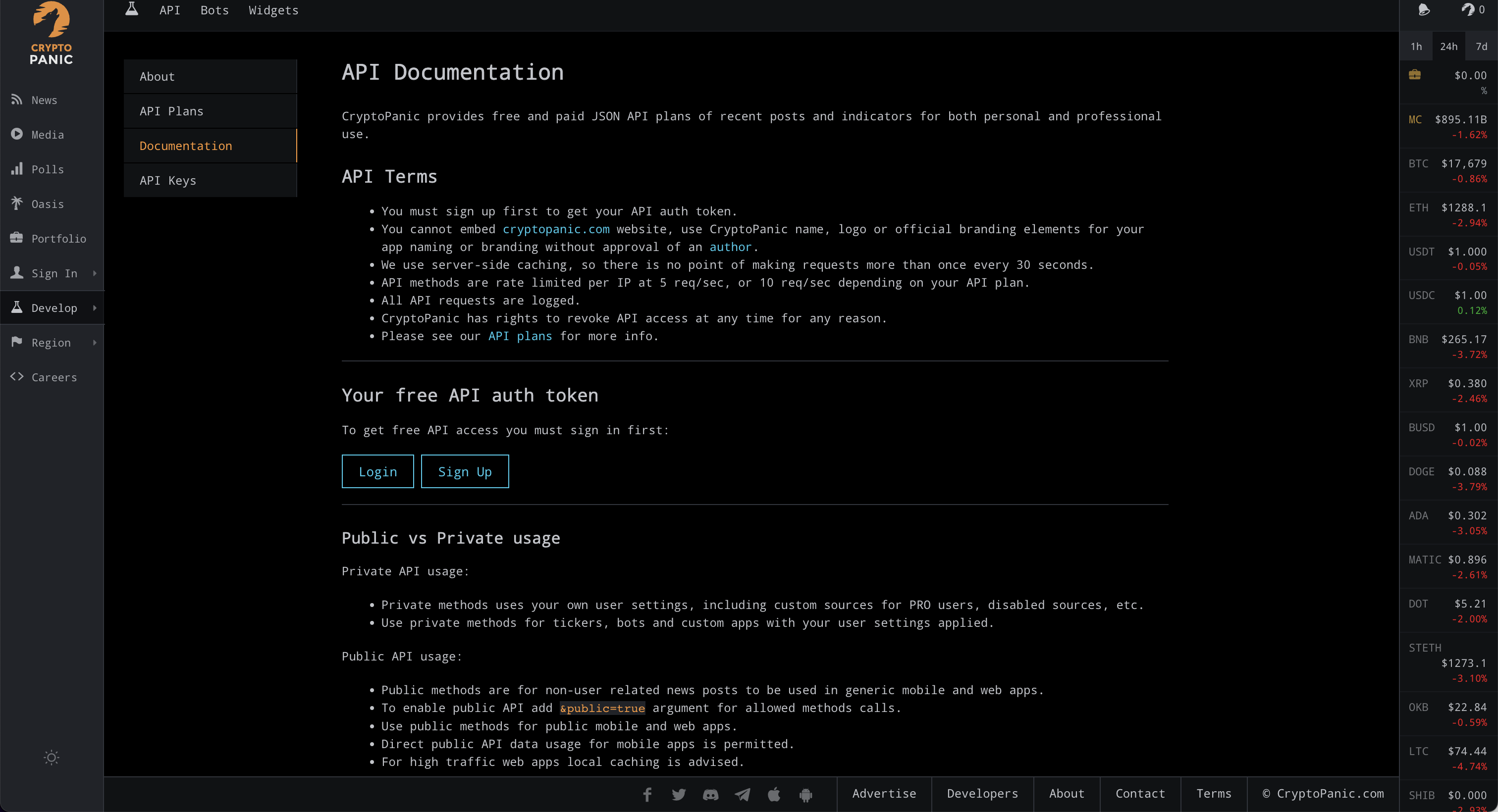
Click "Sign up" under "Your free API auth token". This opens up the following screen:
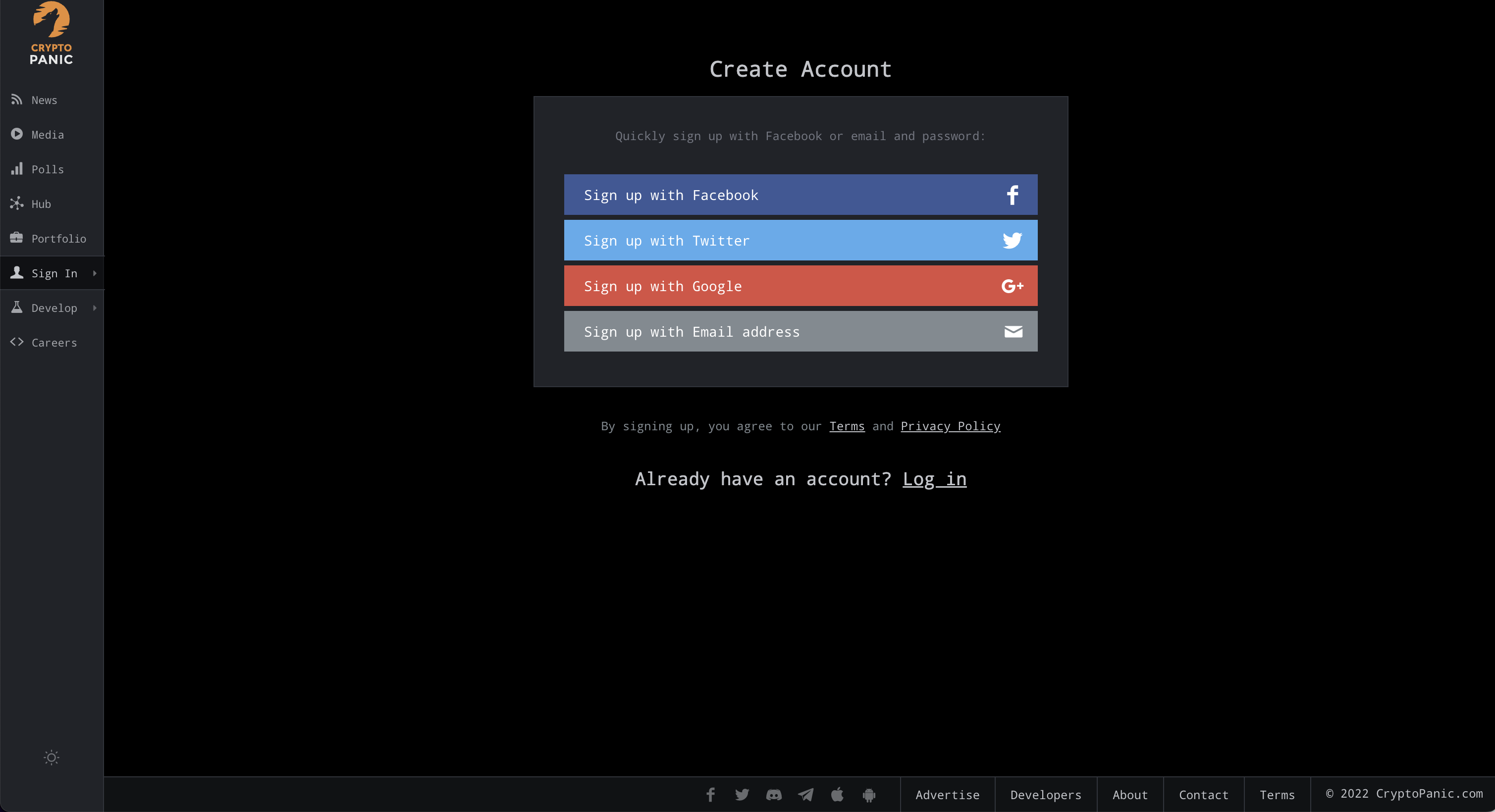
Once you have created your account, your API Key will be displayed under "Your free API auth token". Enter this API key into the OpenBB SDK by typing openbb.keys.cpanic.

DeGiro
Go to https://www.degiro.com/. You will be greeted with the following screen:

Click "Sign up" and go to the registrations process. After setting up your account you will be able to use this broker by entering your username and password in the OpenBB SDK as follows openbb.keys.degiro. We also support 2FA, you can find more information about that here.
EODHD
Go to https://eodhistoricaldata.com/. You will be greeted with the following screen:
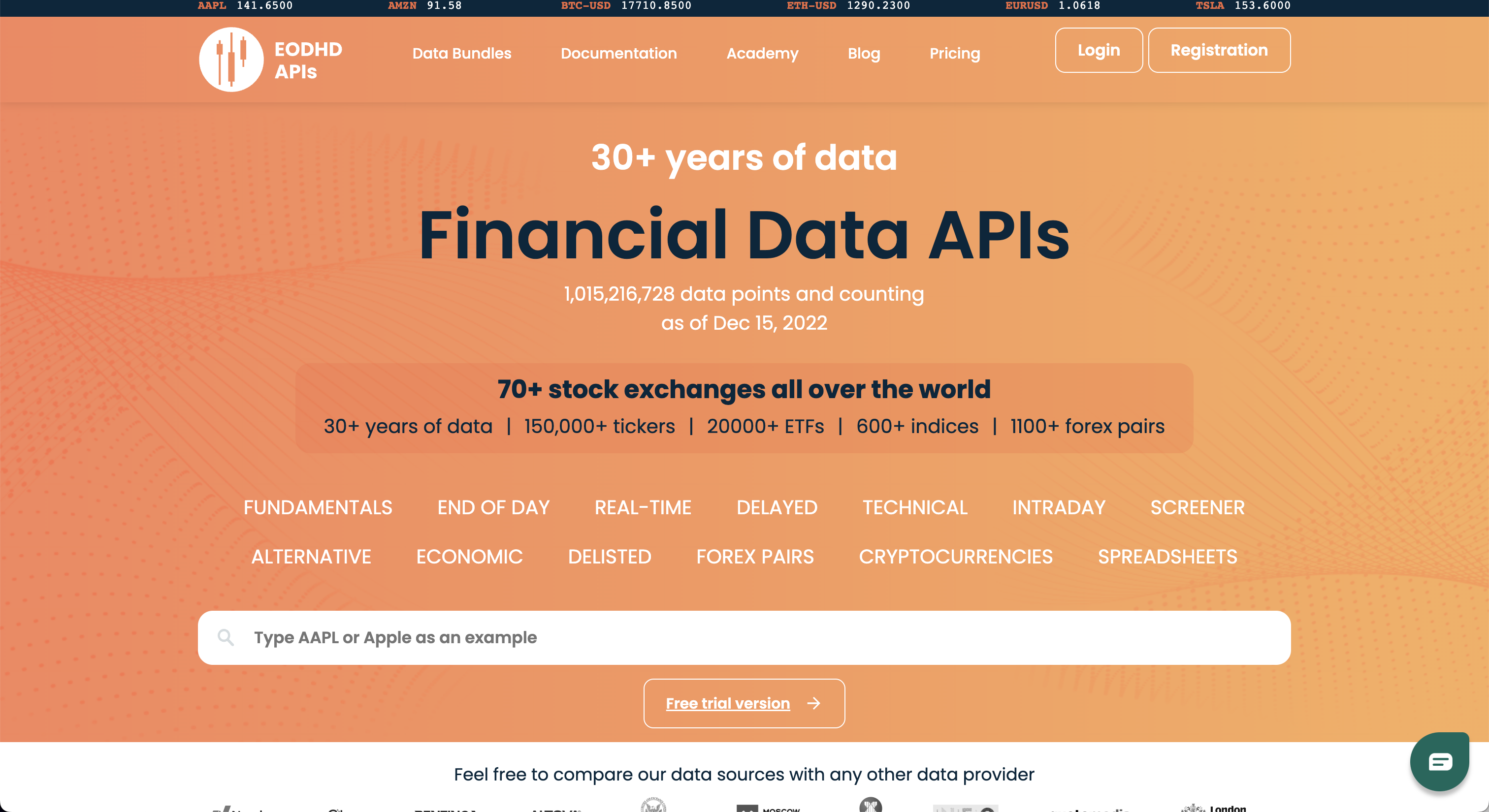
Click "Registration". This opens up the following screen:

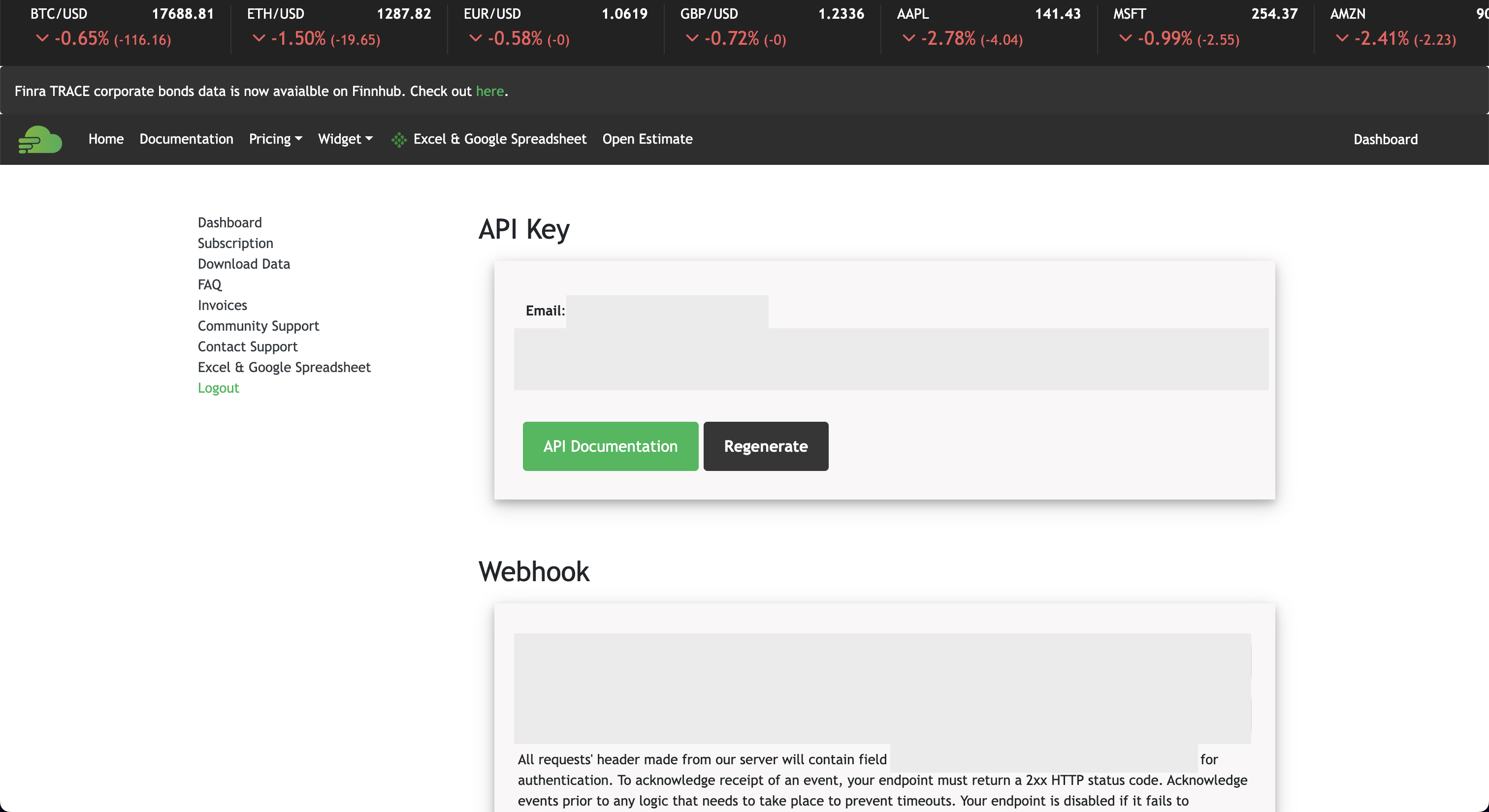
Once you have registered, you can find the API Key next to "API TOKEN". Enter this API key into the OpenBB SDK by typing openbb.keys.cpanic.

Finnhub
Go to https://finnhub.io/. You will be greeted with the following screen:

Press "Get free api key". This opens up the following screen:

Once you have created an account, you will be able to find your API key in the following screen. Enter this API key into the OpenBB SDK by typing openbb.keys.finnhub
Financial Modelling Prep
Go to https://site.financialmodelingprep.com/developer/docs/. You will be greeted with the following screen:
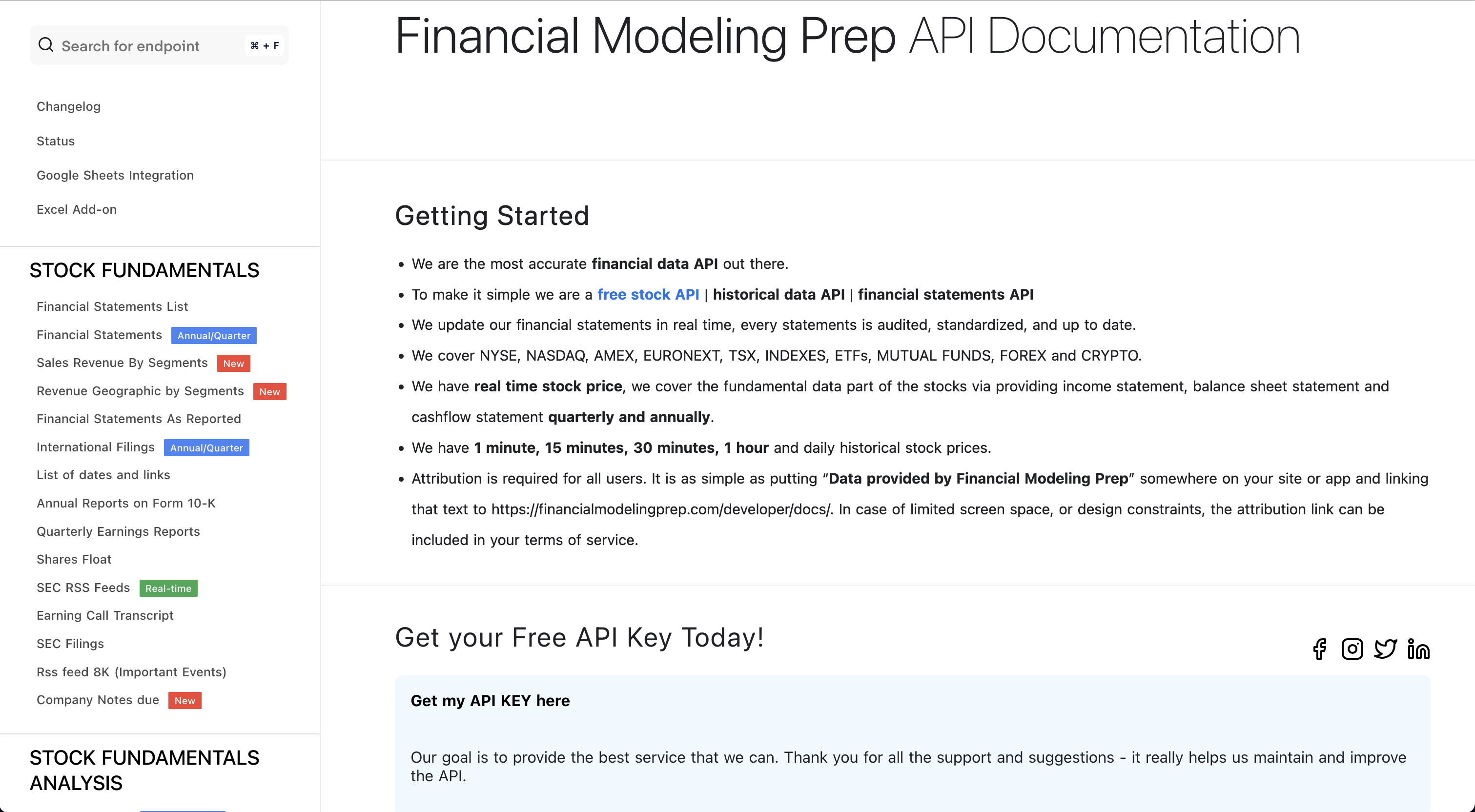
From here, press "Get my API KEY here". This opens up the following screen:
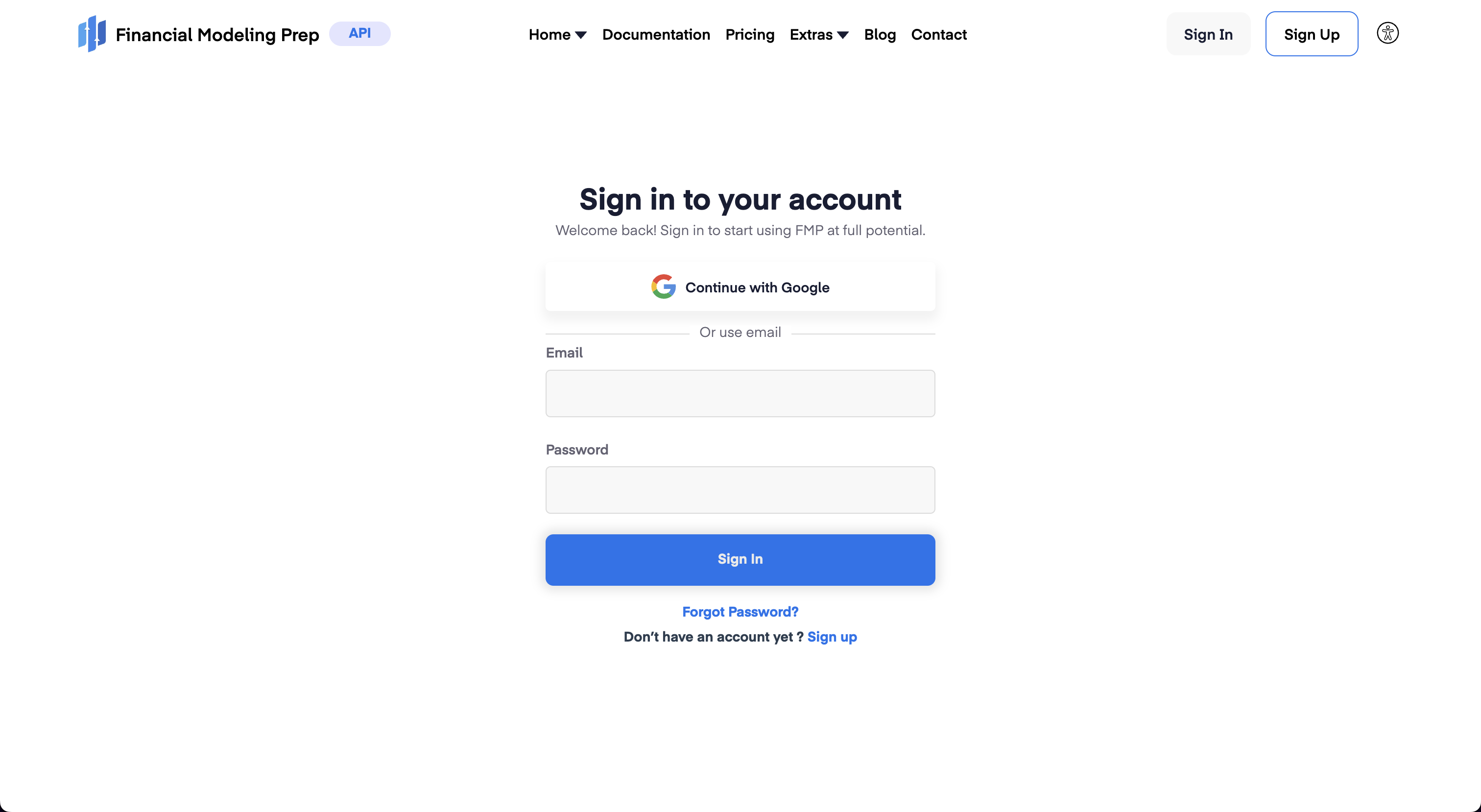
If you already have an account, you can sign-in directly and obtain the API key, otherwise click "Sign Up". Once you have created an account you can access your API Key by pressing the "Dashboard" button which will show the API key. Enter this API key into the OpenBB SDK by typing openbb.keys.fmp

FRED
Go to https://fred.stlouisfed.org. You will be greeted with the following screen:

Click on "My Account". This opens up the following screen:
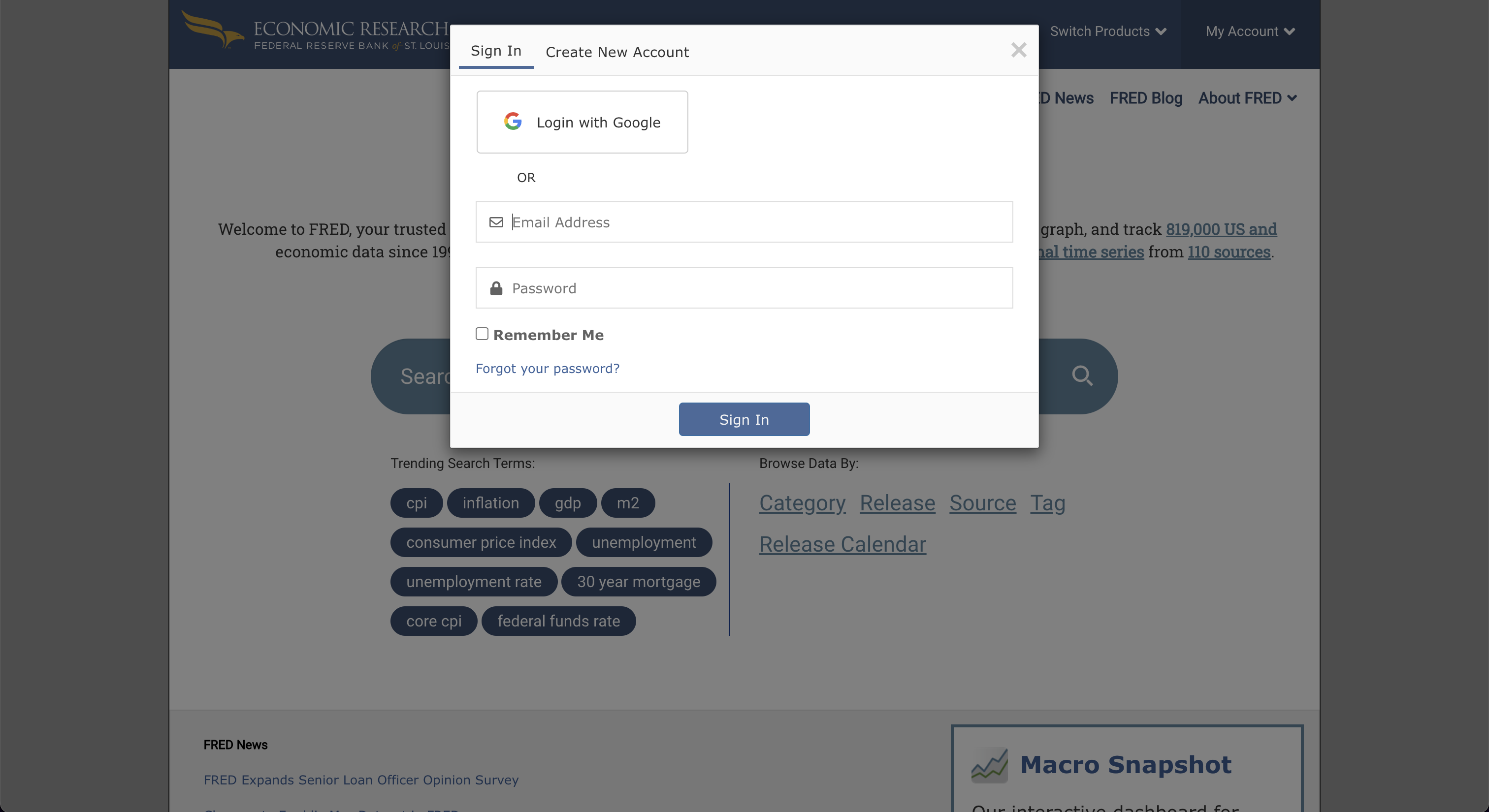
Once you have signed up, go to "My Account" and select "API Keys". This will get you to the following screen:
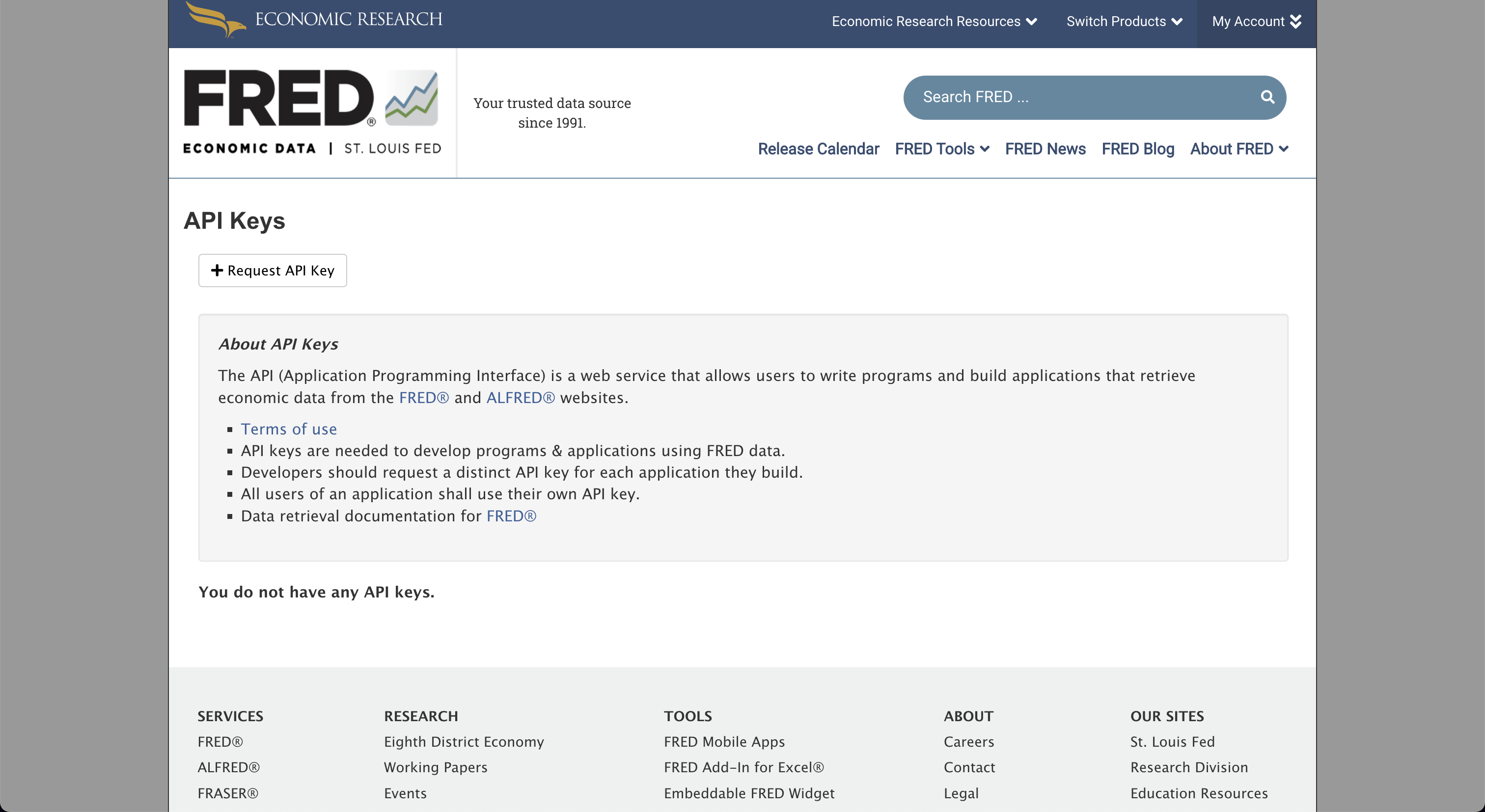
Click on "Request API Key" and fill in information about why you wish to use FRED. Then, by pressing "Request API key" you will be able to obtain the API key. Enter this API key into the OpenBB SDK by typing openbb.keys.fred

GitHub
Go to https://github.com/. You will be greeted with the following screen:
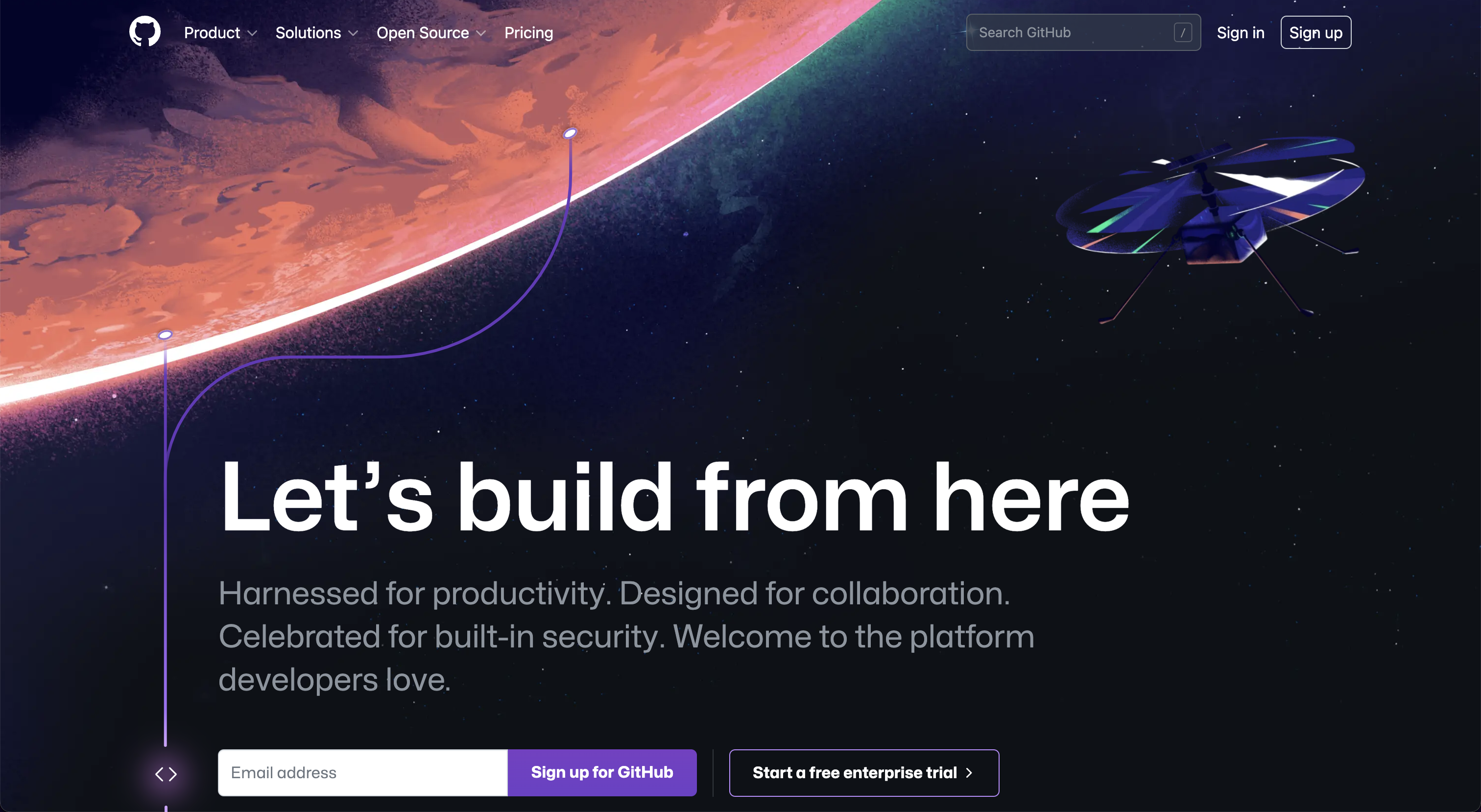
Click "Sign up" and create an account with GitHub. Once you have done so go to as depicted below: https://github.com/settings/apps
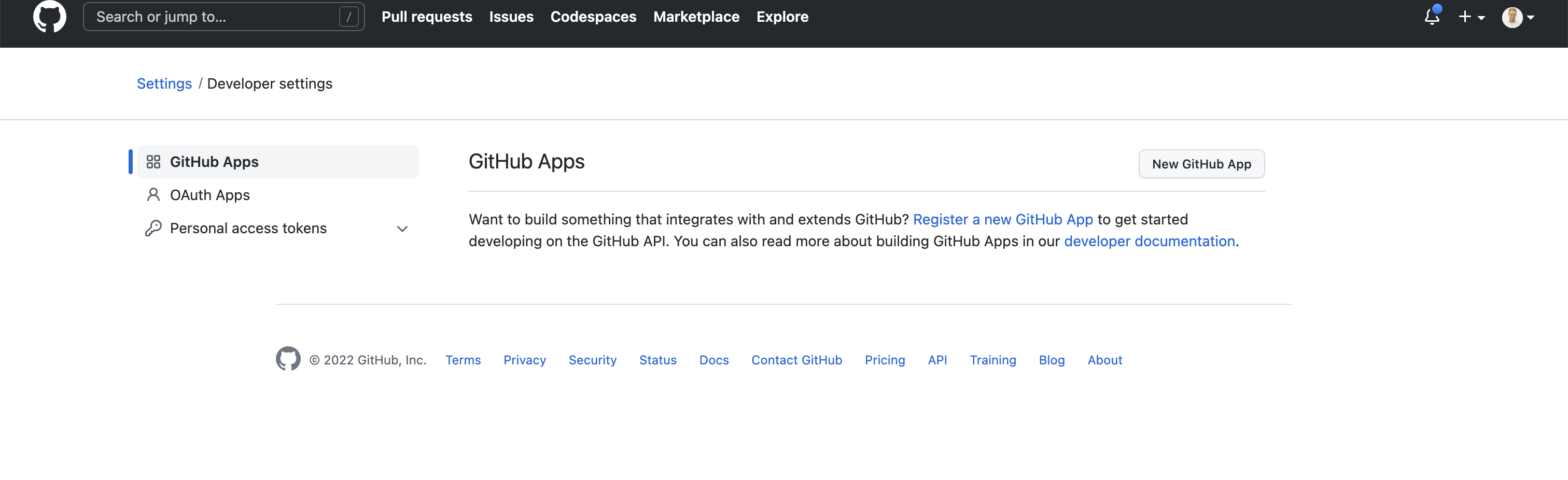
Press "New GitHub App". This opens up the following screen:
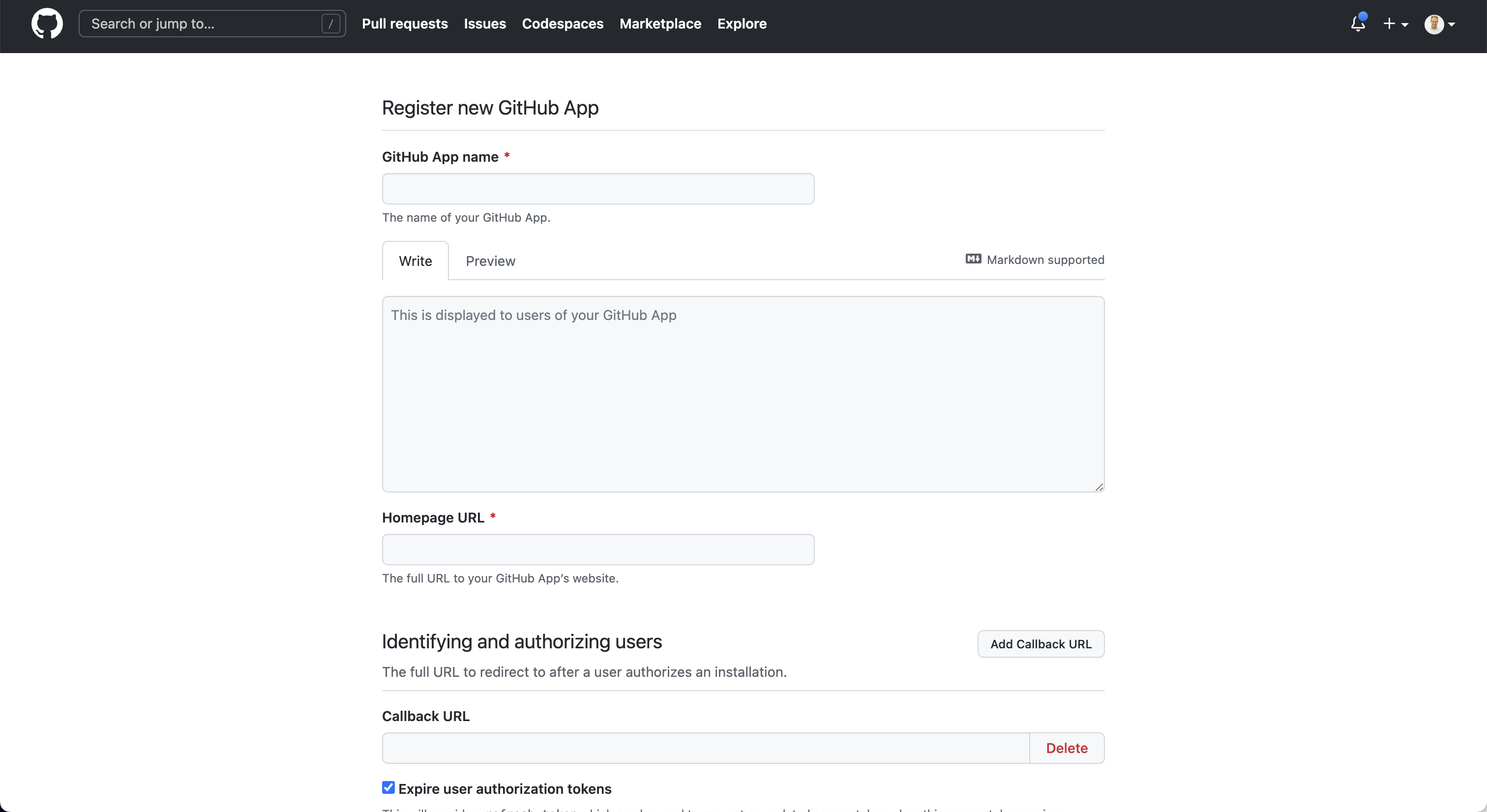
Once the app is created you are able to obtain the API Key. Enter this API key into the OpenBB SDK by typing openbb.keys.github.
Glassnode
Go to https://studio.glassnode.com/. You will be greeted with the following screen:

Click on "Sign up". This opens up the following screen:

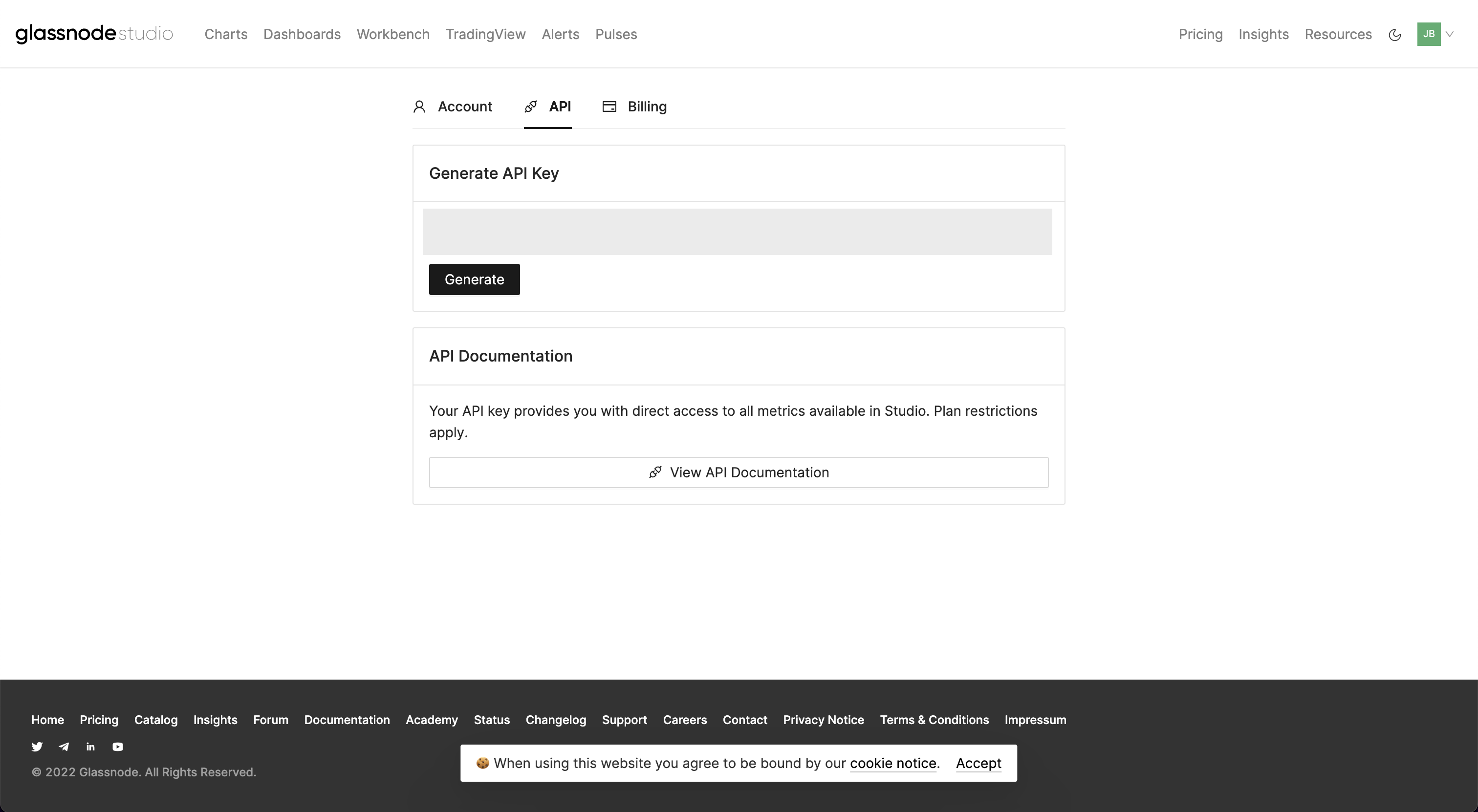
After you have created your account, go to https://studio.glassnode.com/settings/api where you can create your API Key. Enter this API key into the OpenBB SDK by typing openbb.keys.glassnode.
IEX Cloud
Go to https://iexcloud.io/. You will be greeted with the following screen:
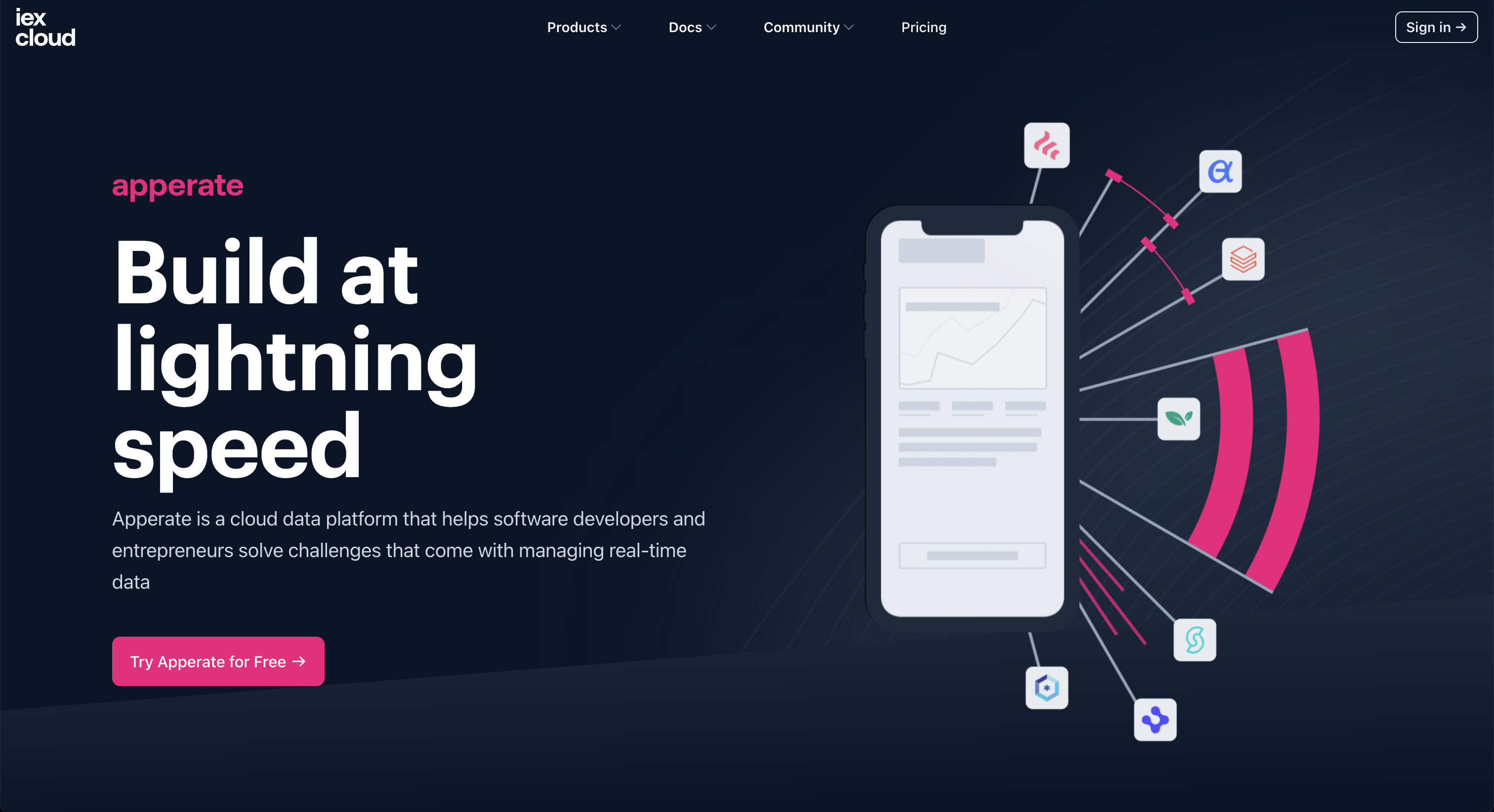
Press "Sign in". This opens up the following screen:
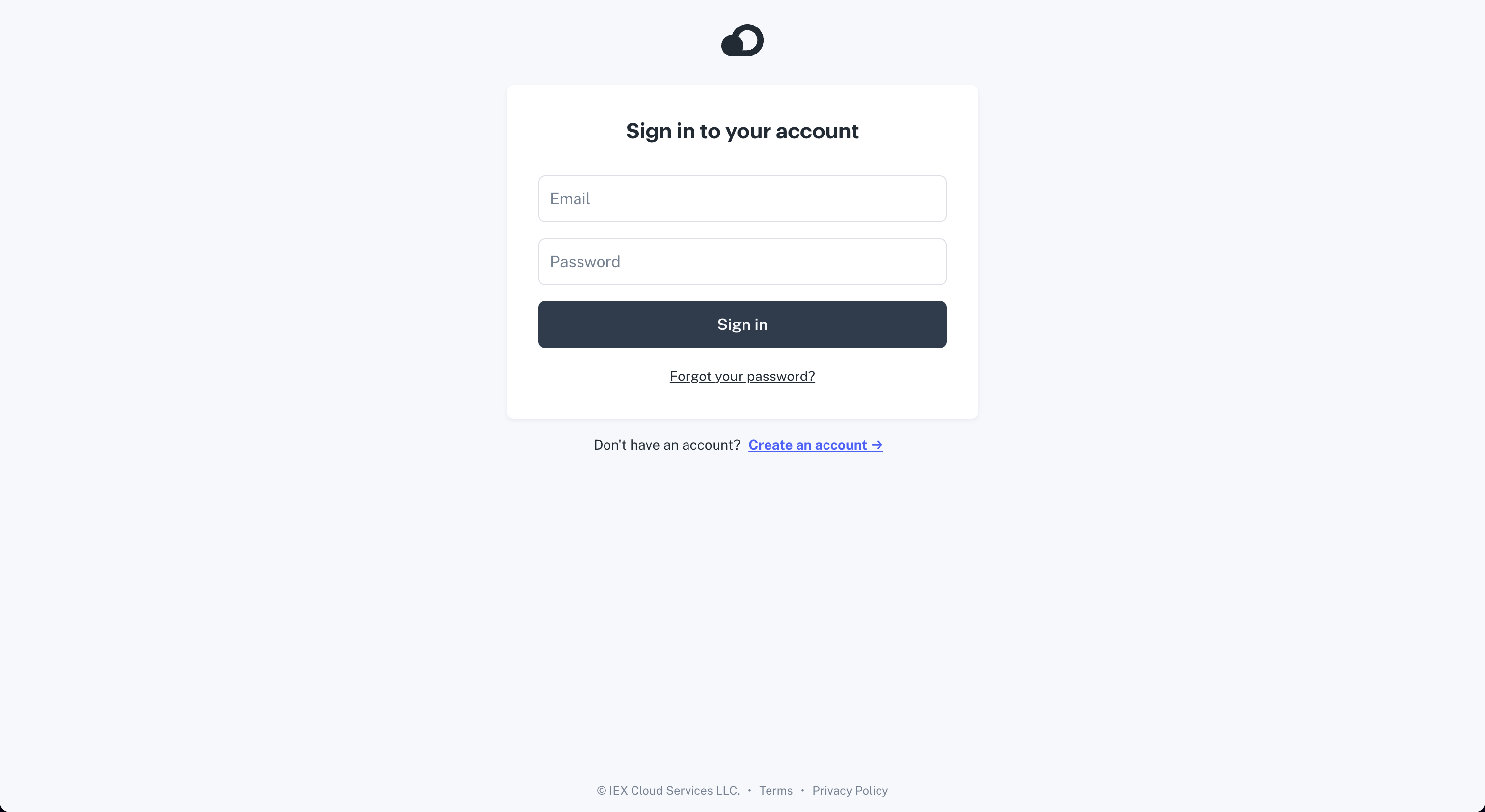
Once you have signed up you are asked what kind of plan you would like. You have the option to start a free plan at the bottom.
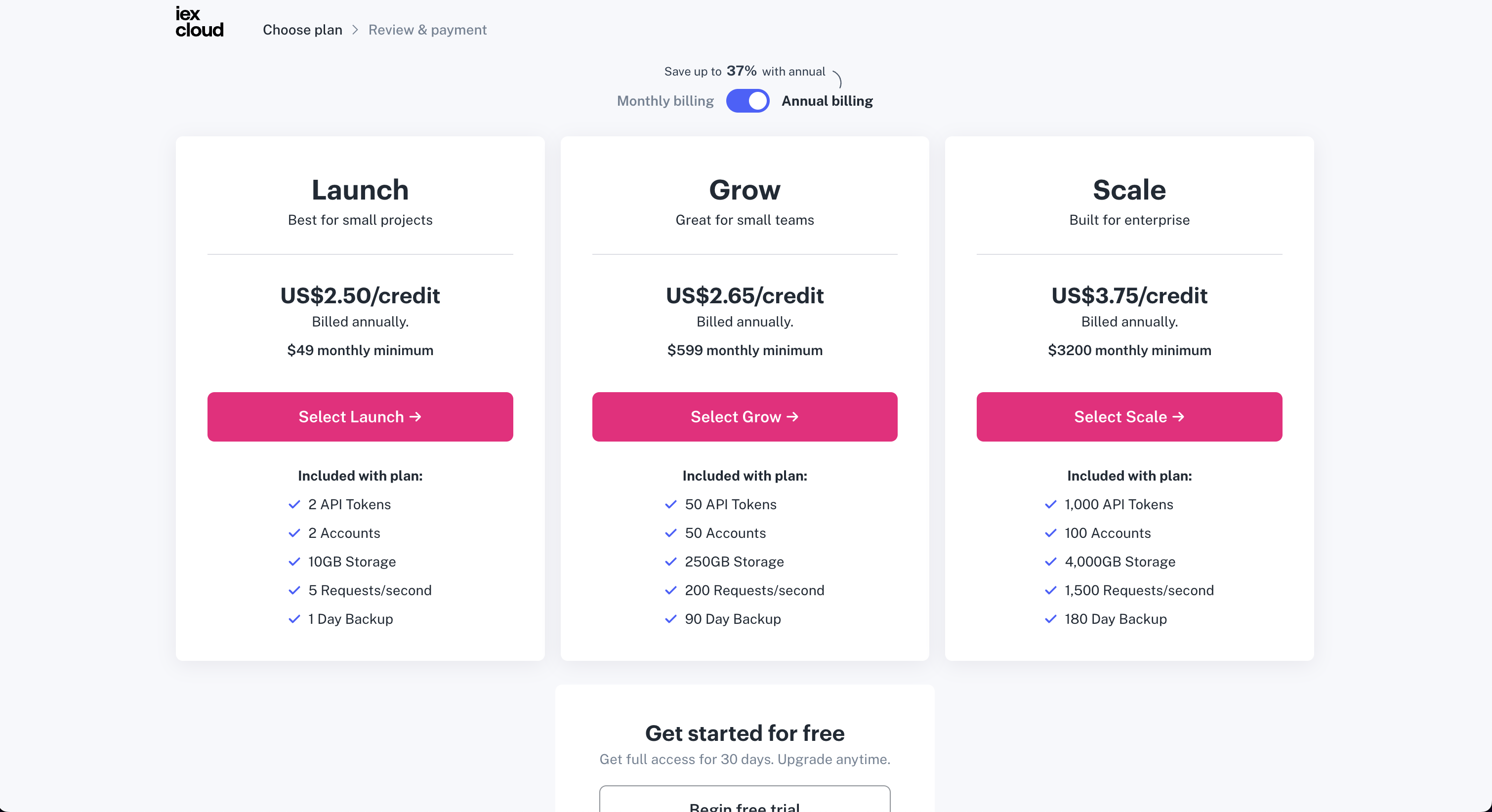
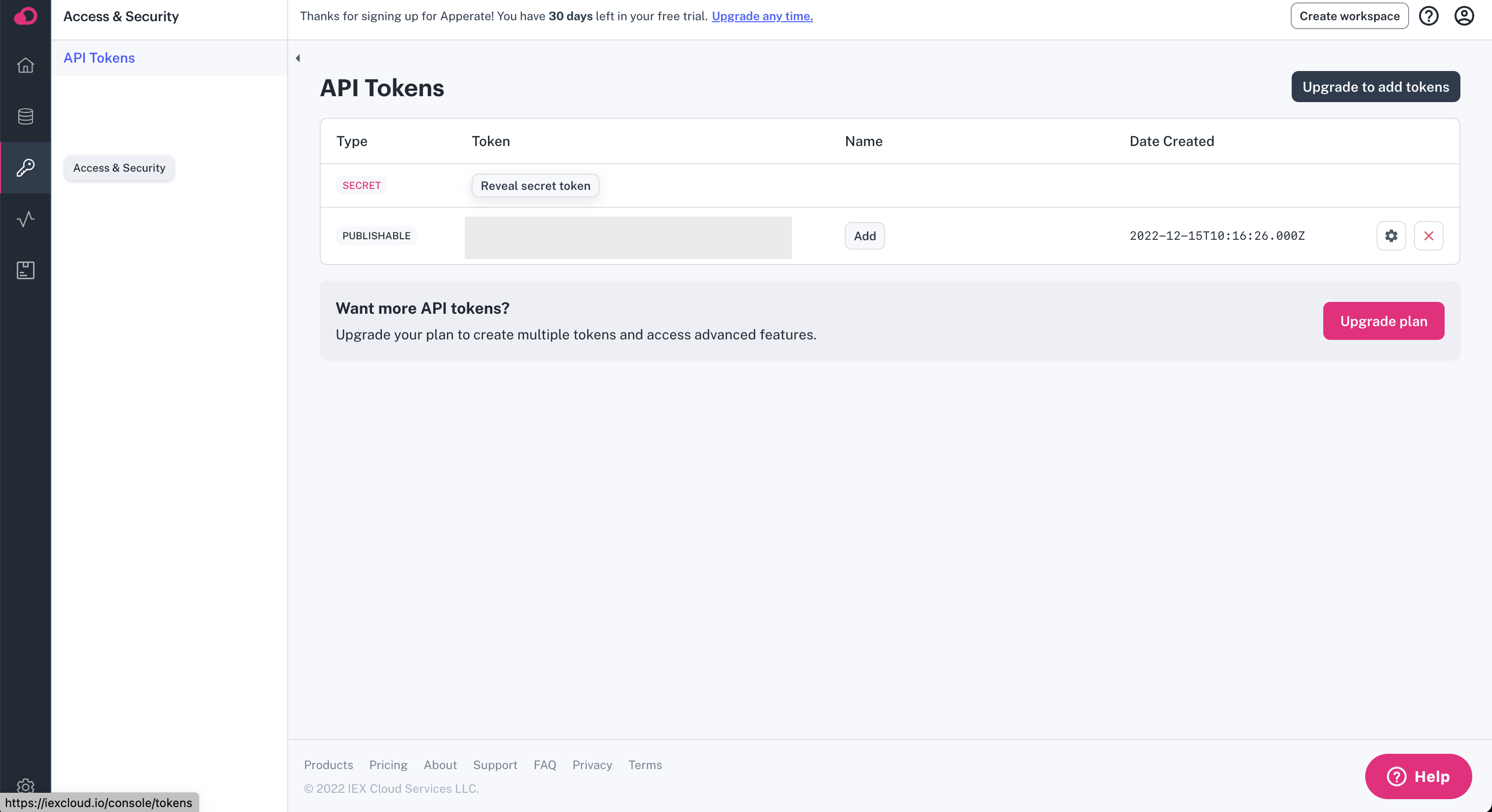
Once you have confirmed you email address, you can find your API Key under "Access & Security". Enter this API key into the OpenBB SDK by typing openbb.keys.iex
Messari
Go to https://messari.io/. You will be greeted with the following screen:
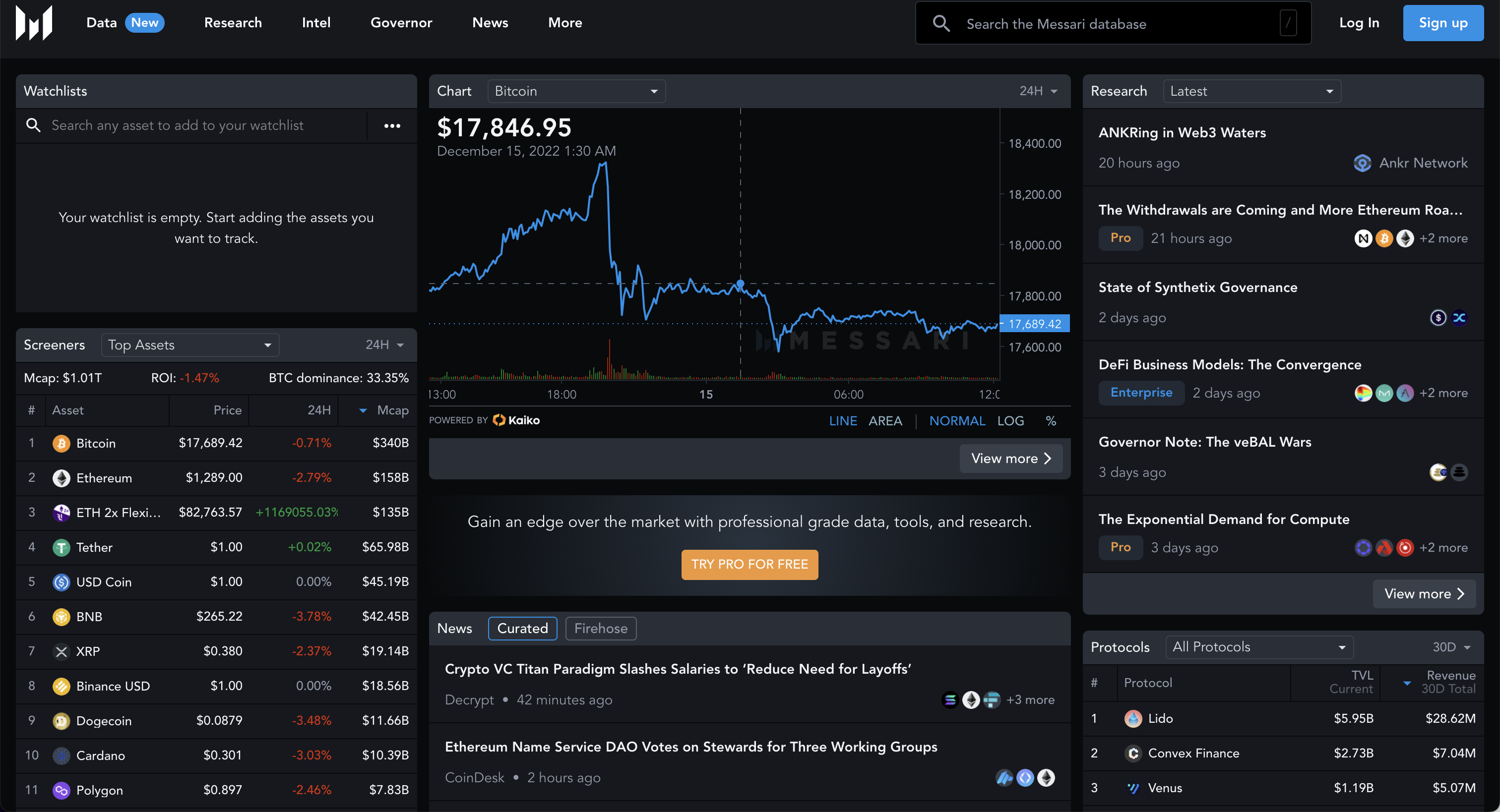
Press "Sign up". This opens up the following screen:

Once you have signed up, go to https://messari.io/account/api where you will be able to find your API Key. Enter this API key into the OpenBB SDK by typing openbb.keys.messari.

News API
Go to https://newsapi.org/. You will be greeted with the following screen:
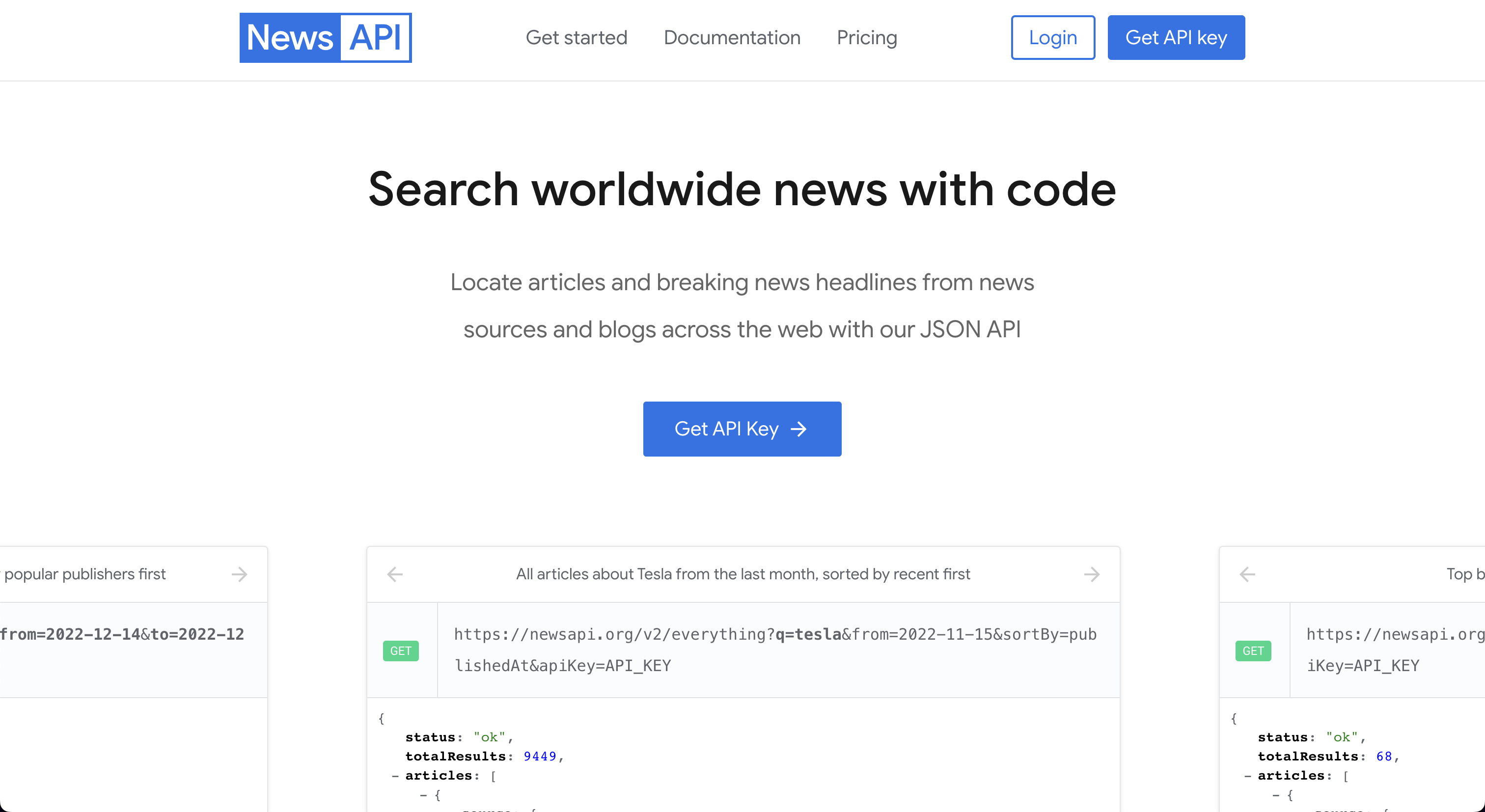
Press "Get API Key". This opens up the following screen:
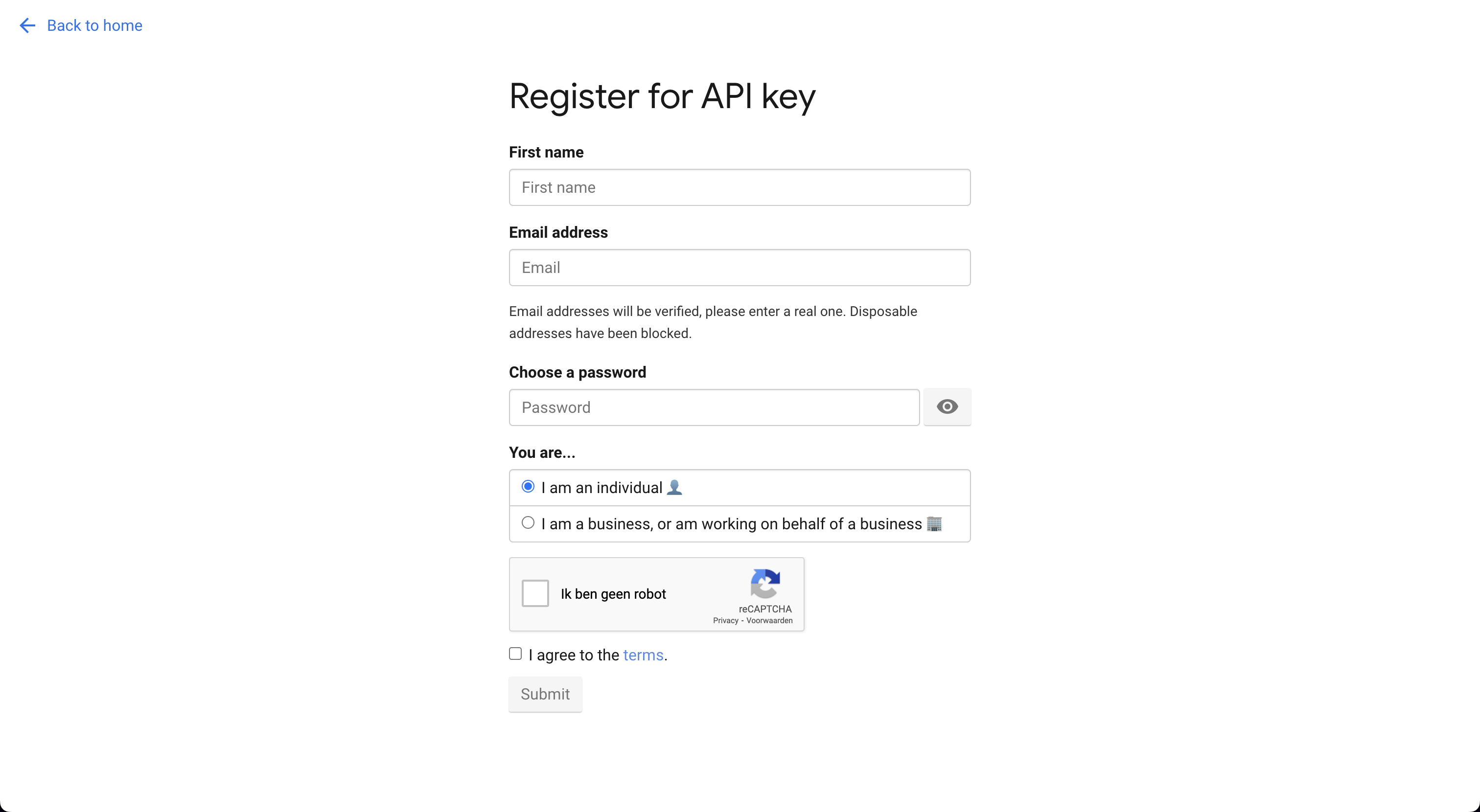
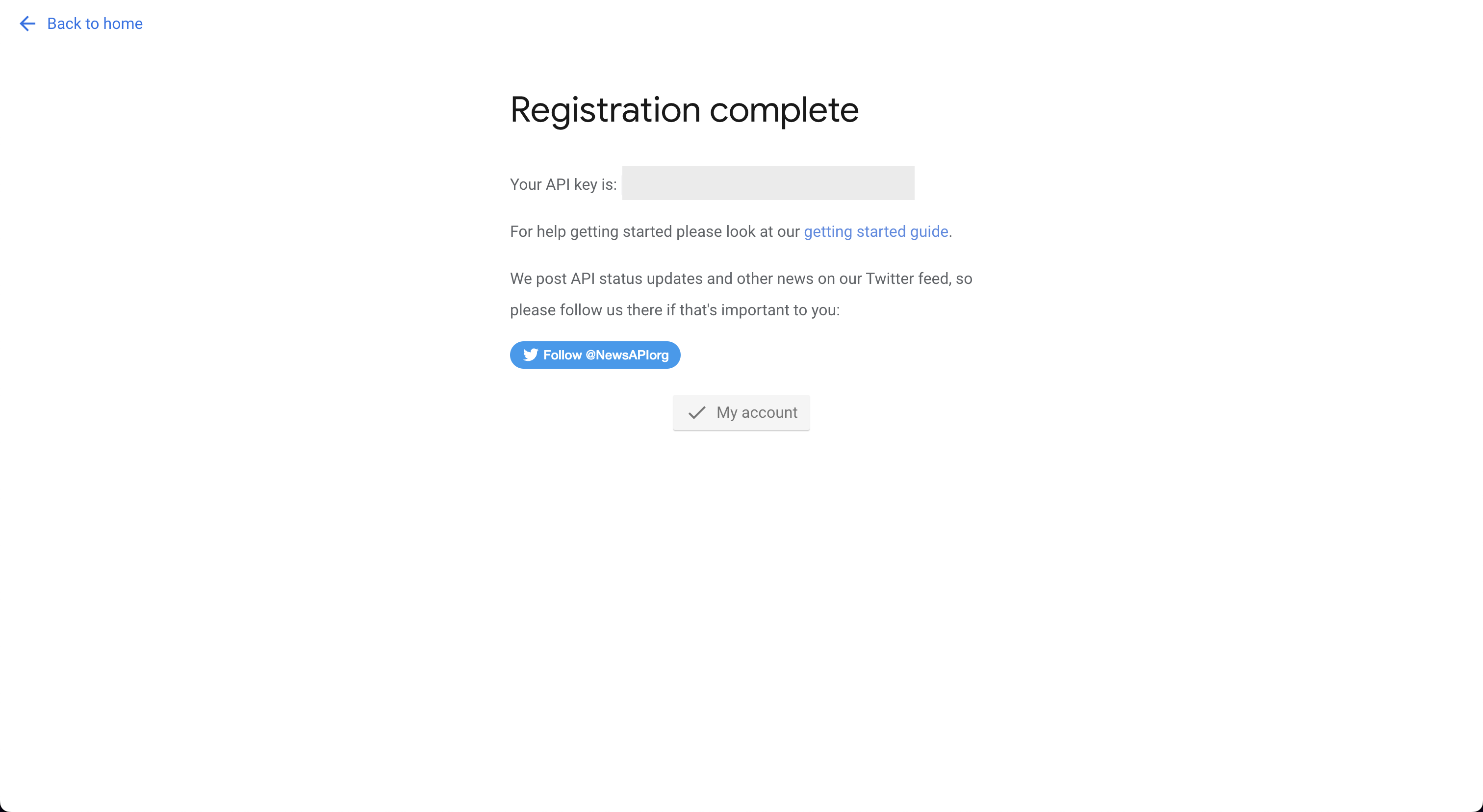
Register for an account. The next screen will provide you with the API Key. Enter this API key into the OpenBB SDK by typing openbb.keys.news
Oanda
Go to https://developer.oanda.com. You will be greeted with the following screen:

After you have created an account with Oanda, you will be able to find the API key by following the steps below. After setting up your account you will be able to use this broker by entering your username and password in the OpenBB SDK as follows openbb.keys.oanda.

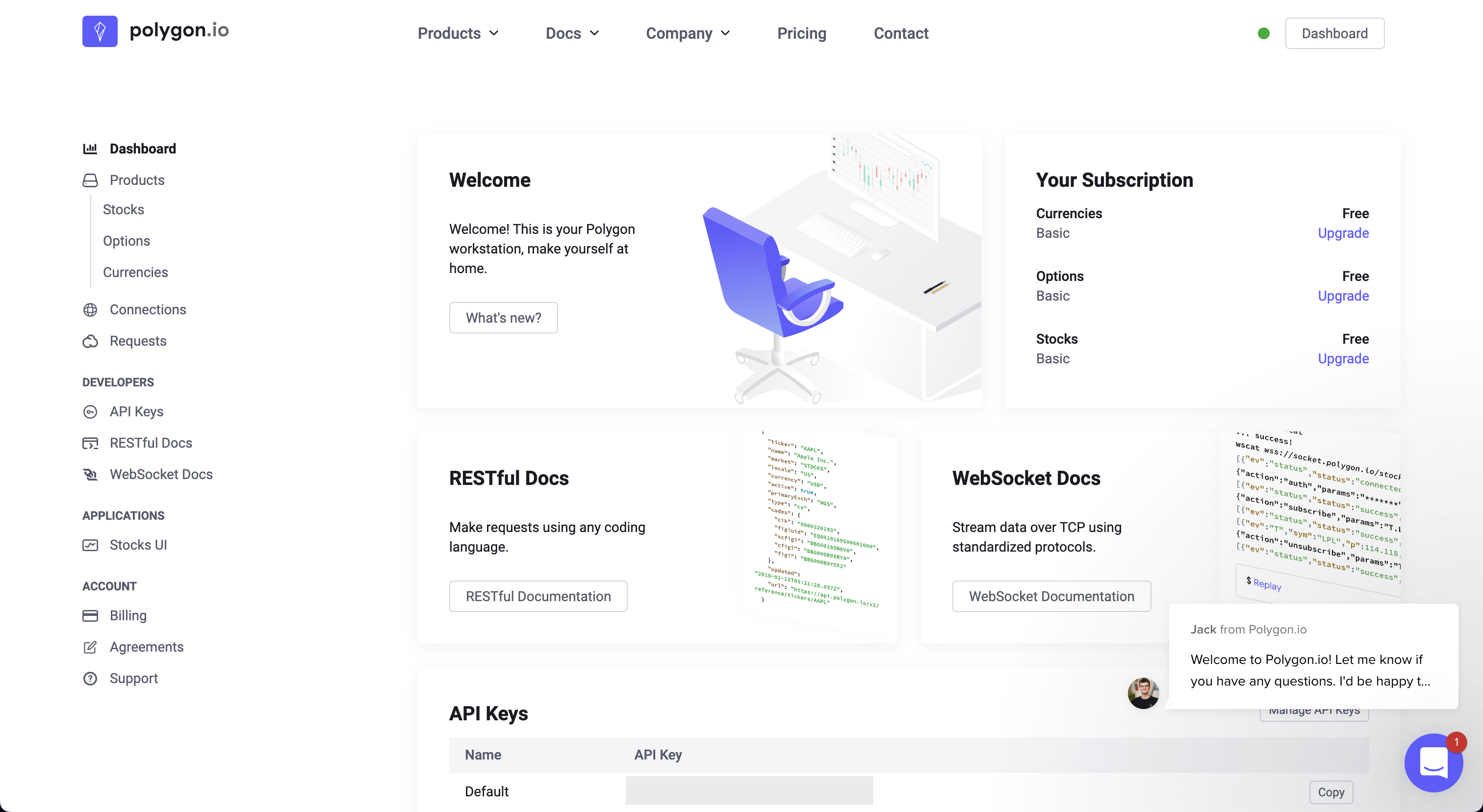
Polygon
Go to https://polygon.io. You will be greeted with the following screen:
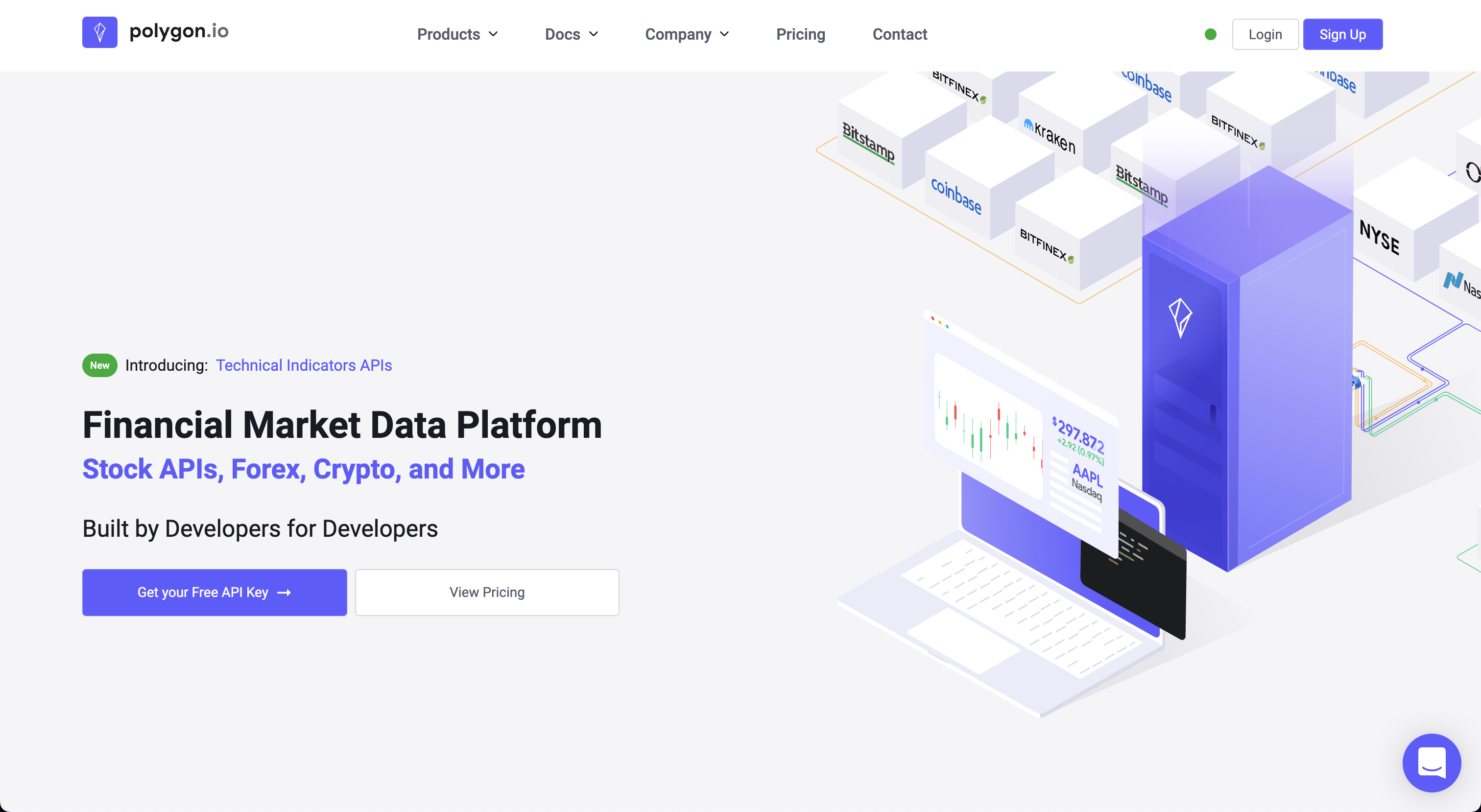
Press the button "Get your Free API Key". This opens up the following screen:
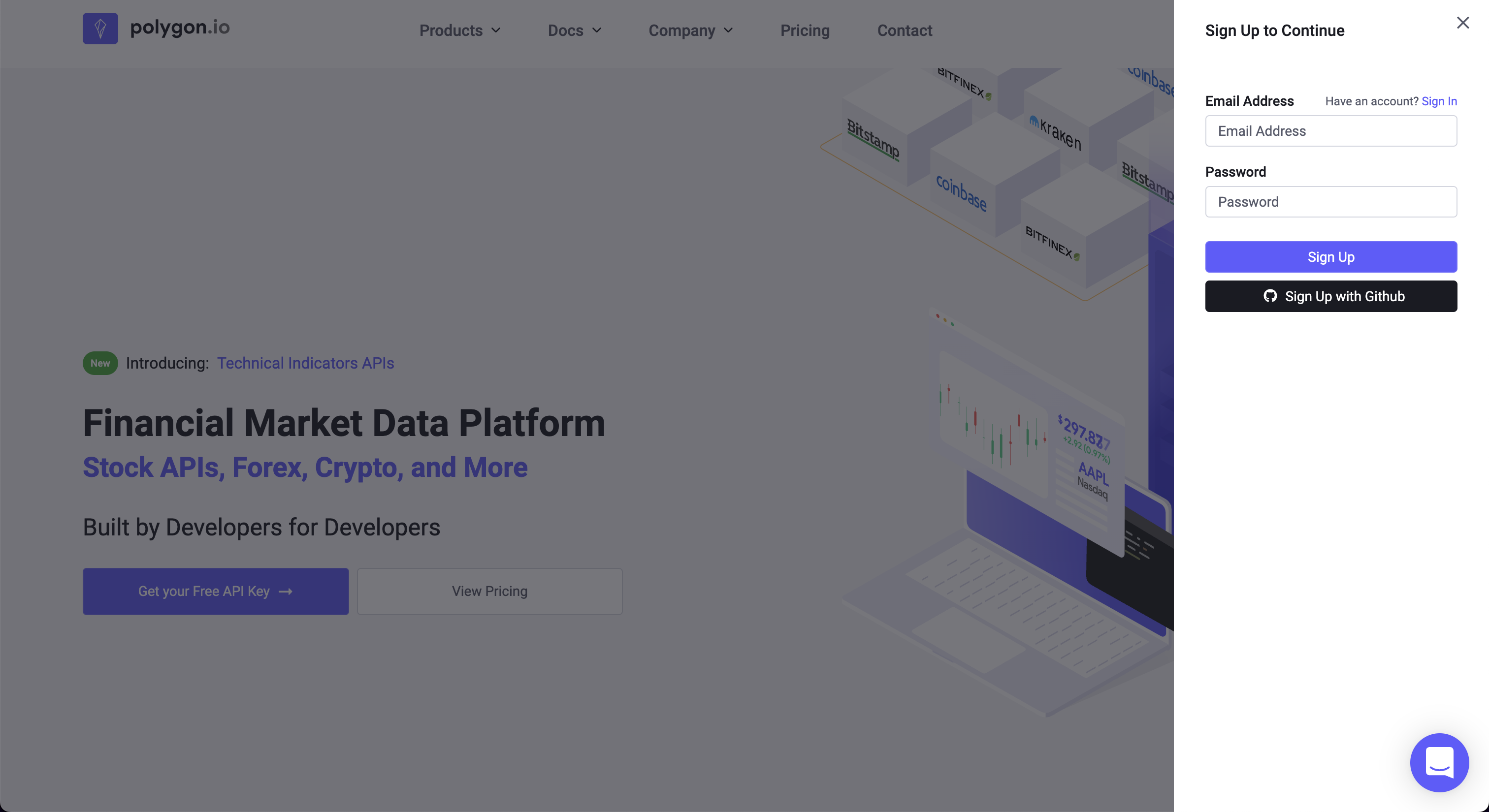
Once signed up you will find the API Key at the bottom. Enter this API key into the OpenBB SDK by typing openbb.keys.polygon
Quandl
Go to https://www.quandl.com. You will be greeted with the following screen:
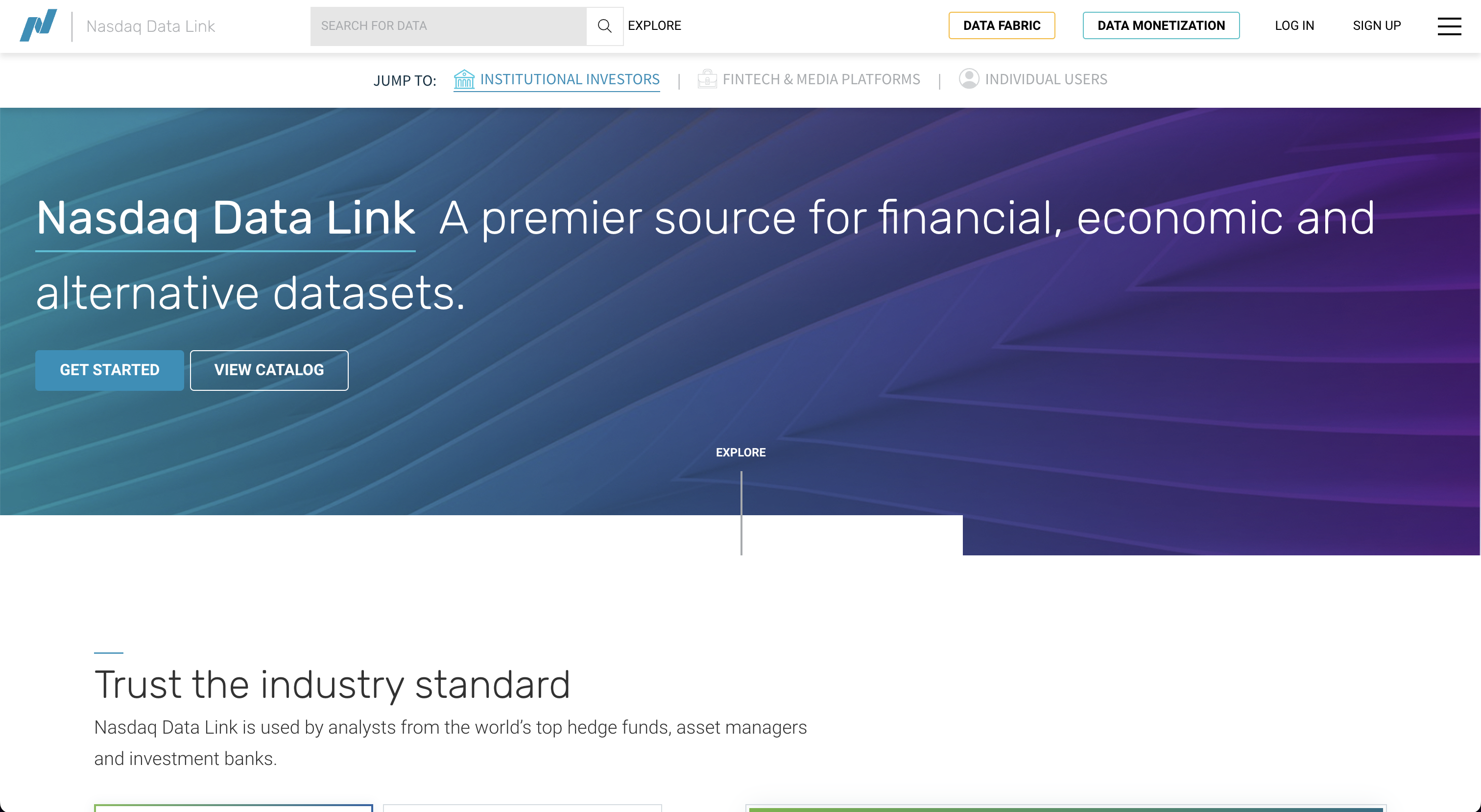
From here, click "Sign Up" at the top. This opens up the following screen:

Follow the sign-up instructions and once you have signed up you will be able to retrieve your API key. Enter this API key into the OpenBB SDK by typing openbb.keys.quandl

Go to https://www.reddit.com/wiki/api. You will be greeted with the following screen:
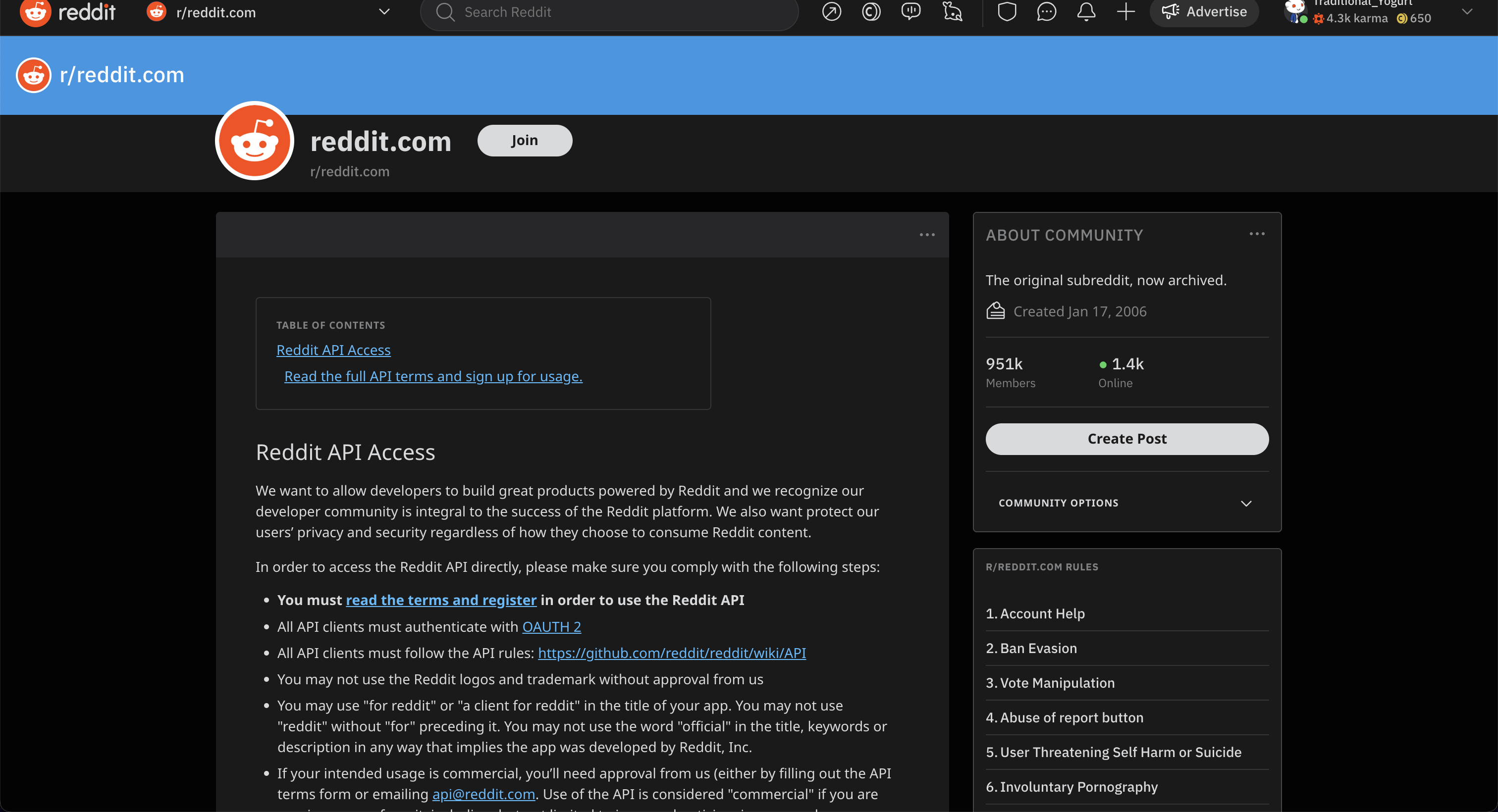
Press "Read the full API terms and sign up for usage" and start the sign-up process. This opens up the following screen:
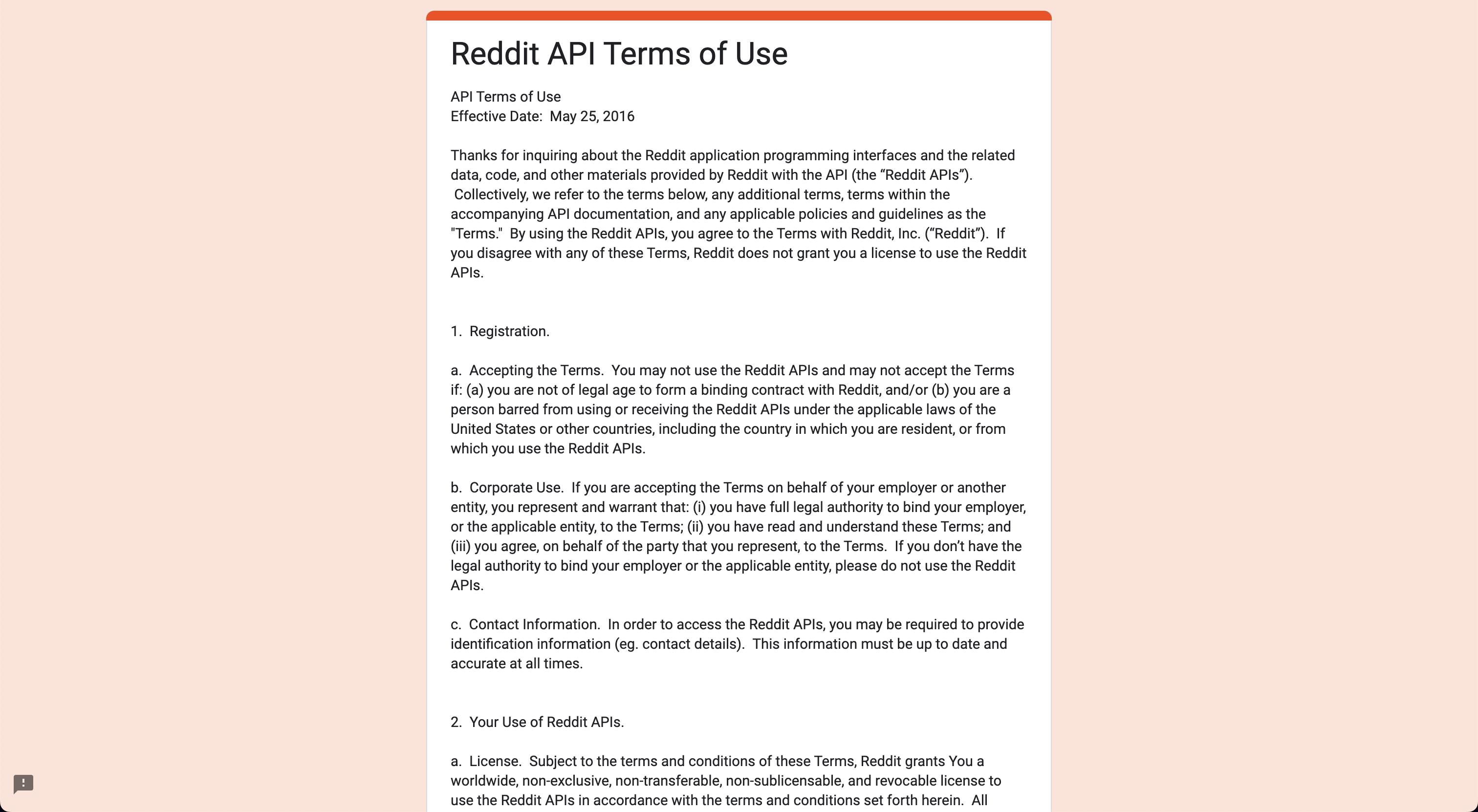
Once you have filled out everything, you will receive an email when your application is approved. Once this is approved you will receive the necessary information that needs to be entered in the OpenBB SDK. Enter these into the OpenBB SDK by typing openbb.keys.reddit.
Robinhood
Go to https://robinhood.com/us/en/. You will be greeted with the following screen:
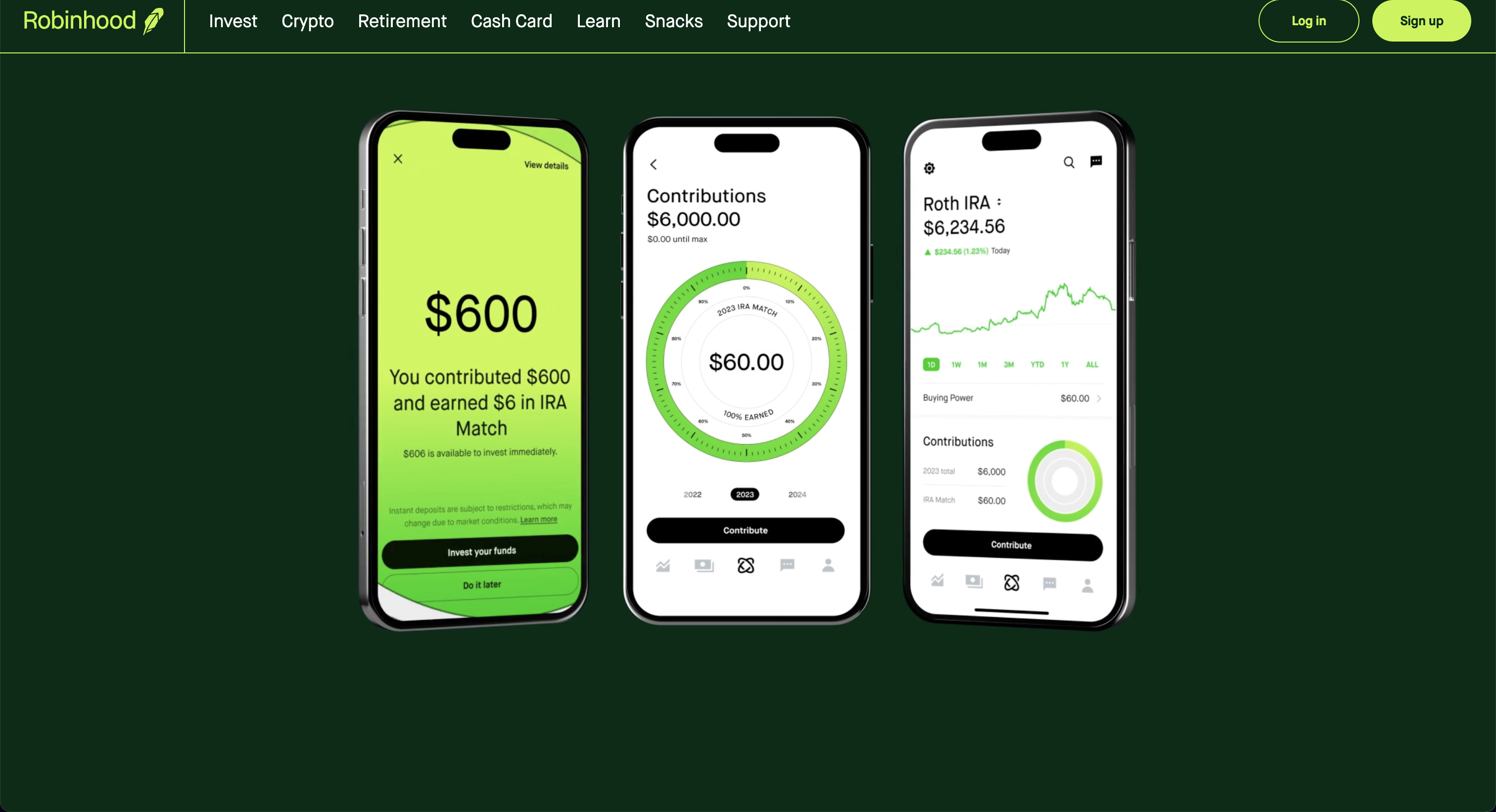
Click "Sign up" and go to the registrations process. After setting up your account you will be able to use this broker by entering your username and password in the OpenBB SDK as follows openbb.keys.rh.
Santiment
Go to https://app.santiment.net/. You will be greeted with the following screen:
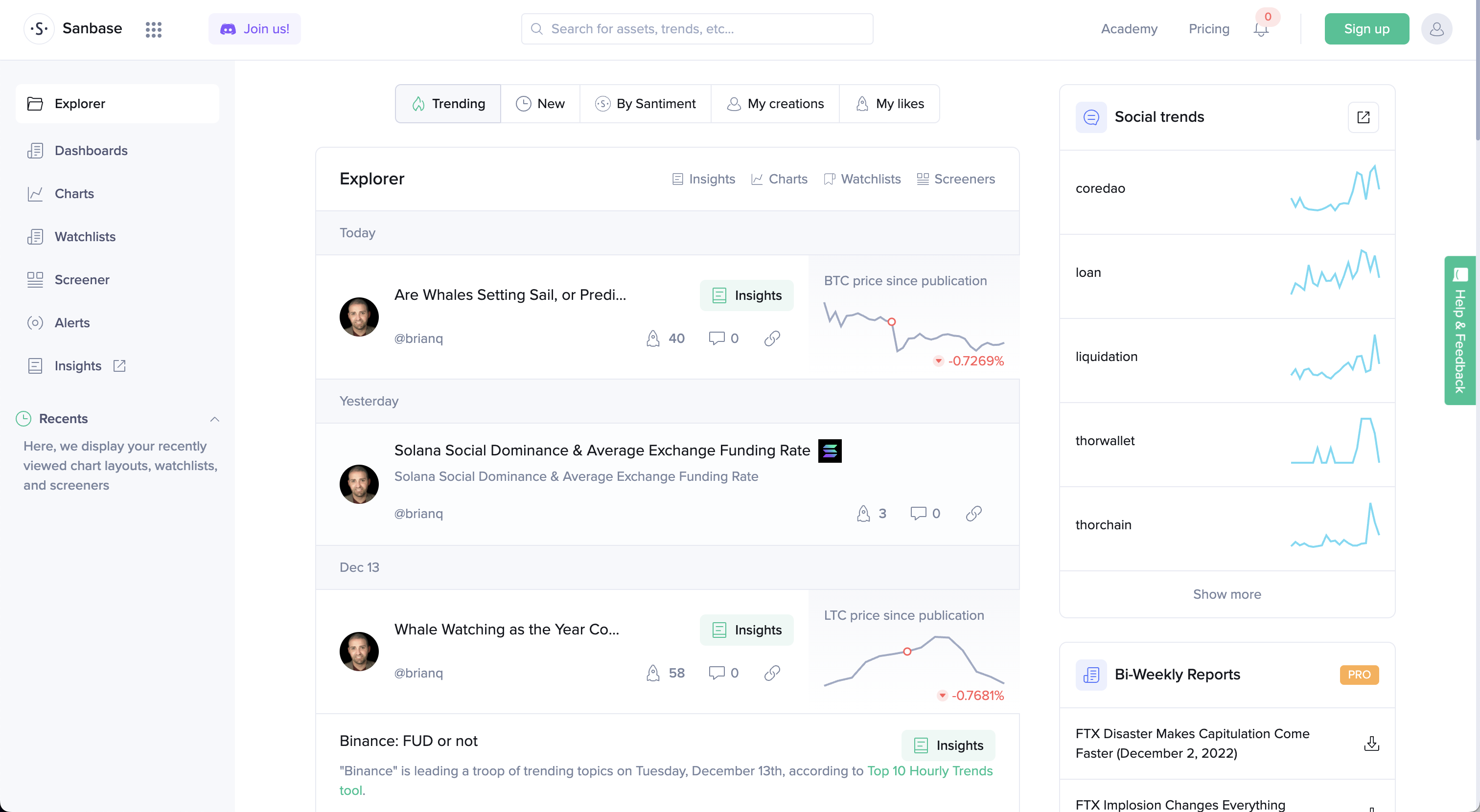
Click "Sign up". This opens up the following screen:
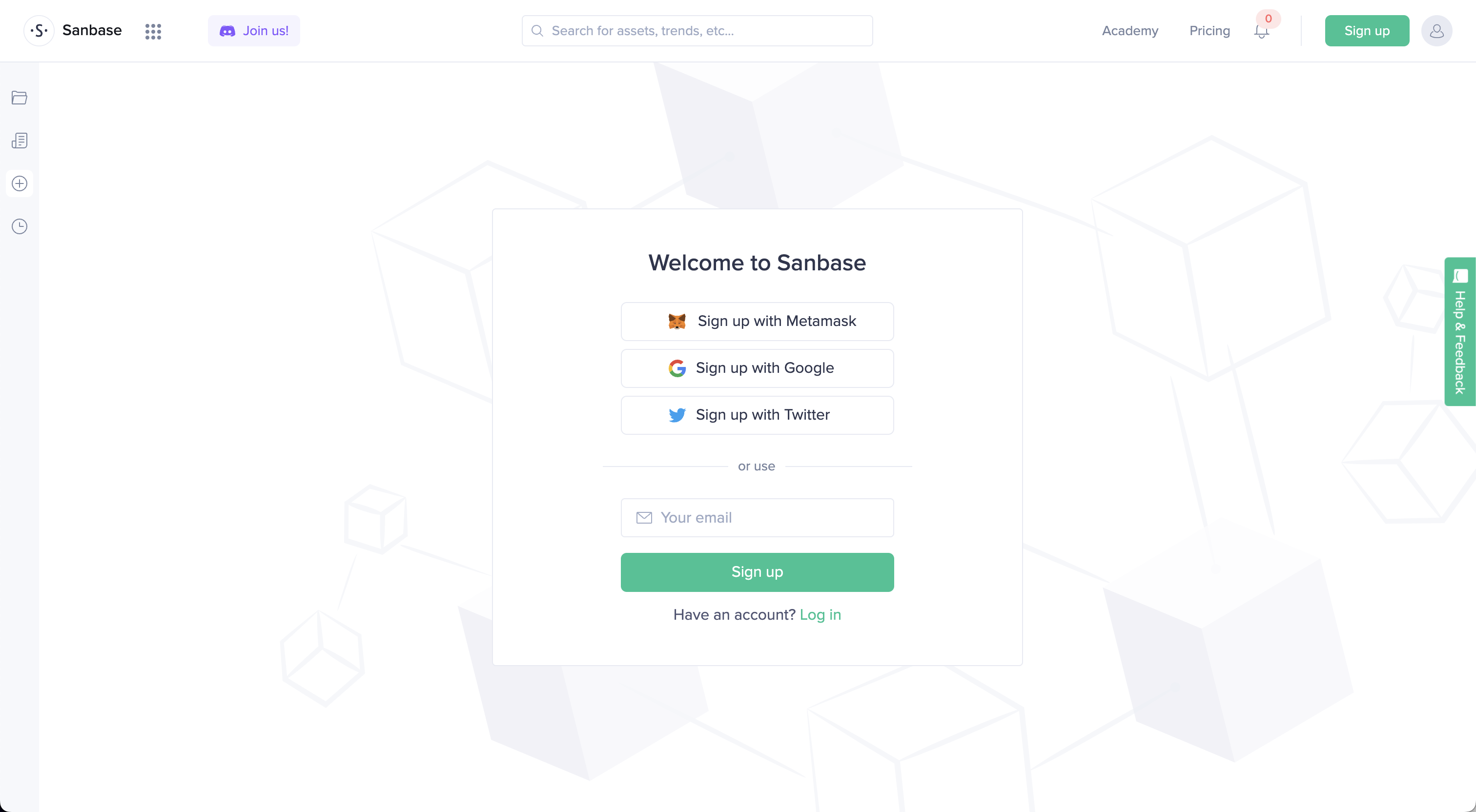
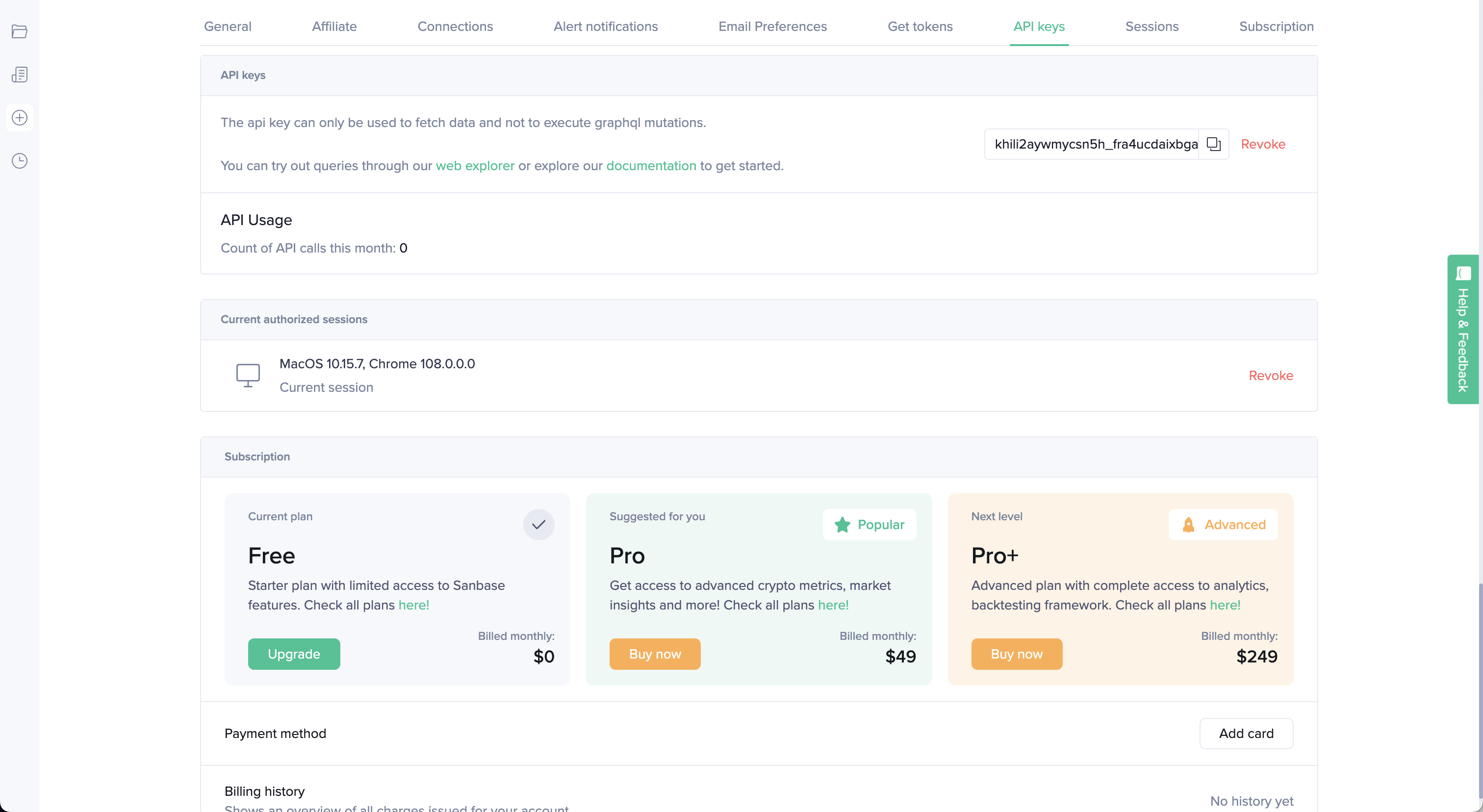
After creating an account go to https://app.santiment.net/account#api-keys and generate a key. Enter this API key into the OpenBB SDK by typing openbb.keys.santiment.
ShroomDK
Go to https://app.santiment.net/. You will be greeted with the following screen:
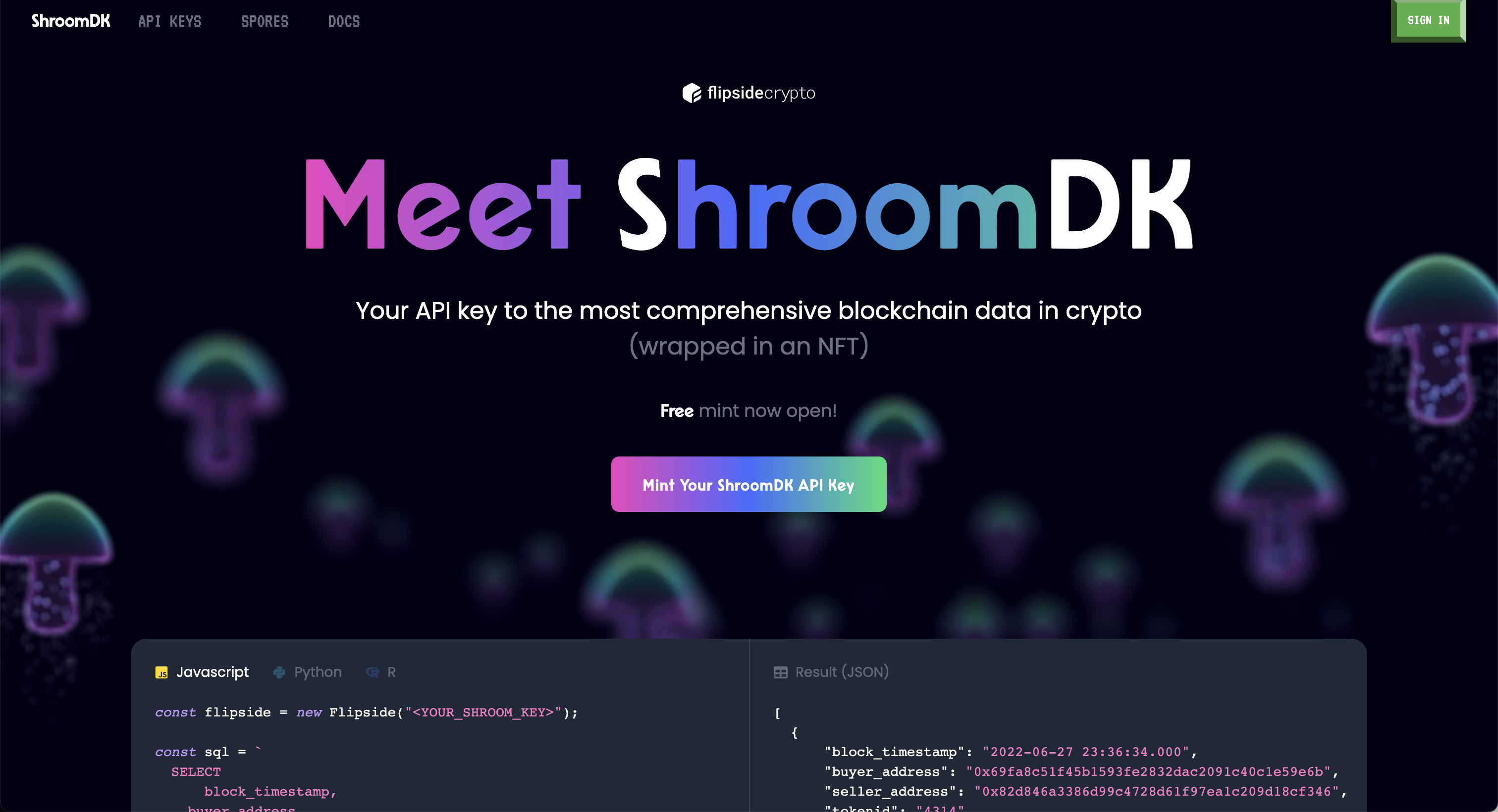
Click "Mint Your ShroomDK API Key" and sign up for an account. This opens up the following screen:
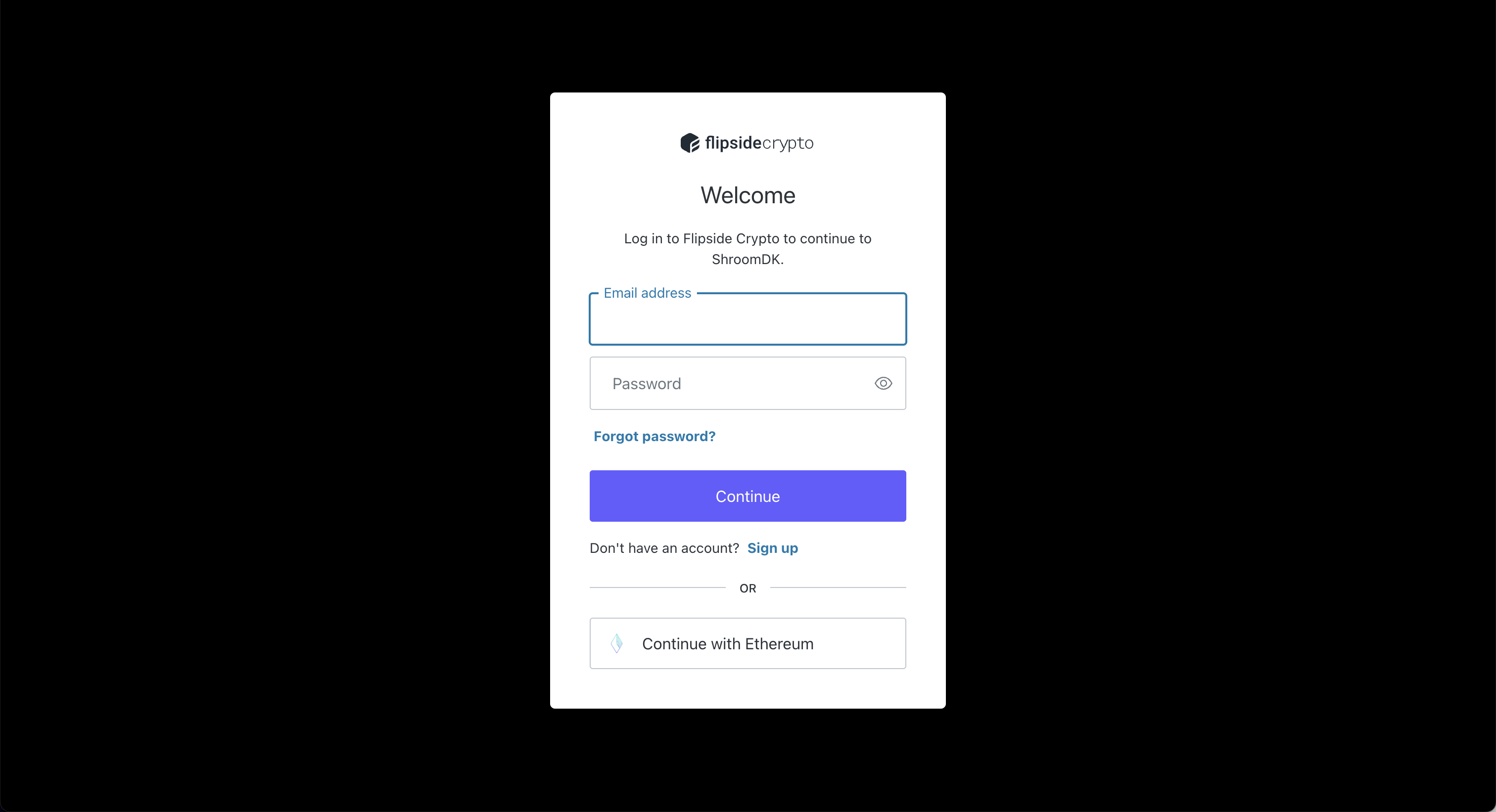
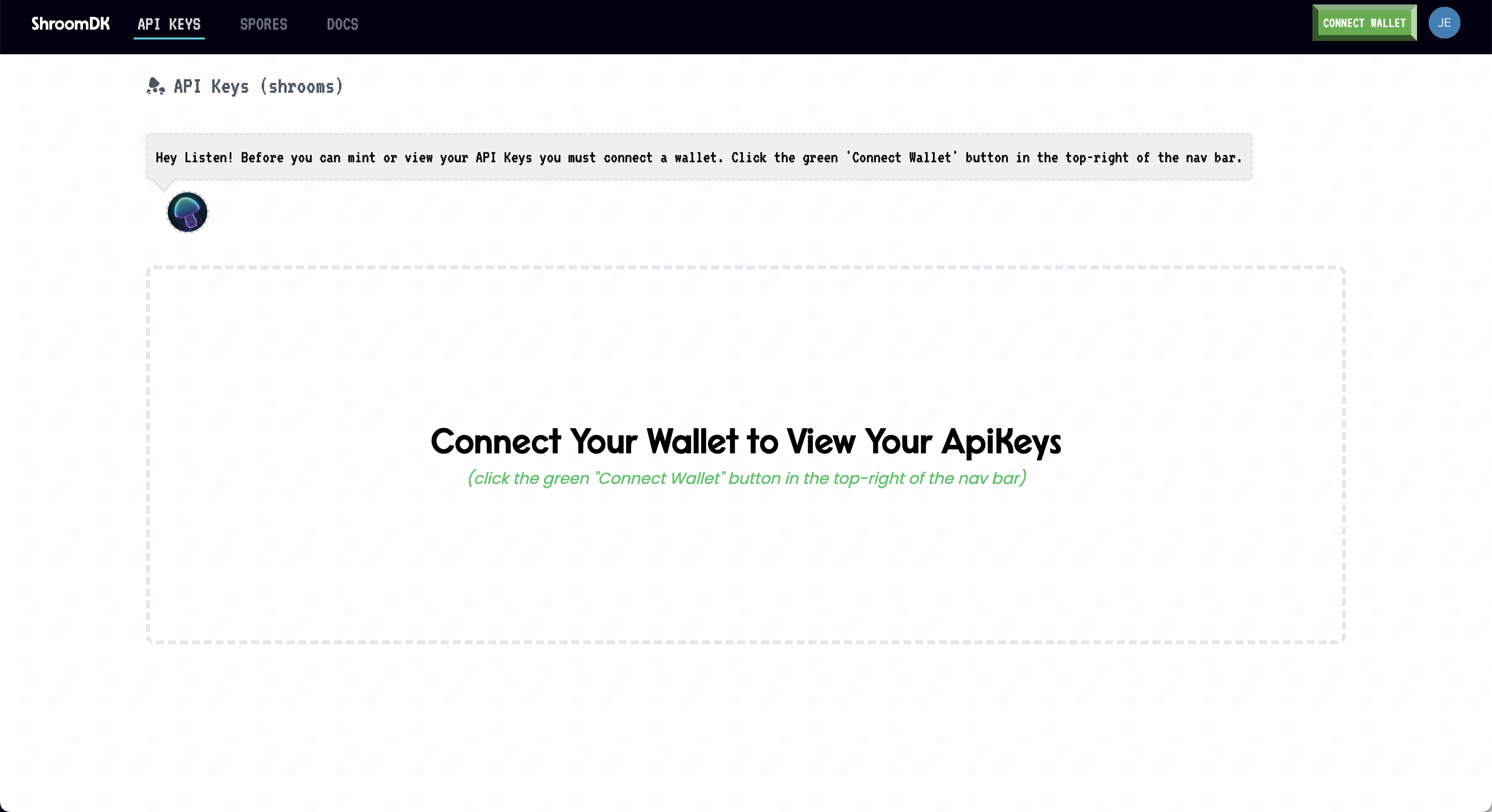
Once you have your account created, connect a wallet and access the API Key. Enter this API key into the OpenBB SDK by typing openbb.keys.shroom.
Stocksera
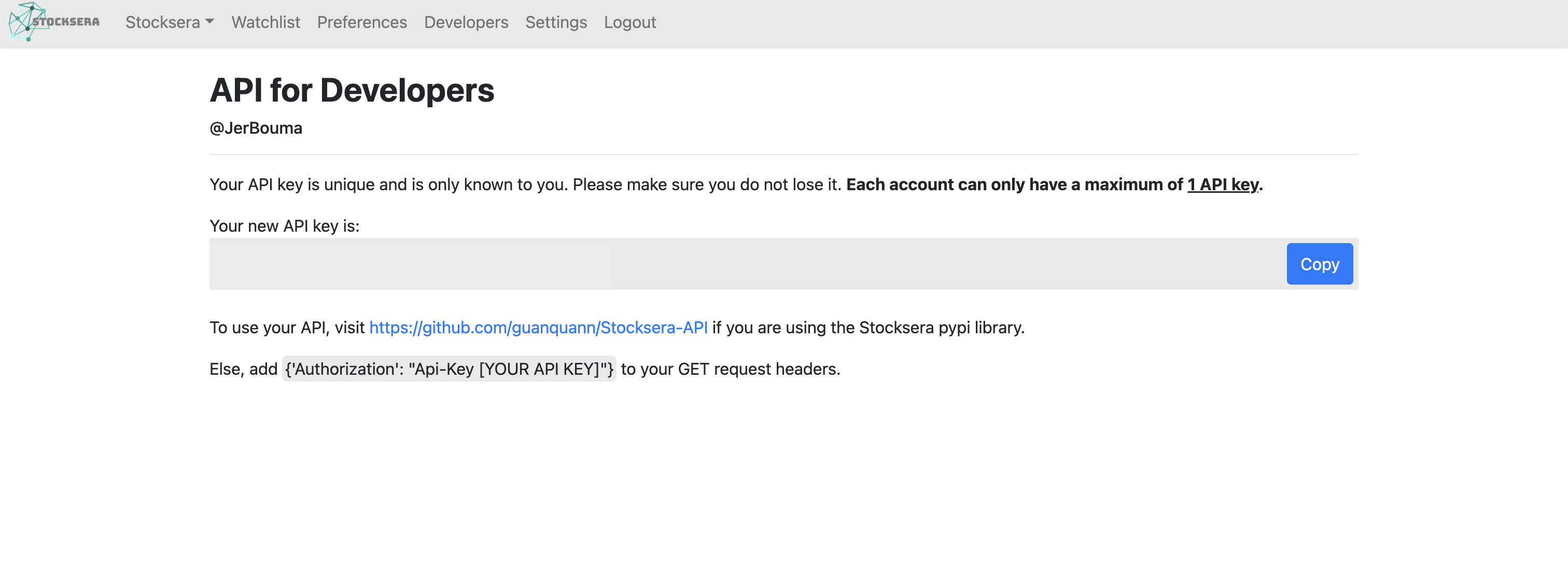
Go to https://stocksera.pythonanywhere.com/. You will be greeted with the following screen:

Click "Log in" and create an account. This opens up the following screen:
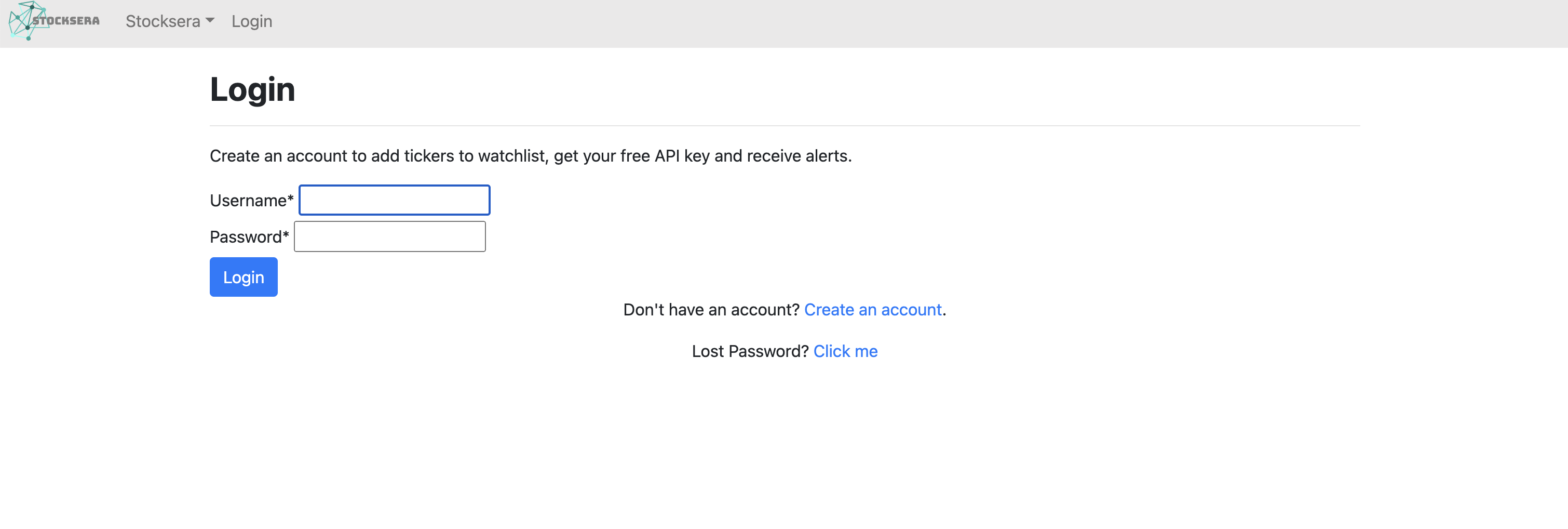
Once you have created an account, go to "Developers" to access your API Key. Enter this API key into the OpenBB SDK by typing /openbb.keys.stocksera.
Token Terminal
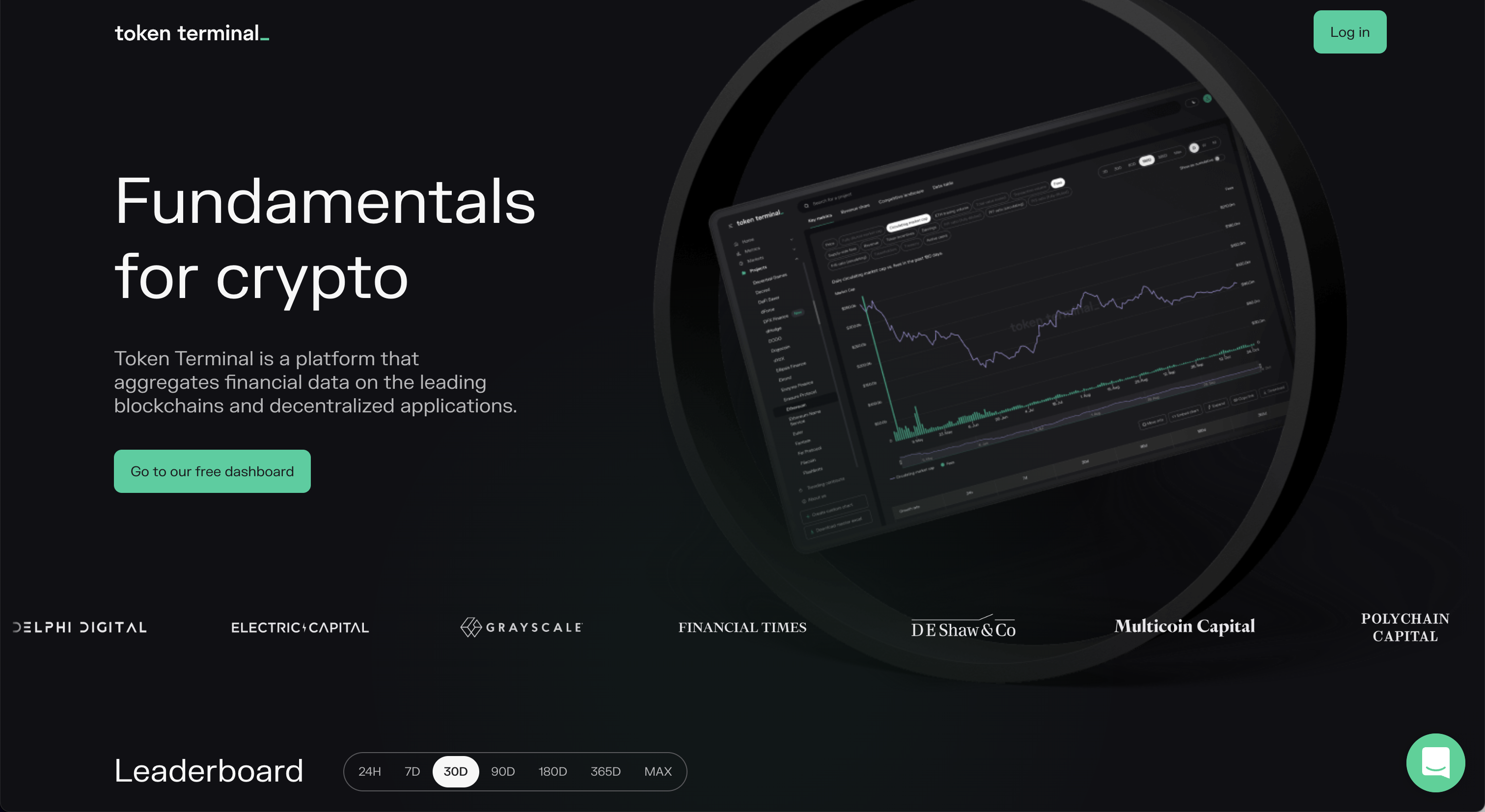
Go to https://tokenterminal.com/. You will be greeted with the following screen:
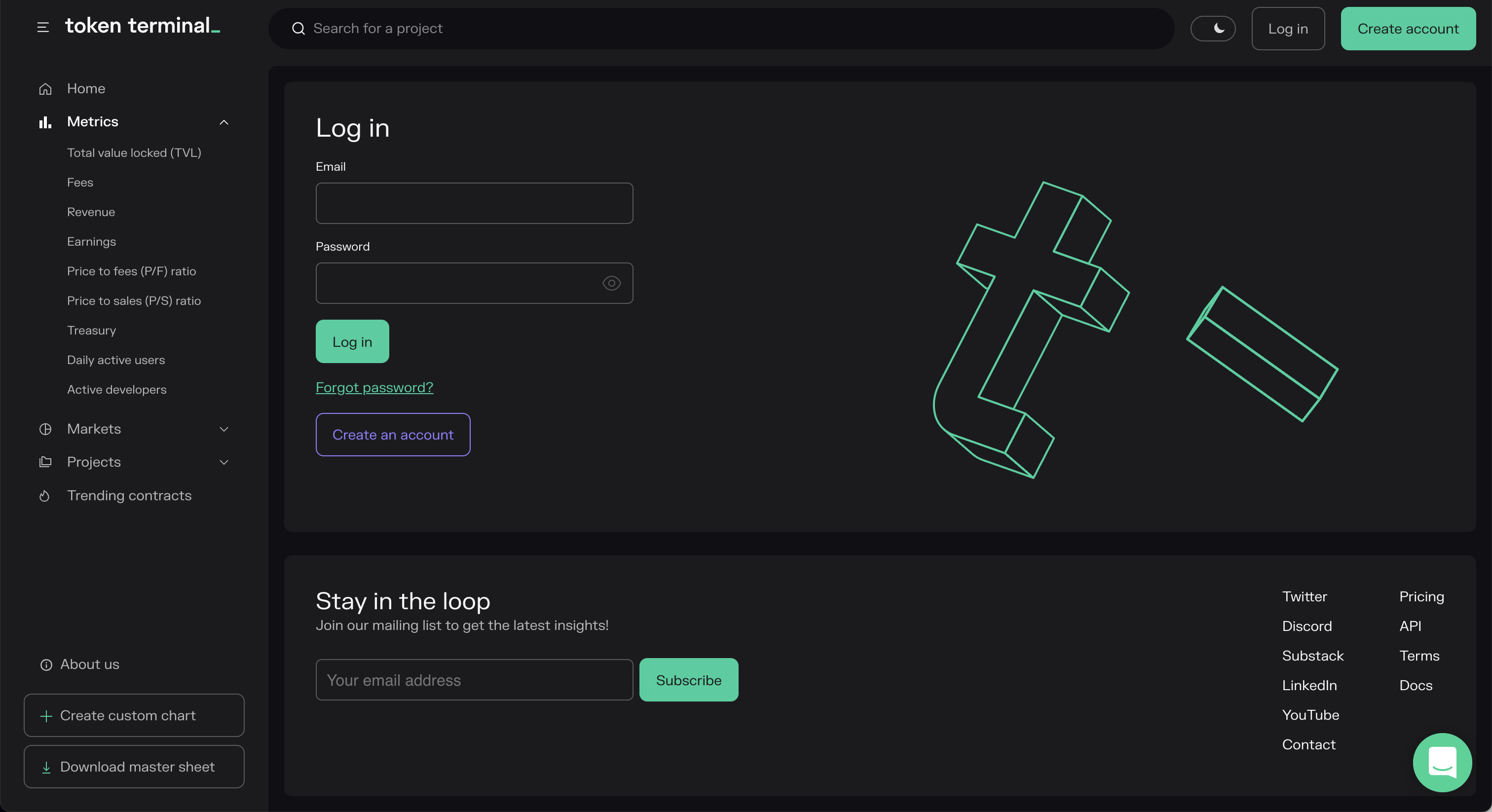
Click "Log in" and sign up for an account. This opens up the following screen:
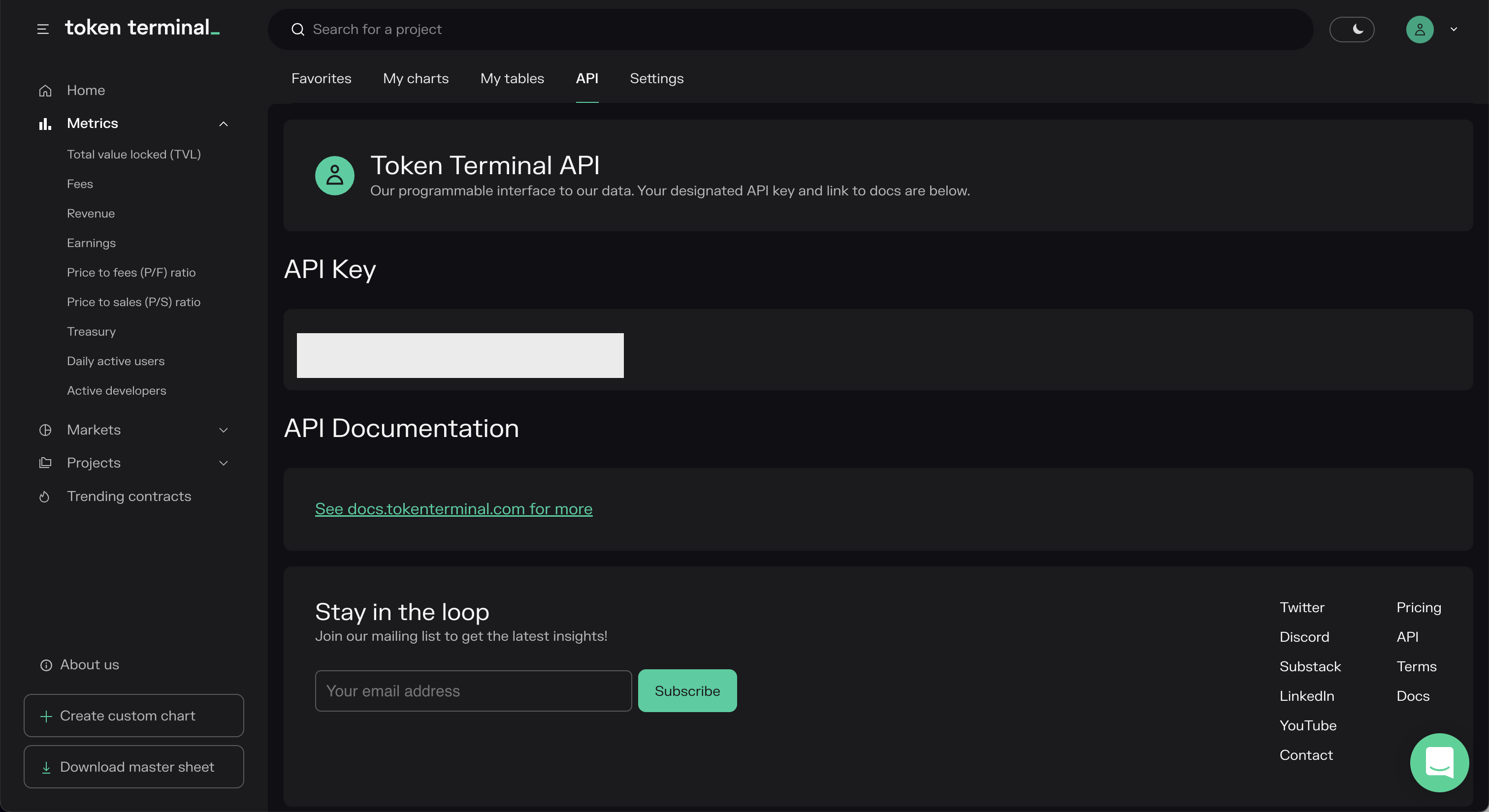
Once you have created an account, go to "API" to access your API Key. Enter this API key into the OpenBB SDK by typing openbb.keys.tokenterminal.
Tradier
Go to https://documentation.tradier.com/. You will be greeted with the following screen:

Click the button "Open Account" and start the sign-up process. Once you have gone through the whole process you will be able to find your API key within your account. Enter this API key into the OpenBB SDK by typing openbb.keys.tradier
Go to https://developer.twitter.com. You will be greeted with the following screen:
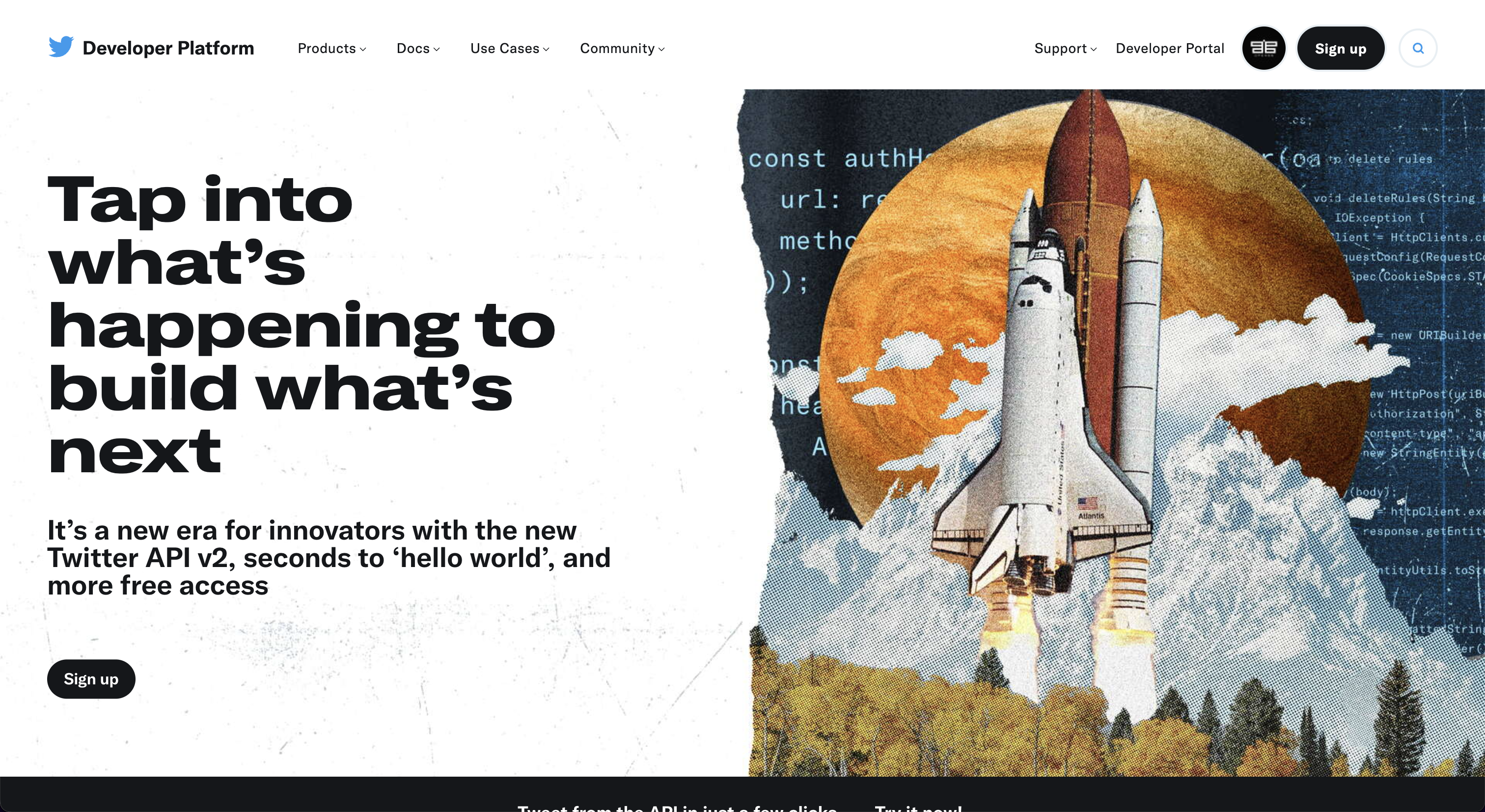
Click "Sign Up". Note that you are required to have a Twitter account and that you have verified your phone number. This opens up the following screen:
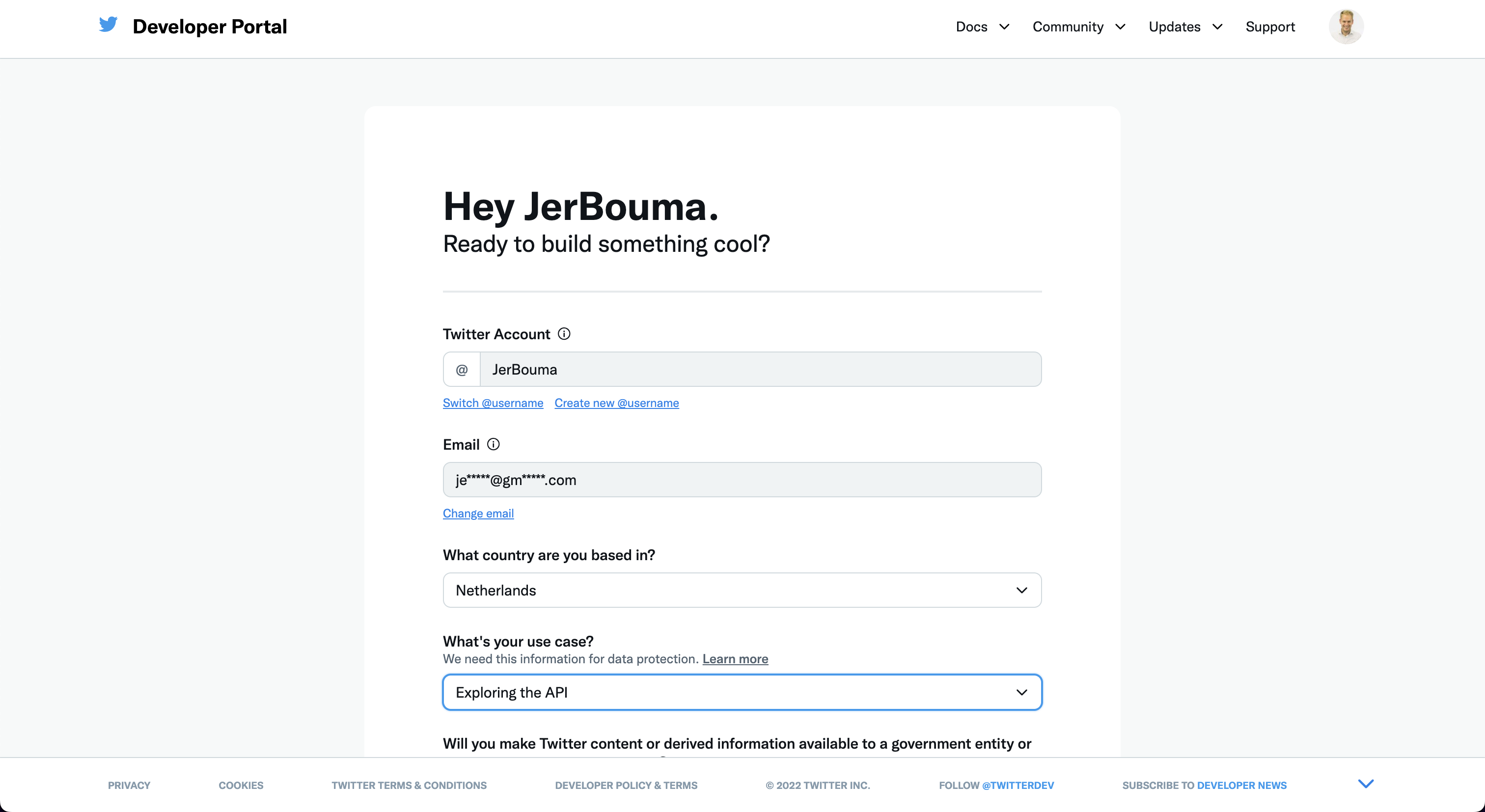
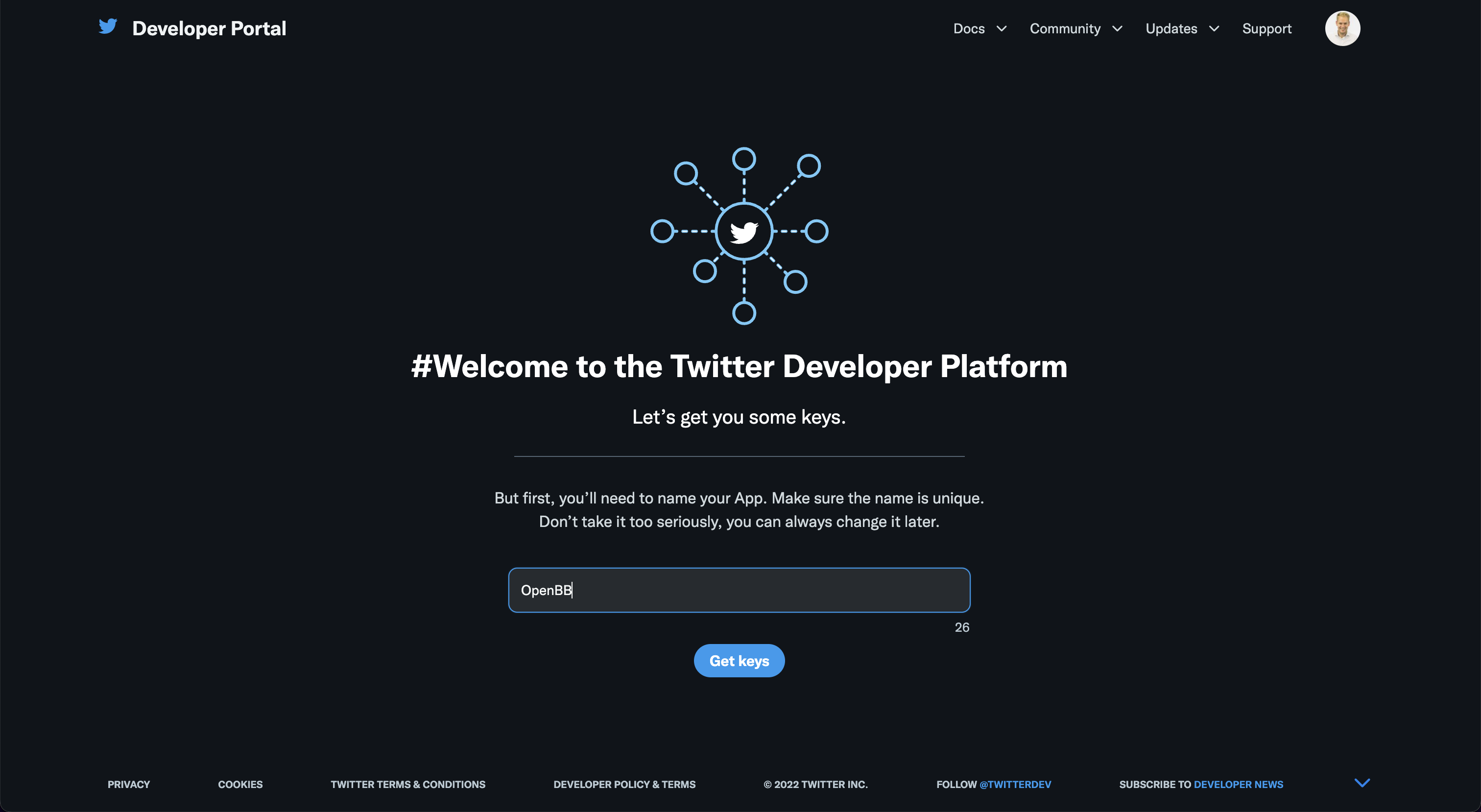
Create an account and verify your email. Then, you will be able to create an app to obtain your API Key.
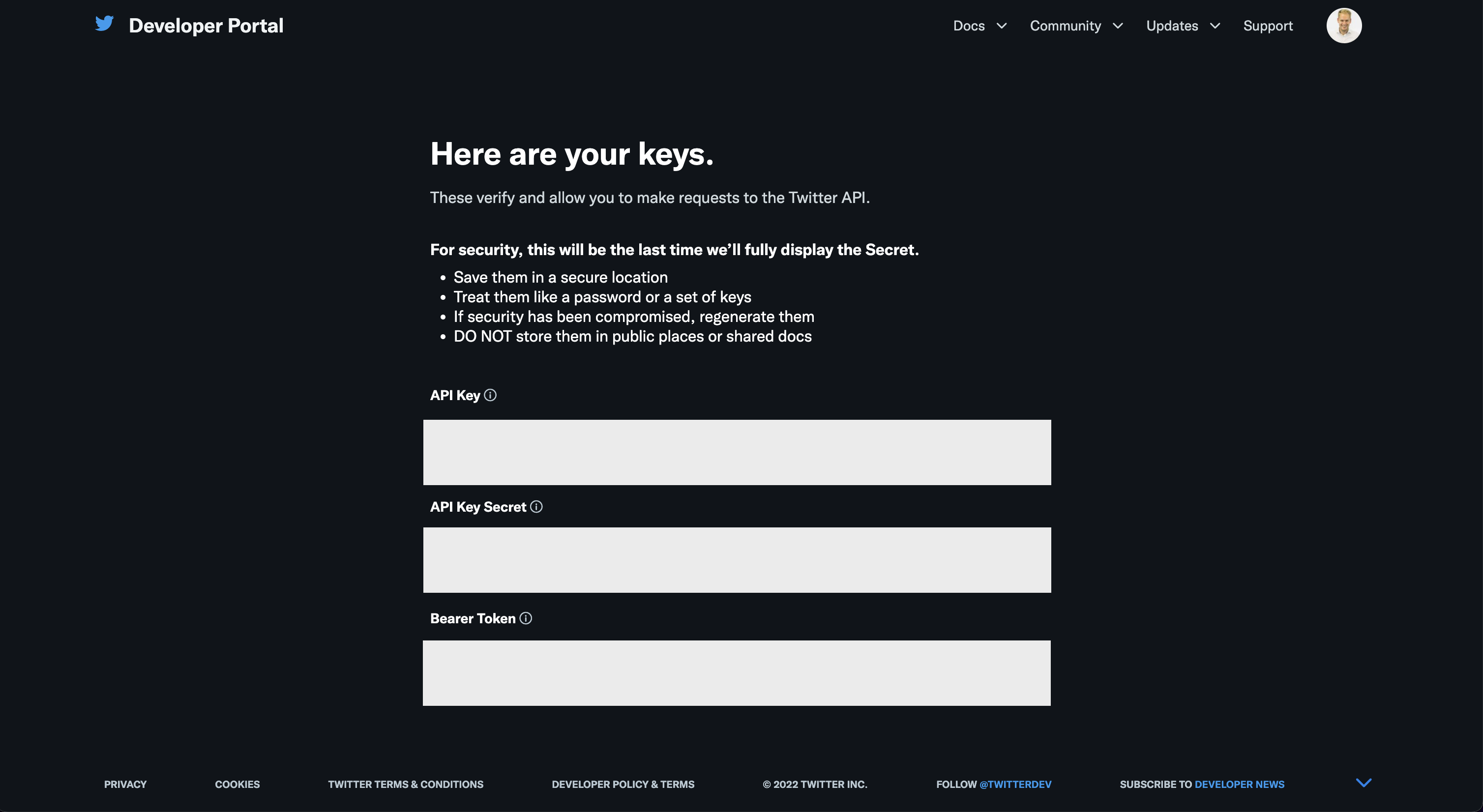
This will give you the following keys. Enter these into the OpenBB SDK by typing openbb.keys.twitter.
Whale Alert
Go to https://docs.whale-alert.io/. You will be greeted with the following screen:
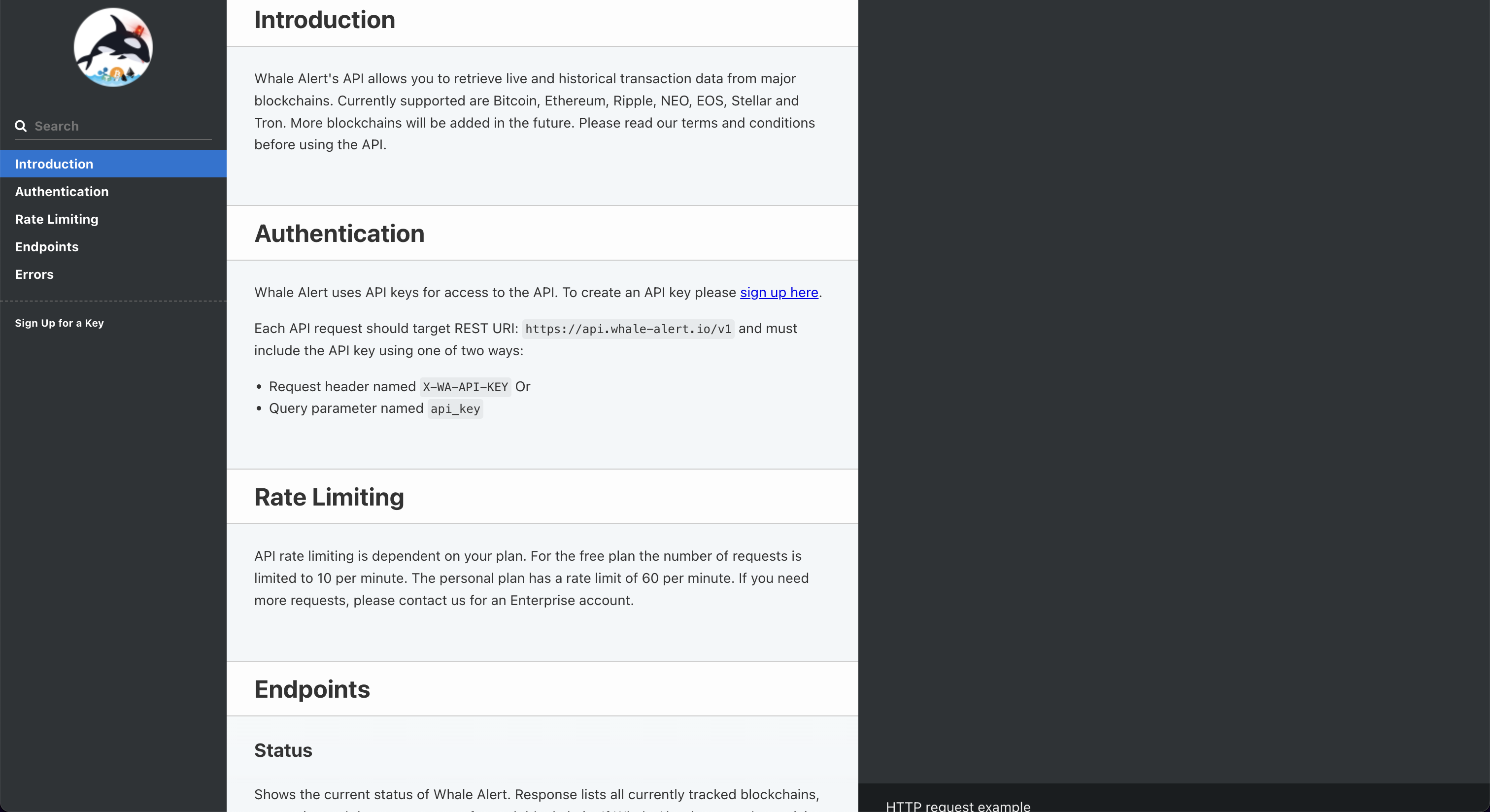
Click "sign up here". This opens up the following screen:
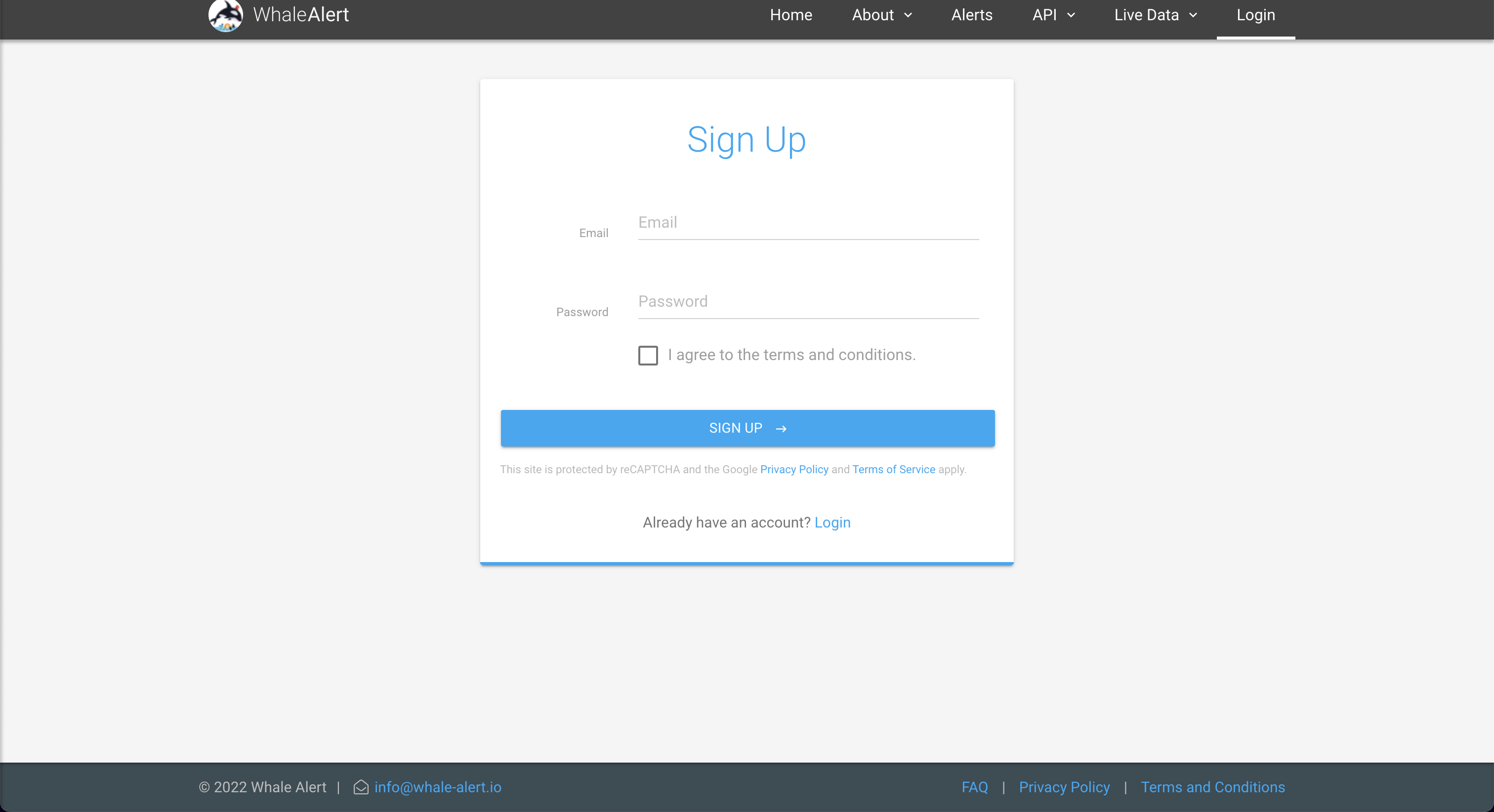
Once you have created your account, click "Create" to create your own API Key. Enter this API key into the OpenBB SDK by typing openbb.keys.walert.
