---
title: Telegram bot
sidebar_position: 3
description: Step-by-step guide to add the OpenBB Bot to a Telegram group. From starting
a chat with the bot to verifying its permissions, follow these steps to have your
bot ready in your group.
keywords:
- Add bot to Telegram
- OpenBB Bot
- telegram bot setup
- telegram group
- chatbot permission
---
import HeadTitle from '@site/src/components/General/HeadTitle.tsx';
import AddBotDialogTelegram from "@site/src/components/General/AddBotTelegram";
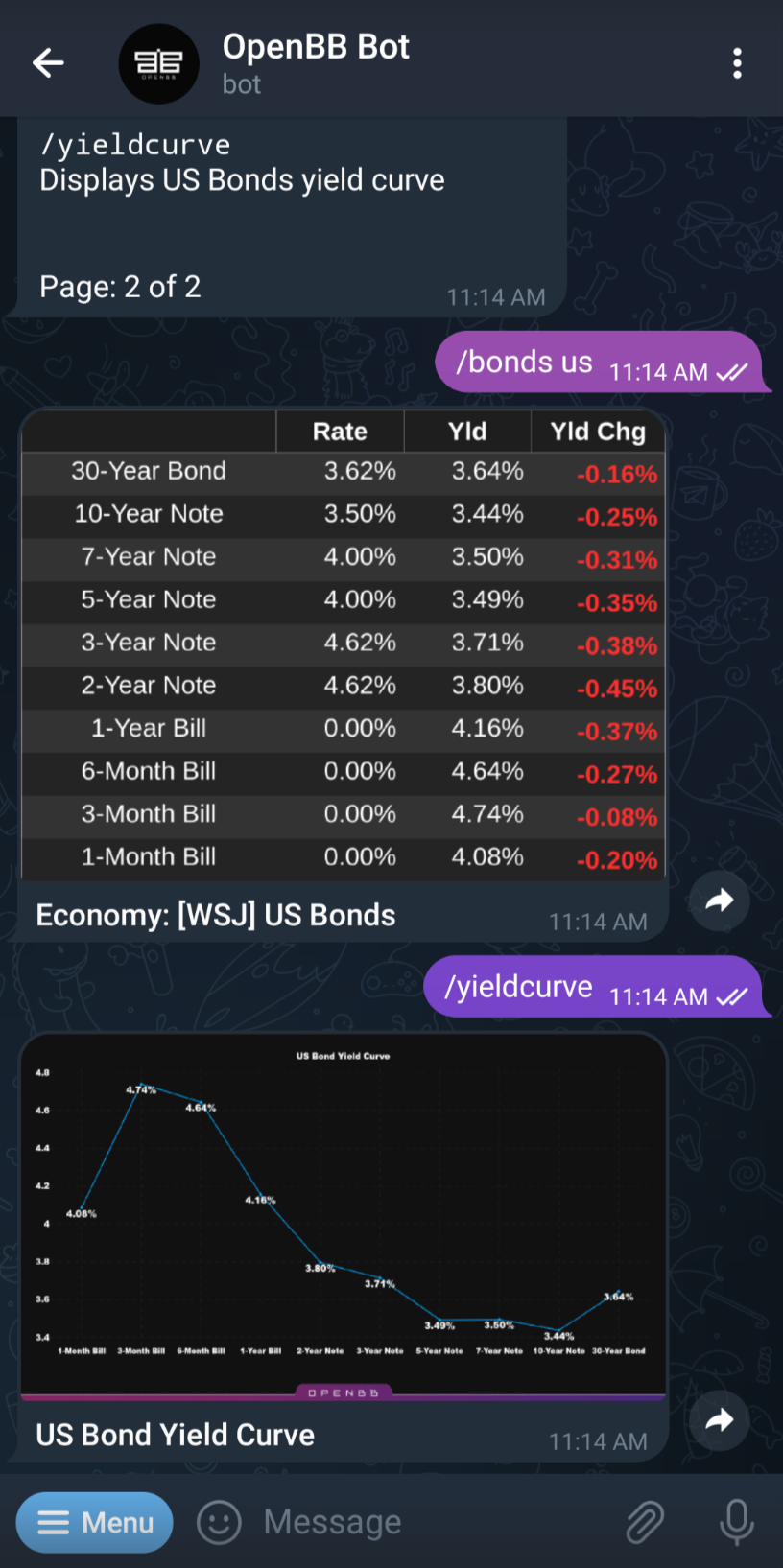
After clicking on the "Add bot to Telegram" button it should open a chat with our OpenBB Bot.
 Go to your Telegram chat and click/tap on the Top Bar of the OpenBB Bot chat window.
 Then, you need to click on “More” and select "Add to Group or Channel" or just click "Add to Group or Channel" and select the Telegram group you want to add the chatbot to:
 Now you can verify it has the permissions required, we recommend the ones already selected, and you are ready to go!
