---
title: Scripts & Routines
keywords: "scripts, openbb, routines, script, routine, .openbb, automation"
excerpt: "The Scripts & Routines explain how to use .openbb scripts in detail
for every part of the terminal"
geekdocCollapseSection: true
---
The `.openbb` scripts offer the ability to automatically run a set of commands in the form of a **routine**. Furthermore,
the scripts can be adapted, and documented, at any moment giving the user full control over the type of analysis you wish
to do (and repeat). This can fundamental research, understanding market movements, finding hidden gems and even
doing advanced statistical/econometric research.
{{< toc >}}
## Explanation of scripts
The script file below is titled *stocks_demo.openbb*. This file follows the following logic:
- Comments: any text after a `#` is referred to as a comment. This is used to explain what is happening within the script
and is not taking into account when running terminal commands.
- Commands: any text **without** a `#` is being ran inside the OpenBB Terminal. E.g. on the second line it says `stocks` thus within the OpenBB Terminal
the script will enter `stocks` and run this for you.
These scripts have a 1-to-1 relationship with how you would normally use the terminal. To get a better understanding of
how the terminal is used, please see Structure of the OpenBB Terminal.
```
# Go into the stocks context
stocks
# Load a company ticker, e.g. Amazon
load AMZN
# Show a simple plot of the ticker, adding in any basic indicator.
candle --ma 20,30
# Switch over to the due diligence menu
dd
# Show the price targets of Amazon, both the graph as well as the table
pt
pt --raw
# Show estimates of annual and quarterly earnings as well as quarterly revenue estimates
est
# Open the comparison analysis menu (ca)
../ca
# Pick stocks that are competitors to Amazon
add ebay,wmt,tgt,baba,jd
# Determine the valuations of each company
valuation
# Show correlations between each company
hcorr
# Figure out the sentiment perceived of each company
sentiment
# Return to home
/
```
## Executing a script
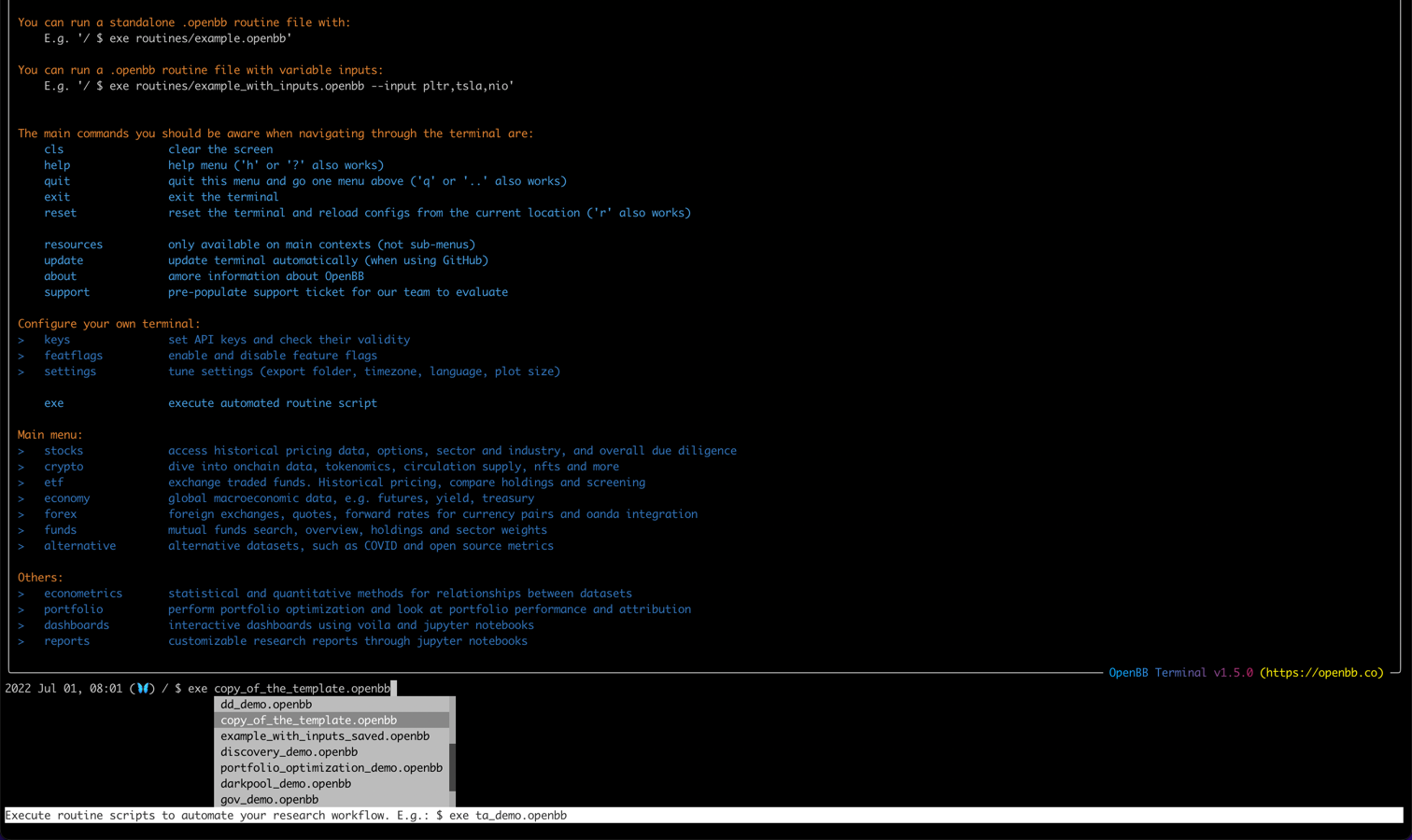
By going to the main menu as depicted below (accessible with `home`), the exe
command can be used. With this command you can run any `.openbb` script. These scripts are located where the application is located inside the routines folder.
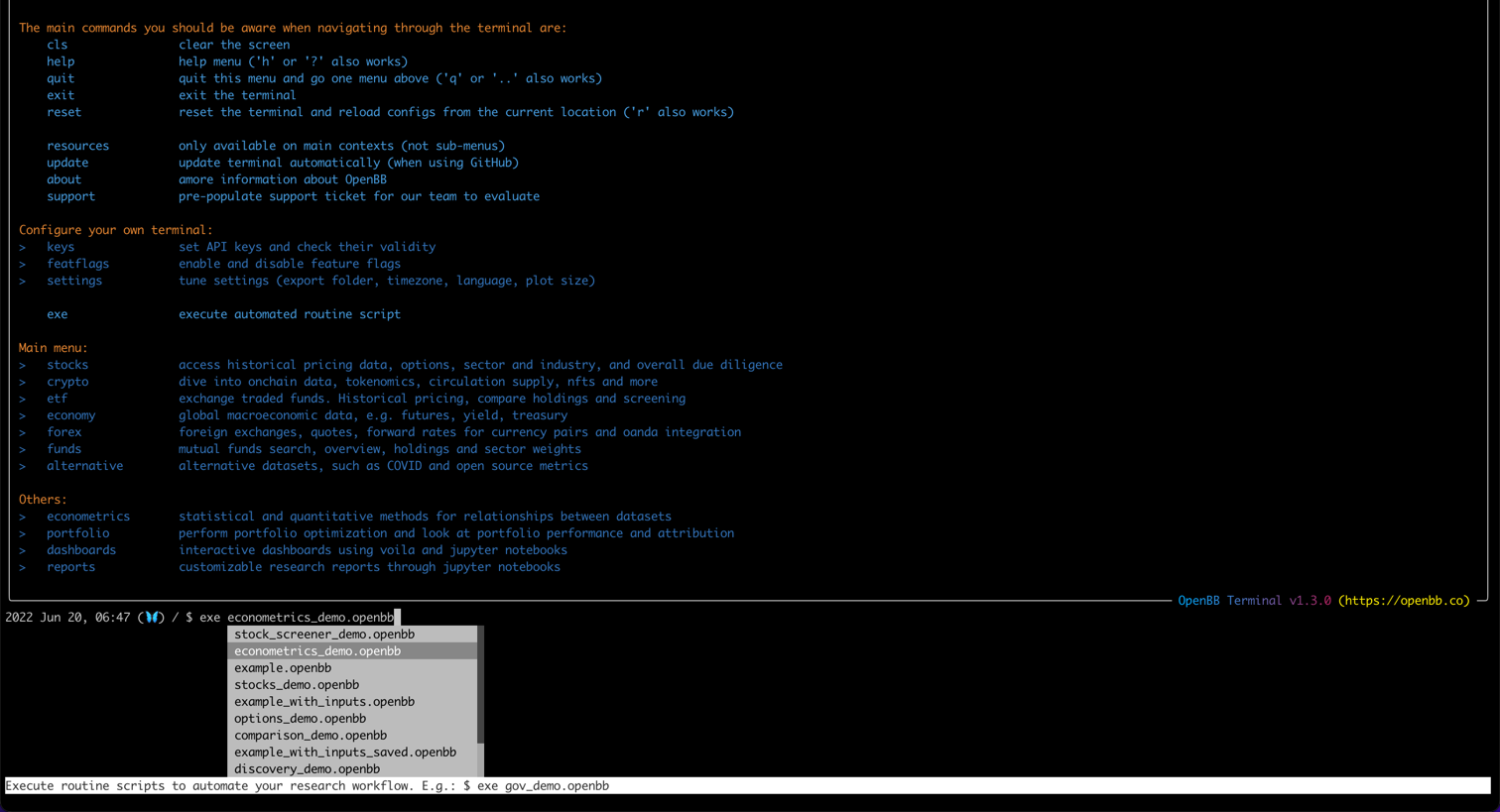
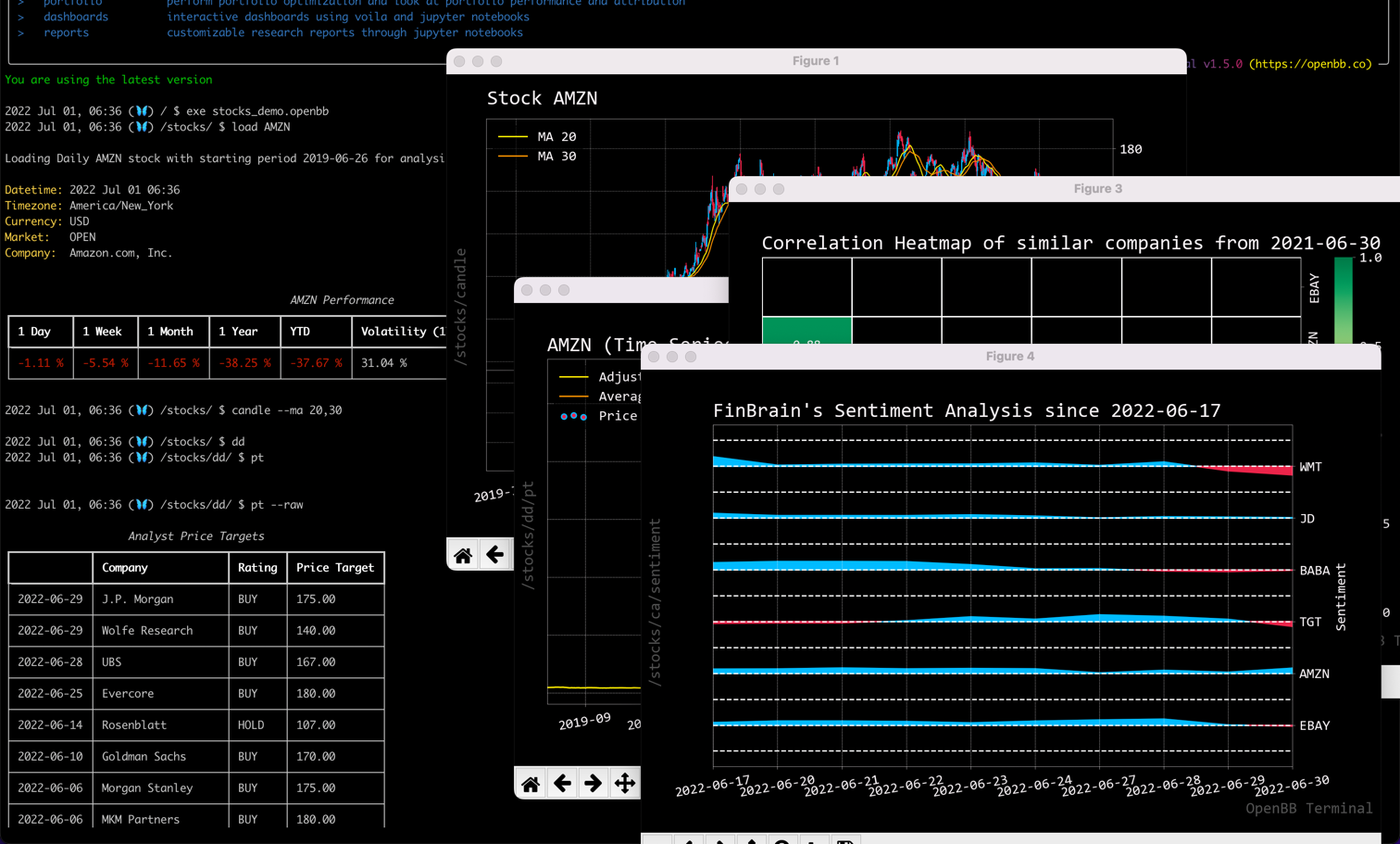
Thus, using the earlier mentioned script, we can enter `exe stocks_demo.openbb` which automatically runs all commands within the script file.
Thus, it will return a candle chart with moving averages, price targets from Analysts, valuations of related companies, the correlation between these companies and the market sentiment.
This results in the following:
### Custom arguments
Next to that, it is also possible to add in custom arguments to your script making the script more interactive and allow
you to do the same analysis for multiple companies. This is done in the following script:
```
# This script requires you to use arguments. This can be done with the following:
# exe example_with_inputs.openbb -i TSLA,AAPL,MSFT
# Go to the stocks menu
stocks
# Load a ticker, given the argument used. E.g. -i TSLA
load $ARGV[0]
# Enter the Technical Analysis (ta) menu
ta
# Show the fibonacci retracement levels
fib
# Enter the comparison analysis (ca) menu
../ca
# Set two extra tickers based on the arguments used. E.g. -i TSLA,AAPL,MSFT
set $ARGV[1],$ARGV[2]
# Plot the historical prices
historical
# Return to home
/
```
This script includes `$ARGV[0]`, `$ARGV[1]` and `$ARGV[2]`. This means that the script requires you to submit three
arguments. In this case, they refer to stock tickers.
Therefore, like the script also says, you can include these arguments with `-i` followed by three tickers (e.g. `exe example_with_inputs.openbb -i TSLA,AAPL,MSFT`).
This results in the following:
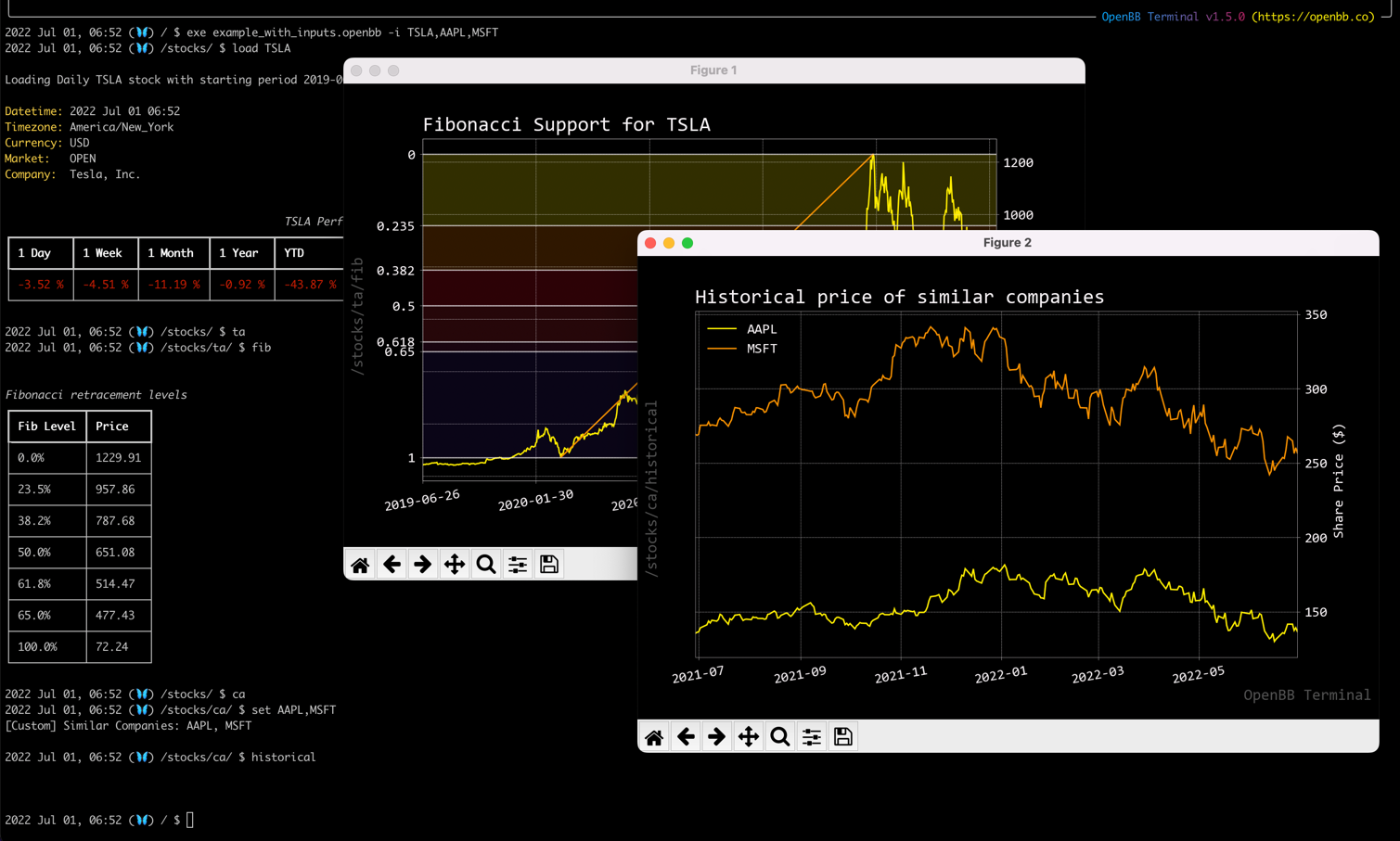
It is an incredibly simple script, but it gives an understanding what the possibilities are.
## Create your own script
Scripts and routines reside in the `routines` folder and are automatically shown when you type `exe` from the
home screen (`home`). To create your own, you can use the `template.openbb` file as a basis but you are free to
duplicate one of the demo files.
Within this template, some examples are given, and you are free to change the contents and rename the file. As long as
the file remains in the same folder, you will be able to find your file automatically as shown below: