mirror of
https://github.com/OpenBB-finance/OpenBB.git
synced 2026-10-28 04:52:07 +00:00
 2c1e409e9c
* update cred filters to v4

* ignore v3 key if v4 is there already

* add comment + unit test

* update hub state instead of replacing

* remove unused file

* fix unittests

* ruff

* add comment

* remove lc

* black

* comment

* comment

* comment

* comment

* send warning if v3 keys found

* tradier v3

* keep v3 intact

* better

* unit test + minor fixes

* cleaner

* comment

* sorted

* remove unecessary class

* remove ultima from v3tov4 map

* unit test v3tov4 map

* unit test v3tov4 map

* unit test v3tov4 map

* providers.json

* ^

---------

Co-authored-by: Igor Radovanovic <74266147+IgorWounds@users.noreply.github.com>
59 lines
5.7 KiB
JSON
Vendored
59 lines
5.7 KiB
JSON
Vendored
[
|
|
{
|
|
"name": "Alpha Vantage",
|
|
"credentials": ["alpha_vantage_api_key"],
|
|
"v3_credentials": ["API_KEY_ALPHAVANTAGE"],
|
|
"link": "https://www.alphavantage.co/support/#api-key",
|
|
"instructions": "Go to: https://www.alphavantage.co/support/#api-key\n\n\n\nFill out the form, pass Captcha, and click on, \"GET FREE API KEY\"."
|
|
},
|
|
{
|
|
"name": "BizToc",
|
|
"credentials": ["biztoc_api_key"],
|
|
"v3_credentials": ["API_BIZTOC_TOKEN"],
|
|
"link": "https://biztoc.com",
|
|
"instructions": "The BizToc API is hosted on RapidAPI. To set up, go to: https://rapidapi.com/thma/api/biztoc.\n\n\n\nIn the top right, select 'Sign Up'. After answering some questions, you will be prompted to select one of their plans.\n\n\n\nAfter signing up, navigate back to https://rapidapi.com/thma/api/biztoc. If you are logged in, you will see a header called X-RapidAPI-Key.\n\n"
|
|
},
|
|
{
|
|
"name": "FRED",
|
|
"credentials": ["fred_api_key"],
|
|
"v3_credentials": ["API_FRED_KEY"],
|
|
"link": "https://fred.stlouisfed.org/docs/api/api_key.html",
|
|
"instructions": "Go to: https://fred.stlouisfed.org\n\n\n\nClick on, \"My Account\", create a new account or sign in with Google:\n\n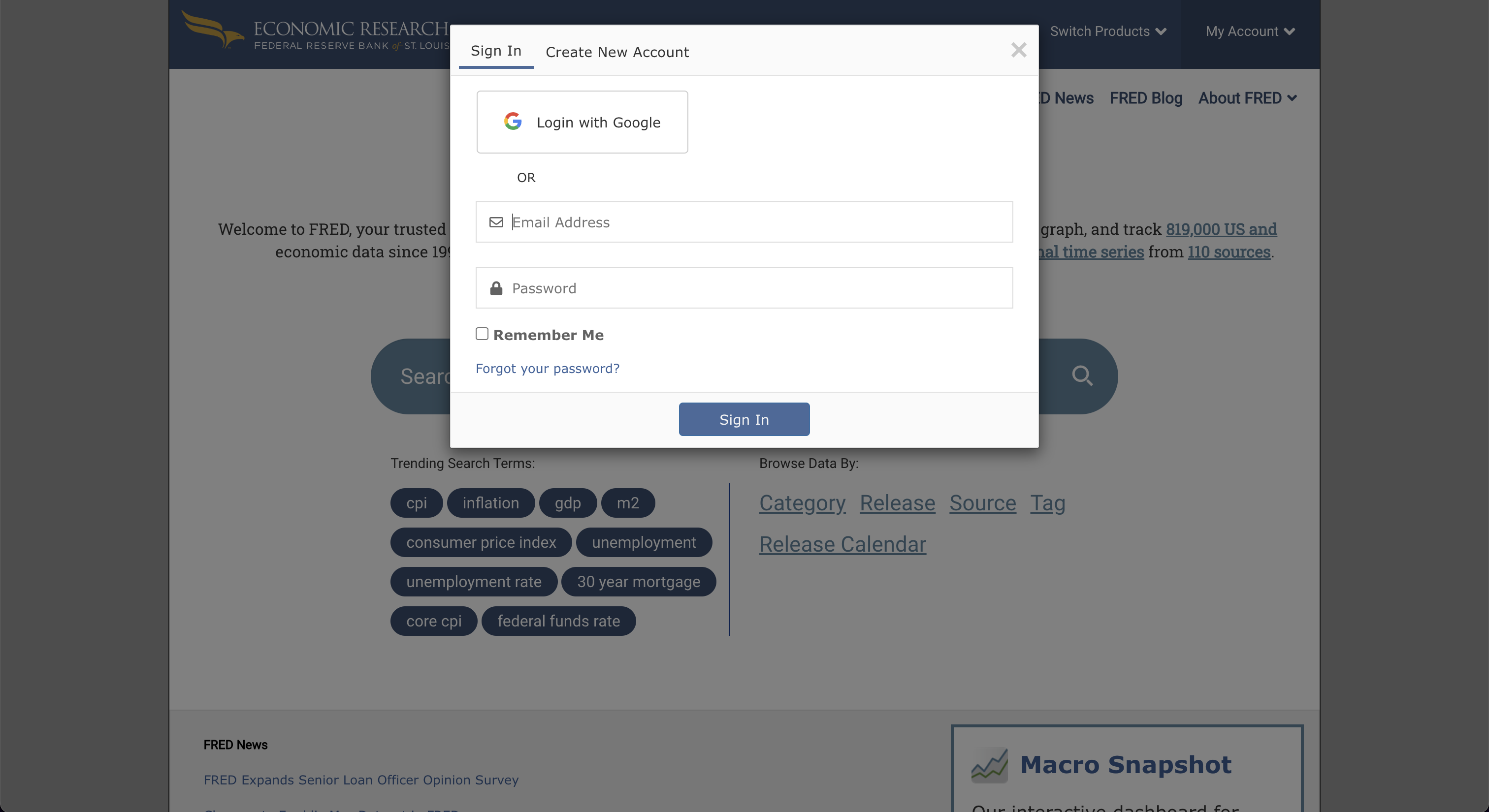\n\nAfter completing the sign-up, go to \"My Account\", and select \"API Keys\". Then, click on, \"Request API Key\".\n\n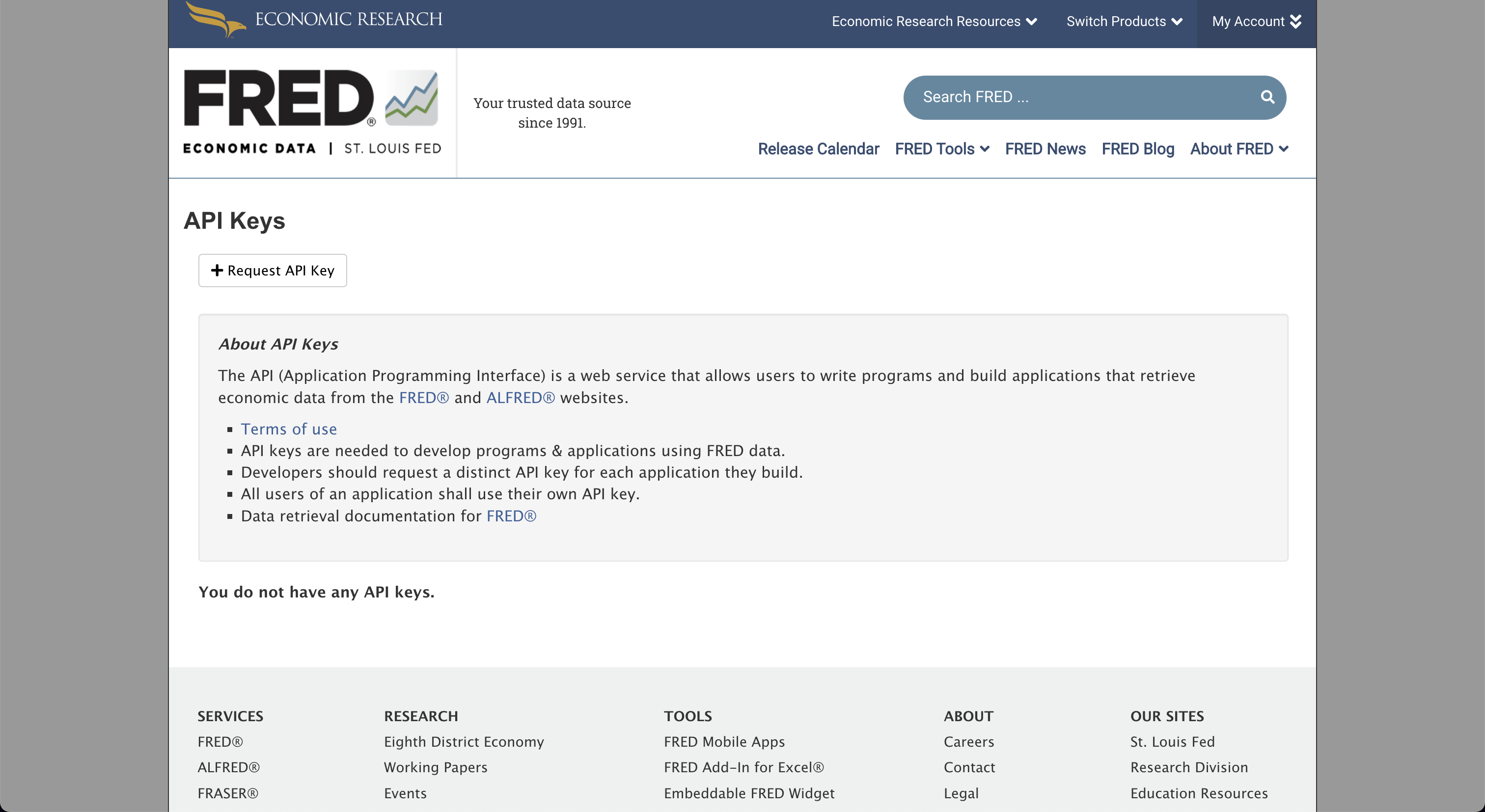\n\nFill in the box for information about the use-case for FRED, and by clicking, \"Request API key\", at the bottom of the page, the API key will be issued.\n\n"
|
|
},
|
|
{
|
|
"name": "Financial Modeling Prep",
|
|
"credentials": ["fmp_api_key"],
|
|
"v3_credentials": ["API_KEY_FINANCIALMODELINGPREP"],
|
|
"link": "https://financialmodelingprep.com/developer",
|
|
"instructions": "Go to: https://site.financialmodelingprep.com/developer/docs\n\n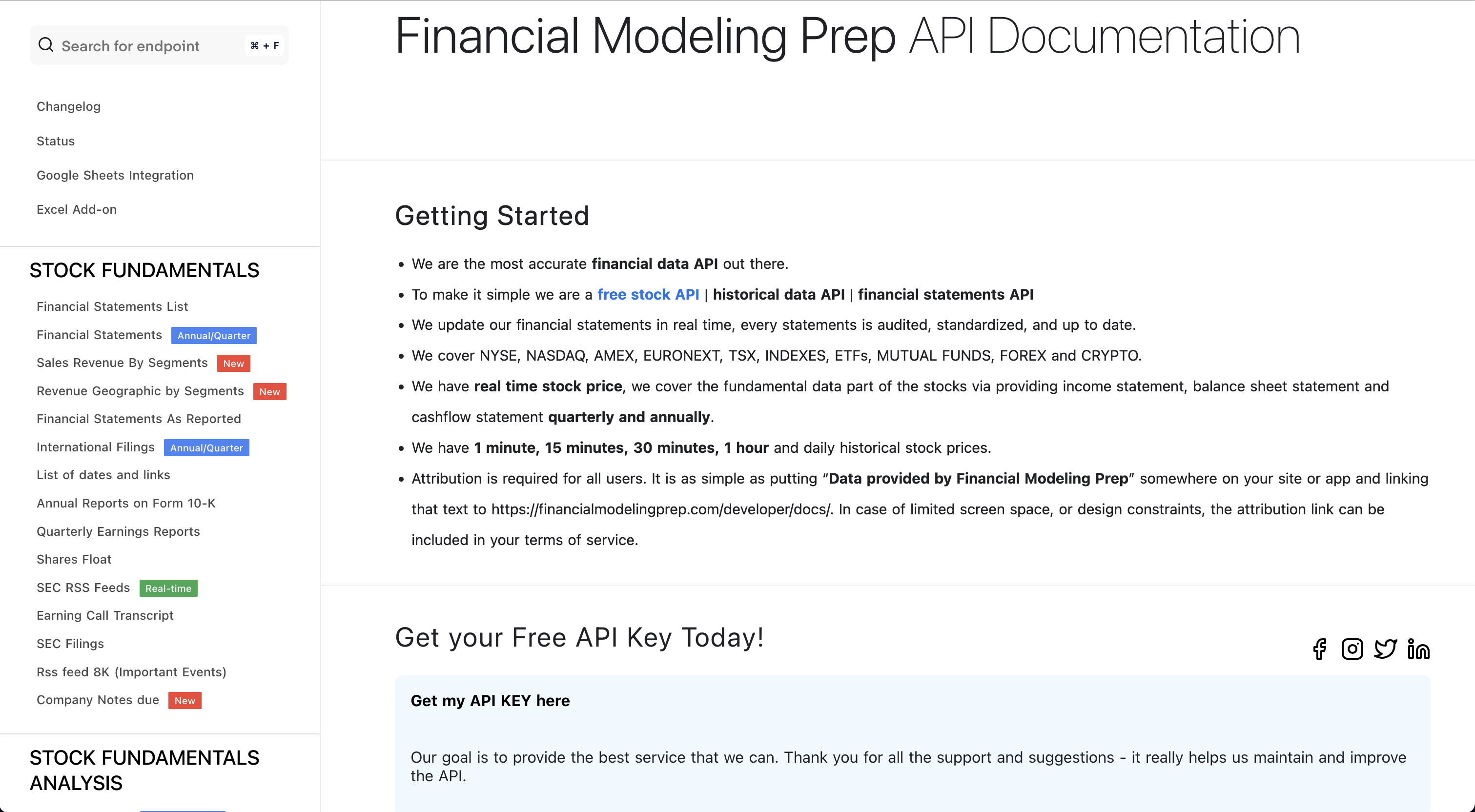\n\nClick on, \"Get my API KEY here\", and sign up for a free account.\n\n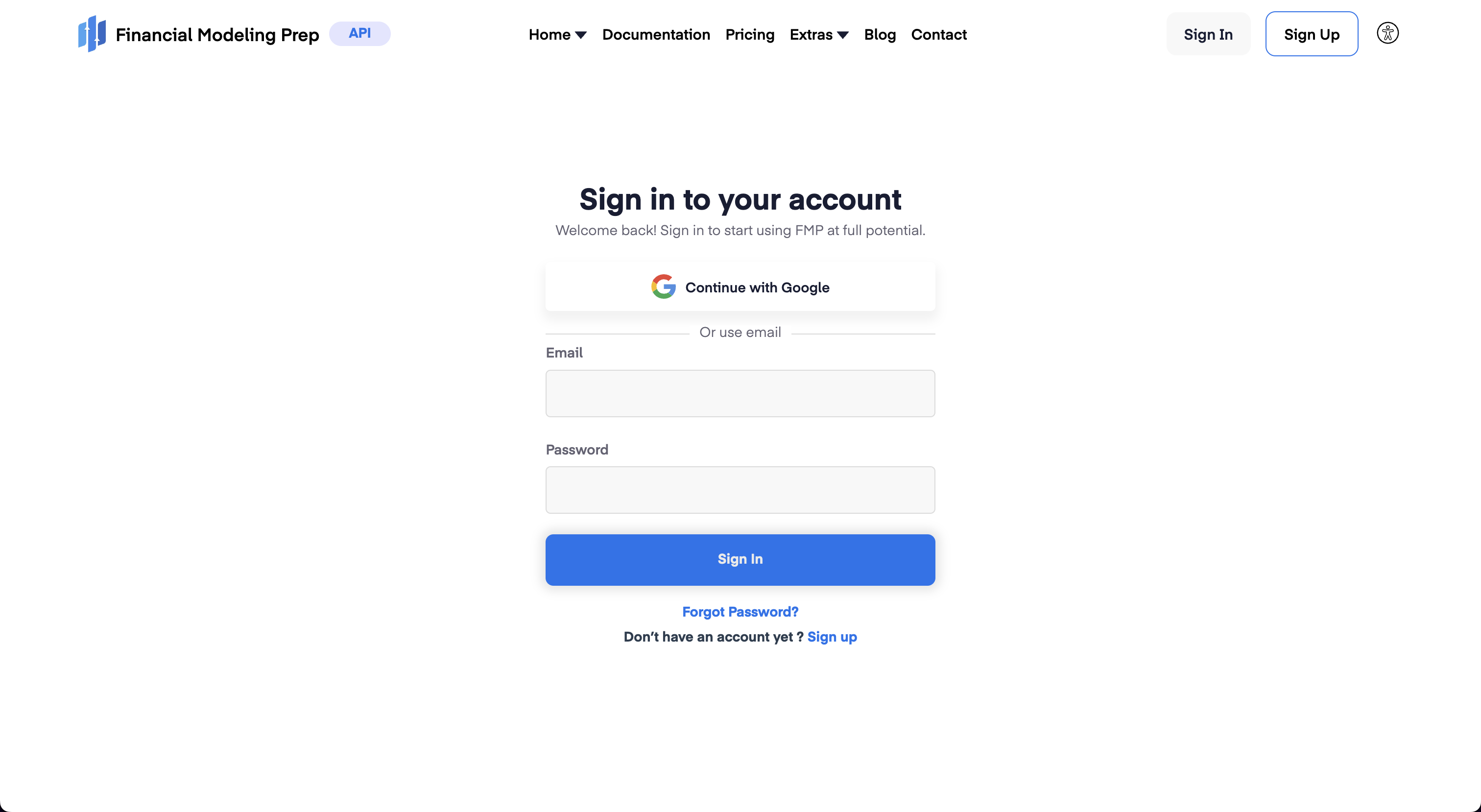\n\nWith an account created, sign in and navigate to the Dashboard, which shows the assigned token. by pressing the \"Dashboard\" button which will show the API key.\n\n"
|
|
},
|
|
{
|
|
"name": "Intrinio",
|
|
"credentials": ["intrinio_api_key"],
|
|
"v3_credentials": ["API_INTRINIO_KEY"],
|
|
"link": "https://intrinio.com/",
|
|
"instructions": "Go to: https://intrinio.com/starter-plan\n\n\n\nAn API key will be issued with a subscription. Find the token value within the account dashboard."
|
|
},
|
|
{
|
|
"name": "Polygon",
|
|
"credentials": ["polygon_api_key"],
|
|
"v3_credentials": ["API_POLYGON_KEY"],
|
|
"link": "https://polygon.io",
|
|
"instructions": "Go to: https://polygon.io\n\n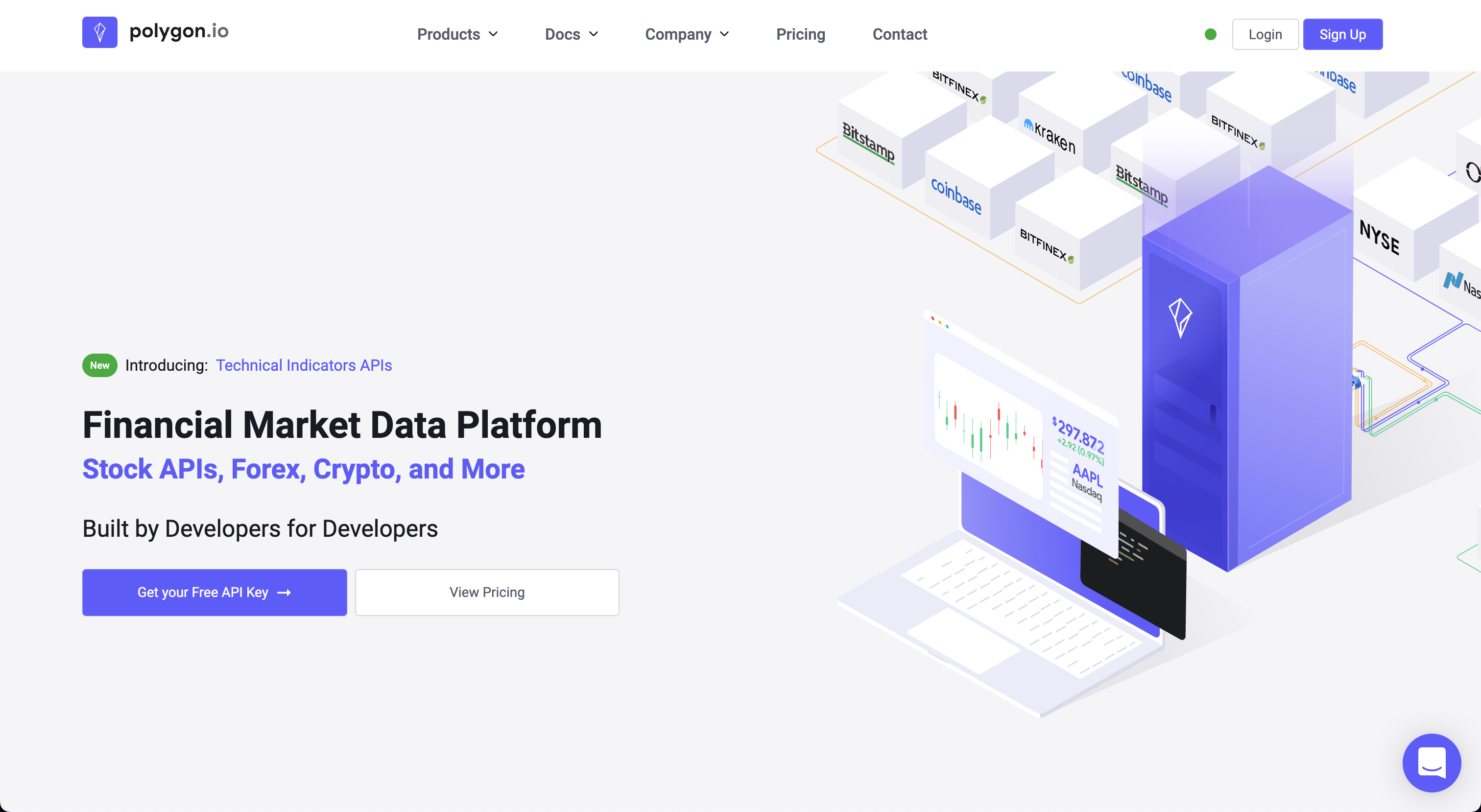\n\nClick on, \"Get your Free API Key\".\n\n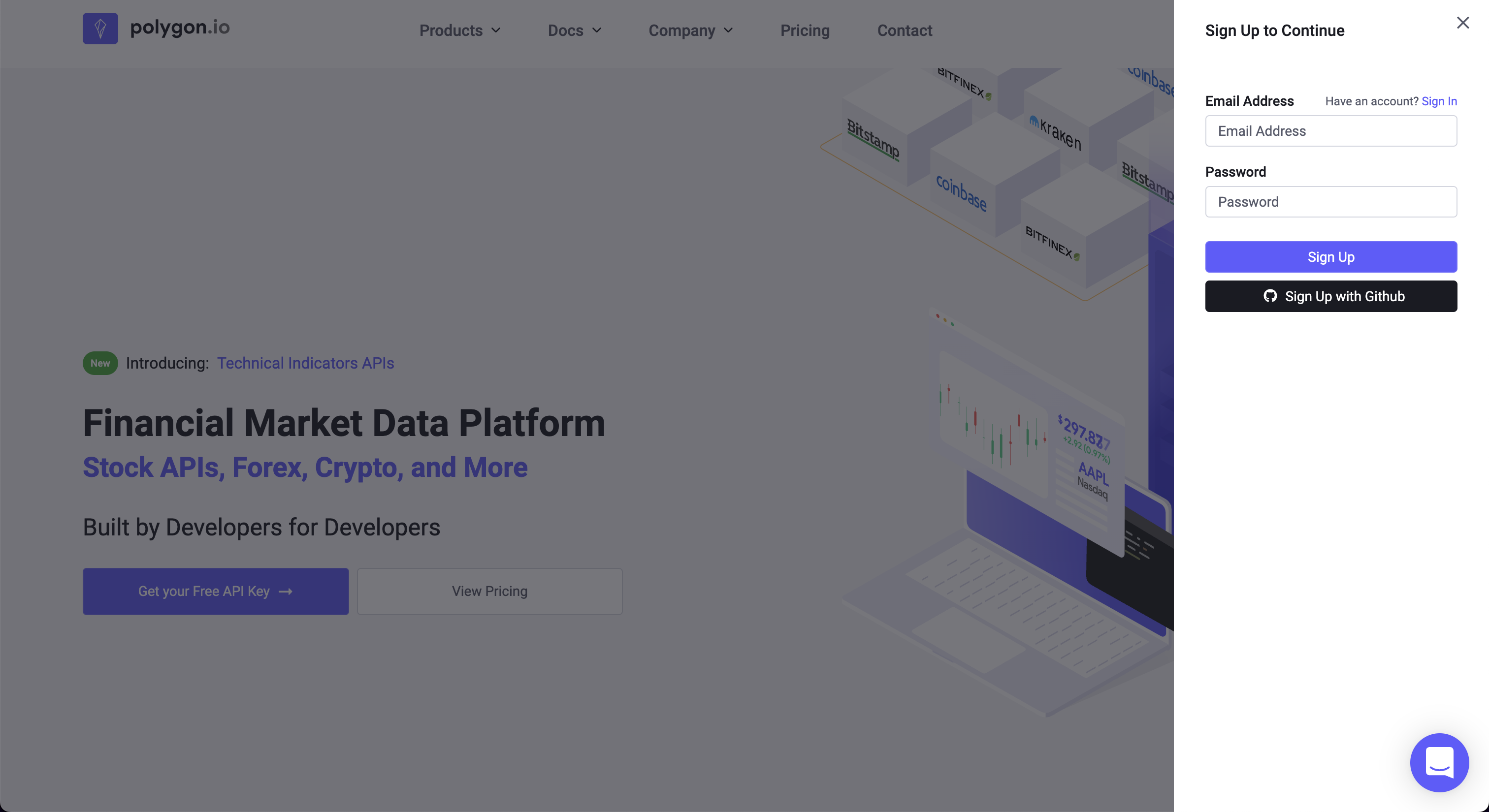\n\nAfter signing up, the API Key is found at the bottom of the account dashboard page.\n\n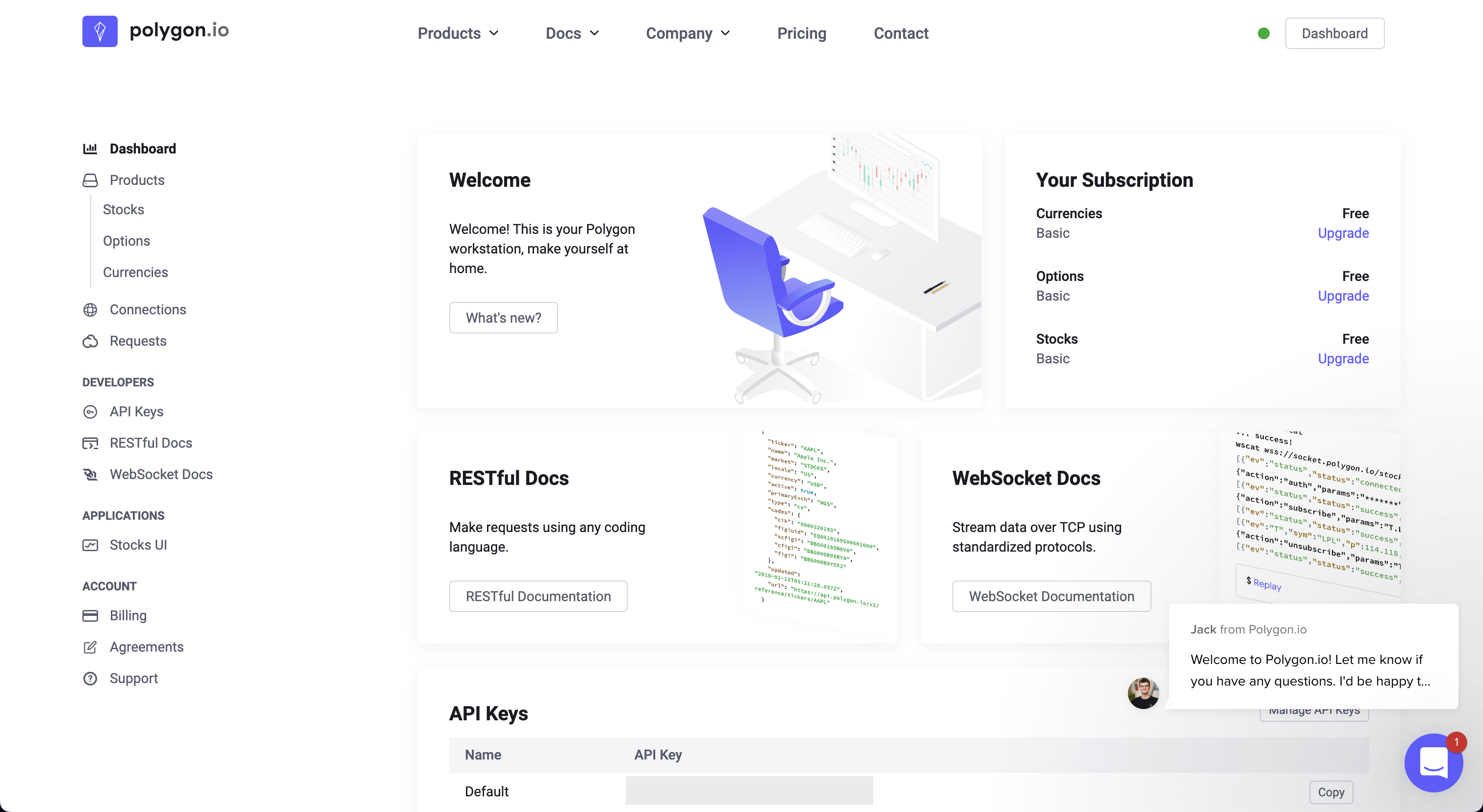"
|
|
},
|
|
{
|
|
"name": "Nasdaq",
|
|
"credentials": ["nasdaq_api_key"],
|
|
"v3_credentials": ["API_KEY_QUANDL"],
|
|
"link": "https://www.quandl.com/tools/api",
|
|
"instructions": "Go to: https://www.quandl.com\n\n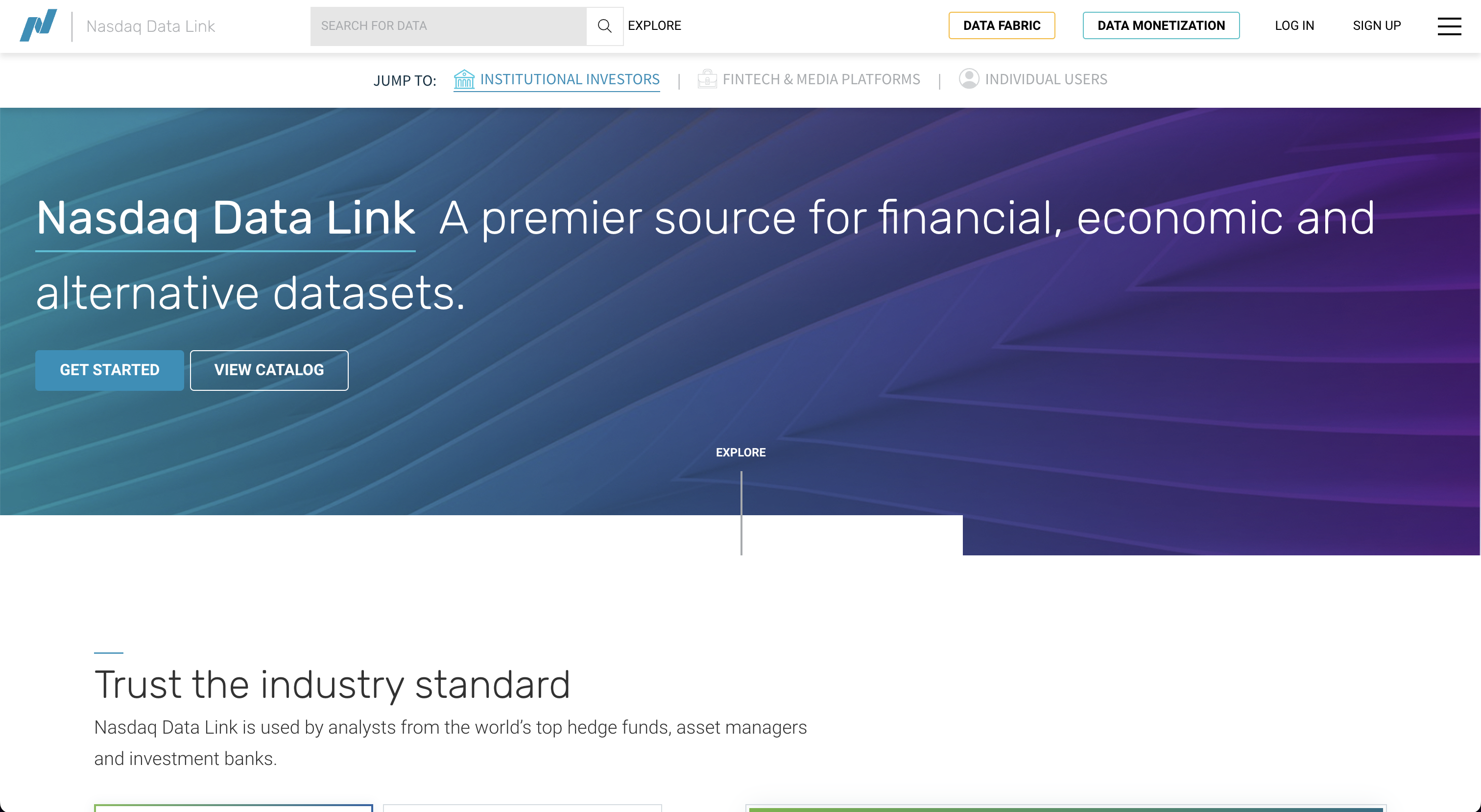\n\nClick on, \"Sign Up\", and register a new account.\n\n\n\nFollow the sign-up instructions, and upon completion the API key will be assigned.\n\n"
|
|
},
|
|
{
|
|
"name": "Tradier",
|
|
"credentials": ["tradier_api_key"],
|
|
"v3_credentials": ["API_TRADIER_TOKEN"],
|
|
"link": "https://tradier.com/products/market-data-api",
|
|
"instructions": "Go to: https://documentation.tradier.com\n\n\n\nClick on, \"Open Account\", to start the sign-up process. After the account has been setup, navigate to [Tradier Broker Dash](https://dash.tradier.com/login?redirect=settings.api) and create the application. Request a sandbox access token."
|
|
}
|
|
]
|