 57c2b6ff1f
* fix some formatting things

* ytd yoy

* peg ebit

* cyclic-import

* try relative import

* move TO_CAPS_STRINGS

* remove import from change

* fix test
OpenBB Platform API Meta Package
This is a meta package for installing a command line script to launch the OpenBB Platform API, and the OpenBB Terminal Pro data connector widgets build script.
Installation
Install this package within an existing OpenBB Platform Python environment.
pip install openbb-platform-api
Usage
The script is run from the command line, with the environment active, by entering:
openbb-api
This will launch a Fast API instance, via uvicorn, at http://127.0.0.1:6900
Keyword Arguments
The behavior of the script can be configured with the use of arguments and keyword arguments.
Launcher specific arguments:
--build                         Build the widgets.json file.
--no-build                      Do not build the widgets.json file.
--login                         Login to the OpenBB Platform.
--no-filter                     Do not filter the widgets.json file.
All other arguments will be passed to uvicorn. Here are the most common ones:
--host TEXT                     Host IP address or hostname.
                                  [default: 127.0.0.1]
--port INTEGER                  Port number.
                                  [default: 6900]
--ssl-keyfile TEXT              SSL key file.
--ssl-certfile TEXT             SSL certificate file.
--ssl-keyfile-password TEXT     SSL keyfile password.
--ssl-version INTEGER           SSL version to use.
                                  (see stdlib ssl module's)
                                  [default: 17]
--ssl-cert-reqs INTEGER         Whether client certificate is required.
                                  (see stdlib ssl module's)
                                  [default: 0]
--ssl-ca-certs TEXT             CA certificates file.
--ssl-ciphers TEXT              Ciphers to use.
                                  (see stdlib ssl module's)
                                  [default: TLSv1]
Run uvicorn --help to get the full list of arguments.
API Over HTTPS
To run the API over the HTTPS protocol, you must first create a self-signed certificate and the associated key. After activating the environment, you can generate the files by entering this to the command line:
openssl req -x509 -days 3650 -out localhost.crt -keyout localhost.key   -newkey rsa:4096 -nodes -sha256   -subj '/CN=localhost' -extensions EXT -config <( \
   printf "[dn]\nCN=localhost\n[req]\ndistinguished_name = dn\n[EXT]\nsubjectAltName=DNS:localhost\nkeyUsage=digitalSignature\nextendedKeyUsage=serverAuth")
Two files will be created, in the current working directory, that are passed as keyword arguments to the openbb-api entry point.
openbb-api --ssl_keyfile localhost.key --ssl_certfile localhost.crt
Note: Adjust the command to include the full path to the file if the current working directory is not where they are located.
The certificate - localhost.crt - will need to be added to system's trust store. The process for this will depend on the operating system and the user account privilege.
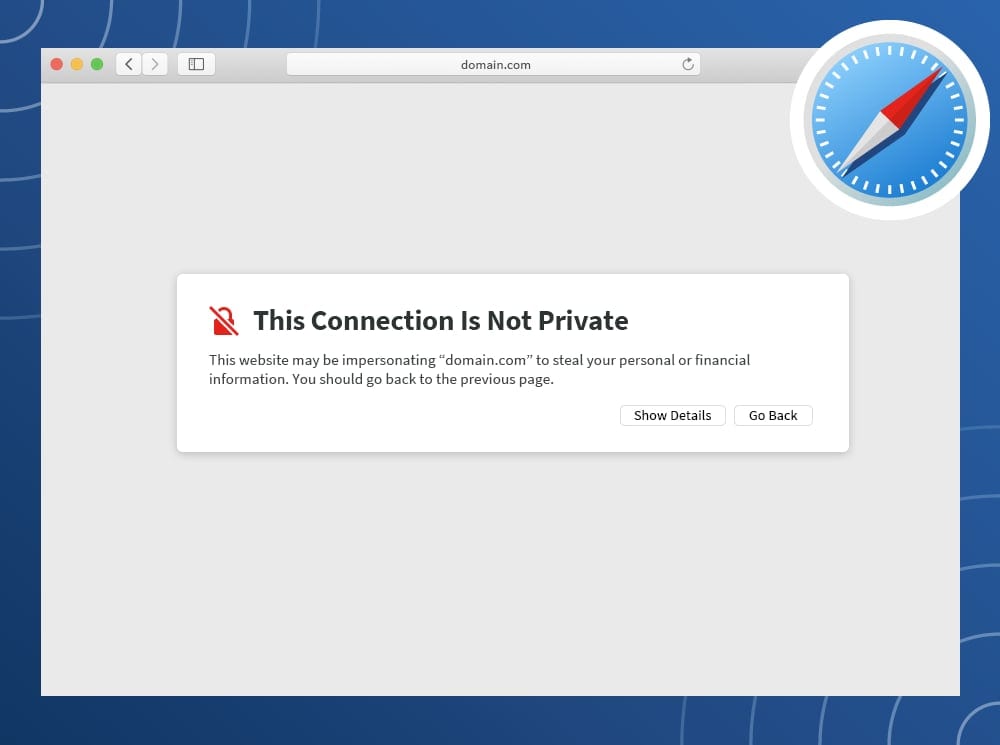
A quick solution is to visit the server's URL, show the details of the warning, and choose to continue anyways.
Contact the system administrator if you are using a work device and require additional permissions to complete the configuration.
Location of widgets.json
An OpenBB Terminal Pro data connector requires a file, widgets.json, to be served by the API. It contains the configuration for each widget available to be added to a dashboard. The file is stored, and served from, the environment's assets folder.
/Path/to/environments/envs/obb/assets/widgets.json
It can be manually edited and served without the build process by passing --no-build to the API launch script.
openbb-api --no-build
If you would like to construct this file manually for a custom backend configuration, save the file in the path above.