mirror of
https://github.com/OpenBB-finance/OpenBB.git
synced 2026-10-31 06:22:18 +00:00

267 lines
28 KiB
JSON
Vendored
267 lines
28 KiB
JSON
Vendored
[
|
|
{
|
|
"name": "API_ULTIMA_KEY",
|
|
"source": "Ultima Insights",
|
|
"link": "https://www.ultimainsights.ai/",
|
|
"markdown": "Go to: https://ultimainsights.ai/openbb\n\n\n\nClick on, \"Get Started\", to start the sign-up process. After the account has been setup, navigate to [Generate API Key](https://beta.ultimainsights.ai/my-account/generate-api-key) and click \"Generate Key\"."
|
|
},
|
|
{
|
|
"name": "API_KEY_ALPHAVANTAGE",
|
|
"source": "Alpha Vantage",
|
|
"link": "https://www.alphavantage.co/support/#api-key",
|
|
"markdown": "Go to: https://www.alphavantage.co/support/#api-key\n\n\n\nFill out the form, pass Captcha, and click on, \"GET FREE API KEY\"."
|
|
},
|
|
{
|
|
"name": "API_MESSARI_KEY",
|
|
"source": "Messari",
|
|
"link": "https://messari.io/api",
|
|
"markdown": "Go to: https://messari.io\n\n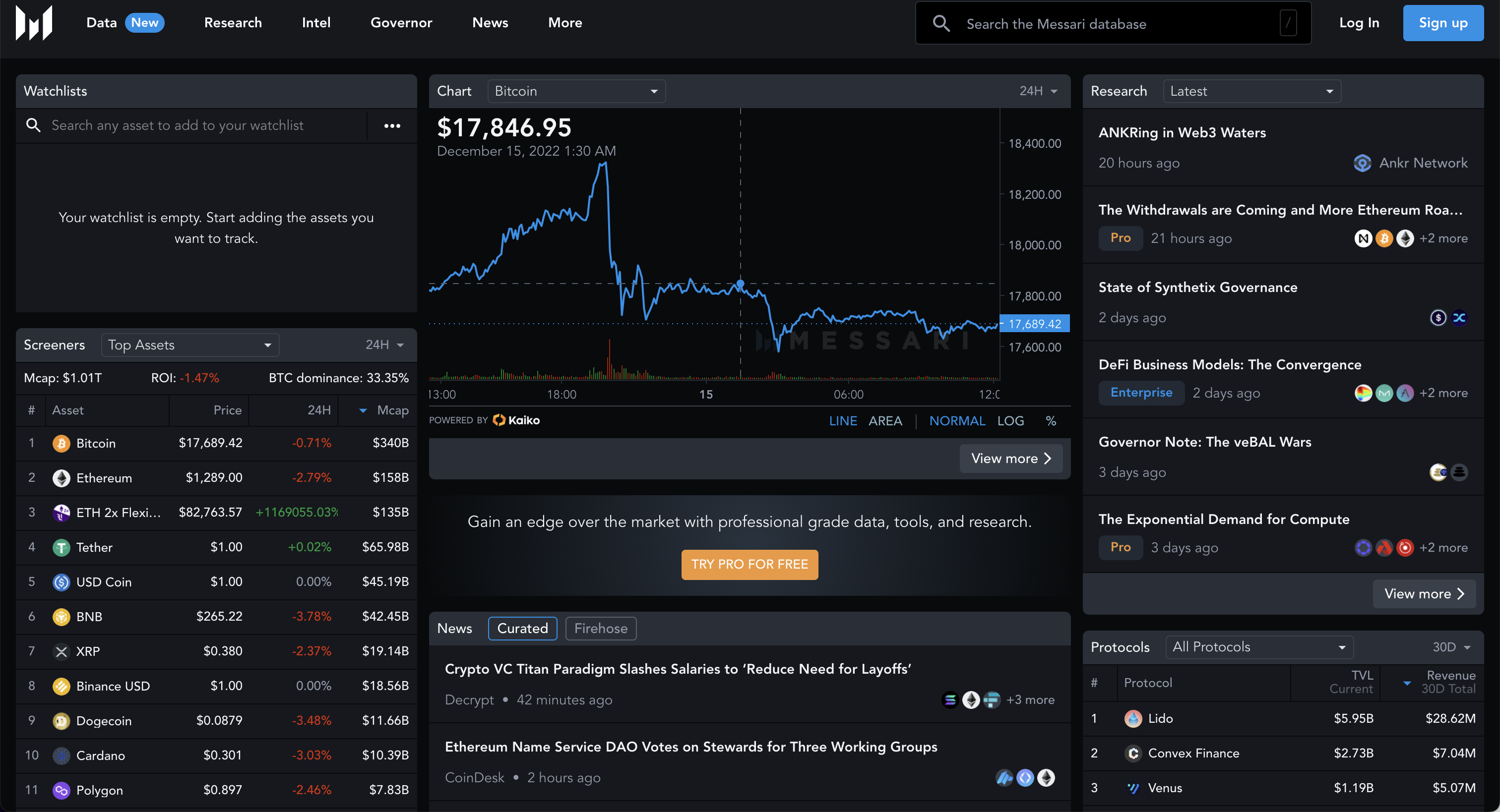\n\nClick on, \"Sign Up\", and create an account.\n\n\n\nAfter creating the account, navigate to the [account page](https://messari.io/account/api), and click on the tab for, API Access.\n\n"
|
|
},
|
|
{
|
|
"name": "API_KEY_FINANCIALMODELINGPREP",
|
|
"source": "Financial Modeling Prep",
|
|
"link": "https://financialmodelingprep.com/developer",
|
|
"markdown": "Go to: https://site.financialmodelingprep.com/developer/docs\n\n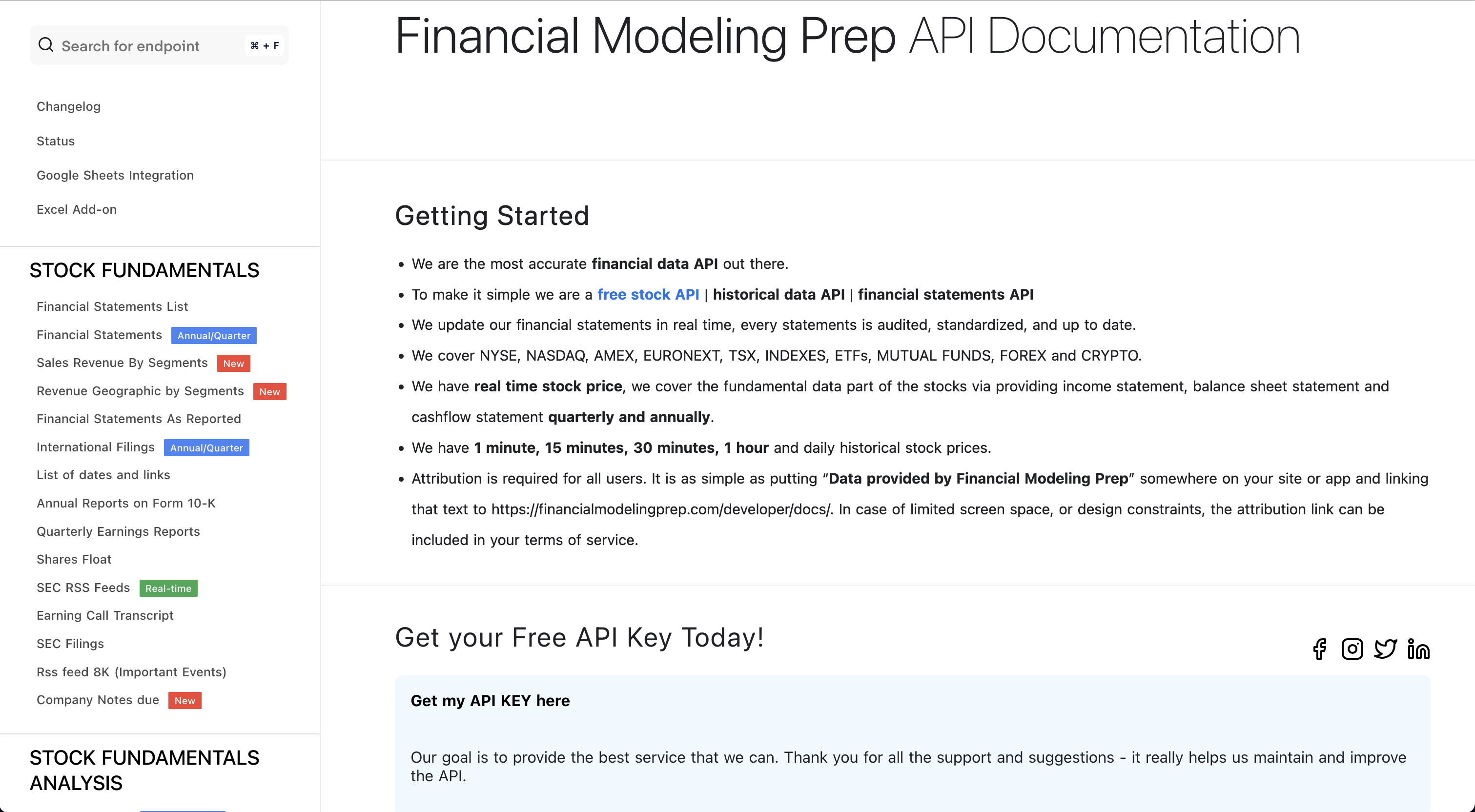\n\nClick on, \"Get my API KEY here\", and sign up for a free account.\n\n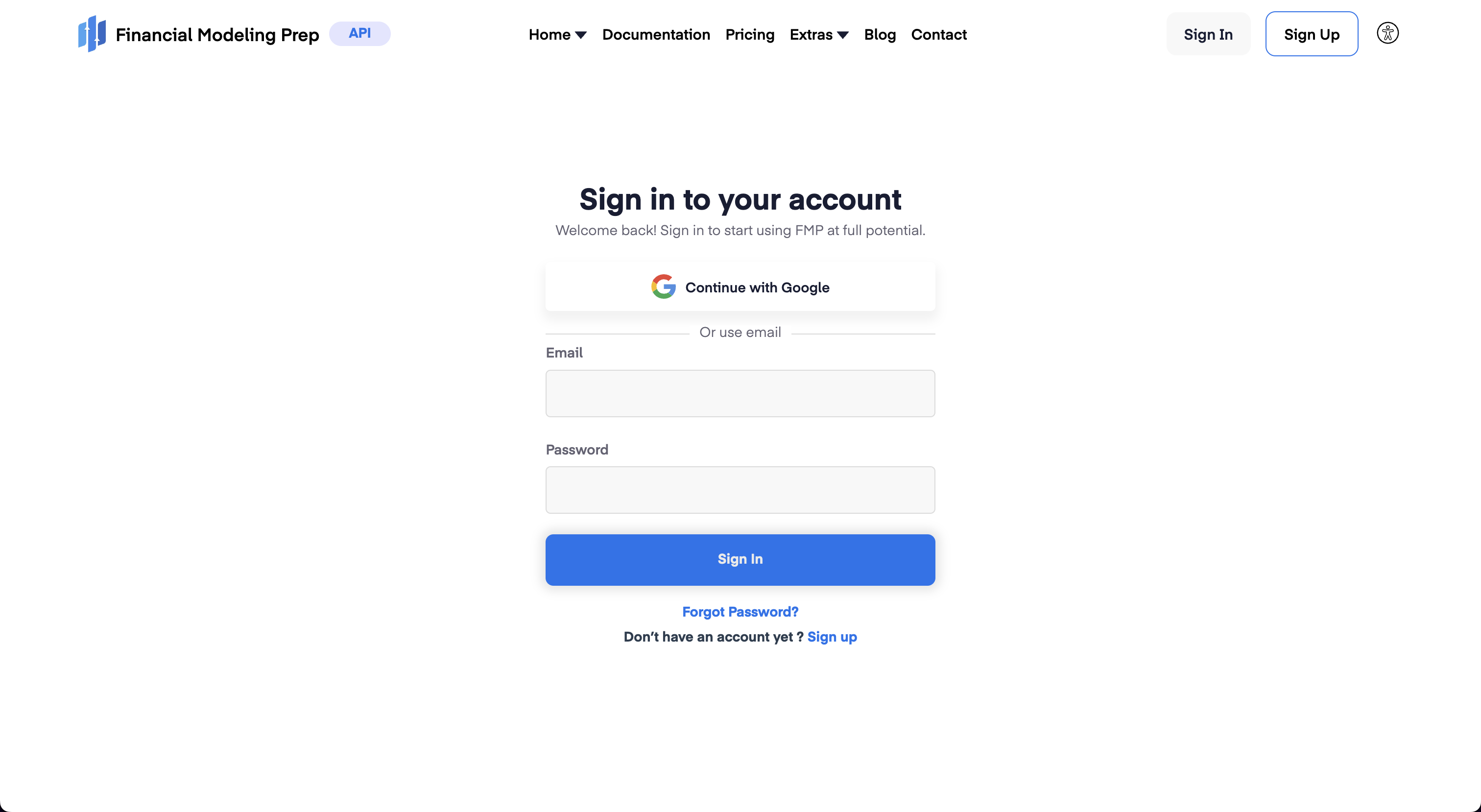\n\nWith an account created, sign in and navigate to the Dashboard, which shows the assigned token. by pressing the \"Dashboard\" button which will show the API key.\n\n"
|
|
},
|
|
{
|
|
"name": "API_KEY_QUANDL",
|
|
"source": "Quandl",
|
|
"link": "https://www.quandl.com/tools/api",
|
|
"markdown": "Go to: https://www.quandl.com\n\n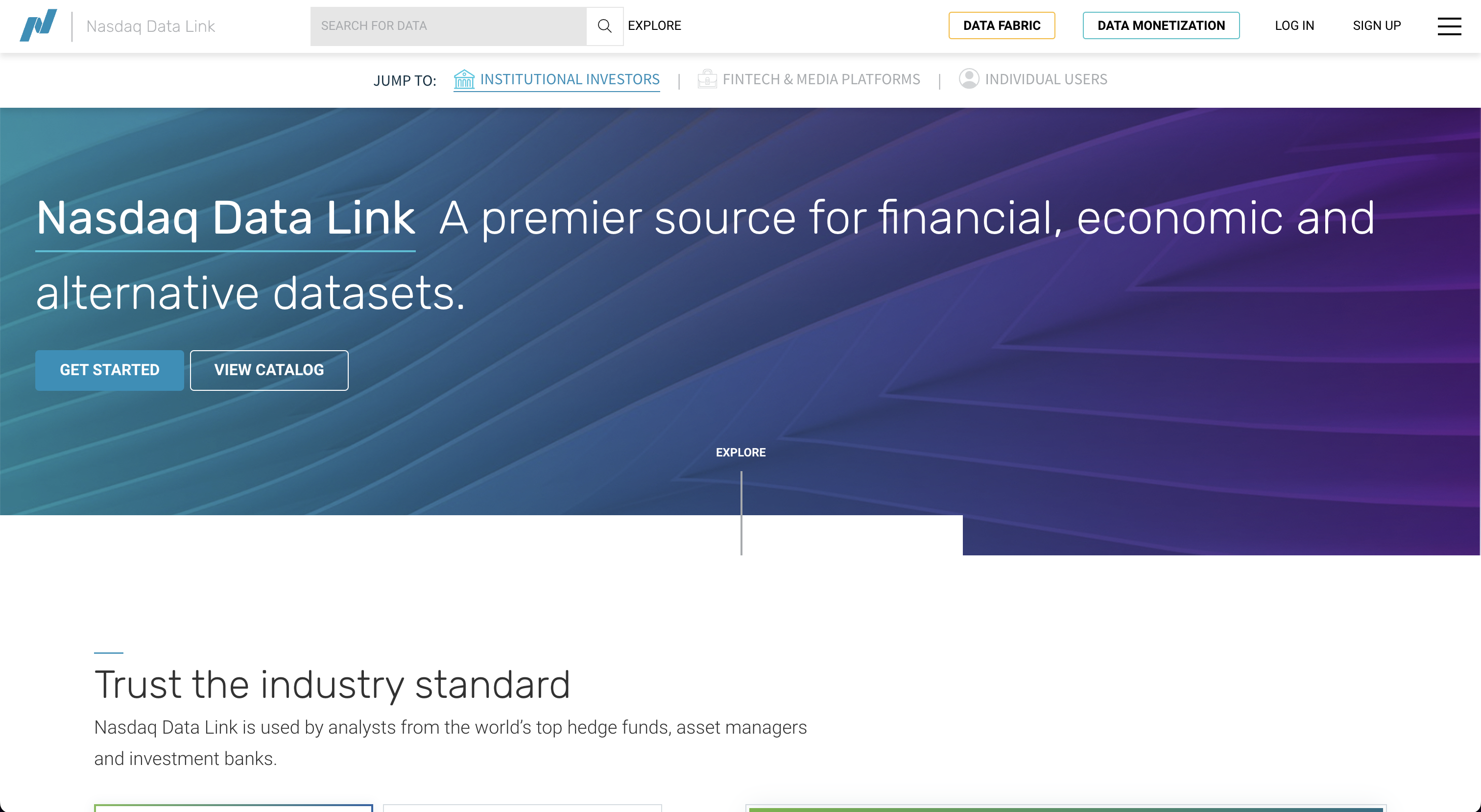\n\nClick on, \"Sign Up\", and register a new account.\n\n\n\nFollow the sign-up instructions, and upon completion the API key will be assigned.\n\n"
|
|
},
|
|
{
|
|
"name": "API_REDDIT_CLIENT_ID",
|
|
"source": "Reddit client ID",
|
|
"link": "https://www.reddit.com/prefs/apps",
|
|
"markdown": "Sign in to Reddit, and then go to: https://old.reddit.com/prefs/apps/\n\n\n\nScroll down and click on \"create application\", selecting \"script\".\n\n\n\nOnce the application is created, you must register it [here](https://old.reddit.com/wiki/api)\n\n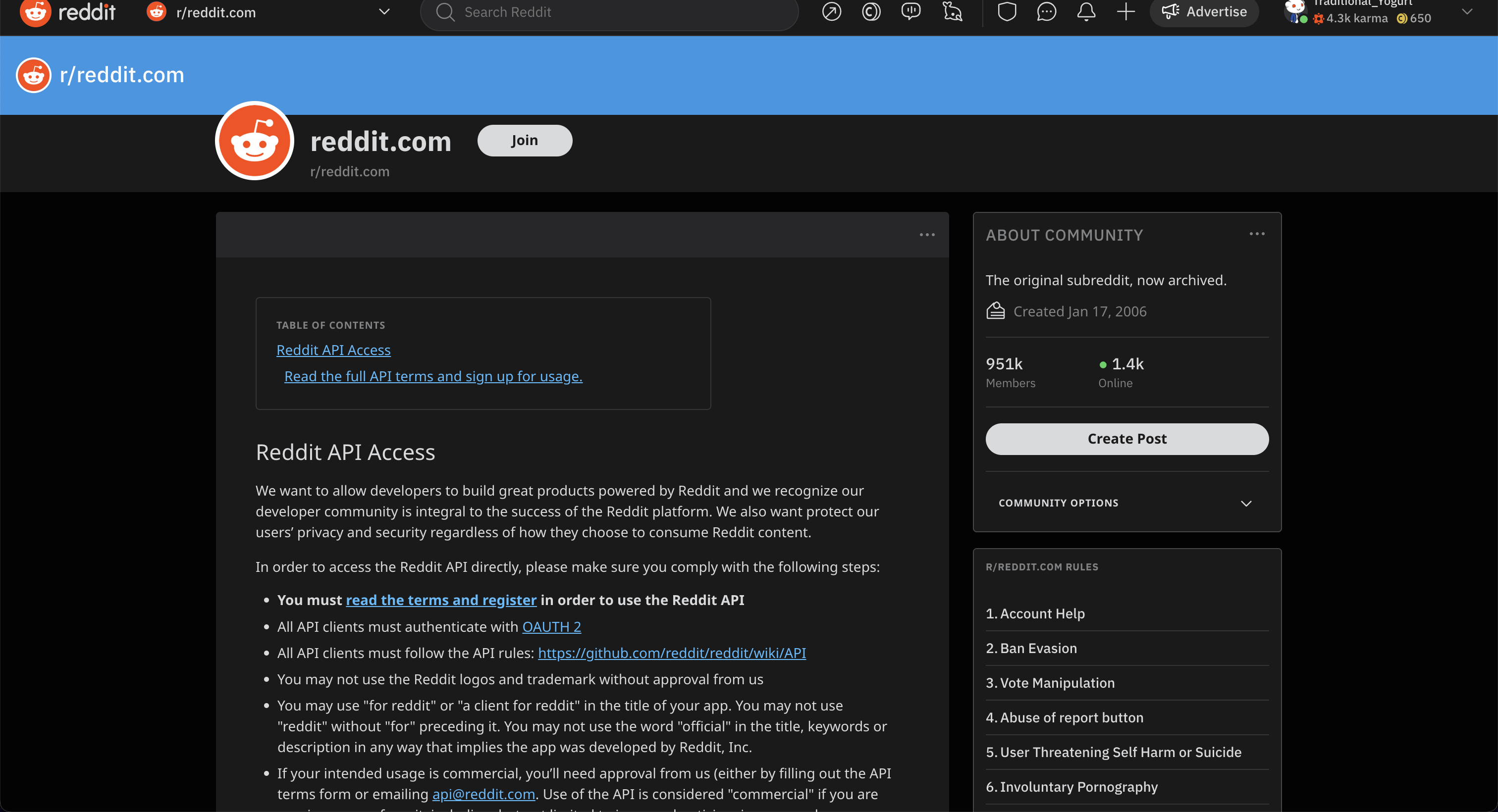\n\nClick on, \"Read the full API terms and sign up for usage\", and fill out the form.\n\n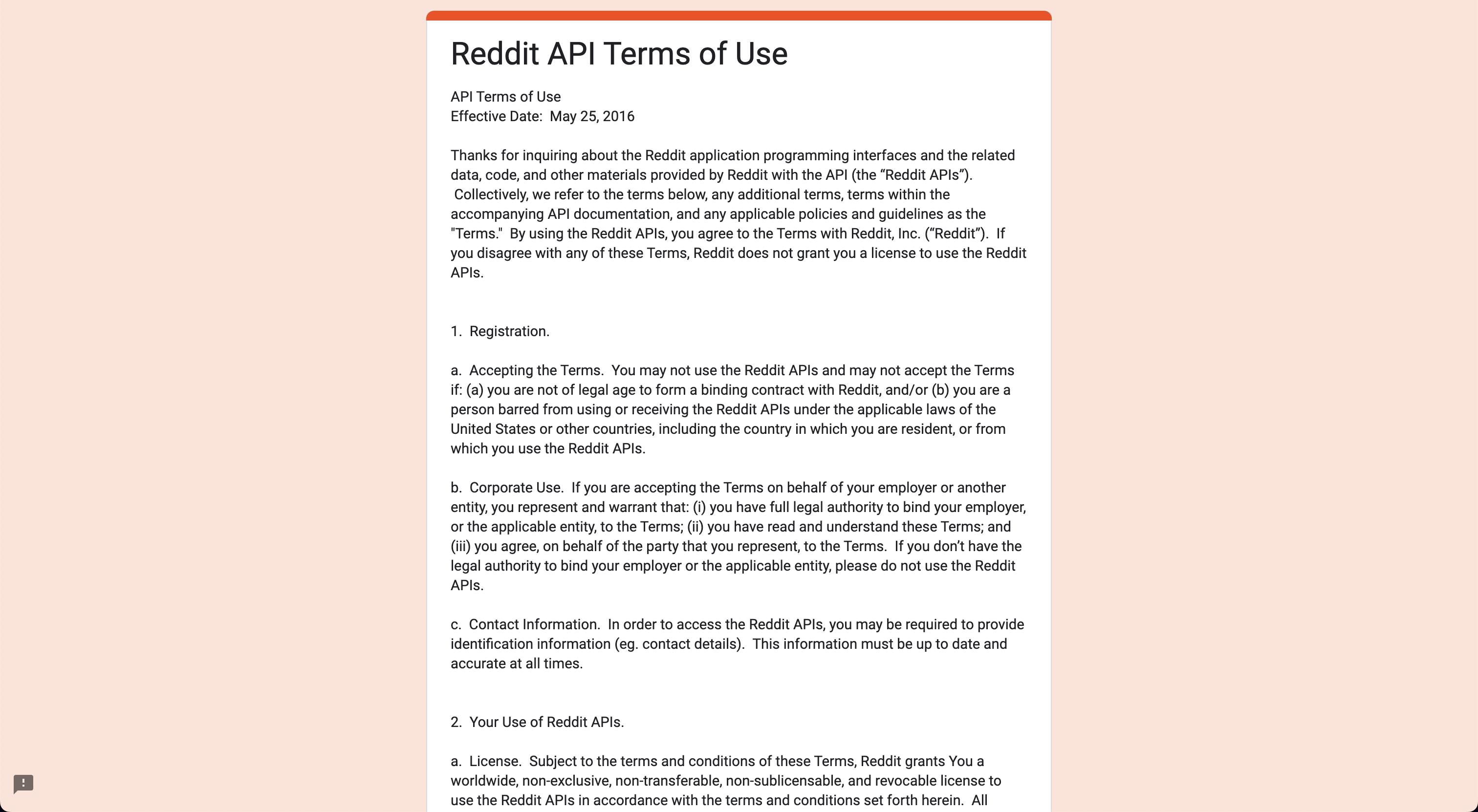\n\nAfter submitting the form, check for a confirmation email. The credentials will be displayed [here](https://old.reddit.com/prefs/apps/)."
|
|
},
|
|
{
|
|
"name": "API_REDDIT_CLIENT_SECRET",
|
|
"source": "Reddit client secret",
|
|
"link": "https://www.reddit.com/prefs/apps",
|
|
"markdown": "Sign in to Reddit, and then go to: https://old.reddit.com/prefs/apps/\n\n\n\nScroll down and click on \"create application\", selecting \"script\".\n\n\n\nOnce the application is created, you must register it [here](https://old.reddit.com/wiki/api)\n\n\n\nClick on, \"Read the full API terms and sign up for usage\", and fill out the form.\n\n\n\nAfter submitting the form, check for a confirmation email. The credentials will be displayed [here](https://old.reddit.com/prefs/apps/)."
|
|
},
|
|
{
|
|
"name": "API_REDDIT_USERNAME",
|
|
"source": "Reddit username",
|
|
"link": "https://www.reddit.com/prefs/apps",
|
|
"markdown": "Sign in to Reddit, and then go to: https://old.reddit.com/prefs/apps/\n\n\n\nScroll down and click on \"create application\", selecting \"script\".\n\n\n\nOnce the application is created, you must register it [here](https://old.reddit.com/wiki/api)\n\n\n\nClick on, \"Read the full API terms and sign up for usage\", and fill out the form.\n\n\n\nAfter submitting the form, check for a confirmation email. The credentials will be displayed [here](https://old.reddit.com/prefs/apps/)."
|
|
},
|
|
{
|
|
"name": "API_REDDIT_USER_AGENT",
|
|
"source": "Reddit user agent",
|
|
"link": "https://www.reddit.com/prefs/apps",
|
|
"markdown": "Sign in to Reddit, and then go to: https://old.reddit.com/prefs/apps/\n\n\n\nScroll down and click on \"create application\", selecting \"script\".\n\n\n\nOnce the application is created, you must register it [here](https://old.reddit.com/wiki/api)\n\n\n\nClick on, \"Read the full API terms and sign up for usage\", and fill out the form.\n\n\n\nAfter submitting the form, check for a confirmation email. The credentials will be displayed [here](https://old.reddit.com/prefs/apps/)."
|
|
},
|
|
{
|
|
"name": "API_REDDIT_PASSWORD",
|
|
"source": "Reddit password",
|
|
"link": "https://www.reddit.com/prefs/apps",
|
|
"markdown": "Sign in to Reddit, and then go to: https://old.reddit.com/prefs/apps/\n\n\n\nScroll down and click on \"create application\", selecting \"script\".\n\n\n\nOnce the application is created, you must register it [here](https://old.reddit.com/wiki/api)\n\n\n\nClick on, \"Read the full API terms and sign up for usage\", and fill out the form.\n\n\n\nAfter submitting the form, check for a confirmation email. The credentials will be displayed [here](https://old.reddit.com/prefs/apps/)."
|
|
},
|
|
{
|
|
"name": "API_POLYGON_KEY",
|
|
"source": "Polygon",
|
|
"link": "https://polygon.io",
|
|
"markdown": "Go to: https://polygon.io\n\n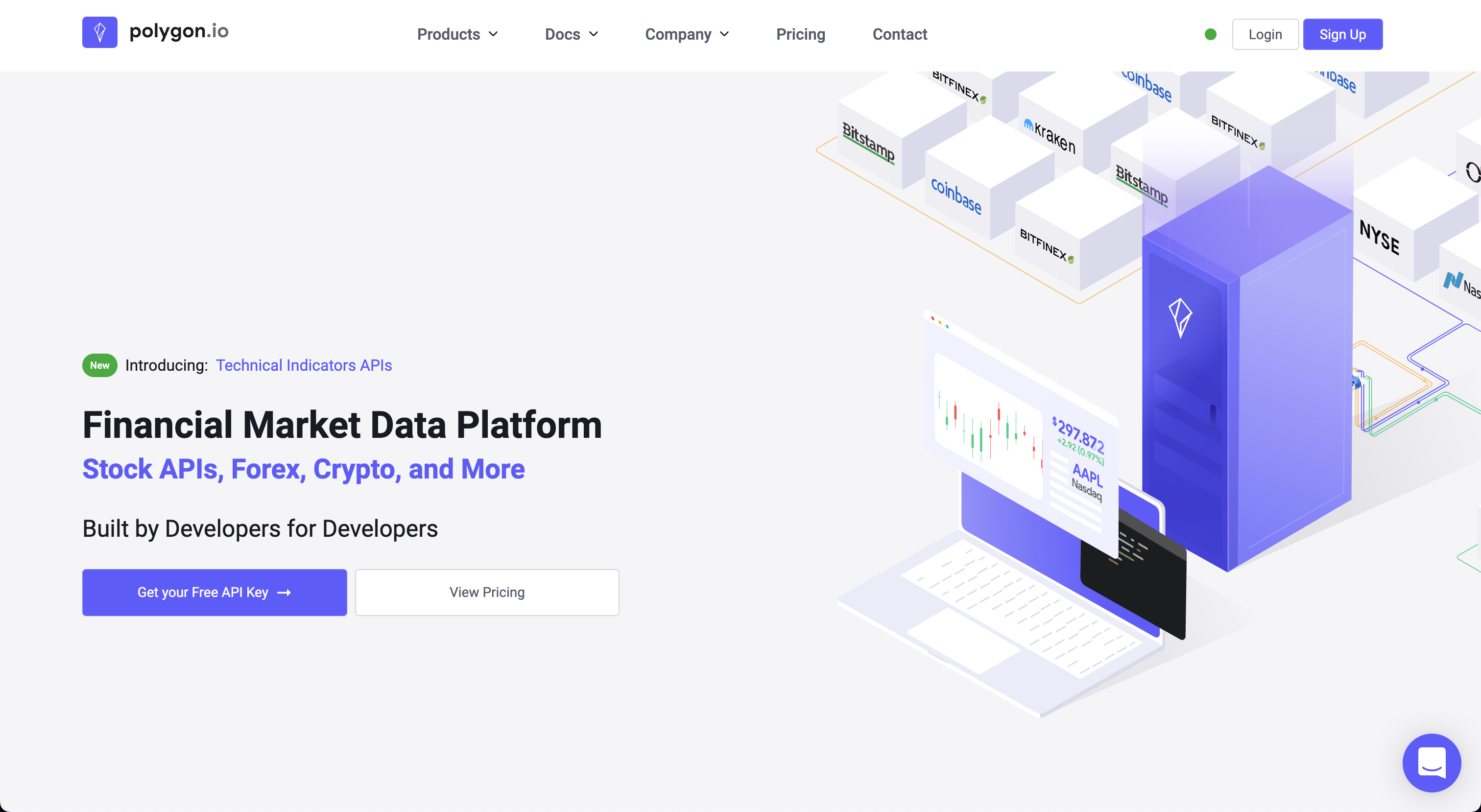\n\nClick on, \"Get your Free API Key\".\n\n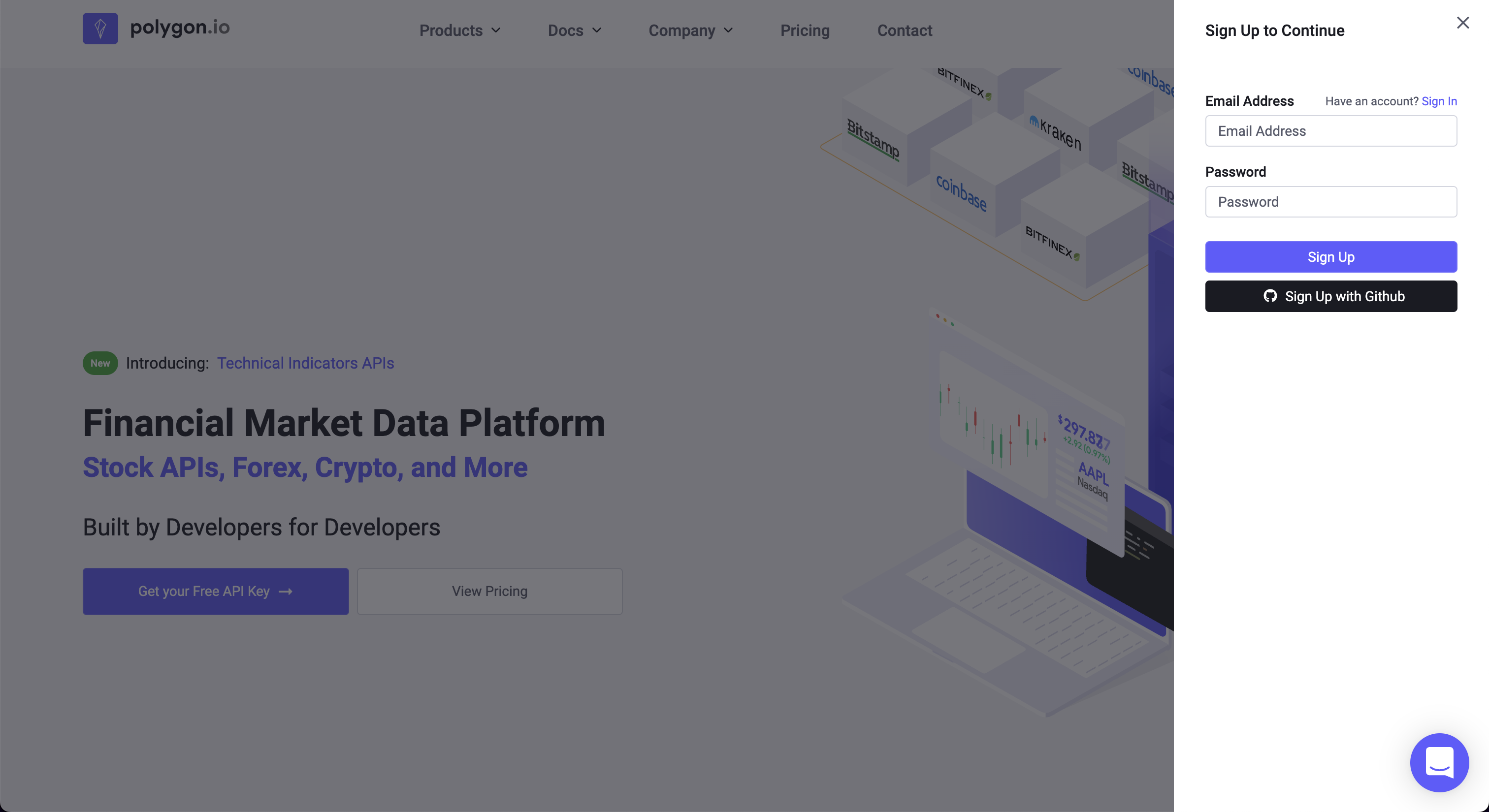\n\nAfter signing up, the API Key is found at the bottom of the account dashboard page.\n\n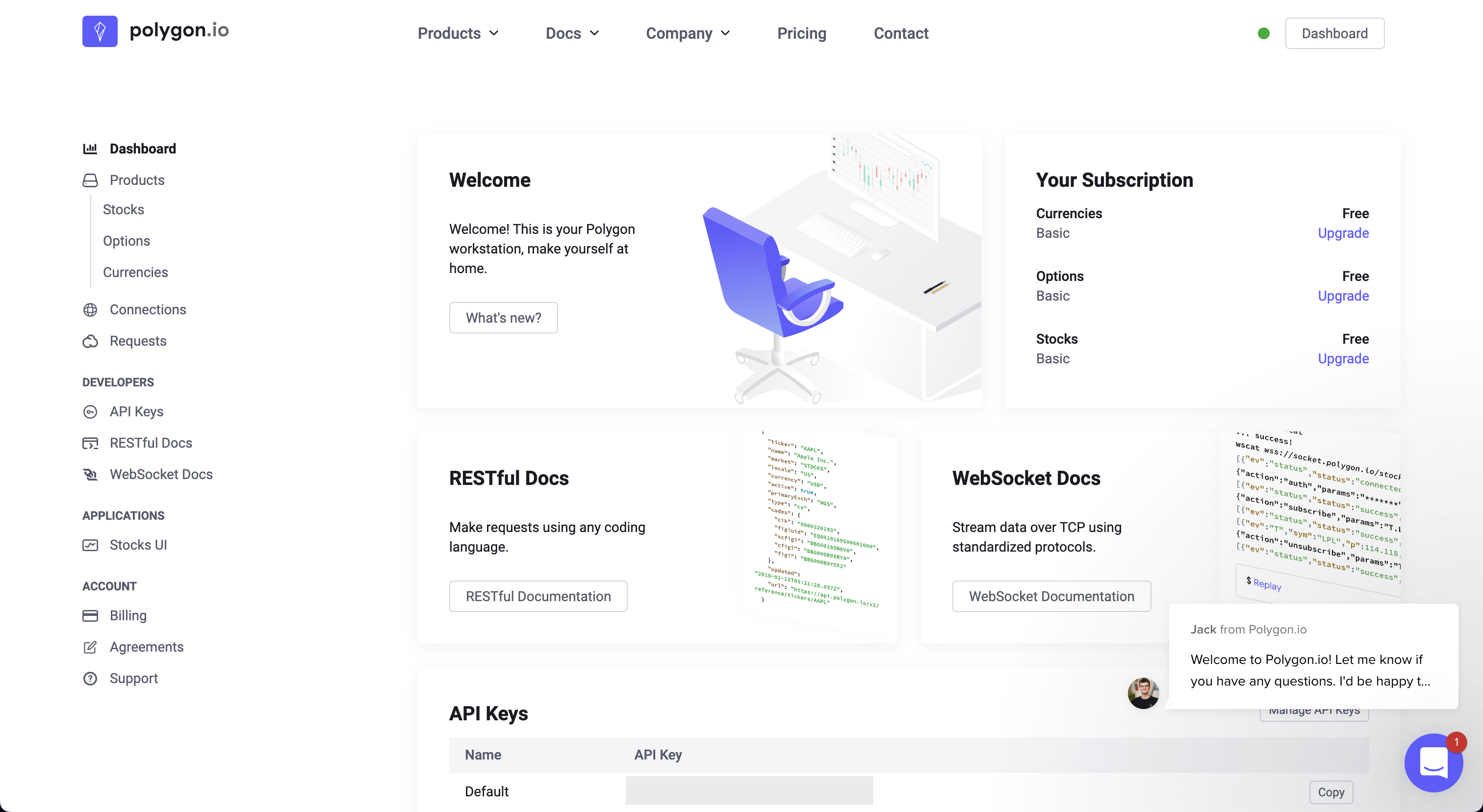"
|
|
},
|
|
{
|
|
"name": "API_FRED_KEY",
|
|
"source": "FRED",
|
|
"link": "https://fred.stlouisfed.org/docs/api/api_key.html",
|
|
"markdown": "Go to: https://fred.stlouisfed.org\n\n\n\nClick on, \"My Account\", create a new account or sign in with Google:\n\n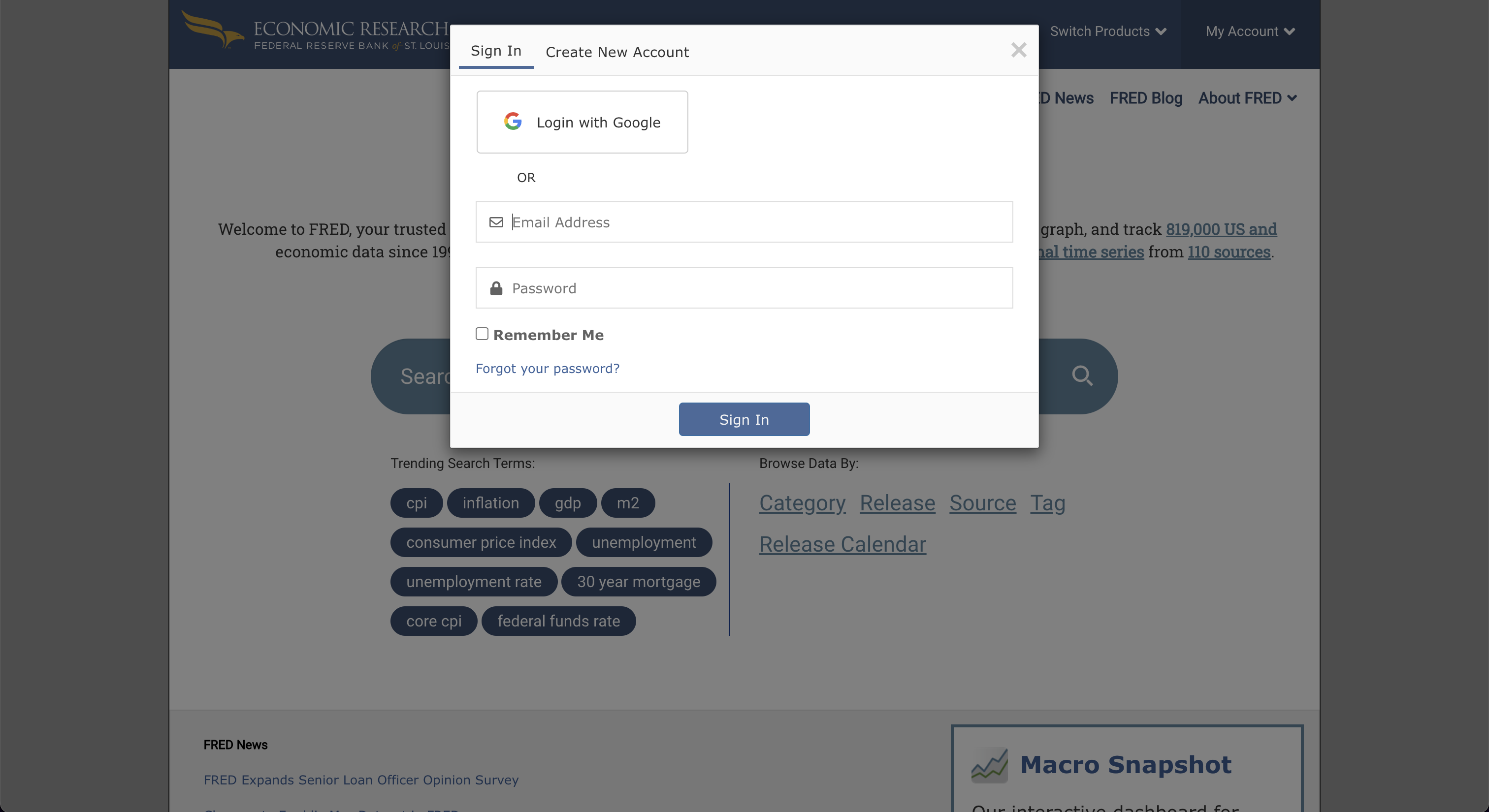\n\nAfter completing the sign-up, go to \"My Account\", and select \"API Keys\". Then, click on, \"Request API Key\".\n\n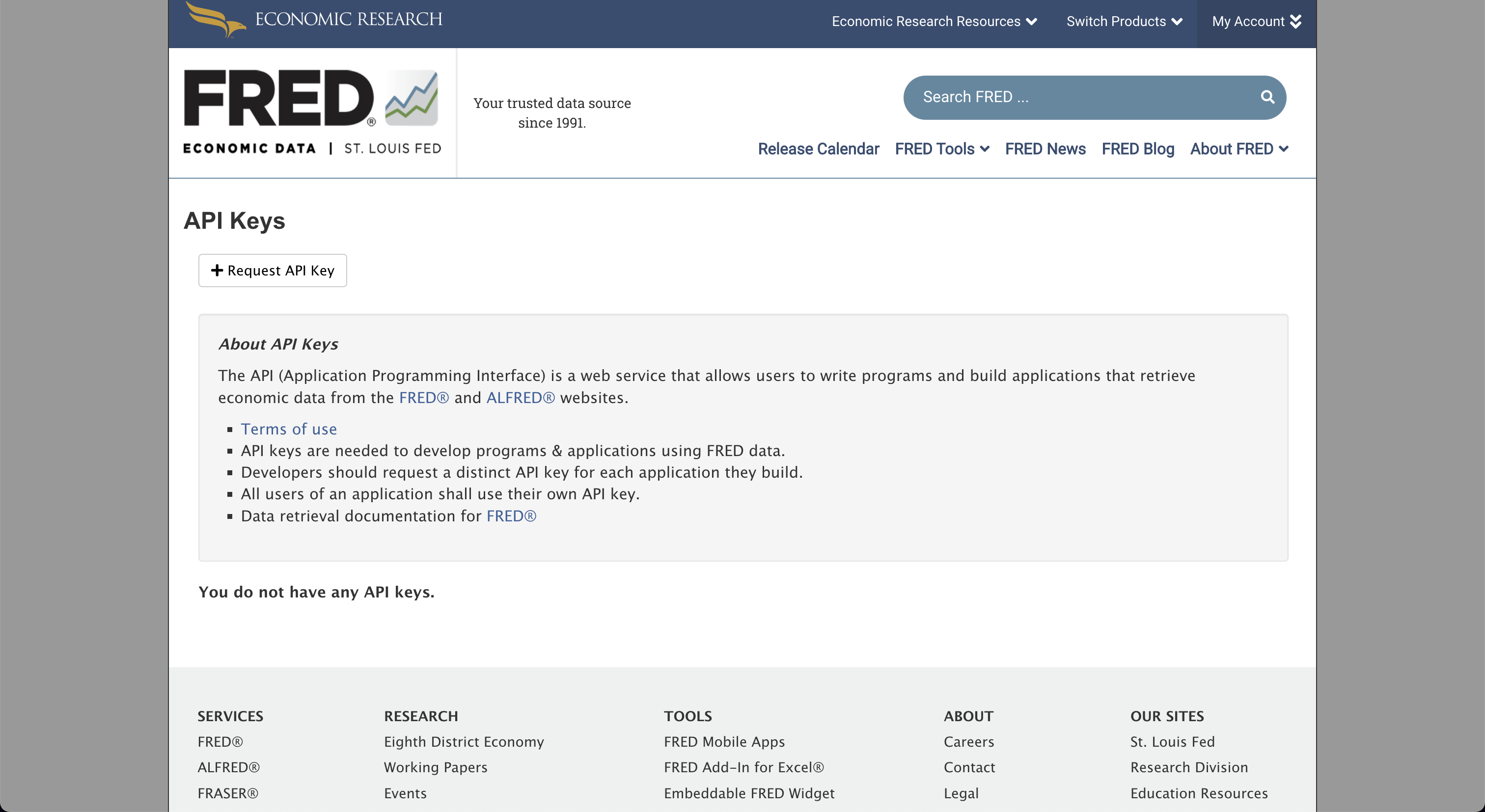\n\nFill in the box for information about the use-case for FRED, and by clicking, \"Request API key\", at the bottom of the page, the API key will be issued.\n\n"
|
|
},
|
|
{
|
|
"name": "API_NEWS_TOKEN",
|
|
"source": "NewsAPI",
|
|
"link": "https://newsapi.org",
|
|
"markdown": "Go to: https://newsapi.org\n\n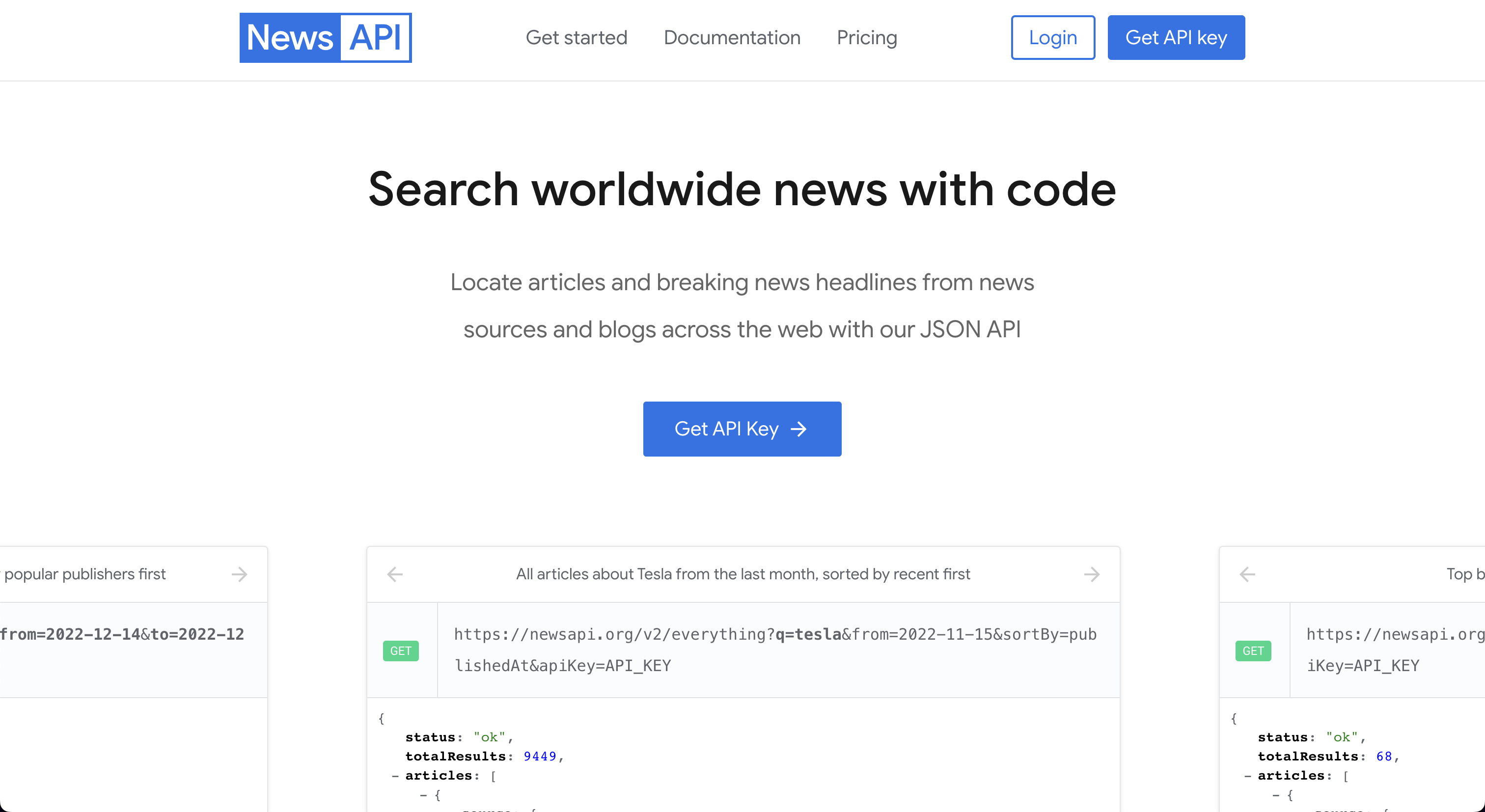\n\nClick on, \"Get API Key\", and fill out the form.\n\n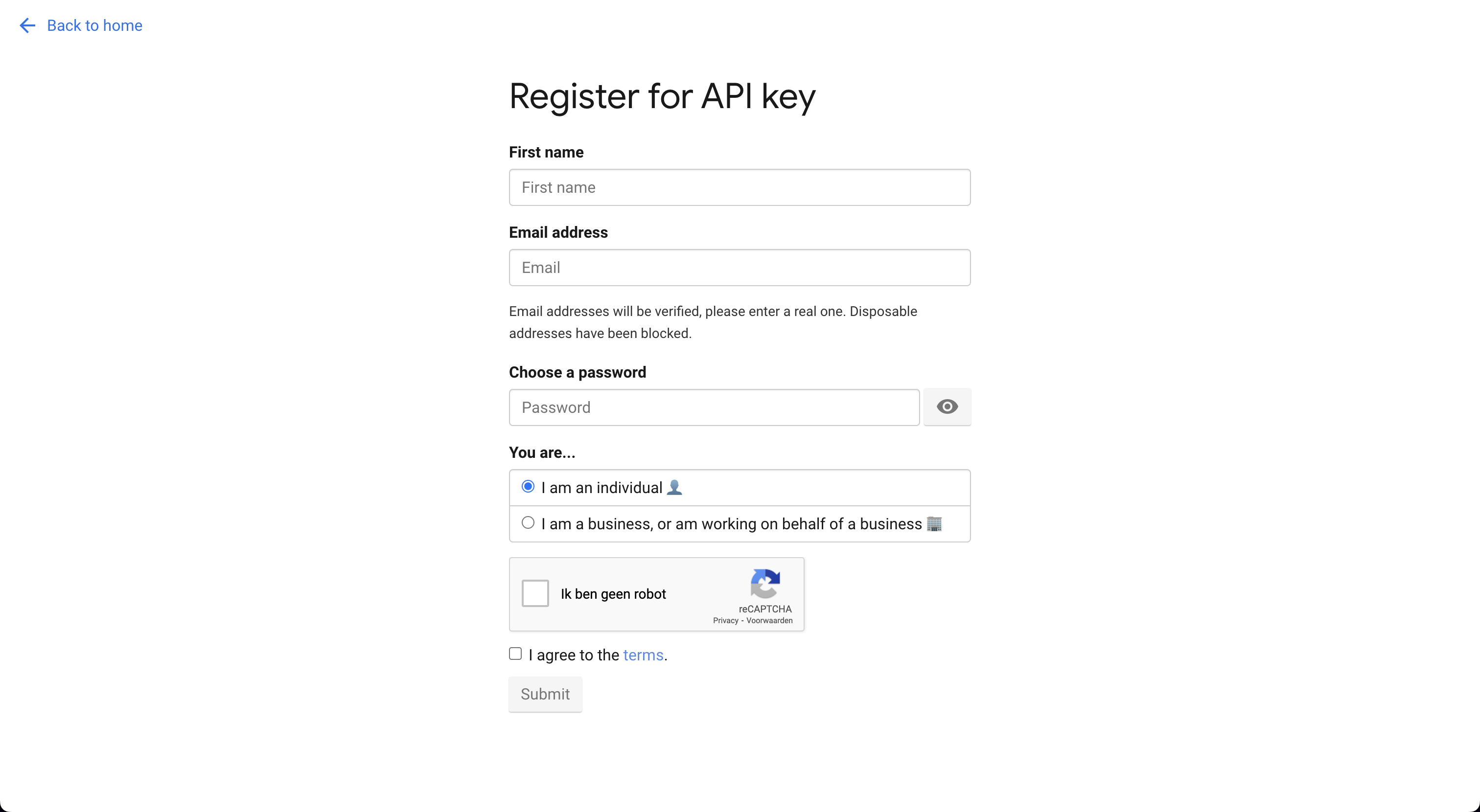\n\nRegister for an account and the next screen will provide the API Key.\n\n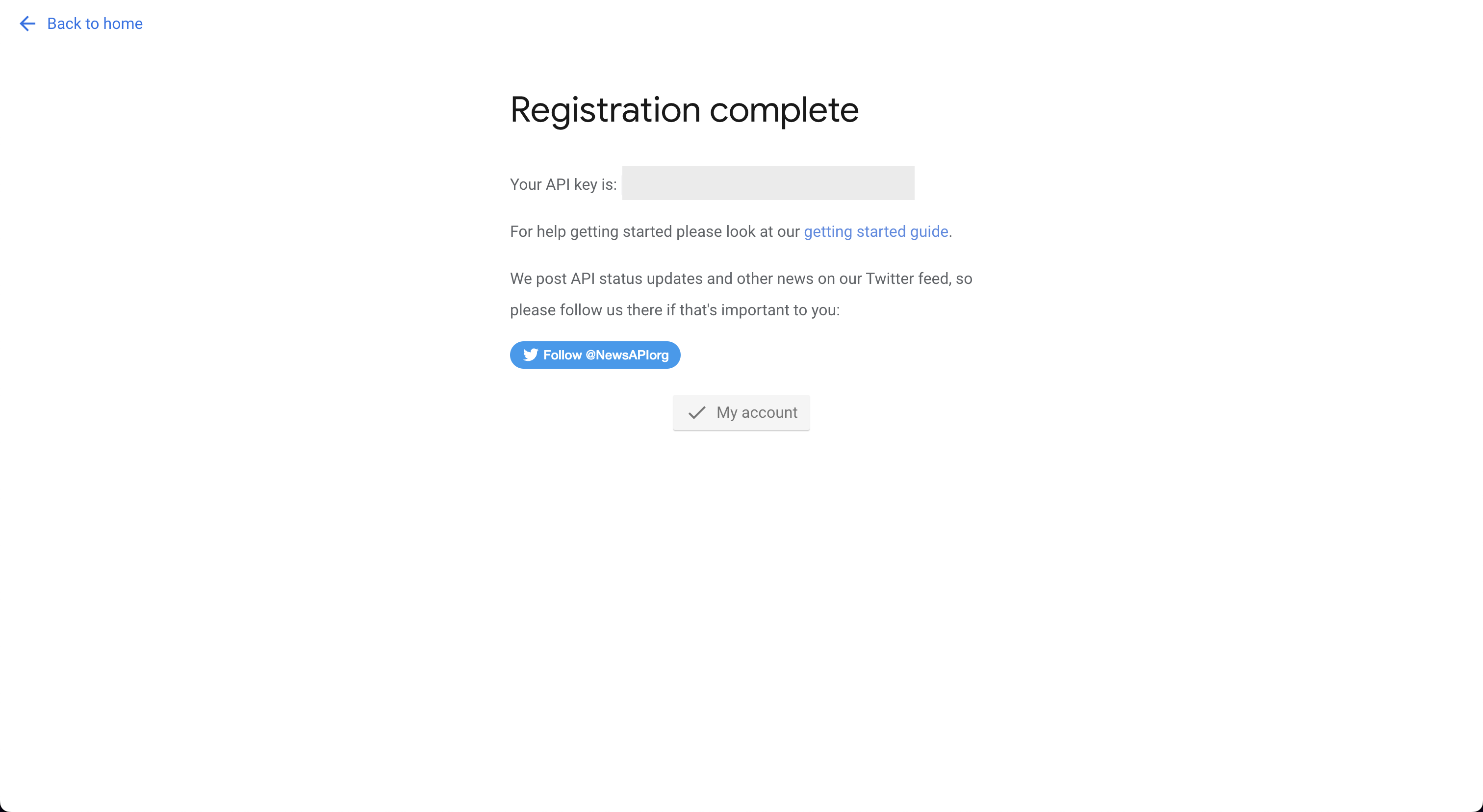"
|
|
},
|
|
{
|
|
"name": "OPENBB_RH_USERNAME",
|
|
"source": "Robinhood username",
|
|
"link": "https://robinhood.com/us/en/",
|
|
"markdown": "Go to: https://robinhood.com/us/en\n\n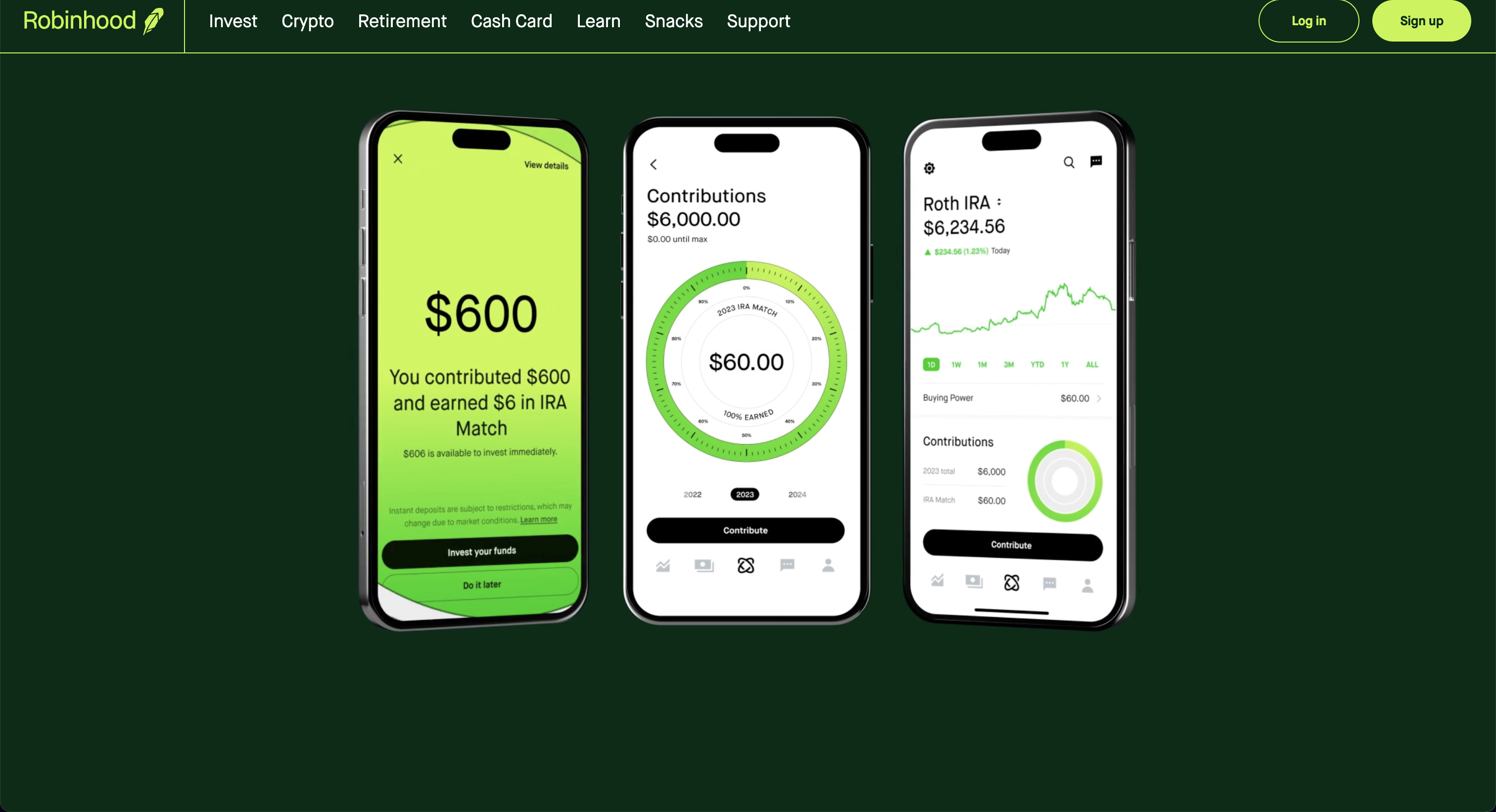\n\nThe first login will request 2FA authorization from the device connected to the account."
|
|
},
|
|
{
|
|
"name": "OPENBB_RH_PASSWORD",
|
|
"source": "Robinhood password",
|
|
"link": "https://robinhood.com/us/en/",
|
|
"markdown": "Go to: https://robinhood.com/us/en\n\n\n\nThe first login will request 2FA authorization from the device connected to the account."
|
|
},
|
|
{
|
|
"name": "OPENBB_DG_USERNAME",
|
|
"source": "Degiro username",
|
|
"link": "https://www.degiro.com/",
|
|
"markdown": "Go to: https://www.degiro.com/\n\n\n\nClick on, \"Open an account\", and then go through the registration process.\n\nInstructions for setting up 2FA authorization are [here](https://github.com/Chavithra/degiro-connector#35-how-to-use-2fa-)."
|
|
},
|
|
{
|
|
"name": "OPENBB_DG_PASSWORD",
|
|
"source": "Degiro password",
|
|
"link": "https://www.degiro.com/",
|
|
"markdown": "Go to: https://www.degiro.com/\n\n\n\nInstructions for setting up 2FA authorization are [here](https://github.com/Chavithra/degiro-connector#35-how-to-use-2fa-)."
|
|
},
|
|
{
|
|
"name": "OPENBB_DG_TOTP_SECRET",
|
|
"source": "Degiro secret",
|
|
"link": "https://www.degiro.com/",
|
|
"markdown": "Go to: https://www.degiro.com/\n\n\n\nClick on, \"Open an account\", and then go through the registration process.\n\nInstructions for setting up 2FA authorization are [here](https://github.com/Chavithra/degiro-connector#35-how-to-use-2fa-)."
|
|
},
|
|
{
|
|
"name": "OPENBB_OANDA_ACCOUNT_TYPE",
|
|
"source": "Oanda account type",
|
|
"link": "https://developer.oanda.com",
|
|
"markdown": "Go to: https://developer.oanda.com\n\n\n\nAfter creating an account, follow the steps below.\n\n"
|
|
},
|
|
{
|
|
"name": "OPENBB_OANDA_ACCOUNT",
|
|
"source": "Oanda account",
|
|
"link": "https://developer.oanda.com",
|
|
"markdown": "Go to: https://developer.oanda.com\n\n\n\nAfter creating an account, follow the steps below.\n\n"
|
|
},
|
|
{
|
|
"name": "OPENBB_OANDA_TOKEN",
|
|
"source": "Oanda token",
|
|
"link": "https://developer.oanda.com",
|
|
"markdown": "Go to: https://developer.oanda.com\n\n\n\nAfter creating an account, follow the steps below.\n\n"
|
|
},
|
|
{
|
|
"name": "API_TRADIER_TOKEN",
|
|
"source": "Tradier token",
|
|
"link": "https://tradier.com/products/market-data-api",
|
|
"markdown": "Go to: https://documentation.tradier.com\n\n\n\nClick on, \"Open Account\", to start the sign-up process. After the account has been setup, navigate to [Tradier Broker Dash](https://dash.tradier.com/login?redirect=settings.api) and create the application. Request a sandbox access token."
|
|
},
|
|
{
|
|
"name": "API_CMC_KEY",
|
|
"source": "Coinmarketcap key",
|
|
"link": "https://coinmarketcap.com/api/",
|
|
"markdown": "Go to: https://coinmarketcap.com/api\n\n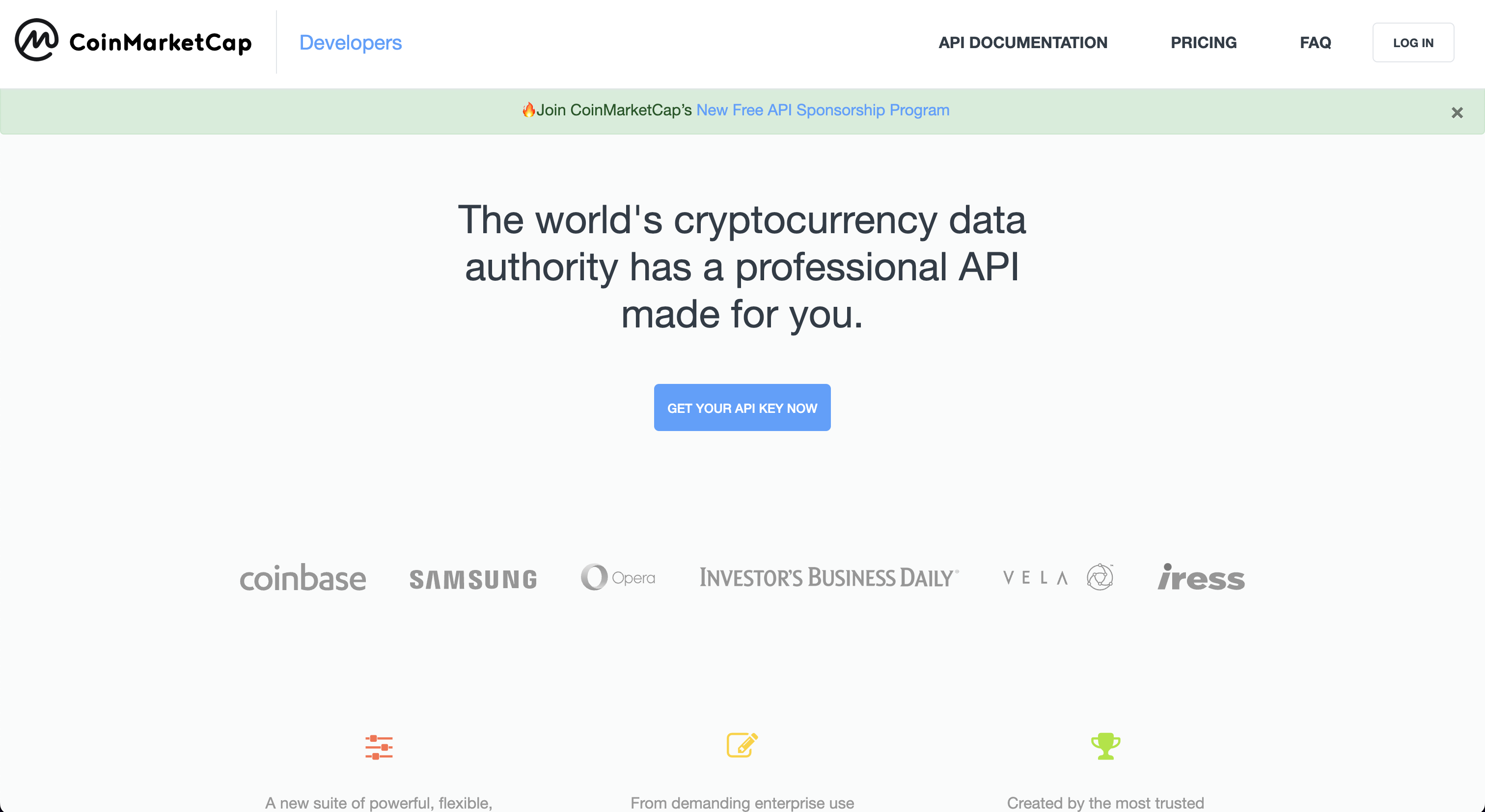\n\nClick on, \"Get Your Free API Key Now\", which opens to the page:\n\n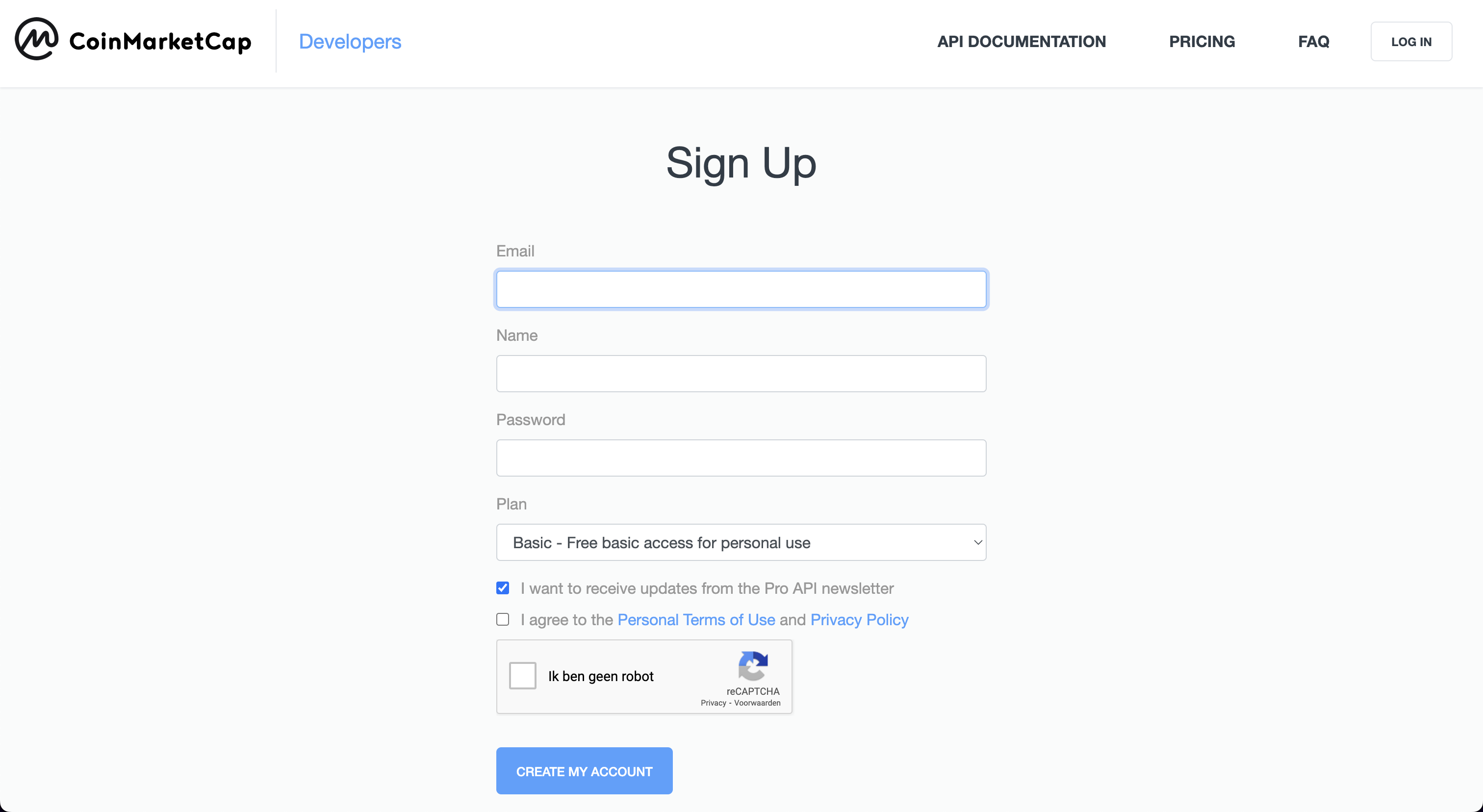\n\nOnce the account has been created, copy the API key displayed within the dashboard.\n\n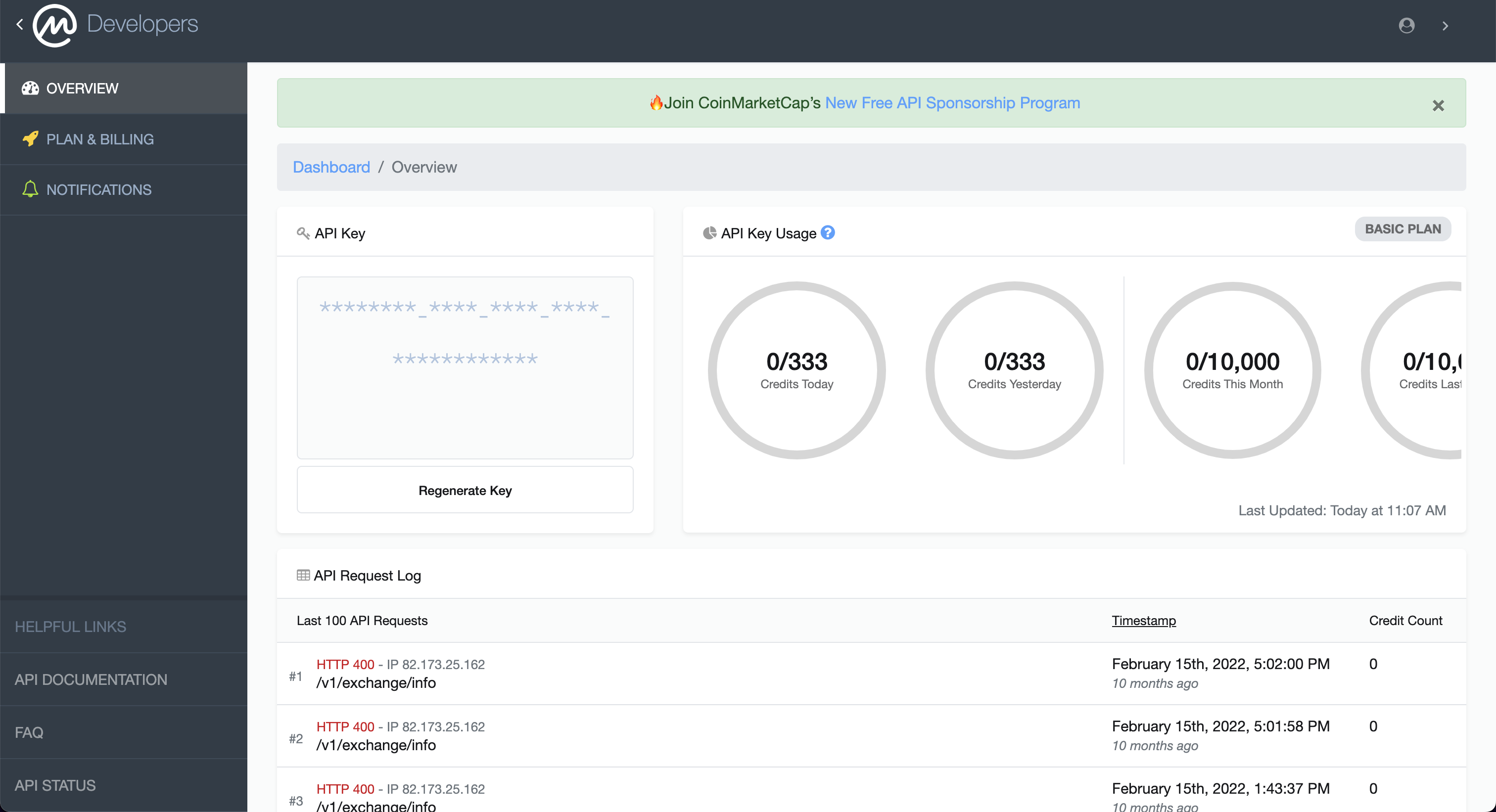"
|
|
},
|
|
{
|
|
"name": "API_BINANCE_KEY",
|
|
"source": "Binance key",
|
|
"link": "https://www.binance.com/en/",
|
|
"markdown": "Go to: https://www.binance.com/en/support/faq/how-to-create-api-360002502072\n\n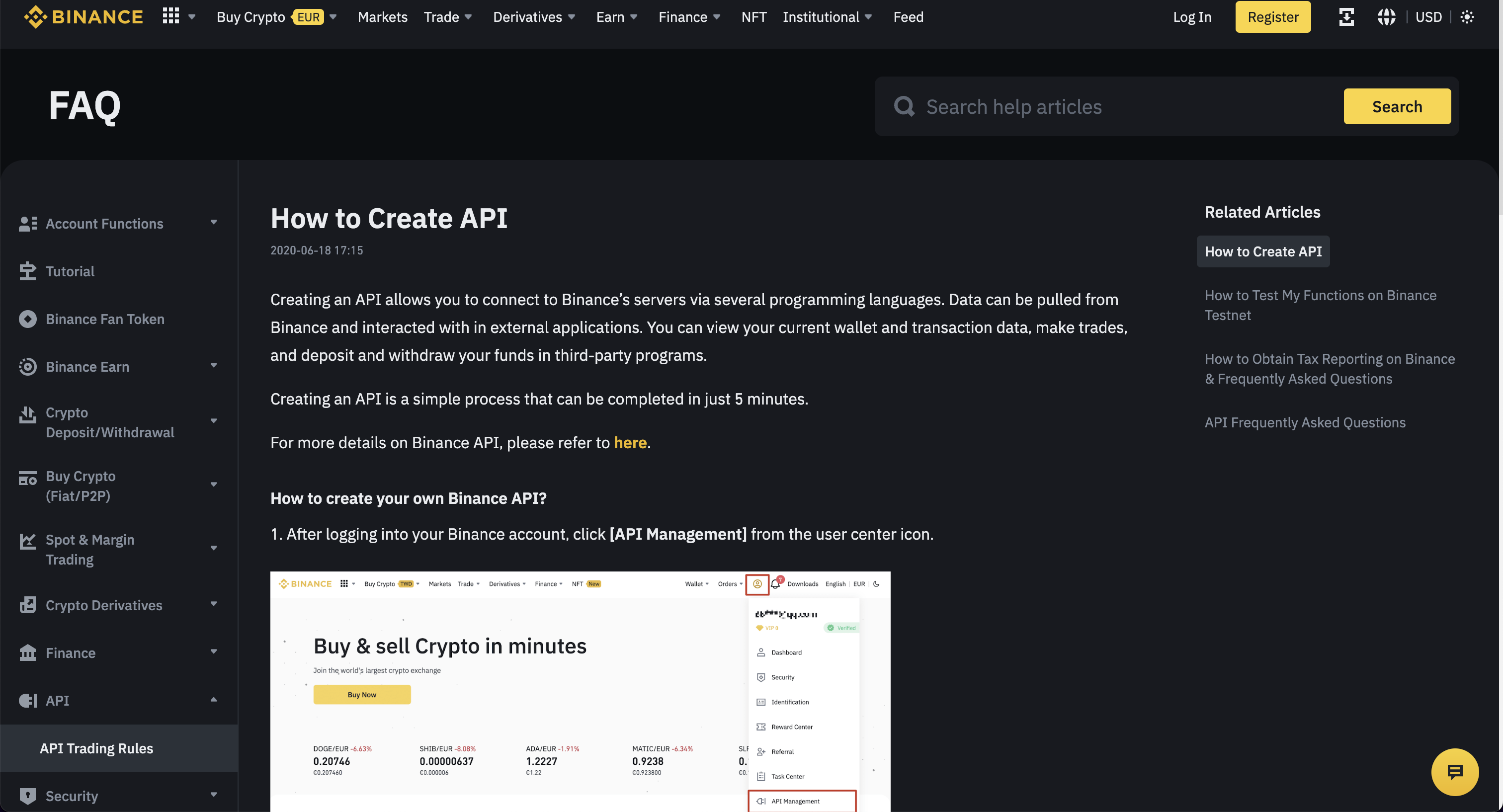\n\nThese instructions should provide clear guidance for obtaining an API Key."
|
|
},
|
|
{
|
|
"name": "API_BINANCE_SECRET",
|
|
"source": "Binance secret",
|
|
"link": "https://www.binance.com/en/",
|
|
"markdown": "Go to: https://www.binance.com/en/support/faq/how-to-create-api-360002502072\n\n\n\nThese instructions should provide clear guidance for obtaining an API Key."
|
|
},
|
|
{
|
|
"name": "API_FINNHUB_KEY",
|
|
"source": "Finnhub key",
|
|
"link": "https://finnhub.io",
|
|
"markdown": "Go to: https://finnhub.io/\n\n\n\nClick on, \"Get free api key\", to open the page:\n\n\n\nOnce the account has been created, find the API key in the account dashboard.\n\n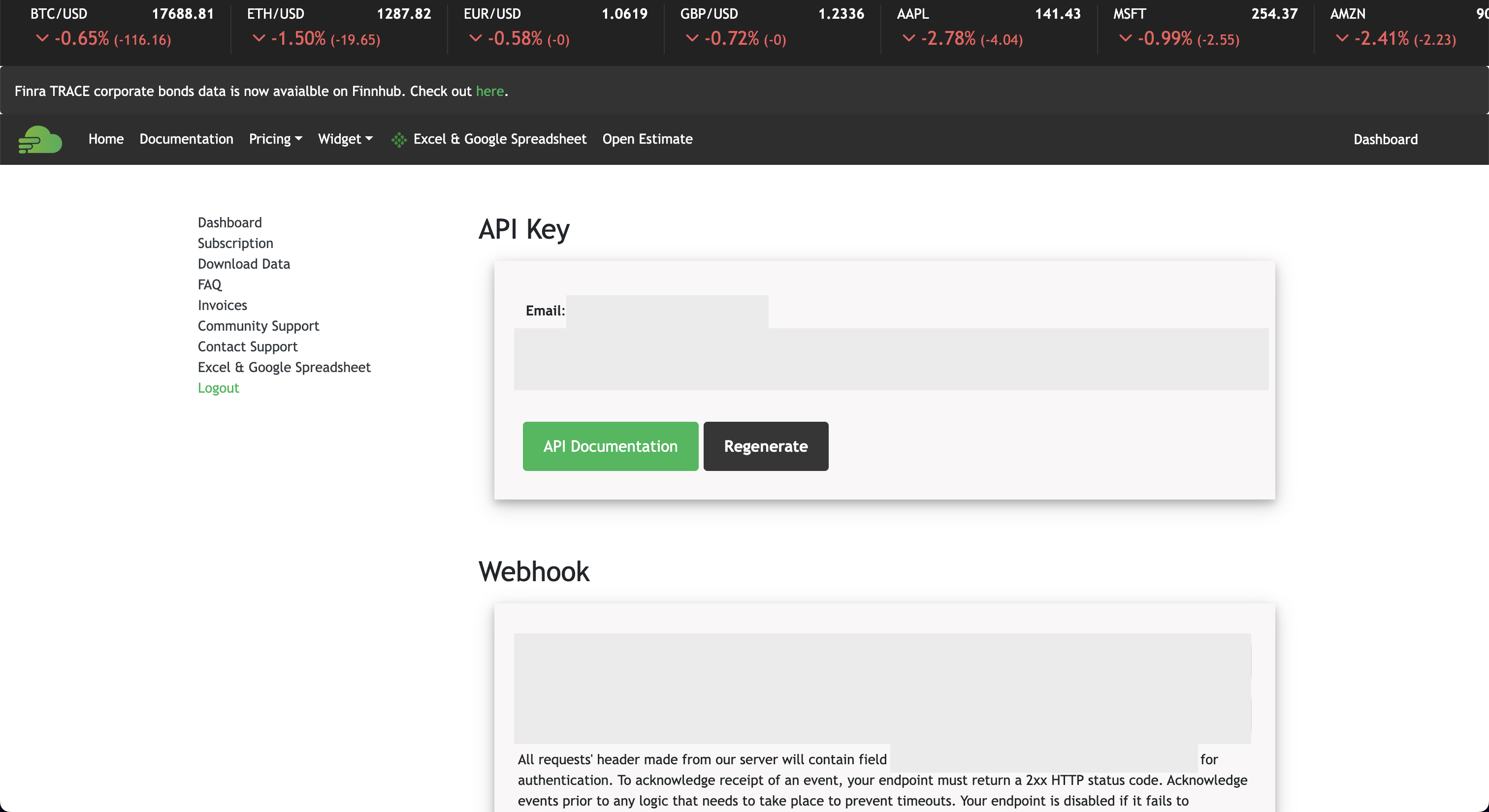"
|
|
},
|
|
{
|
|
"name": "API_BITQUERY_KEY",
|
|
"source": "Bitquery Key",
|
|
"link": "https://graphql.bitquery.io",
|
|
"markdown": "Go to: https://bitquery.io/\n\n\n\nClick \"Try GraphQL API\", which opens the following screen:\n\n\n\nAfter creating an account and verifying the email address, get the value for the key by clicking on the \"API Key\" tab.\n\n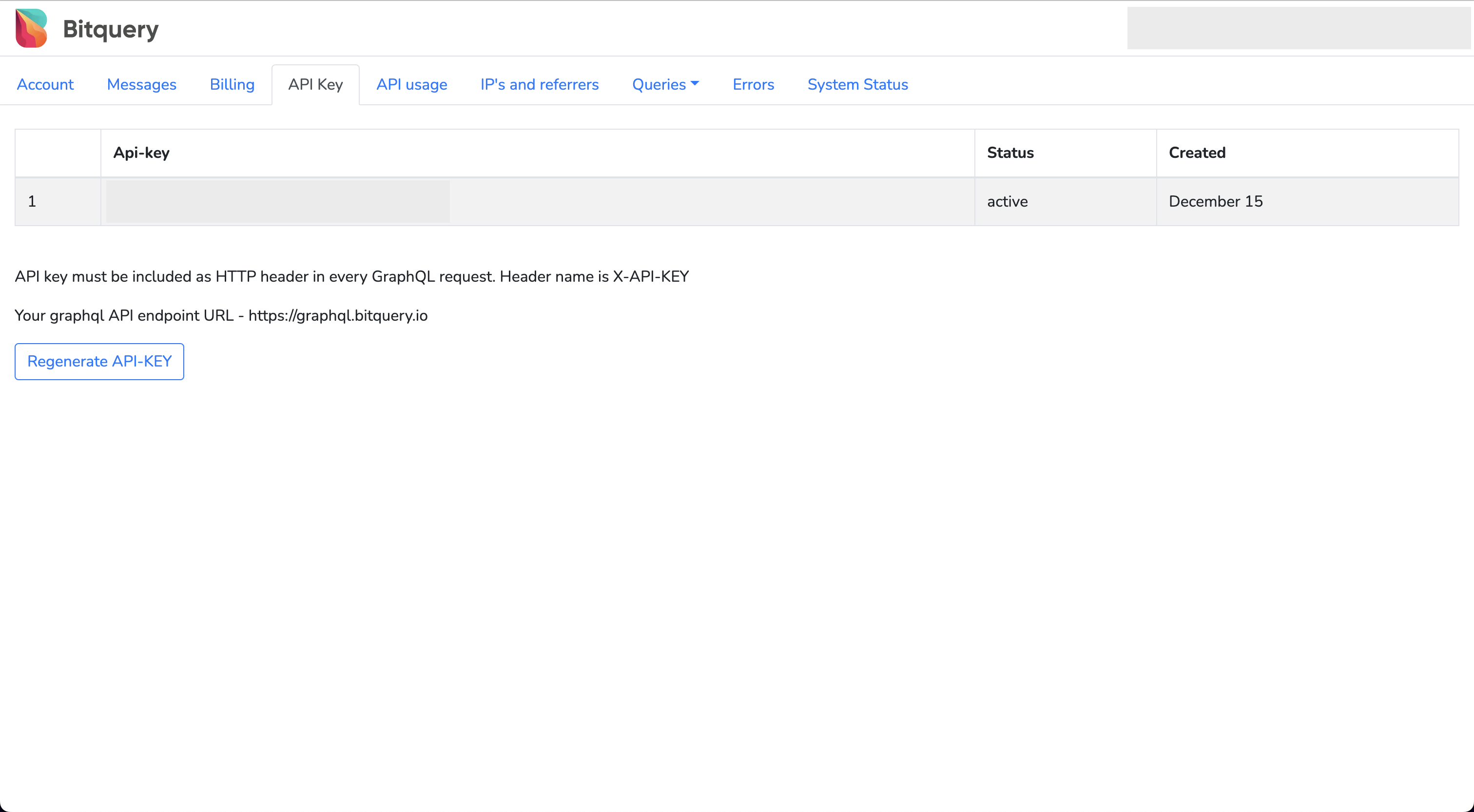"
|
|
},
|
|
{
|
|
"name": "API_COINBASE_KEY",
|
|
"source": "Coinbase key",
|
|
"link": "https://www.coinbase.com/",
|
|
"markdown": "Go to: https://help.coinbase.com/en/exchange/managing-my-account/how-to-create-an-api-key\n\n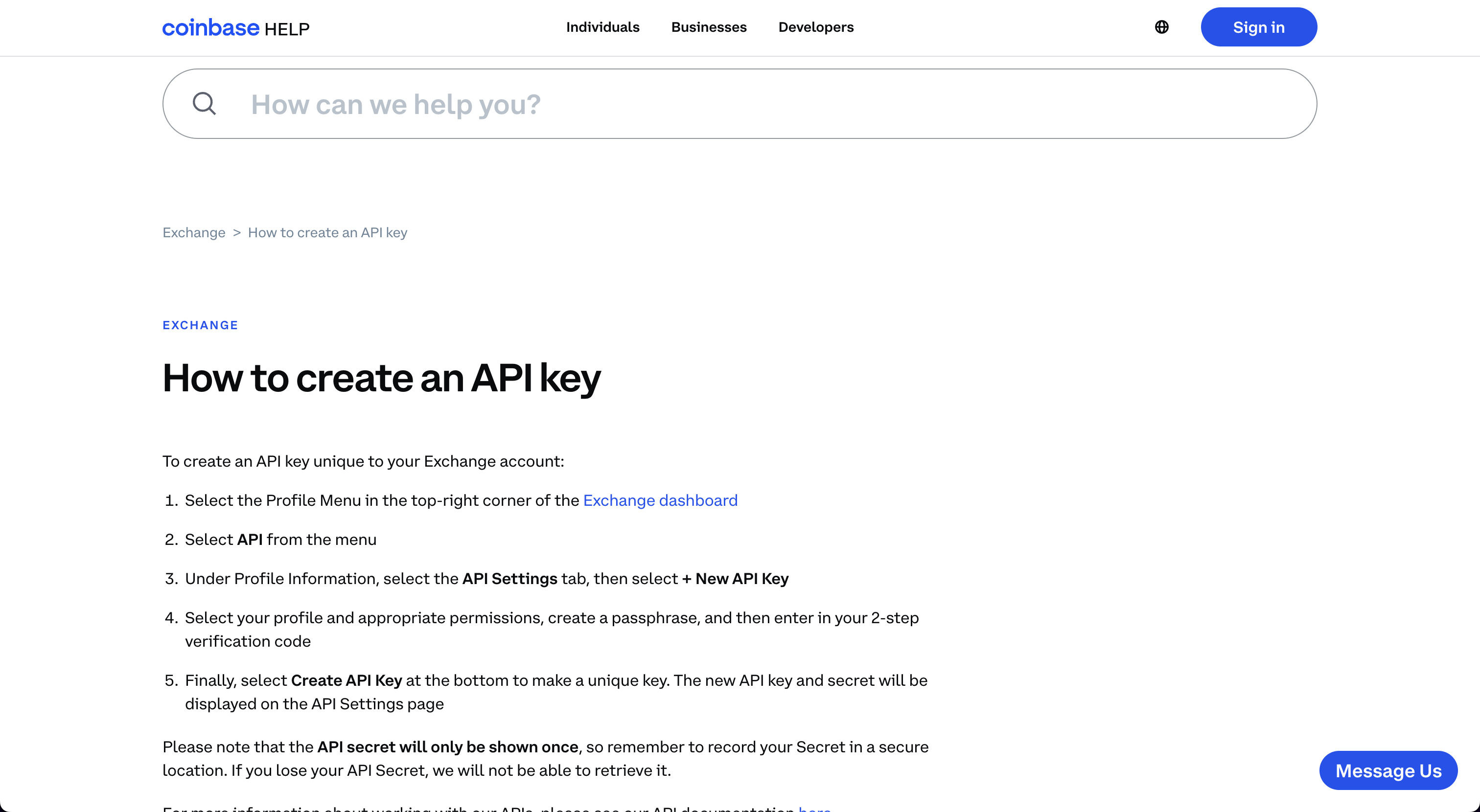\n\nFollow the instructions to obtain the credentials for the specific account."
|
|
},
|
|
{
|
|
"name": "API_COINBASE_SECRET",
|
|
"source": "Coinbase secret",
|
|
"link": "https://www.coinbase.com/",
|
|
"markdown": "Go to: https://help.coinbase.com/en/exchange/managing-my-account/how-to-create-an-api-key\n\n\n\nFollow the instructions to obtain the credentials for the specific account."
|
|
},
|
|
{
|
|
"name": "API_COINBASE_PASS_PHRASE",
|
|
"source": "Coinbase passphrase",
|
|
"link": "https://www.coinbase.com/",
|
|
"markdown": "Go to: https://help.coinbase.com/en/exchange/managing-my-account/how-to-create-an-api-key\n\n\n\nFollow the instructions to obtain the credentials for the specific account."
|
|
},
|
|
{
|
|
"name": "API_COINGLASS_KEY",
|
|
"source": "Coinglass key",
|
|
"link": "https://www.coinglass.com/",
|
|
"markdown": "Go to: https://www.coinglass.com/\n\n\n\nClick, \"Log in\", and then sign up for an account. This opens the page:\n\n"
|
|
},
|
|
{
|
|
"name": "API_CRYPTO_PANIC_KEY",
|
|
"source": "Crypto Panic",
|
|
"link": "https://cryptopanic.com/developers/",
|
|
"markdown": "Go to: https://cryptopanic.com/developers/api/\n\n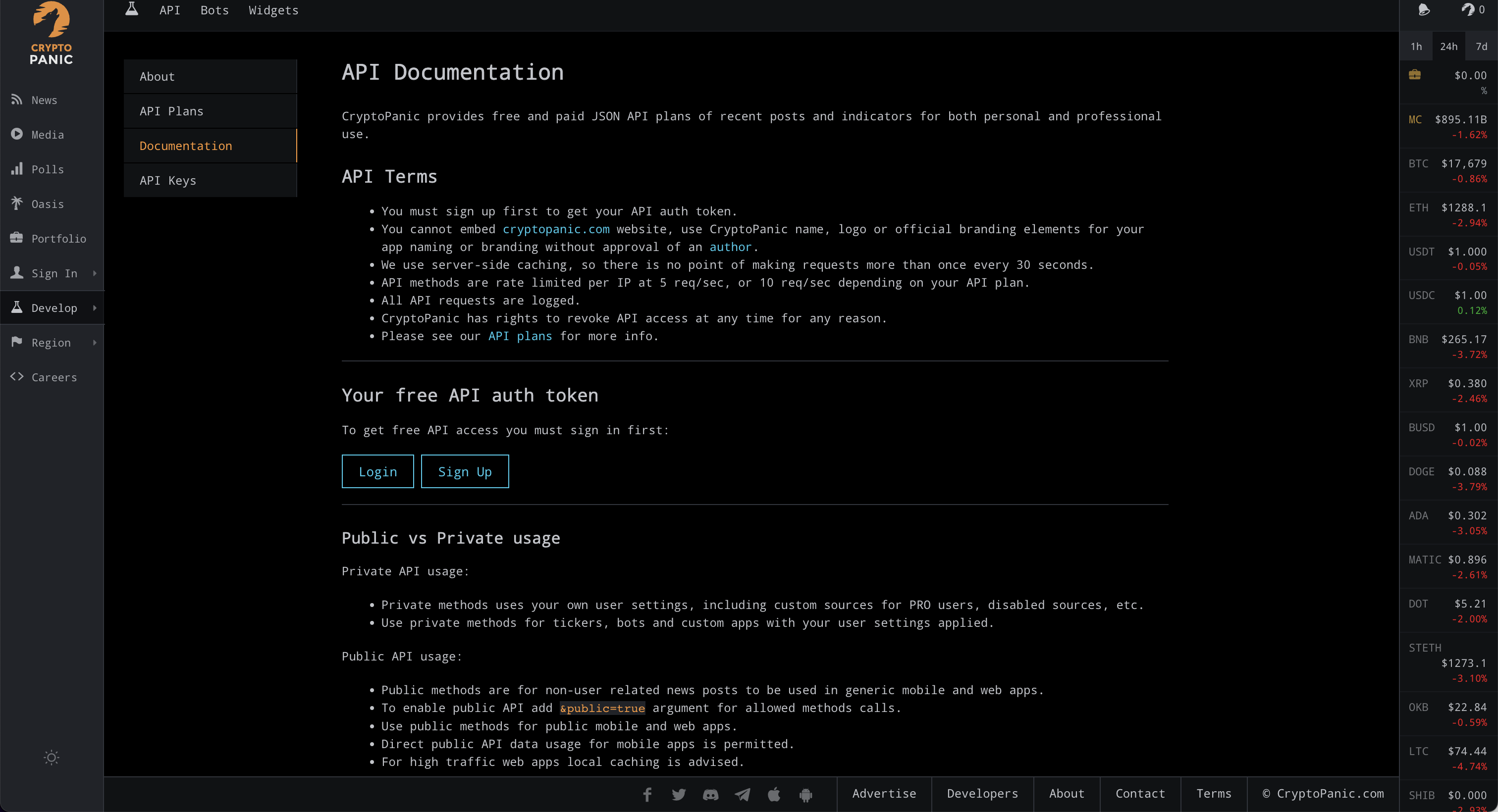\n\nClick on, [Sign up](https://cryptopanic.com/accounts/signup/?next=/developers/api/), and after creating, the API key will be displayed on the documentation page, \"Your free API auth token\".\n\n"
|
|
},
|
|
{
|
|
"name": "API_EODHD_KEY",
|
|
"source": "EODHD",
|
|
"link": "https://eodhistoricaldata.com/",
|
|
"markdown": "Go to: https://eodhistoricaldata.com/r/?ref=869U7F4J\n\n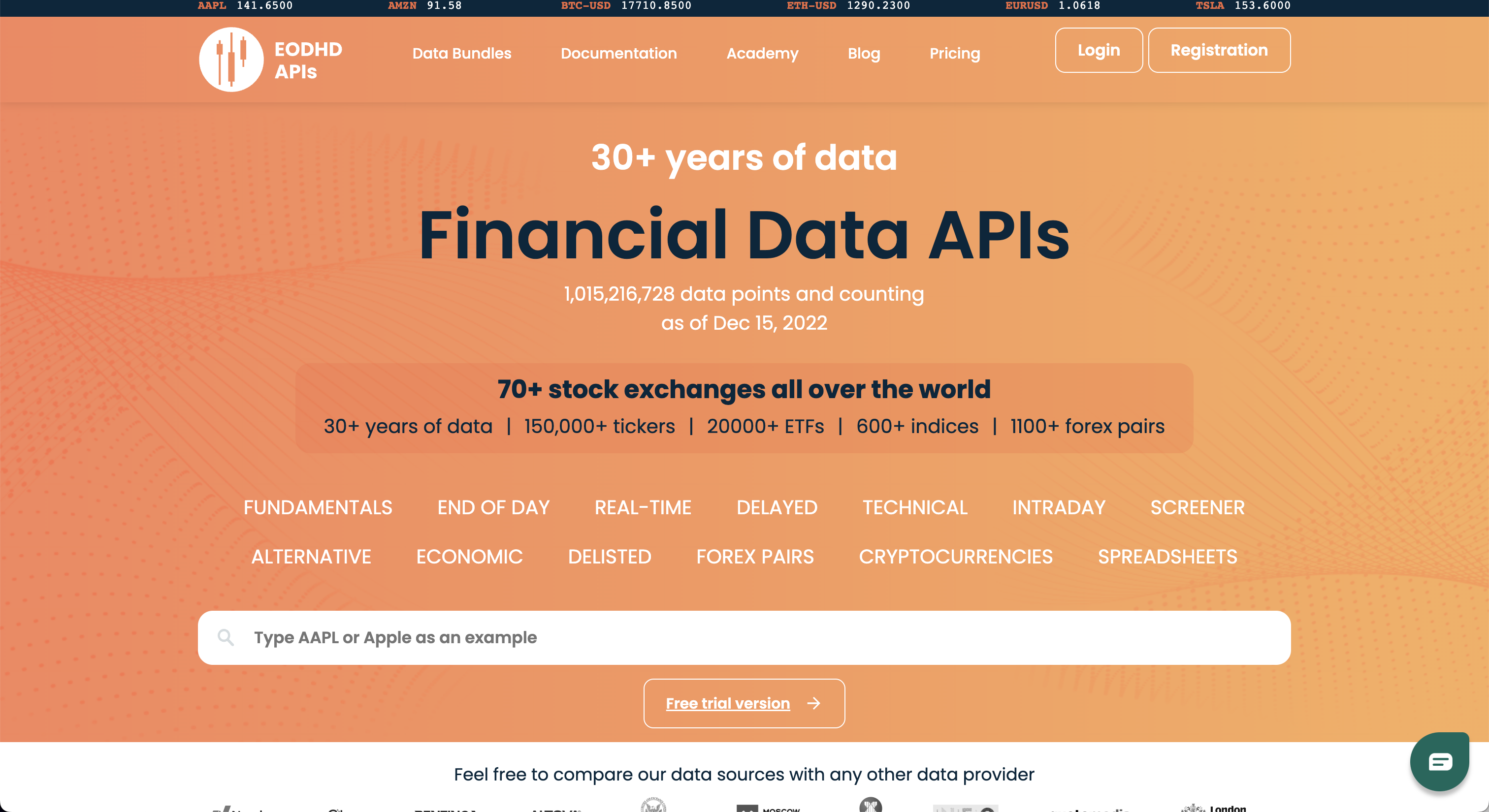\n\nClicking on, \"Registration\", opens the page:\n\n\n\nOnce registered, the API Key will be next to \"API TOKEN\".\n\n"
|
|
},
|
|
{
|
|
"name": "API_GITHUB_KEY",
|
|
"source": "GitHub",
|
|
"link": "https://docs.github.com/en/rest/guides/getting-started-with-the-rest-api",
|
|
"markdown": "Go to: https://github.com\n\n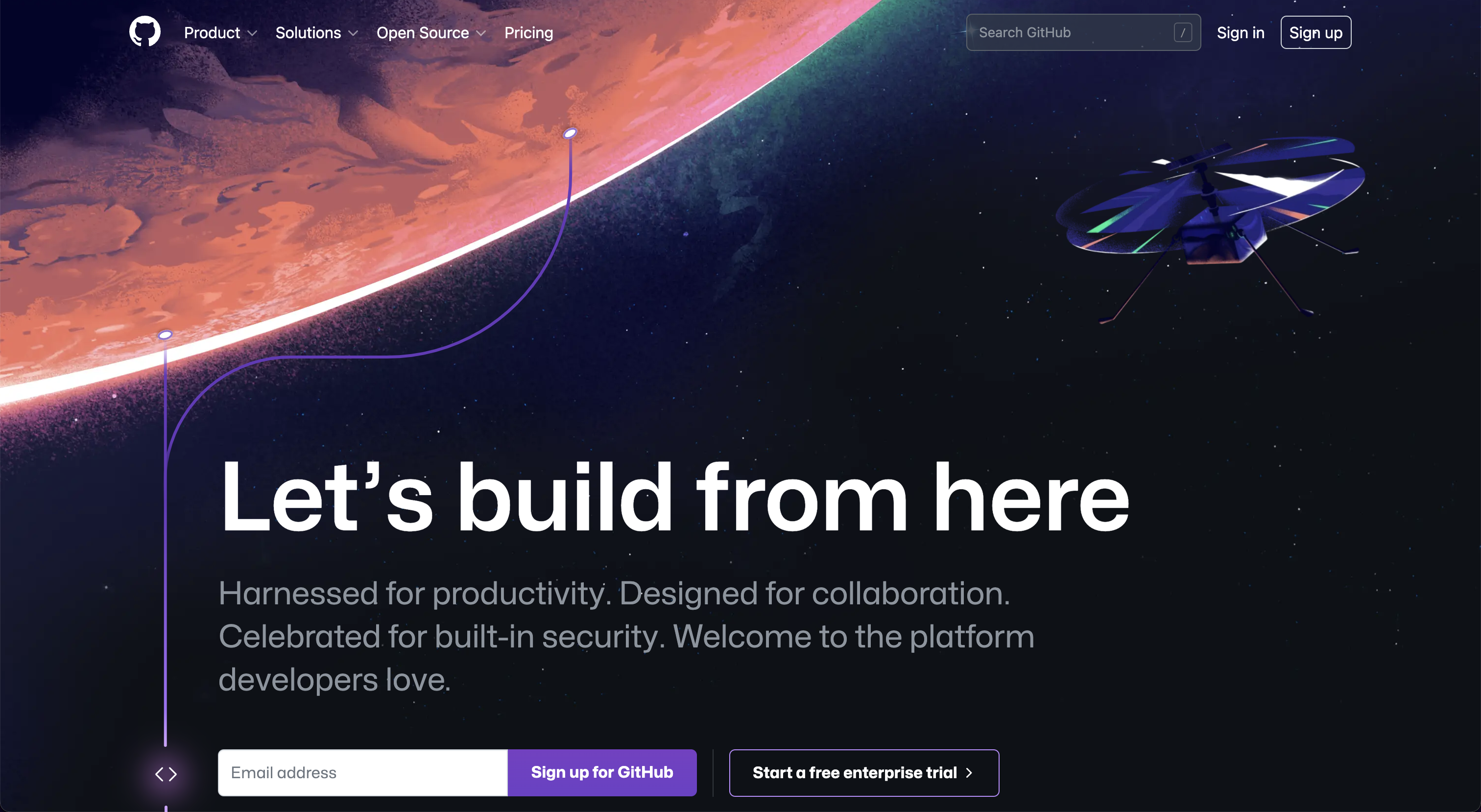\n\nSign up for, or sign in to, GitHub. Once logged in, navigate to the [apps](https://github.com/settings/apps) page, under account settings.\n\n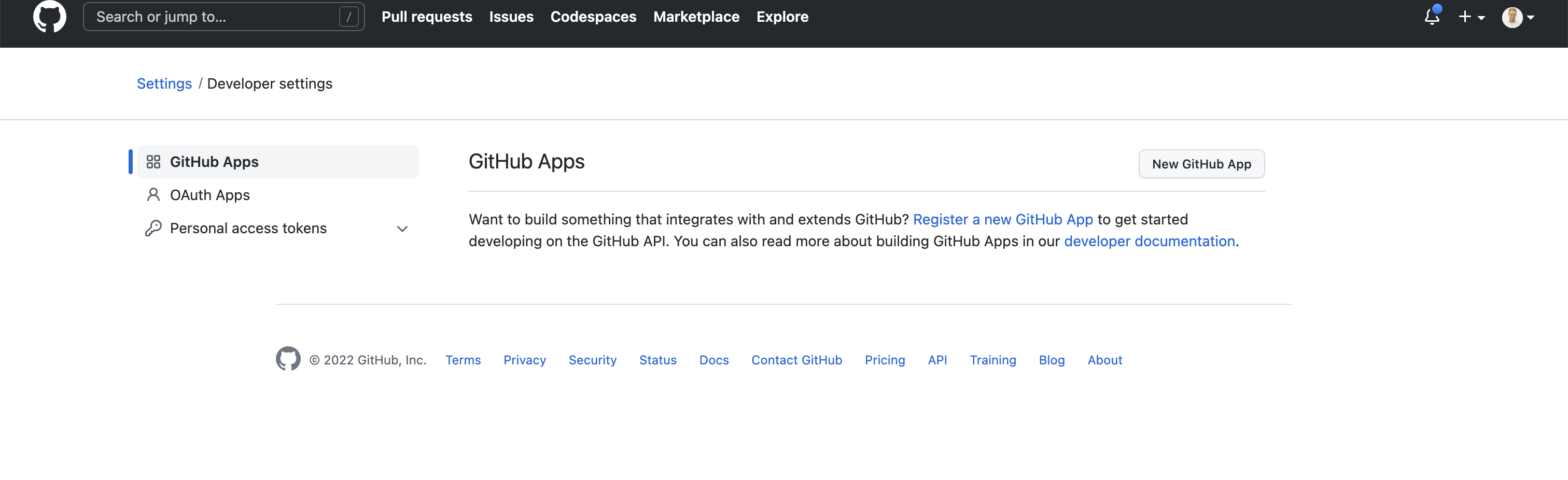\n\nSelect, \"New GitHub App\":\n\n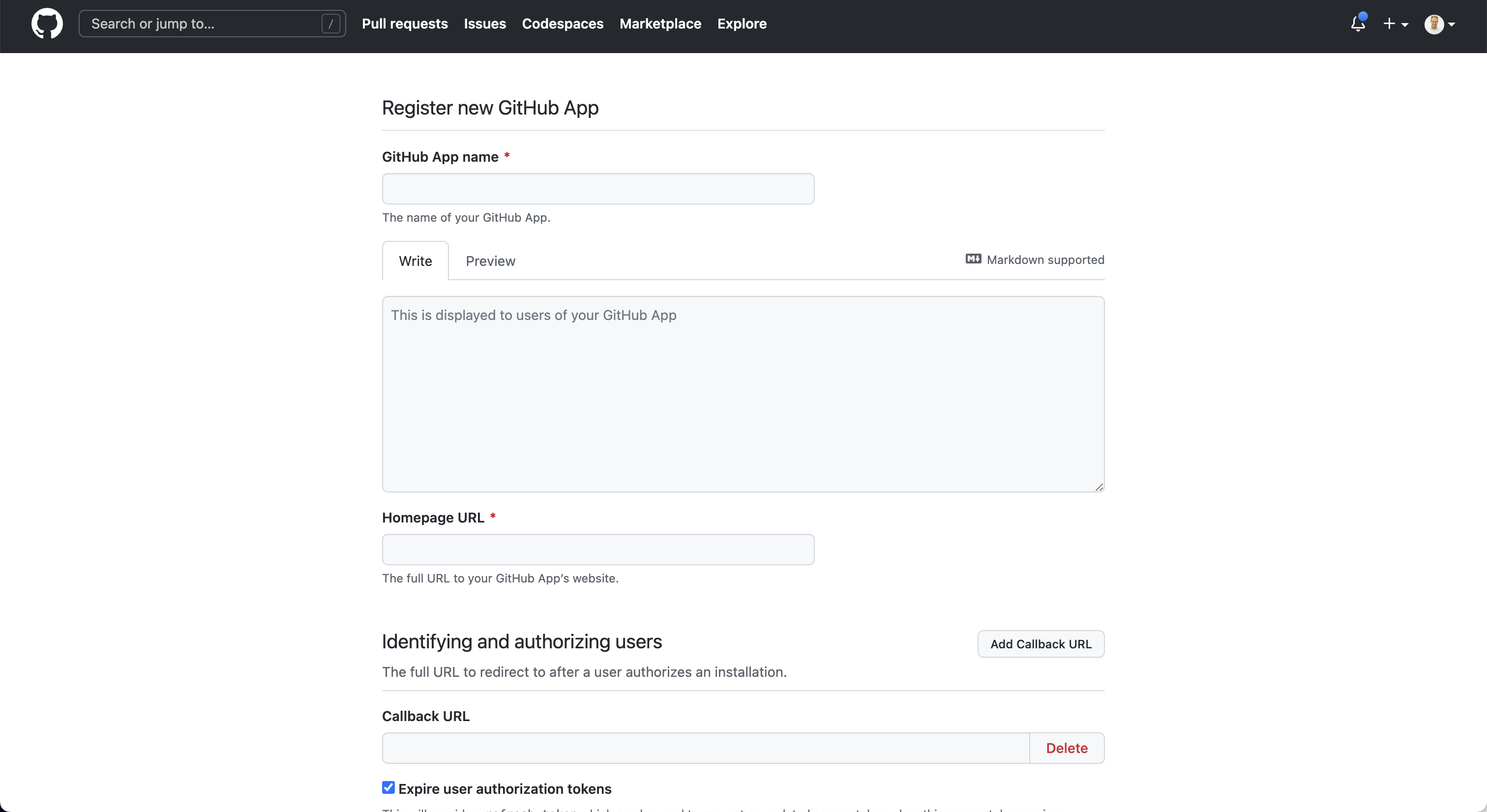\n\nAfter creating the app, the key will be issued."
|
|
},
|
|
{
|
|
"name": "API_GLASSNODE_KEY",
|
|
"source": "Glassnode key",
|
|
"link": "https://docs.glassnode.com/basic-api/api-key#how-to-get-an-api-key/",
|
|
"markdown": "Go to: https://studio.glassnode.com\n\n\n\nClick on, \"Sign Up\", and create an account:\n\n\n\nAfter creating an account, navigate to the [account settings](https://studio.glassnode.com/settings/api) and generate an API Key.\n\n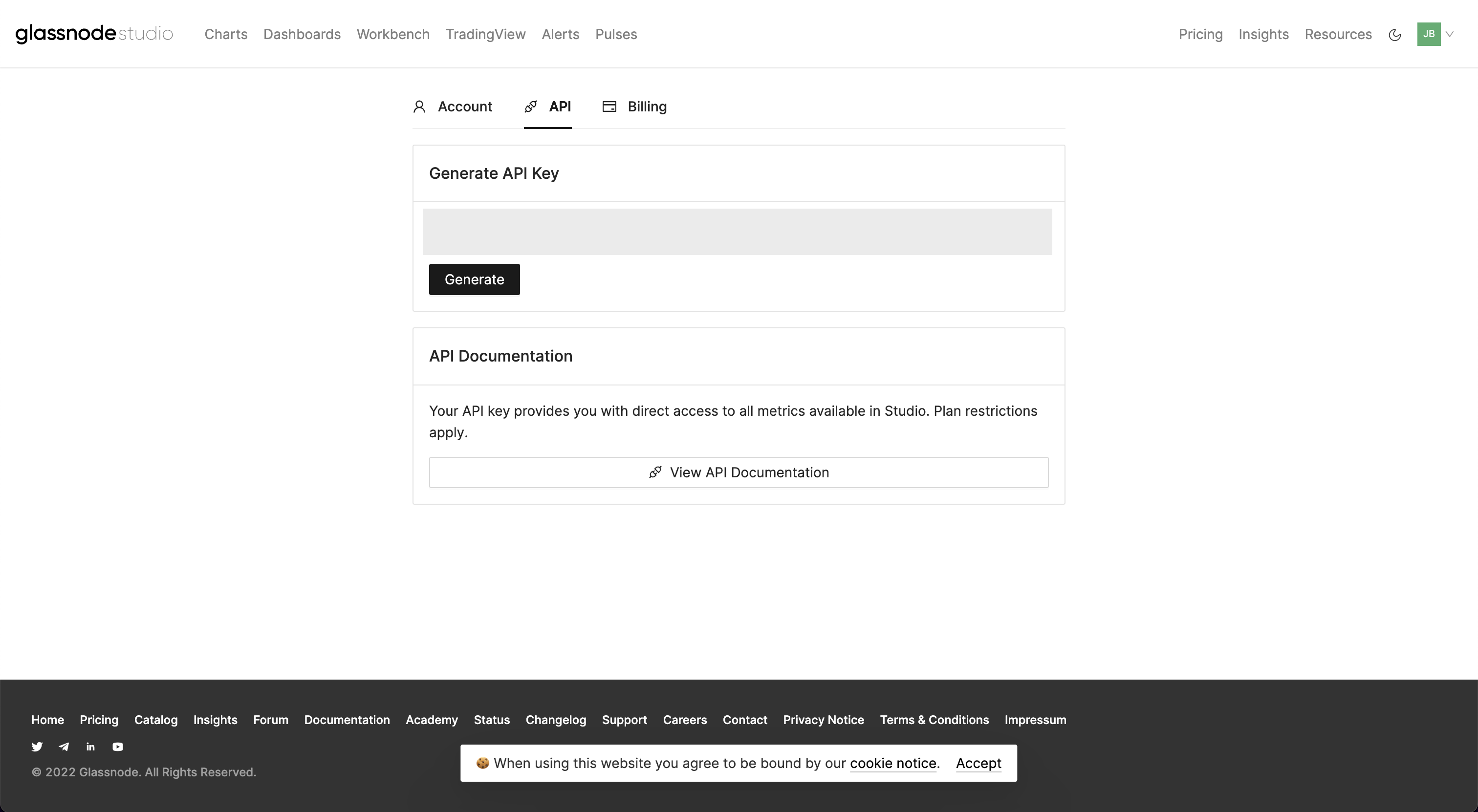"
|
|
},
|
|
{
|
|
"name": "API_SANTIMENT_KEY",
|
|
"source": "Santiment",
|
|
"link": "https://app.santiment.net/",
|
|
"markdown": "Go to: https://app.santiment.net\n\nClick on, \"Sign Up\", and register for an account.\n\n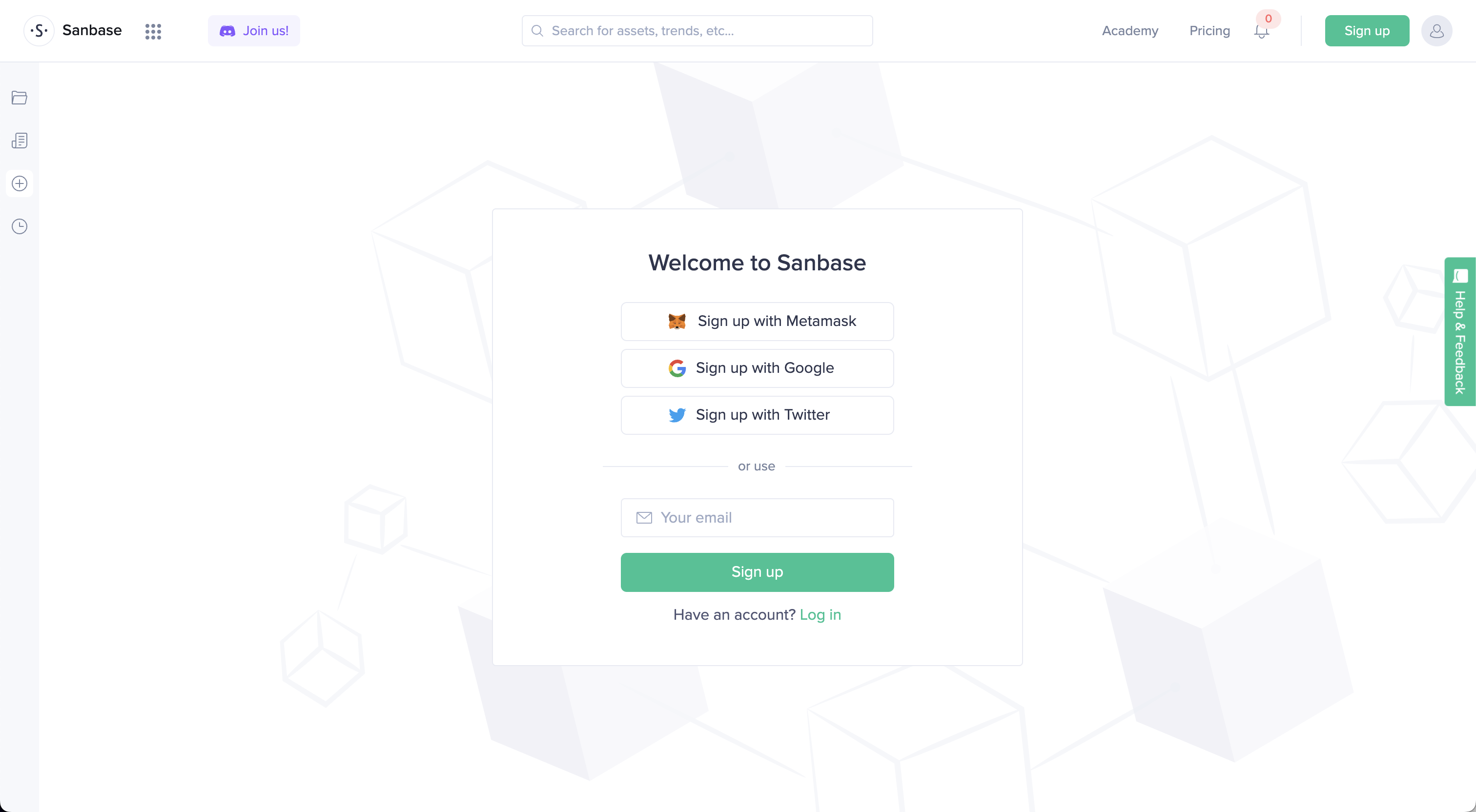\n\nNavigate to the [account dashboard](https://app.santiment.net/account#api-keys) and generate a key.\n\n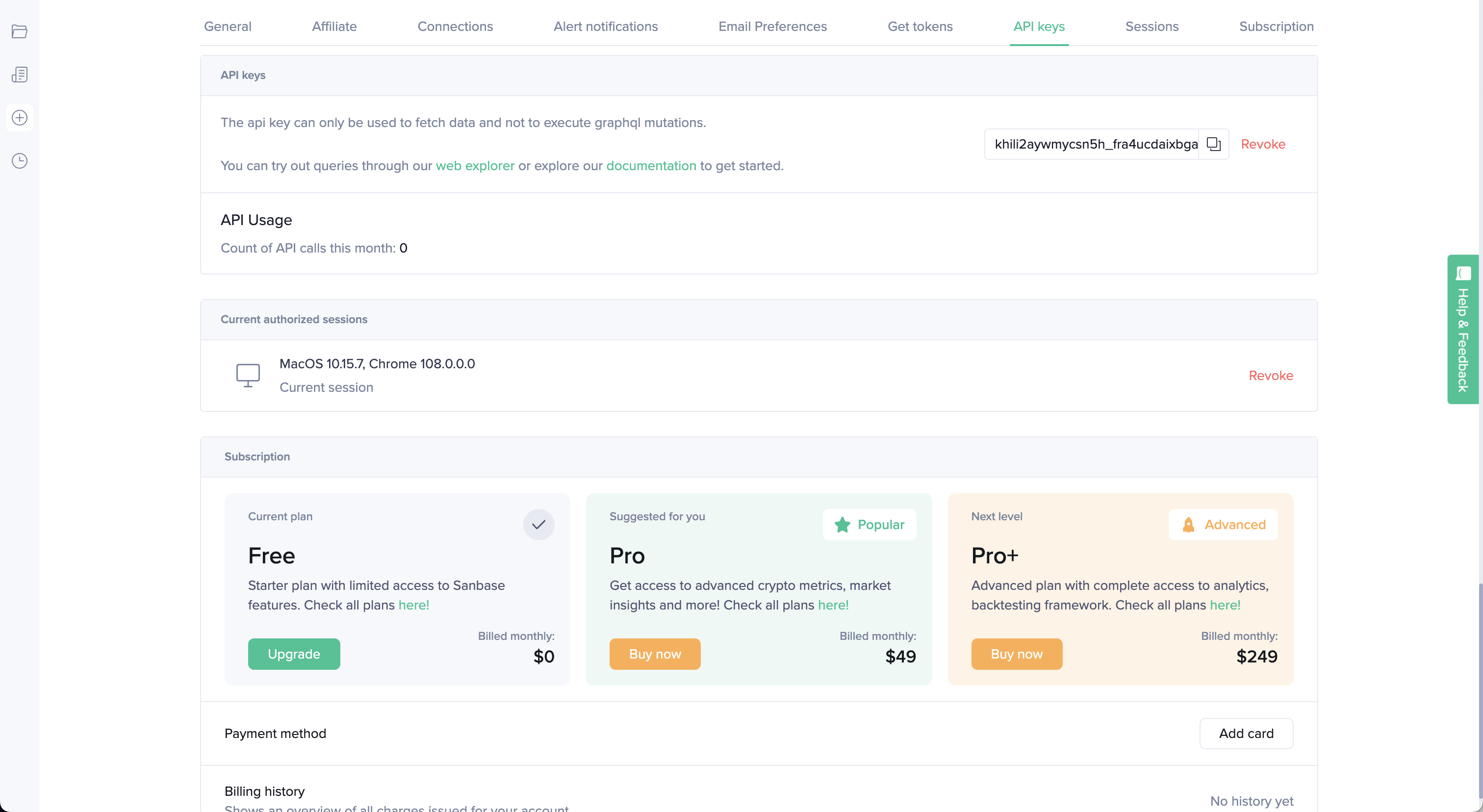"
|
|
},
|
|
{
|
|
"name": "API_SHROOM_KEY",
|
|
"source": "ShroomDK",
|
|
"link": "https://sdk.flipsidecrypto.xyz/shroomdk",
|
|
"markdown": "Go to: https://sdk.flipsidecrypto.xyz/shroomdk\n\n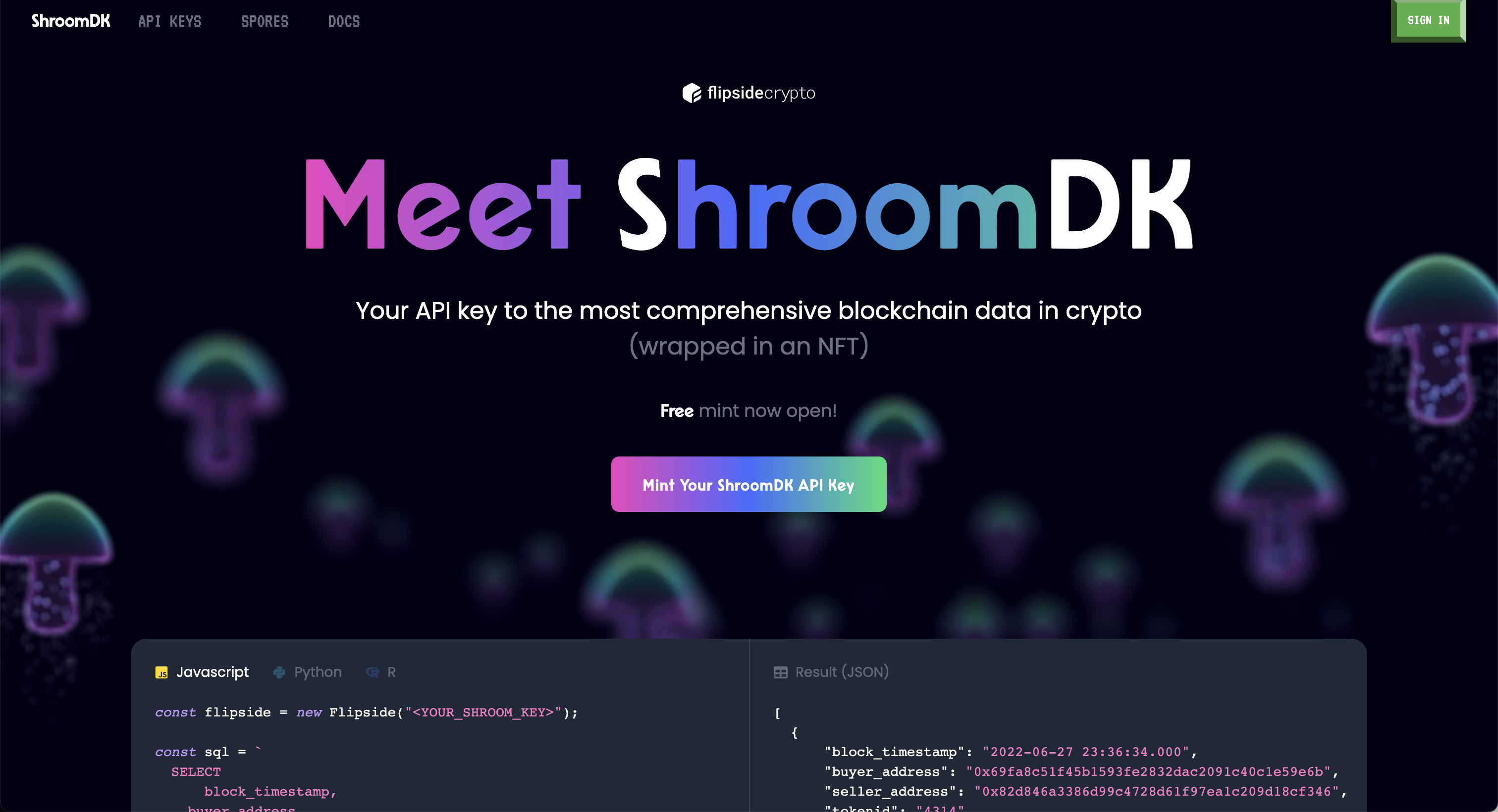\n\nClick \"Mint Your ShroomDK API Key\", and sign up for an account.\n\n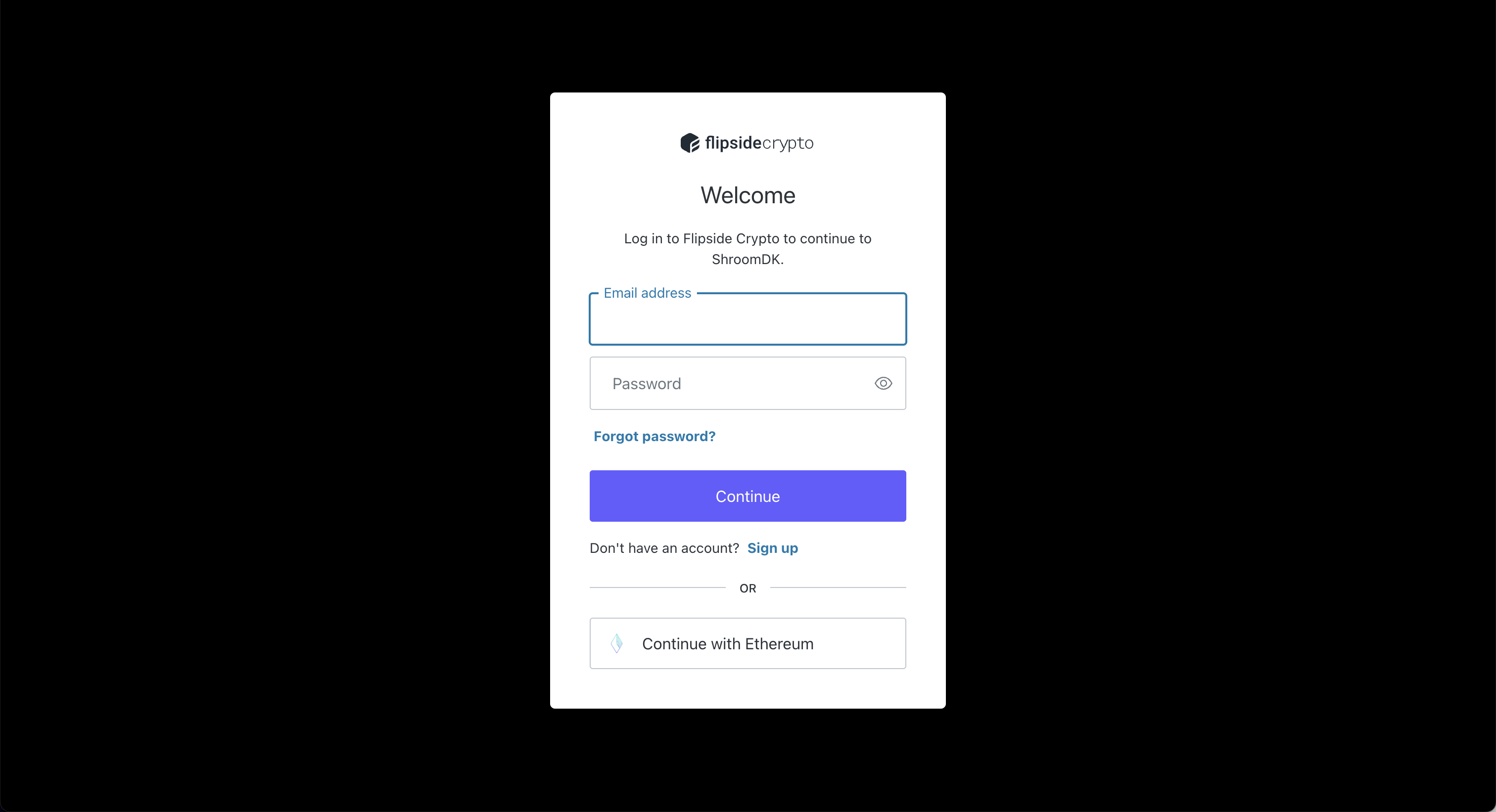\n\nOnce created, connect a wallet to complete minting the NFT license. The API key will be displayed under the account.\n\n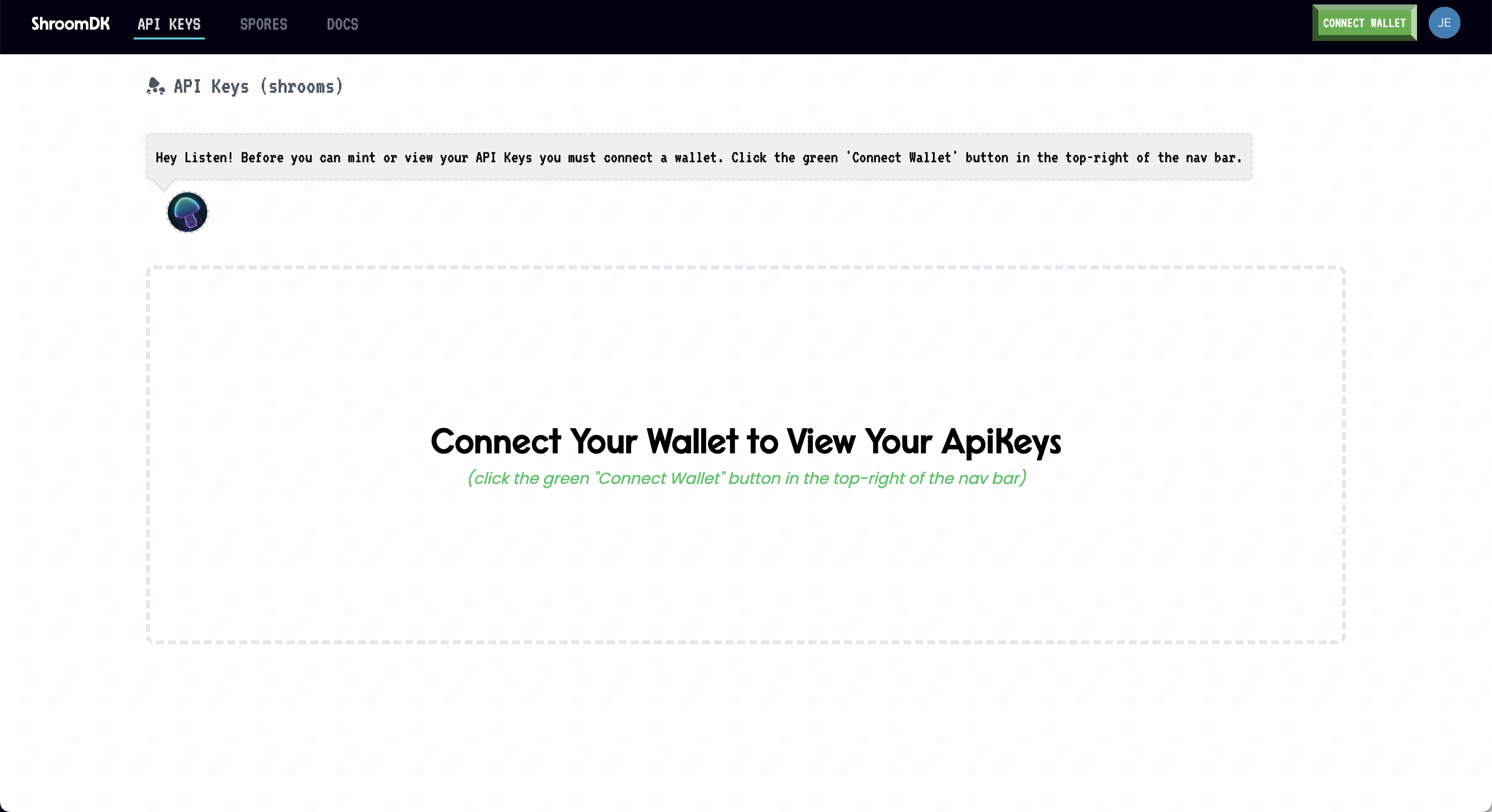"
|
|
},
|
|
{
|
|
"name": "API_STOCKSERA_KEY",
|
|
"source": "Stocksera",
|
|
"link": "https://stocksera.pythonanywhere.com/",
|
|
"markdown": "Go to: https://stocksera.pythonanywhere.com\n\n\n\nClick on, \"Log in\", and create an account.\n\n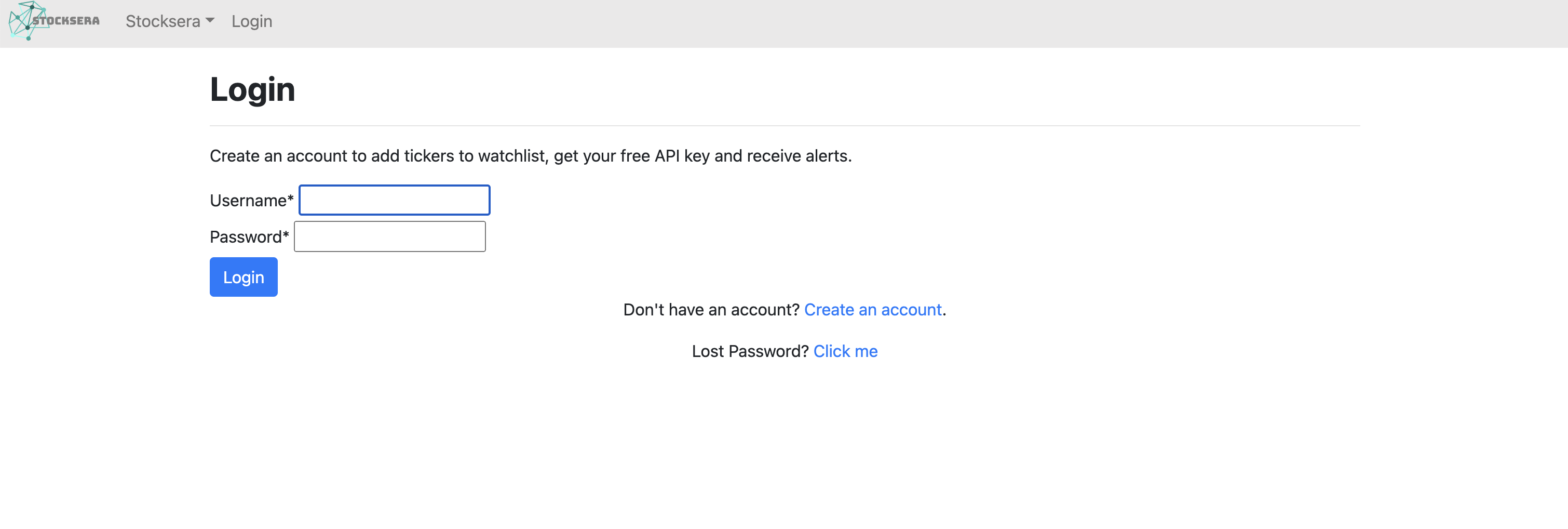\n\nOnce logged in, navigate to the \"Developers\" tab and copy the API key.\n\n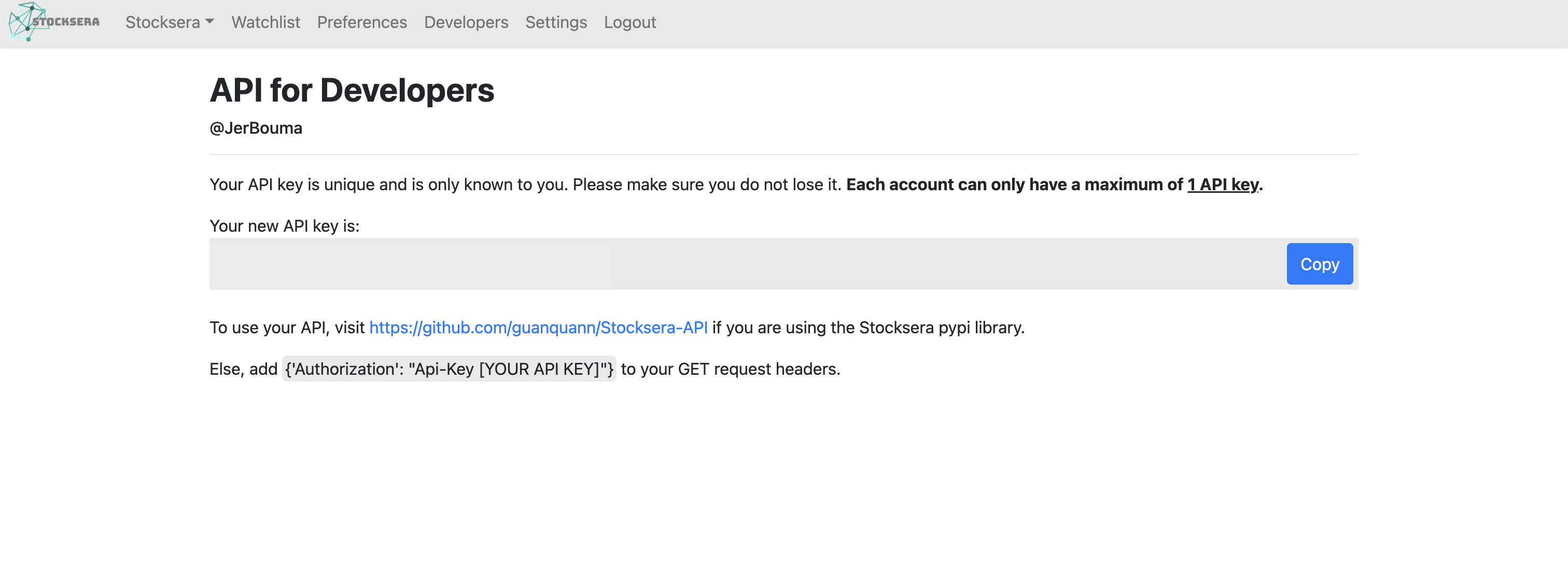"
|
|
},
|
|
{
|
|
"name": "API_TOKEN_TERMINAL_KEY",
|
|
"source": "Token Terminal",
|
|
"link": "https://tokenterminal.com/",
|
|
"markdown": "Go to: https://tokenterminal.com\n\n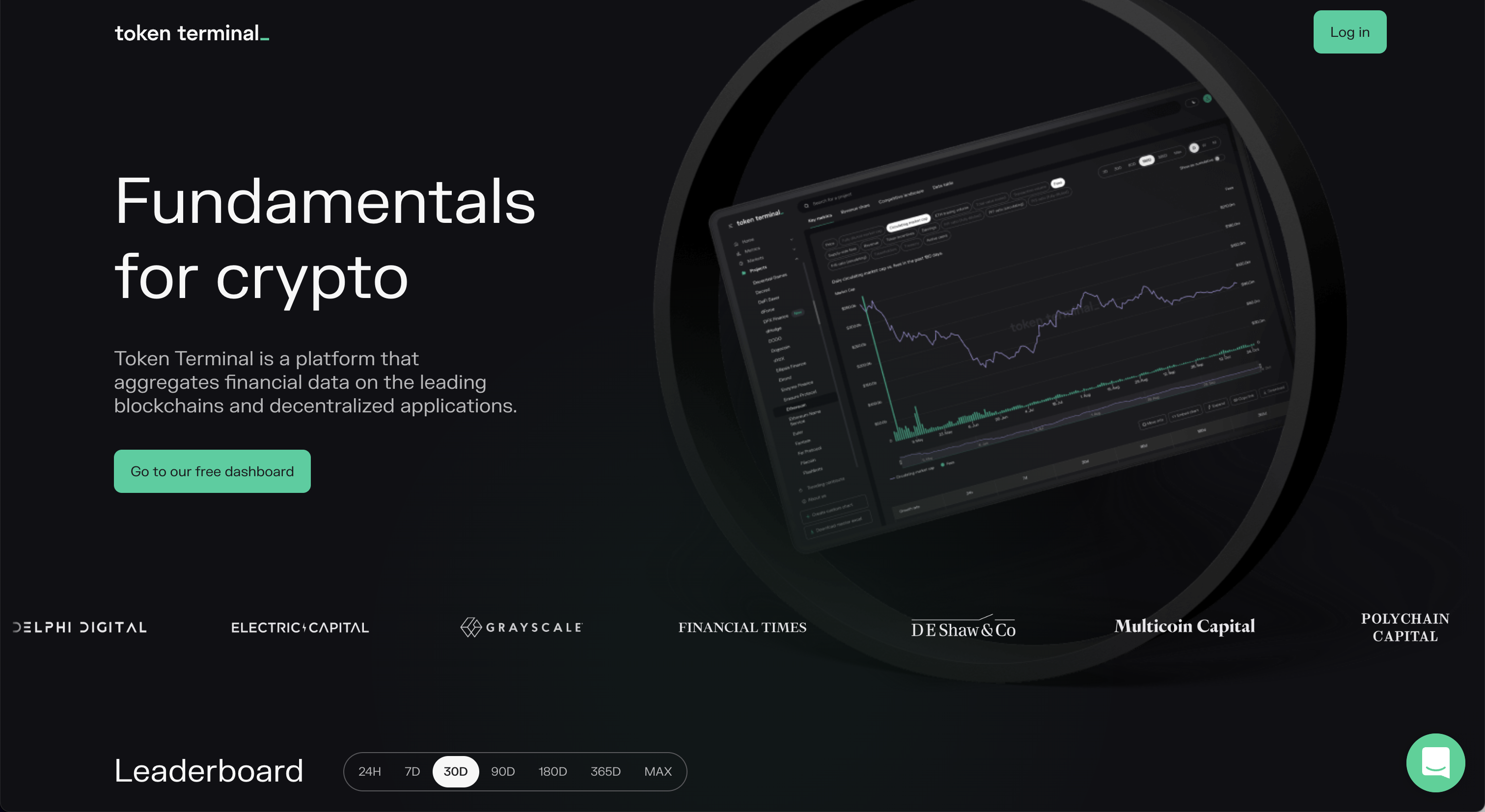\n\nClick on, \"Log in\" and sign up for an account.\n\n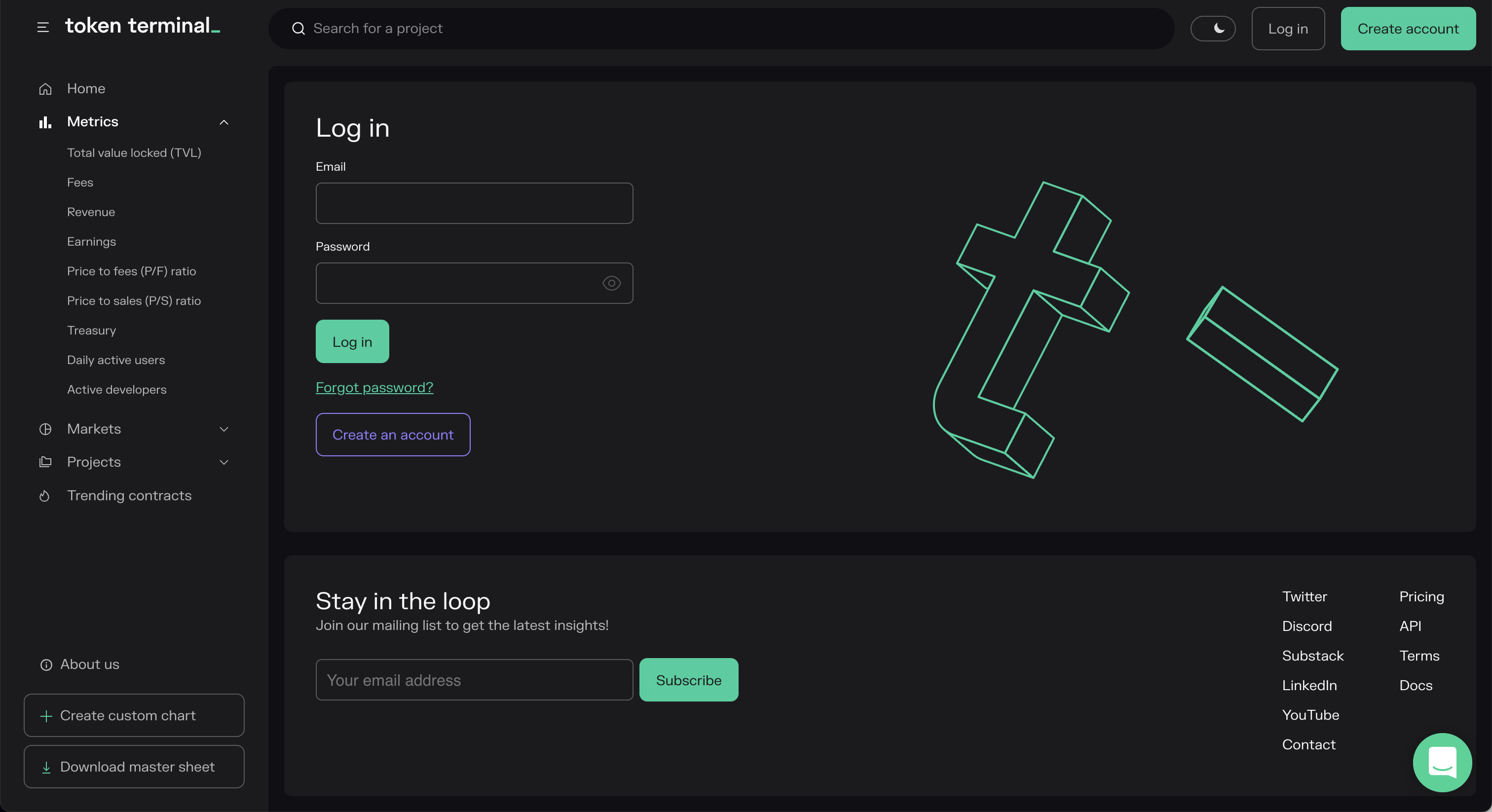\n\nVerify the email address, and then navigate go to the \"API\" tab and copy the API key to the clipboard.\n\n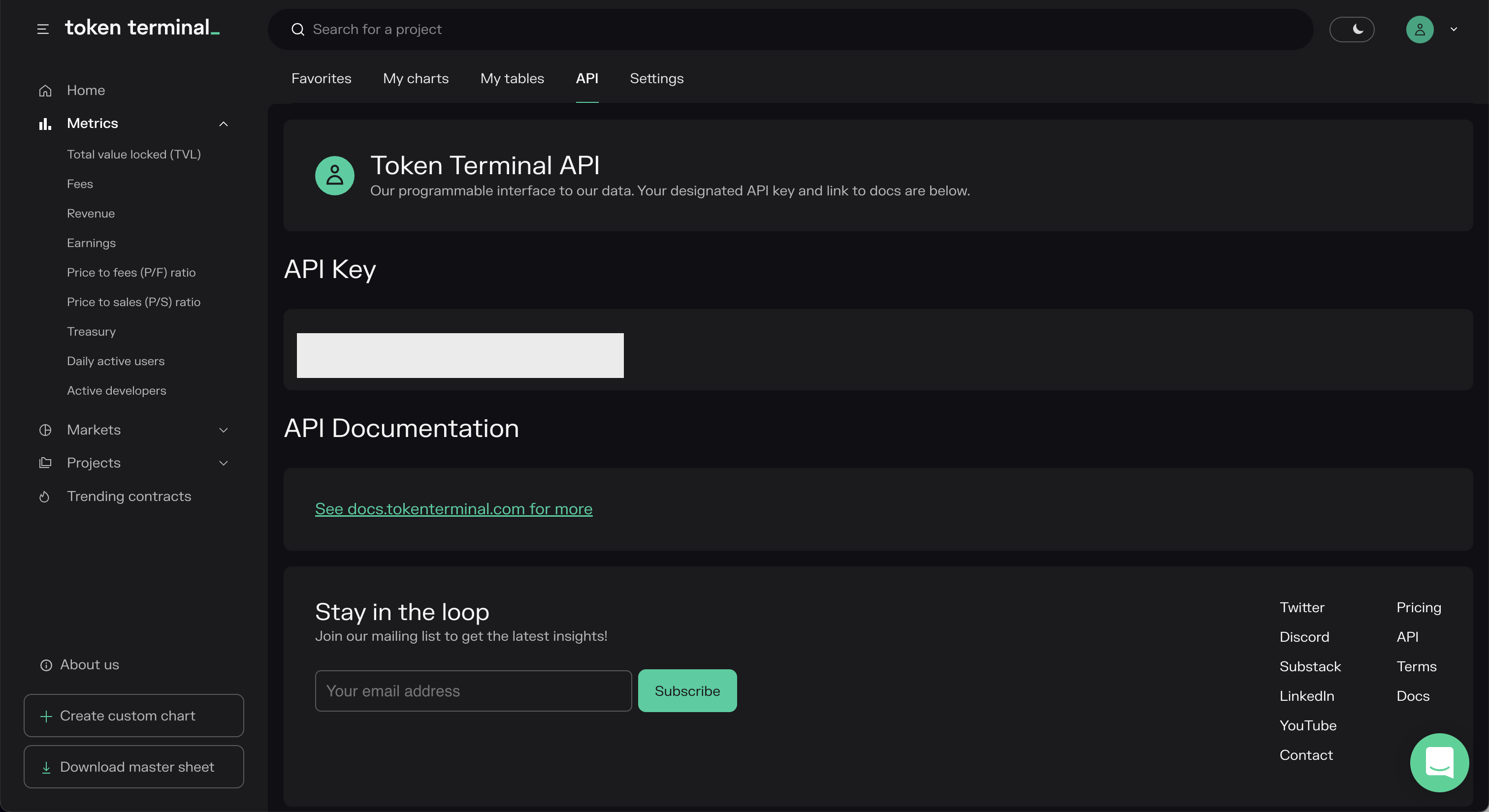"
|
|
},
|
|
{
|
|
"name": "API_WHALE_ALERT_KEY",
|
|
"source": "Whale Alert",
|
|
"link": "https://docs.whale-alert.io/",
|
|
"markdown": "Go to: https://docs.whale-alert.io\n\n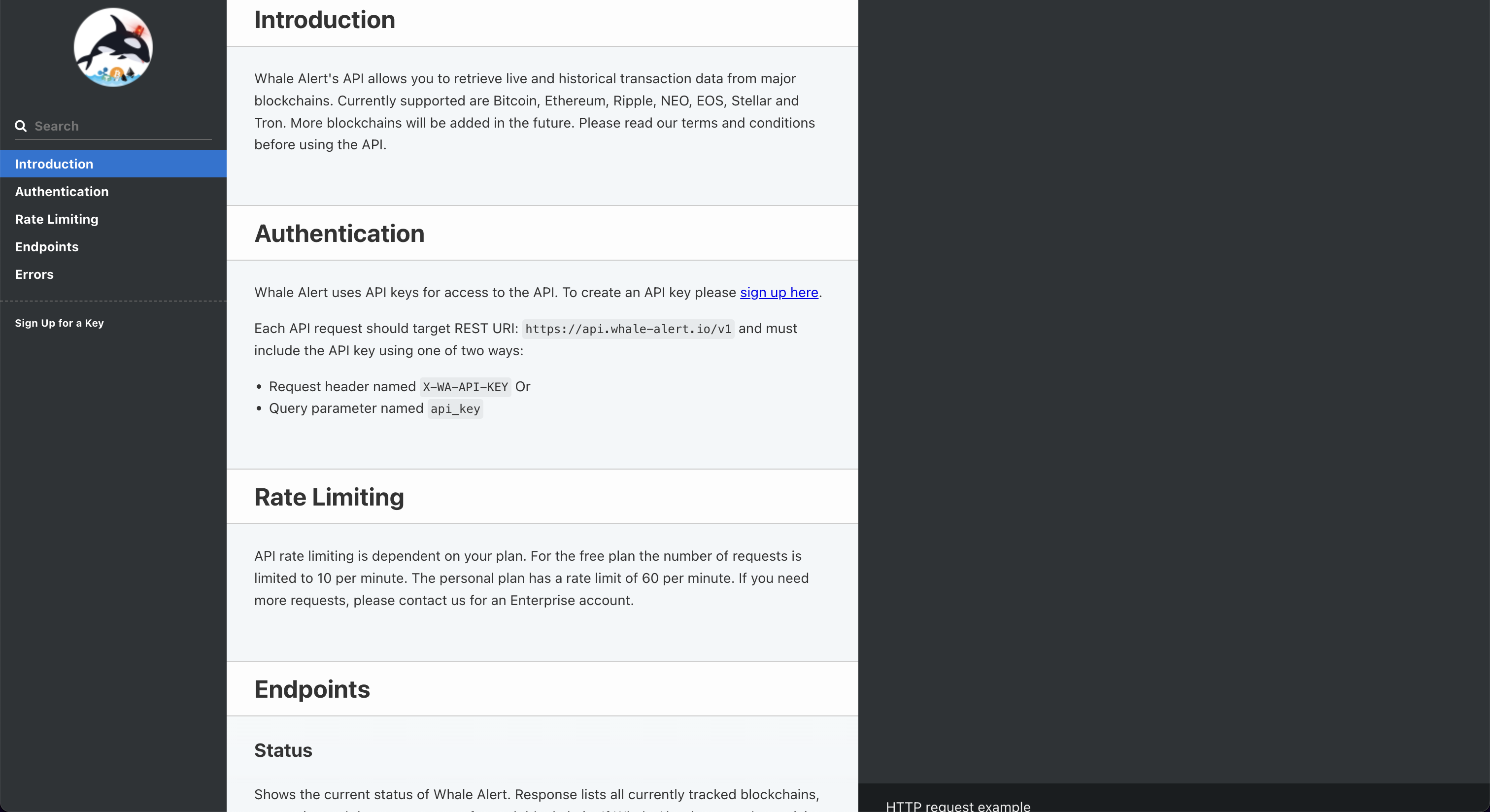\n\nClick on, \"sign up here\".\n\n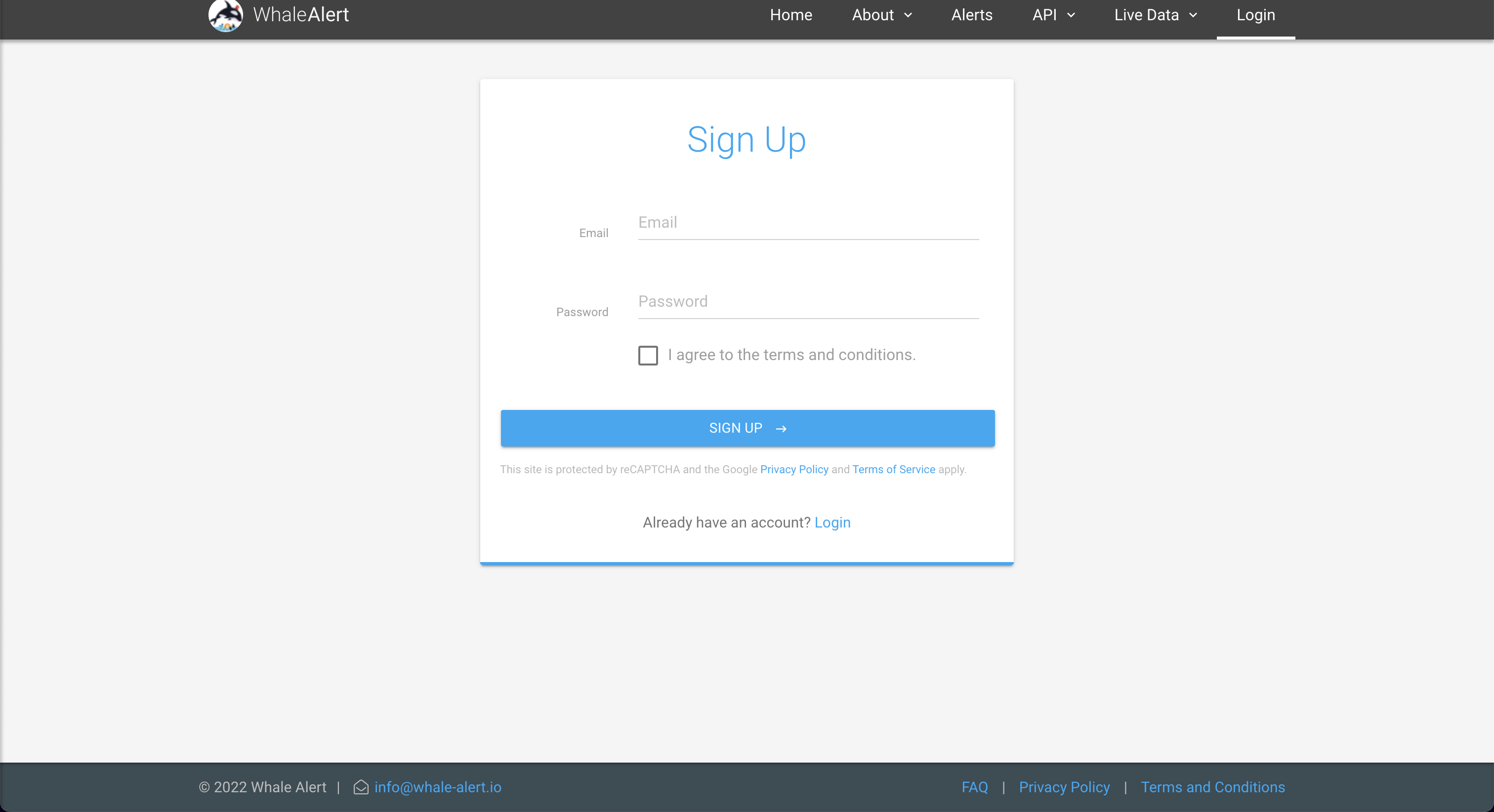\n\nAfter creating the account, click on, \"Create\", to issue the API Key.\n\n"
|
|
},
|
|
{
|
|
"name": "API_DATABENTO_KEY",
|
|
"source": "Databento",
|
|
"link": "https://databento.com/",
|
|
"markdown": "Go to: https://docs.databento.com/getting-started\n\n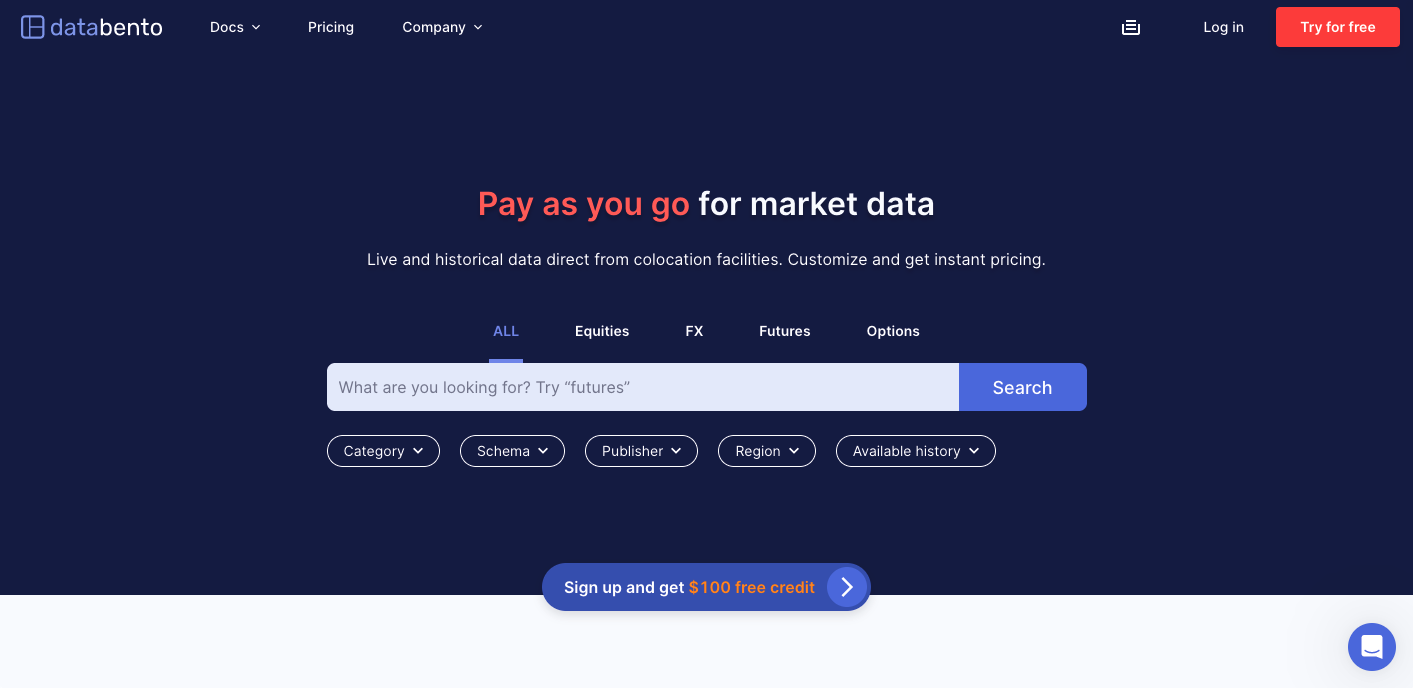\n\nClick on, [Sign up](https://databento.com/signup), and after creating an account, the API key is found in the [account portal](https://databento.com/portal/keys).\n\n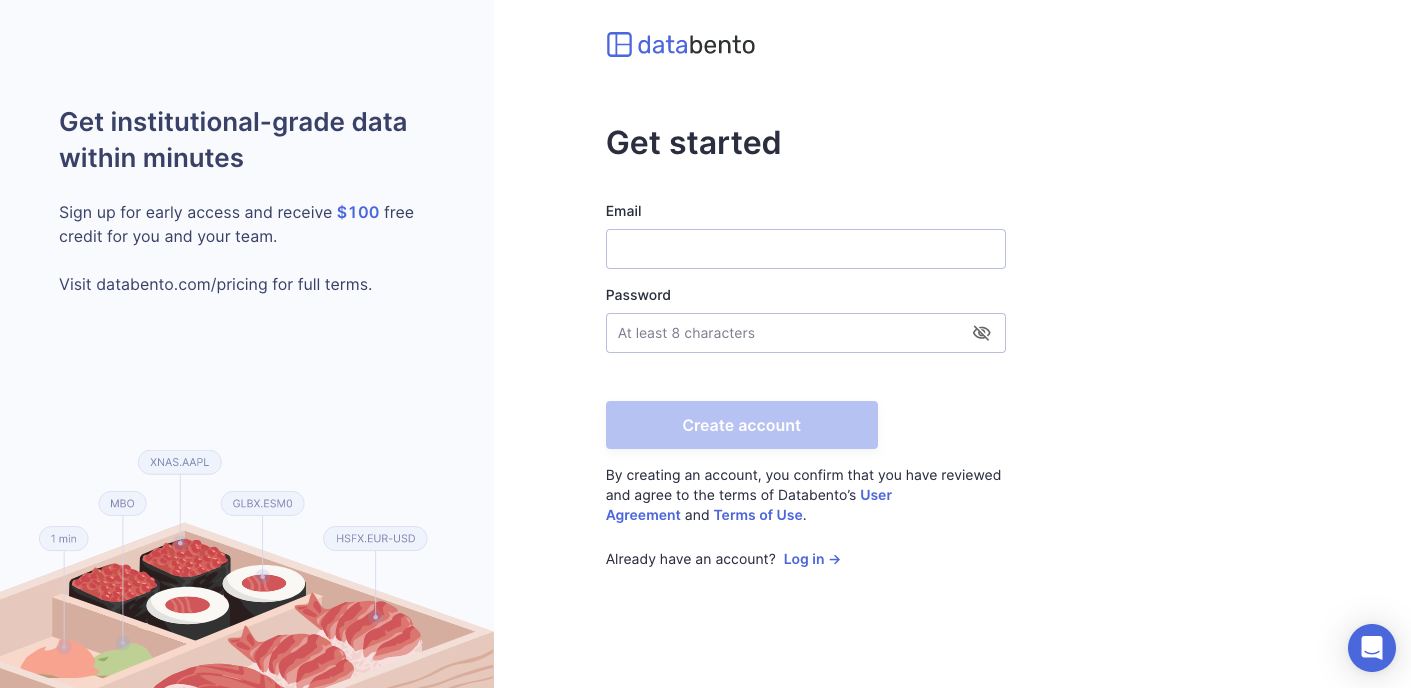"
|
|
},
|
|
{
|
|
"name": "API_INTRINIO_KEY",
|
|
"source": "Intrinio",
|
|
"link": "https://intrinio.com/",
|
|
"markdown": "Go to: https://intrinio.com/starter-plan\n\n\n\nAn API key will be issued with a subscription. Find the token value within the account dashboard."
|
|
},
|
|
{
|
|
"name": "API_BIZTOC_TOKEN",
|
|
"source": "BizToc",
|
|
"link": "https://biztoc.com",
|
|
"markdown": "The BizToc API is hosted on RapidAPI. To set up, go to: https://rapidapi.com/thma/api/biztoc.\n\n\n\nIn the top right, select 'Sign Up'. After answering some questions, you will be prompted to select one of their plans.\n\n\n\nAfter signing up, navigate back to https://rapidapi.com/thma/api/biztoc. If you are logged in, you will see a header called X-RapidAPI-Key.\n\n"
|
|
},
|
|
{
|
|
"name": "API_KEY_NIXTLA",
|
|
"source": "Nixtla",
|
|
"link": "https://docs.nixtla.io/docs/getting-started",
|
|
"markdown": "Follow instructions in https://docs.nixtla.io/docs/getting-started"
|
|
}
|
|
]
|