mirror of
https://github.com/OpenBB-finance/OpenBB.git
synced 2026-10-28 04:52:07 +00:00

77 lines
1.8 KiB
Plaintext
Vendored
77 lines
1.8 KiB
Plaintext
Vendored
---
|
|
title: Quickstart
|
|
sidebar_position: 1
|
|
description: Get started with the OpenBB Platform by following this quickstart guide.
|
|
keywords:
|
|
- OpenBB Platform
|
|
- investment research infrastructure
|
|
- data connectors
|
|
- financial reports
|
|
- OpenBB team
|
|
- quickstart
|
|
- getting started
|
|
---
|
|
|
|
import HeadTitle from '@site/src/components/General/HeadTitle.tsx';
|
|
|
|
<HeadTitle title="Quickstart | OpenBB Platform Docs" />
|
|
|
|
To get started with the OpenBB Platform, all you need to do is to import `obb` and start querying away.
|
|
|
|
```python
|
|
from openbb import obb
|
|
|
|
# Get the price of a stock
|
|
quote_data = obb.equity.price.quote(symbol="AAPL", provider="yfinance")
|
|
quote_data
|
|
```
|
|
|
|
The output will look like this:
|
|
|
|
```console
|
|
OBBject
|
|
|
|
id: 06649f4e-896c-7b31-8000-52242b1605f2
|
|
results: [{'symbol': 'AAPL', 'asset_type': 'EQUITY', 'name': 'Apple Inc.', 'exchang...
|
|
provider: yfinance
|
|
warnings: None
|
|
chart: None
|
|
extra: {'metadata': {'arguments': {'provider_choices': {'provider': 'yfinance'}, 's...
|
|
```
|
|
|
|
To view the output as a dataframe, you can use the `to_df()` method.
|
|
|
|
```python
|
|
quote_data.to_df()
|
|
```
|
|
|
|
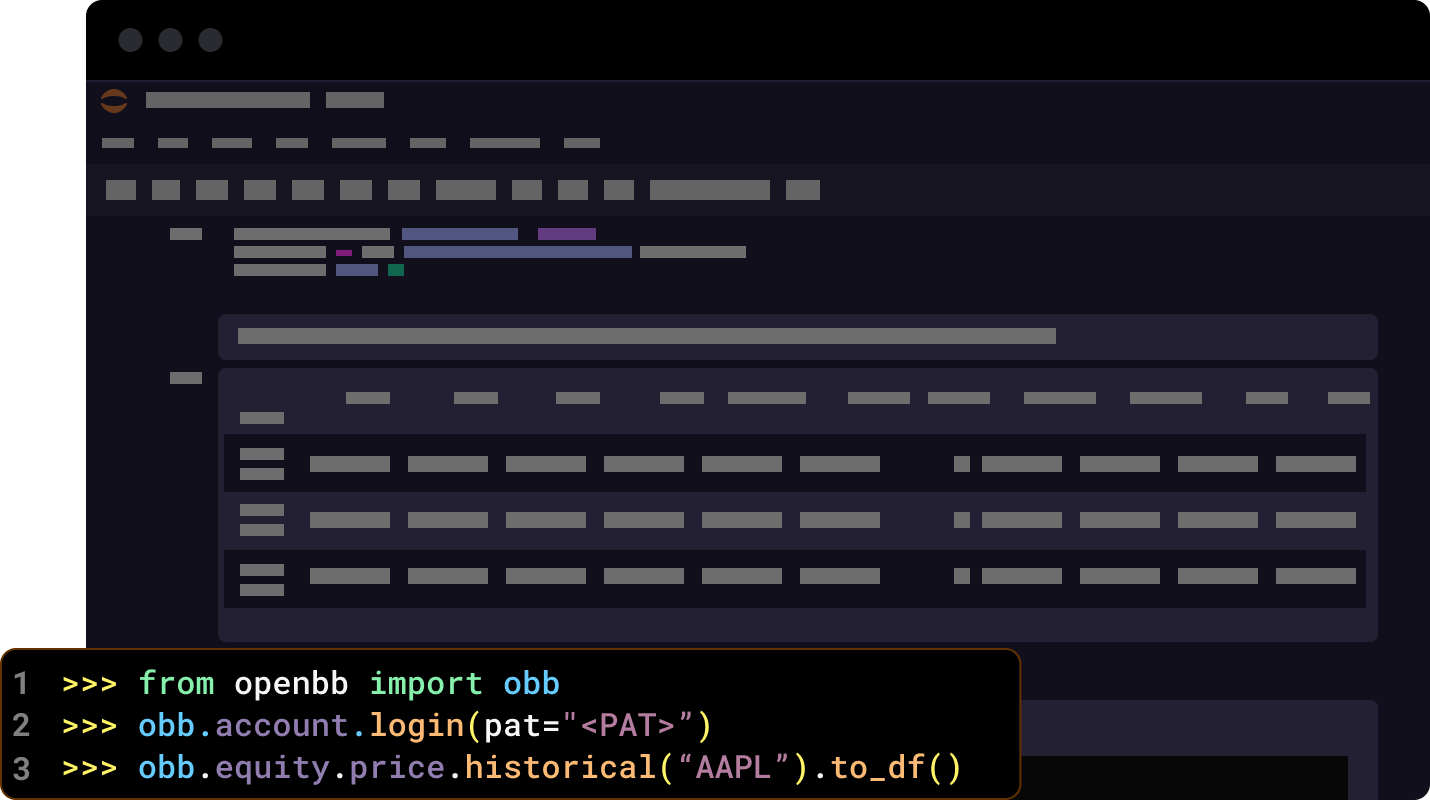
Let's try another example. This time, we'll get the historical price of a stock.
|
|
|
|
```python
|
|
obb.equity.price.historical(symbol="AAPL", provider="yfinance").to_df()
|
|
```
|
|
|
|
To view all the available commands, routers and extensions, you can do:
|
|
|
|
```python
|
|
obb
|
|
```
|
|
|
|
You can also keep exploring by accessing each route like this:
|
|
|
|
```python
|
|
obb.equity
|
|
```
|
|
|
|
If you see a command you're interested in, to get help on how to use it, you can do:
|
|
|
|
```python
|
|
help(obb.equity.price.historical)
|
|
```
|
|
|
|
Visit our [reference](/platform/reference) documentation to see all the available commands and their parameters.
|
|
|
|
And that's it! You're now ready to start using the OpenBB Platform.
|
|
|
|
|