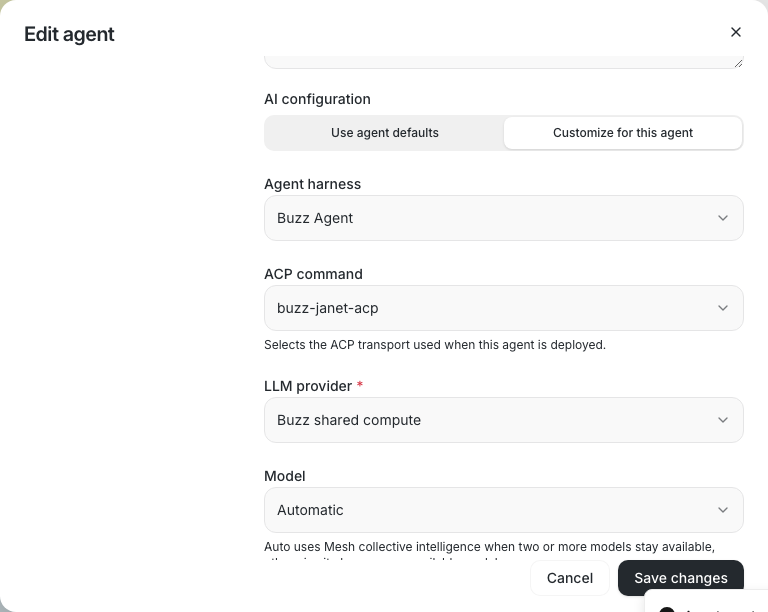
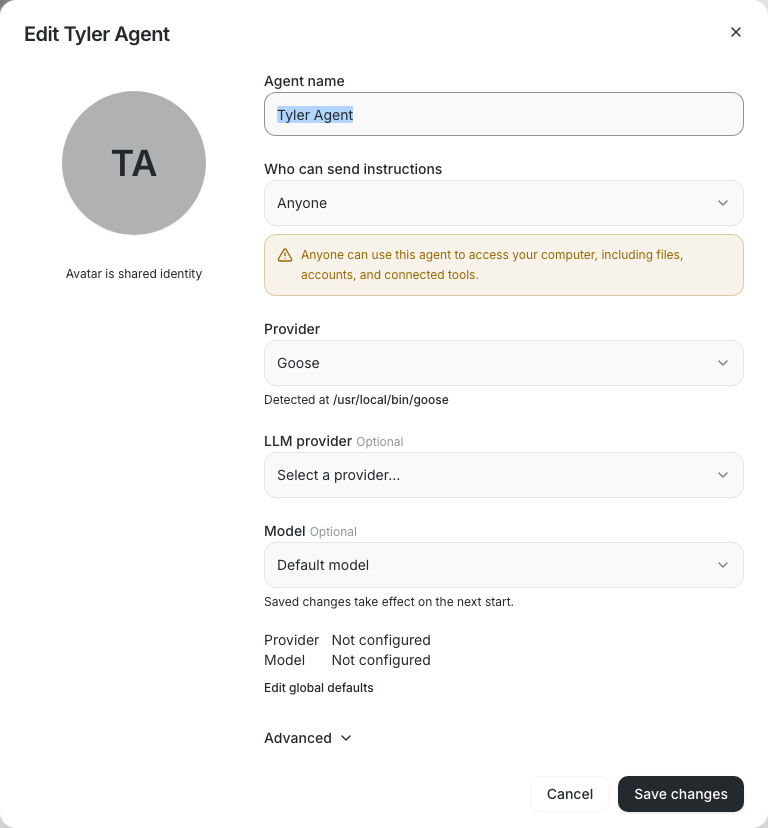
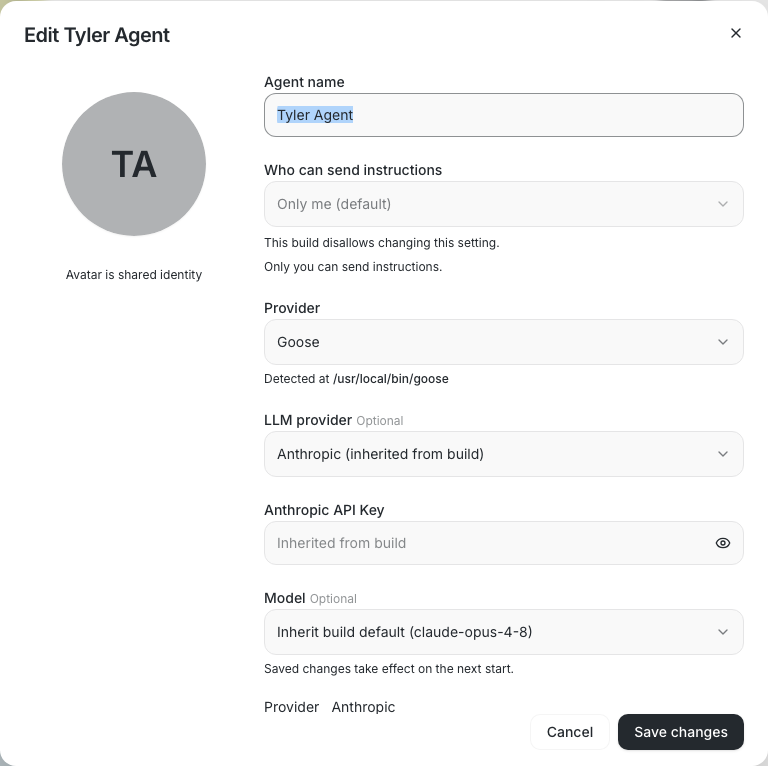
New Databricks endpoints (Claude Opus 5.5, GPT-6 Astra/Sol, etc.) showed
as raw FQNs in the model picker until someone added a curated corpus
record for each. This adds a strict token-class grammar as a third label
tier inside the Databricks label helpers (Rust `model_capabilities.rs` +
TS `modelCapabilities.ts`): exact record → unique alias → **generated
label** → raw id. In TS it fires only for an explicit `databricks_v2`
provider; providerless ids stay raw.

## Grammar

Takes the last component of a UC FQN (or strips one wrapper:
`databricks-`, `goose-`, `kgoose-`, `builderbot-`; an id that is neither
stays raw), splits on `-`, and classifies each token as version,
letter+digit version, size, trailing date (dropped), or word. Labels are
built only from the id's own text, and the grammar never reinterprets a
version. When in doubt it returns raw:

- **Known families only.** The family (leading letters of the first
token) must be in the manifest's existing `label_family_tokens`. Custom
endpoints such as `prod.ai.rag-agent-3` or `builderbot-pr-reviews-v2`
stay raw. Supporting a new vendor means adding one entry to that list,
not a record per model.
- **Attached digits stay whole** (`gpt10` → `GPT10`). If the family
already carries digits and the next token is a version
(`goose-qwen3-5-122b-a10b`, `system.ai.llama3-1-8b`,
`system.ai.claude3-5-sonnet`), the id stays raw; this is checked before
any reorder.
- A third consecutive number (`gemini-3-7-1-flash`) returns raw rather
than splitting off a patch version.
- Any non-ASCII input returns raw, checked before trimming or case
folding.
- Any unclassifiable token, or no version-bearing token
(`builderbot-pr-reviews`), returns raw. `(latest)`/`Preview` never
appear unless an exact record supplies them.

Special cases, each justified by an unseen-id shape rather than the
corpus score:

- `meta-llama-` → `Llama`: a namespace convention.
- Claude numeric-first reorder: Goose names Claude endpoints
`claude-4-7-opus`. Only 1–2 version tokens followed by
`opus`/`sonnet`/`haiku` reorder (`claude-5-6-opus` → `Claude Opus 5.6`);
anything else keeps its order (`claude-5-6-thinking` → `Claude 5.6
Thinking`). Both current numeric-first ids also have exact records.
- Qwen compact decimal: Qwen's own naming `qwen35` → `Qwen3.5` when the
second digit is nonzero.

## Colliding labels in the picker

The same model is often served from several sources, so humanized labels
collide (four rows are all `GPT-5.5`). `disambiguateModelLabels` in
`formatAgentModelLabel.ts` suffixes only colliding Databricks labels
with their source:

- UC FQN: its `catalog.schema`, e.g. `GPT-6 Astra (system.ai)` / `GPT-6
Astra (sandbox.public)`.
- Workspace endpoint: its wrapper, e.g. `GPT-5.5 (databricks)` /
`GPT-5.5 (goose)` / `GPT-5.5 (kgoose)`.
- Still colliding after that (e.g. a date variant in the same schema):
the full id, e.g. `Gemini 3.7 Flash (system.ai.gemini-3-7-flash-0925)`.

Unique labels, raw-id rows, the default row, and other providers are
unchanged. It runs in `getDiscoveredPersonaModelOptions` (covering
`AgentDropdownSelect`, `PersonaModelCombobox`, `PersonaDropdownField`,
whose closed triggers read the option label) and in `ModelPicker`. Model
search in `AgentDropdownSelect` and `PersonaModelCombobox` also matches
the raw id, so searching `system.ai` finds those rows. Rust
`ModelEntry.name` is unchanged.

## What labels drive

Picker values, persistence, routing, catalog dedup, `resolve()` and
capabilities all stay keyed on the raw id; two ids sharing a label both
remain selectable. Labels do drive picker search (alongside the raw id),
the workspace catalog's equal-time sort, and `TeamIdentityCard`'s "Mixed
models" summary, which compares lowercased base labels, so `goose-` and
`system.ai` GPT-6 Astra read as one model there (correct, since they are
the same model).

## Tests

Shared fixtures in `scripts/databricks-label-fixtures.json` are replayed
by both Rust and TS. Each row asserts its tier: `exact` rows match a
record, `alias` rows resolve with generation off, `generated` rows
return nothing with generation off (so a future alias or record cannot
mask them), and `raw` rows return nothing either way. A curator guard
requires that across all 57 exact records, the ids the grammar does not
reproduce equal exactly the 10 curator-only ids.
`disambiguateModelLabels` has unit tests for namespace, wrapper, and
full-id-fallback collisions, untouched rows, other providers, and
case-insensitive grouping. The defaults-picker e2e checks the suffixed
rows and trigger, raw-id search, and that choosing the second uncurated
FQN by its visible name persists its raw id and restores its label. An
edit-agent e2e covers the existing-agent model dropdown
(`#edit-agent-model`): both suffixed rows render, the `system.ai` row is
chosen by name, and after save and reopen the agent stores the
`system.ai` id and shows `GPT-6 Astra (system.ai)`.

---------

Signed-off-by: Will Pfleger <pfleger.will@gmail.com>
Signed-off-by: Duncan <dcfd242e557282d7a1e2cf2e6877522682f1e5c6156dc92ca7d90eaedd3b0f95@buzz.block.builderlab.xyz>
Co-authored-by: Duncan <dcfd242e557282d7a1e2cf2e6877522682f1e5c6156dc92ca7d90eaedd3b0f95@buzz.block.builderlab.xyz>
**Category:** improvement
**User Impact:** Users can create, discover, and import agents from one
consistent Add agent dialog.

**Problem:** Agent creation, discovery, and import were split across a
dropdown and separate dialogs, making the Add agent flow fragmented. The
existing E2E suite also continued targeting the deleted dropdown after
the flows were unified.

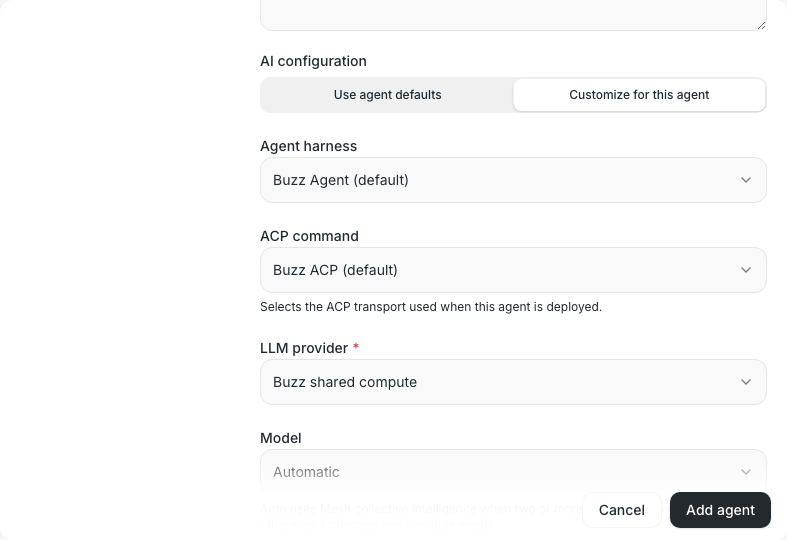
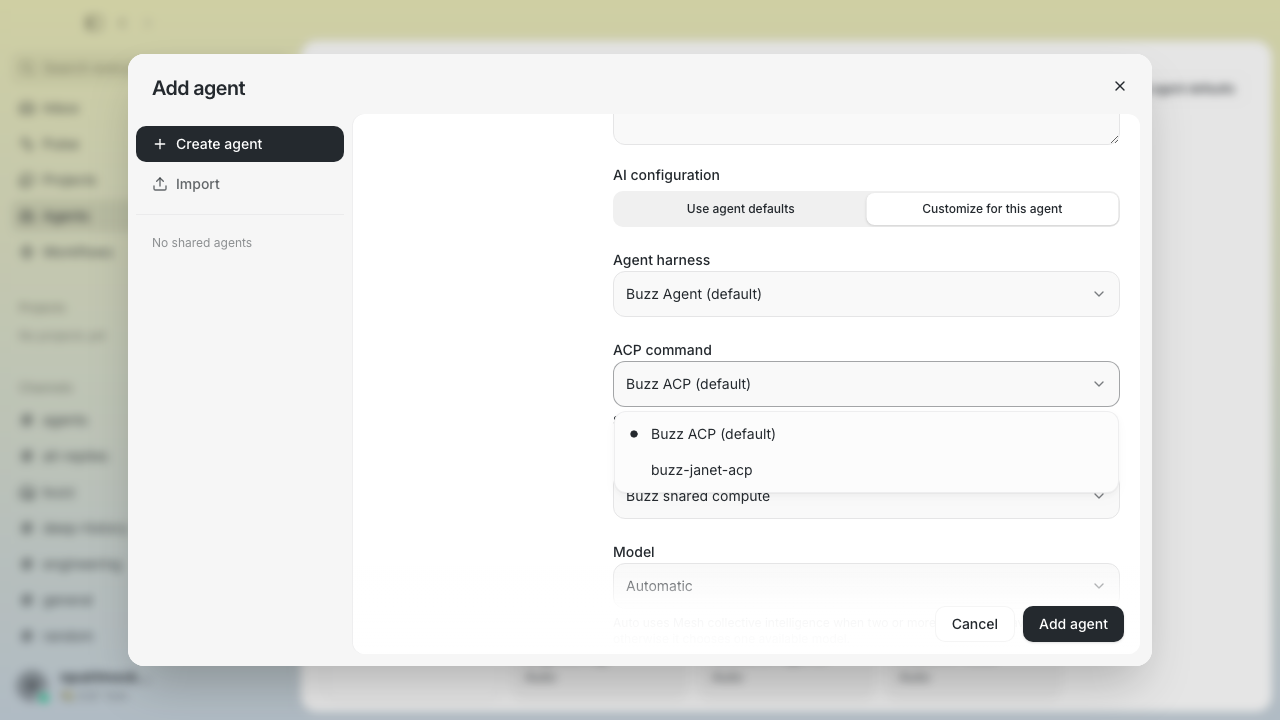
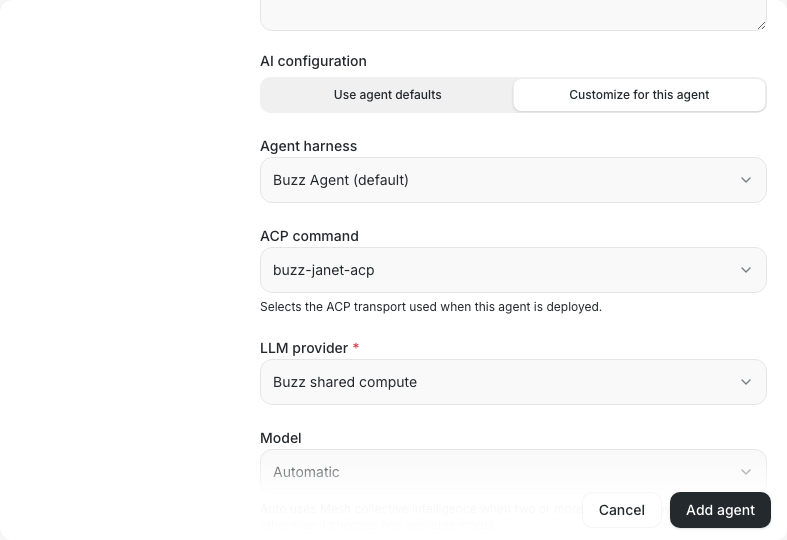
**Solution:** Route the new-agent card directly into a unified dialog
with dedicated Create, catalog, and Import navigation, then update the
affected E2E coverage to exercise that interface and its current empty
state.

<details>
<summary>File changes</summary>

**desktop/src/features/agents/ui/AgentDefinitionDialog.tsx**
Supports rendering the agent definition form inside the unified Add
agent experience while retaining the standalone dialog behavior.

**desktop/src/features/agents/ui/AgentDefinitionDialogShell.tsx**
Adds the shared shell used to present agent-definition content
consistently in embedded and standalone contexts.

**desktop/src/features/agents/ui/AgentDialog.tsx**
Passes the revised dialog state and close behavior through the existing
agent dialog entry point.

**desktop/src/features/agents/ui/AgentsView.tsx**
Connects the Agents page to the unified Add agent dialog and opens newly
added catalog agents in their profile panel.

**desktop/src/features/agents/ui/PersonaCatalogDialog.tsx**
Combines catalog browsing, agent creation, and snapshot import behind
persistent navigation, including dirty-navigation confirmation.

**desktop/src/features/agents/ui/UnifiedAgentsSection.tsx**
Replaces the new-agent dropdown with a direct Add agent entry point and
adjusts the responsive card grid.

**desktop/src/features/agents/ui/personaLibraryCopy.ts**
Updates catalog-facing copy for the unified experience.

**desktop/src/features/agents/ui/usePersonaActions.ts**
Returns the resolved local persona after catalog activation so the
caller can open the added agent.

**desktop/tests/e2e/agent-readiness-screenshots.spec.ts**
Opens the embedded create pane directly for readiness screenshots.

**desktop/tests/e2e/agents.spec.ts**
Covers unified Create, catalog, and Import navigation and asserts the
current shared-agent empty state.

**desktop/tests/e2e/global-agent-config-screenshots.spec.ts**
Updates global configuration screenshot setup for direct create-pane
entry.

**desktop/tests/e2e/inline-custom-harness.spec.ts**
Updates custom harness setup for the embedded create form.

**desktop/tests/e2e/persona-env-vars.spec.ts**
Updates environment-variable and model-provider scenarios for direct
create-pane entry.

**desktop/tests/e2e/persona-model-combobox-screenshots.spec.ts**
Updates model combobox screenshot setup for direct create-pane entry.

**desktop/tests/e2e/smoke.spec.ts**
Updates agent-creation smoke coverage for the unified Add agent dialog.

**desktop/tests/e2e/where-to-run-config.spec.ts**
Updates provider-selection coverage for the embedded create form.

</details>

## Reproduction steps

1. Open the Agents page and select the new-agent card.
2. Confirm the Add agent dialog opens directly on Create without an
intermediate dropdown.
3. Use the left navigation to browse shared agents and open Import.
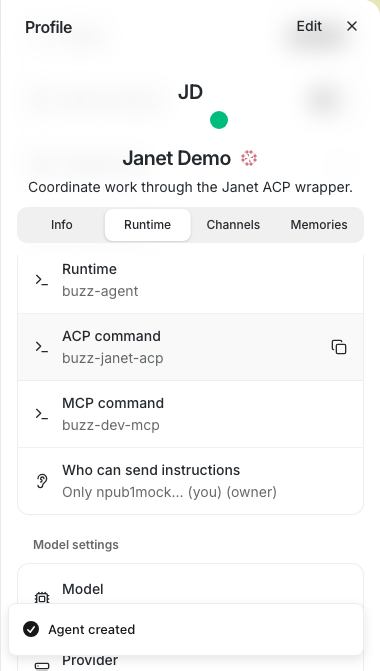
4. Select a catalog agent and confirm the dialog closes and the added
agent's profile panel opens.
5. Run the affected desktop Playwright smoke and integration specs and
confirm all scenarios pass.

---------

Signed-off-by: Taylor Ho <taylorkmho@gmail.com>
Co-authored-by: Carl <acda9e433d19dcd0e6b6840f7f4b98f3a56f1fab98049d444c087019e6d36560@buzz.block.builderlab.xyz>