mirror of
https://github.com/OpenBB-finance/OpenBB.git
synced 2026-11-09 10:51:57 +00:00

2.1 KiB
Vendored
2.1 KiB
Vendored
title, sidebar_position, description, keywords
| title | sidebar_position | description | keywords | |||||||||||||||
|---|---|---|---|---|---|---|---|---|---|---|---|---|---|---|---|---|---|---|
| Windows | 1 | This section provides you with the installation file as well as the guide to install the OpenBB Terminal via Windows (10 or greater). |
|
import HeadTitle from '@site/src/components/General/HeadTitle.tsx';
import InstallerButton from "@site/src/components/General/InstallerButton";
This section provides you with the installation file as well as the guide to install the OpenBB Terminal via Windows (10 or greater).
Minimum Requirements
- Windows 10 or newer
- Modern CPU (Intel or AMD processor made in the last 5 years)
- At least 4GB of RAM
- At least 5GB of free storage
- Internet connection (cable or 4G mobile)
Step by step instructions:
- Download the file by clicking on the button.
- Open the downloaded
exefile by double-clicking on it. - Follow the prompts to complete the installation process
- Double-click on the application that appeared on your Desktop, you are now able to run the OpenBB Terminal
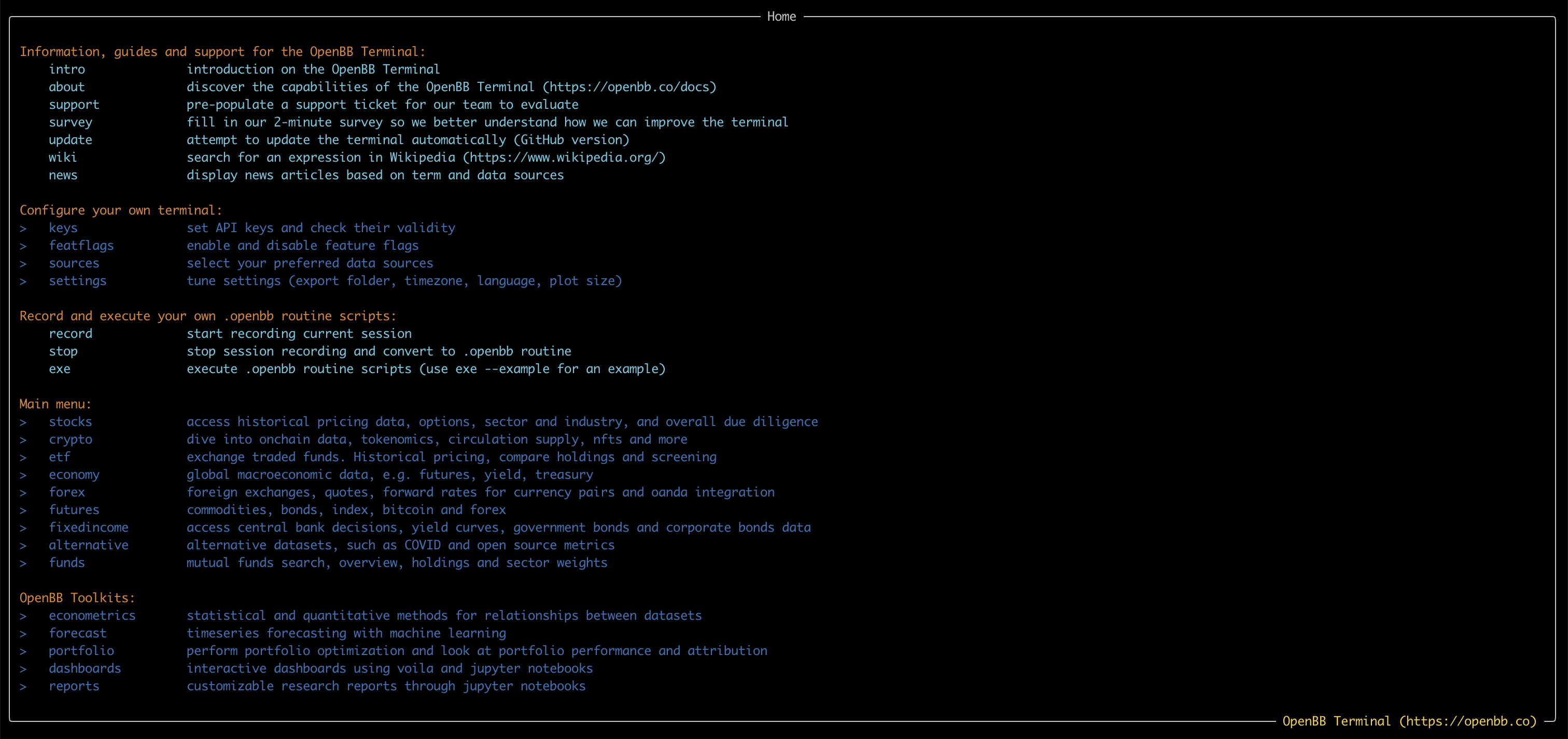
The first time this takes a bit longer to load, this can take up to a few minutes. If everything was successful you should see a screen like the one below: