2e7eb4c9b6
* fix(docs): added margin between sections

* feat: removed unused files; updated ga

* fix: juan stuff doesnt work

* fix: random fix

* moon at noon

* fix: update docusaurus config

* Update controller_doc_classes.py

* fix: temp fix

* fix: temp fix

* Update controller_doc_classes.py

* fix: remove old content

* fix: taggfix

* init

* fix: styling and moved file

* Update generate_terminal_markdown.py

* fix: removed unused images

* fix: port new files

* Update generate_sdk_markdown.py

* Update controller_doc_classes.py

Co-authored-by: teh_coderer <me@tehcoderer.com>
1.6 KiB
Vendored
sidebar_position, title
| sidebar_position | title |
|---|---|
| 5 | Scripts / Routines |
Explanation of Scripts
The .openbb scripts offer the ability to automatically run a set of commands in the form of a routine. Furthermore,
the scripts can be adapted, and documented, at any moment giving the user full control over the type of analysis you wish
to do (and repeat). This can fundamental research, understanding market movements, finding hidden gems and even
doing advanced statistical/econometric research.
<span style={{color:"white"}}>For a thorough guide on how to setup these files, please see the Scripts & Routines guide.
Importing and Exporting Data in the OpenBB Terminal

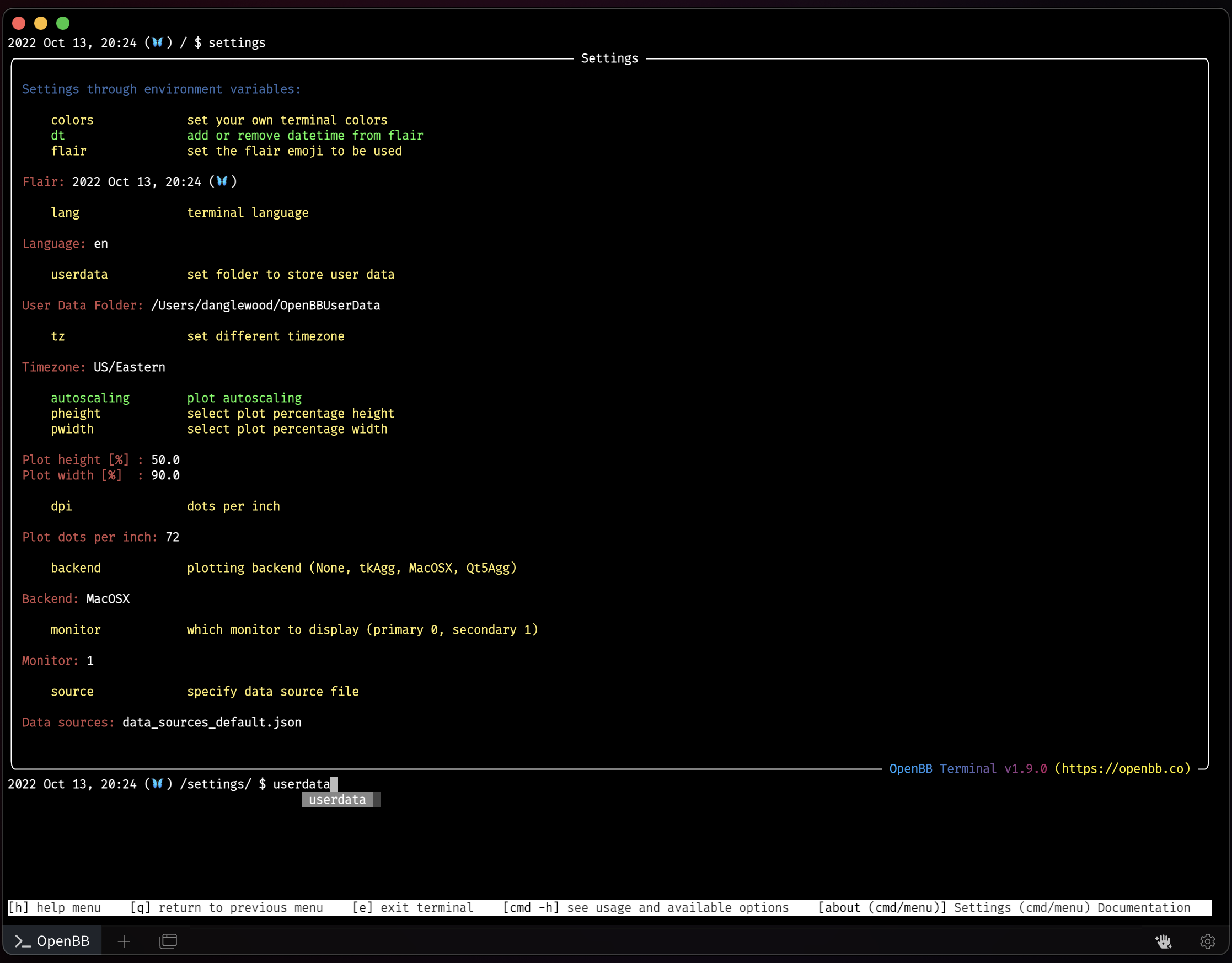
The OpenBBUserData folder's default location is the home of the system user account. The location of this folder can be set by the user from the /settings menu. This folder is where exported files are saved, it is also where files being imported to the Terminal functions are kept. These include all things user-created:
- Screener presets
- Portfolio files
- Exported files
- Files to be imported by various functions
- Styles and themes
- Preferred data sources
- Anonymized usage logs