mirror of
https://github.com/OpenBB-finance/OpenBB.git
synced 2026-10-27 04:31:13 +00:00
 6381b2ae7d
* fixing a url

* moving around menus

* Grammar Update

* many fixes to links and some added pics to install

* Add improvements

* fix: tabs

* Move support/feedback window to FAQ

* Forgot to save

* MVC moved around

* change installation Source -> Python

* fix: tabs

* guides to basics

* Add new README LINKS

* Change links

* Change forecasting to forecast

* fix: details

* more fixes

* Change markdown file so it is ready for pypi

Co-authored-by: Chavithra <chavithra@gmail.com>
Co-authored-by: Danglewood <85772166+deeleeramone@users.noreply.github.com>
Co-authored-by: Jeroen Bouma <jer.bouma@gmail.com>
Co-authored-by: Jeroen Bouma <jeroenbouma@Jeroens-MacBook-Pro.local>
Co-authored-by: jose-donato <zmcdonato@gmail.com>
1.1 KiB
Vendored
1.1 KiB
Vendored
title, sidebar_position
| title | sidebar_position |
|---|---|
| Importing and Exporting Data | 3 |
The OpenBBUserData folder's default location is the home of the system user account. By default this will be the following paths:
- macOS:
Macintosh HD/Users/<YOUR_USERNAME>/OpenBBUserData - Windows:
C:/Users/<YOUR_USERNAME>/OpenBBUserData
Within the folder you can find files that you have exported as well as files that you wish to import directly into the OpenBB Terminal. For example, this could be an orderbook which you can store in OpenBBUserData/portfolio/holdings.

This folder contains all things user-created. For example:
- Screener presets
- Portfolio files
- Exported files
- Files to be imported by various functions
- Styles and themes
- Preferred data sources
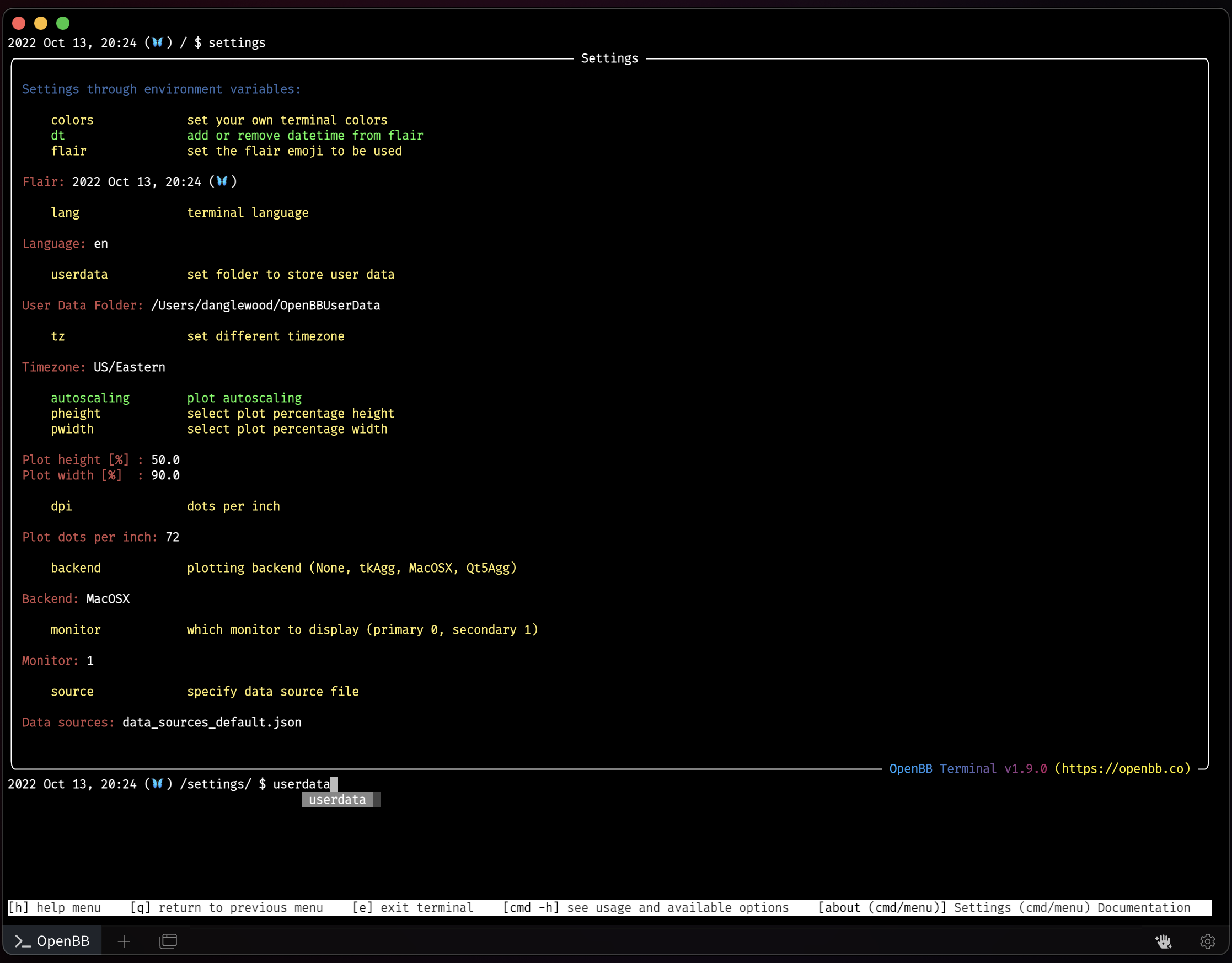
The location of this folder can be set by the user from the /settings menu.