mirror of
https://github.com/OpenBB-finance/OpenBB.git
synced 2026-11-01 23:12:21 +00:00
 4ad995fdd0
* add first iteration of content for Terminal Pro

* Update index.md

* Update dashboards.md

* Update folders.md

* Update grouping.md

* Update report.md

* Update templates.md

* Update quick-start.md

* Update index.md

* Update index.md

* Update home.md

* Update news.md

* Update index.md

* Update index.md

* Update index.md

* Update data-provider.md

* Update chat-with-widget.md

* Update data-manipulation.md

* Update forecasting.md

* fix: images self closing tags

* fix: only pro visitors can see pro

* inter font

* improve SEO content and restructuring

* add new package for toggle on tutorials

* move folder around

* improve main page of each prod

* small updates and improvements

* fix logo above

* small improvement in headtitle for portfolio funcs

* fix typos from OpenAI's GPT-4

* fix _category_ json

* remove generic SEO words

* add script that generates SEO for documentation

* add missing file

* remove sdk warning message

* fix links for andrew

---------

Co-authored-by: jose-donato <zmcdonato@gmail.com>
Co-authored-by: jose-donato <43375532+jose-donato@users.noreply.github.com>
Co-authored-by: andrewkenreich <andrew.kenreich@gmail.com>
1.6 KiB
Vendored
1.6 KiB
Vendored
title, sidebar_position, description, keywords
| title | sidebar_position | description | keywords | |||||
|---|---|---|---|---|---|---|---|---|
| Setting up Telegram bot | 3 | Step-by-step guide to add the OpenBB Bot to a Telegram group. From starting a chat with the bot to verifying its permissions, follow these steps to have your bot ready in your group. |
|
import HeadTitle from '@site/src/components/General/HeadTitle.tsx';
import AddBotDialogTelegram from "@site/src/components/General/AddBotTelegram";
After clicking on the "Add bot to Telegram" button it should open a chat with our OpenBB Bot.
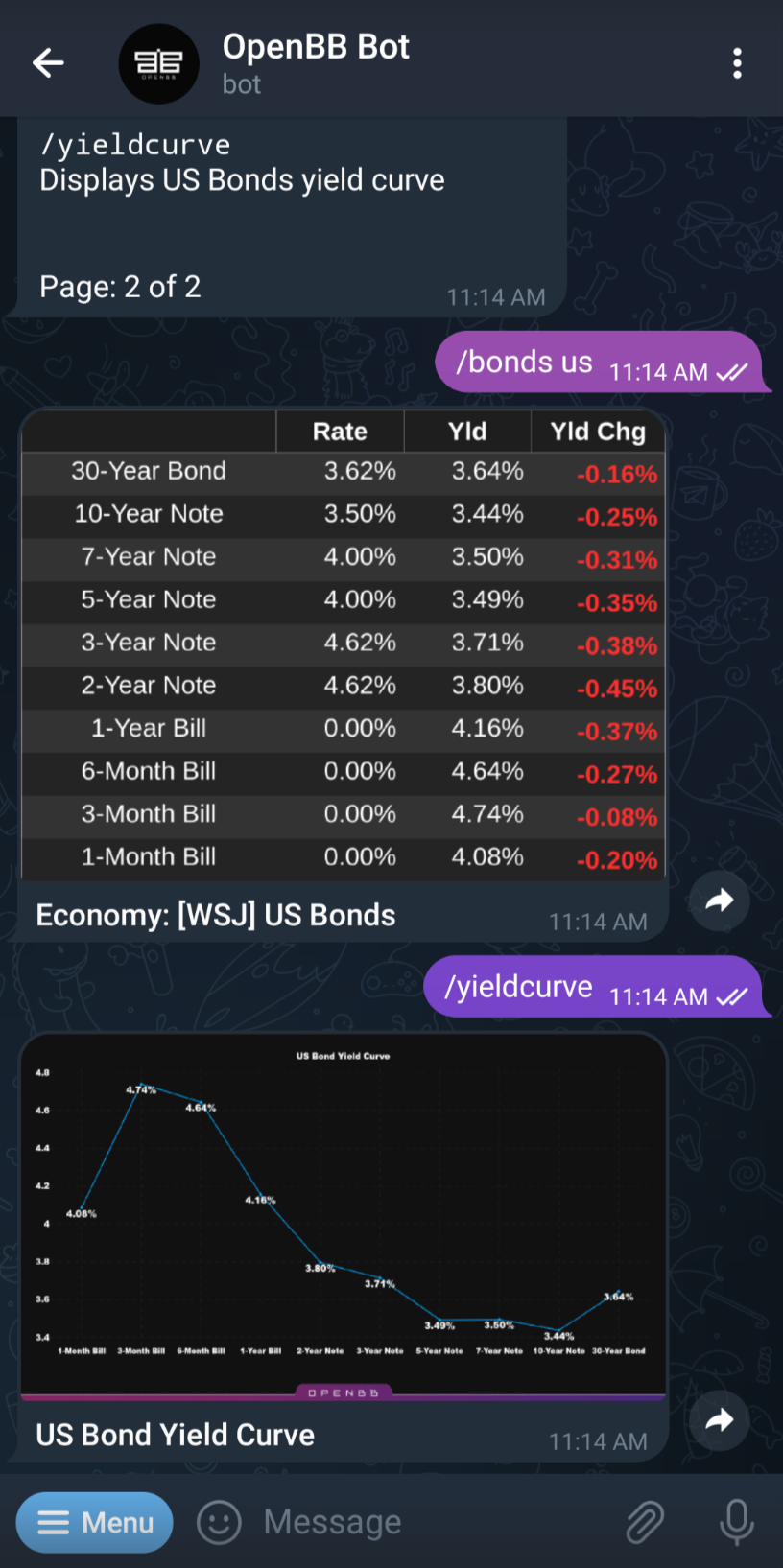
Go to your Telegram chat and click/tap on the Top Bar of the OpenBB Bot chat window.

Then, you need to click on “More” and select "Add to Group or Channel" or just click "Add to Group or Channel" and select the Telegram group you want to add the chatbot to:

Now you can verify it has the permissions required, we recommend the ones already selected, and you are ready to go!
