
27 KiB
Vendored
title, sidebar_position, description, keywords
| title | sidebar_position | description | keywords | ||||||||||||||||
|---|---|---|---|---|---|---|---|---|---|---|---|---|---|---|---|---|---|---|---|
| Obtain and Set API Keys for Data Providers | 3 | API (Application Programming Interface) keys are access credentials for accessing data from a particular source. They are a string of random characters assigned, by the data provider, to an individual account. Most vendors offer a free tier requiring only a valid email address. Each key is entered into the Terminal from the `/keys` menu, using the syntax described below. The `--help` dialogue for each source will also display the expected inputs. |
|
The Keys Menu
API (Application Programming Interface) keys are access credentials for obtaining data from a particular source. They are a string of random characters assigned, by the data provider, to an individual account. Most vendors offer a free tier requiring only a valid email address, some will require an account with proper KYC (Know Your Customer). Each source is entered into the Terminal from the /keys menu with the syntax as described in the sections below. Adding the -h argument to the command will also display the expected inputs. For example,
/keys/reddit -h
Displays:
usage: reddit [-i CLIENT_ID] [-s CLIENT_SECRET] [-u USERNAME] [-p PASSWORD] [-a USER_AGENT [USER_AGENT ...]] [-h]

Set Reddit API key.

options:
  -i CLIENT_ID, --id CLIENT_ID
                        Client ID (default: None)
  -s CLIENT_SECRET, --secret CLIENT_SECRET
                        Client Secret (default: None)
  -u USERNAME, --username USERNAME
                        Username (default: None)
  -p PASSWORD, --password PASSWORD
                        Password (default: None)
  -a USER_AGENT [USER_AGENT ...], --agent USER_AGENT [USER_AGENT ...]
                        User agent (default: None)
  -h, --help            show this help message (default: False)
A message similar to the one below will be printed when a function requesting data from an API is called but the key has not yet been entered.
/stocks/fa/ $ rot

API_FINNHUB_KEY not defined. Set API Keys in ~/.openbb_terminal/.env or under keys menu.
The menu also provides a method for testing the validity of a key upon entry. It can be easy to copy & paste the string with a missing character; so, if the test fails, check that the values were correctly recorded with the command:
mykeys --show
We recommend gradually obtaining keys, when the use of a specific function requires it.
Summary List
Click to expand the list of data providers
Instructions by Source
This section covers all API keys listed above and include detailed instructions how to obtain each API key. By clicking on each name, the section will expand and instructions are provided.
AlphaVantage
Go to: https://www.alphavantage.co/support/#api-key

Fill out the form, pass Captcha, and click on, "GET FREE API KEY". The issued key can be entered into the OpenBB Terminal with:
/keys/av REPLACE_WITH_KEY
Binance
Go to: https://www.binance.com/en/support/faq/how-to-create-api-360002502072
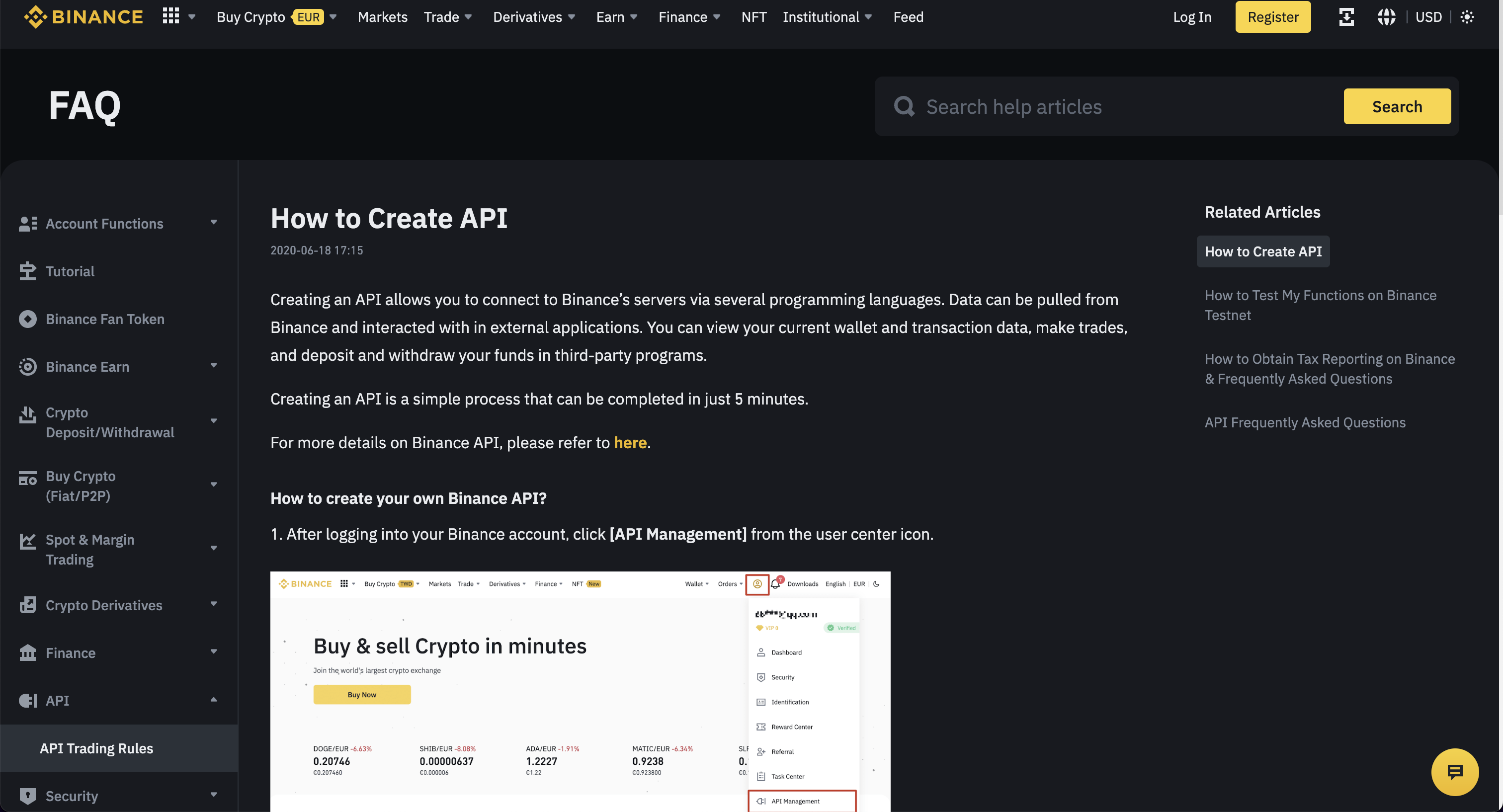
These instructions should provide clear guidance for obtaining an API Key. Enter the issued credentials into the OpenBB Terminal with:
/keys/binance -k REPLACE_WITH_KEY -s REPLACE_WITH_SECRET
Bitquery
Go to: https://bitquery.io/

Click "Try GraphQL API", which opens the following screen:

After creating an account and verifying the email address, get the value for the key by clicking on the "API Key" tab.
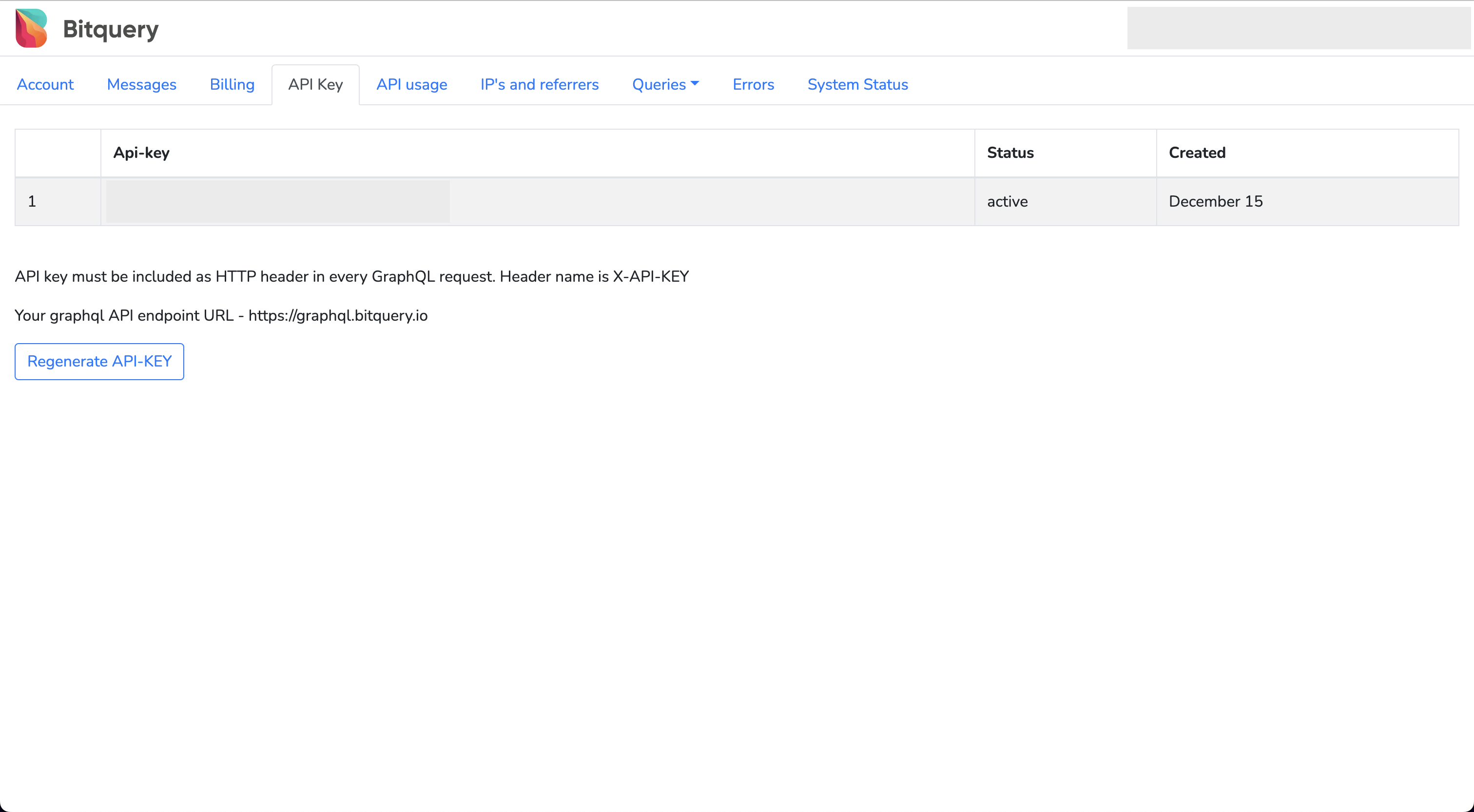
Enter this API key into the OpenBB Terminal by typing:
/keys/bitquery REPLACE_WITH_KEY
CoinMarketCap
Go to: https://coinmarketcap.com/api
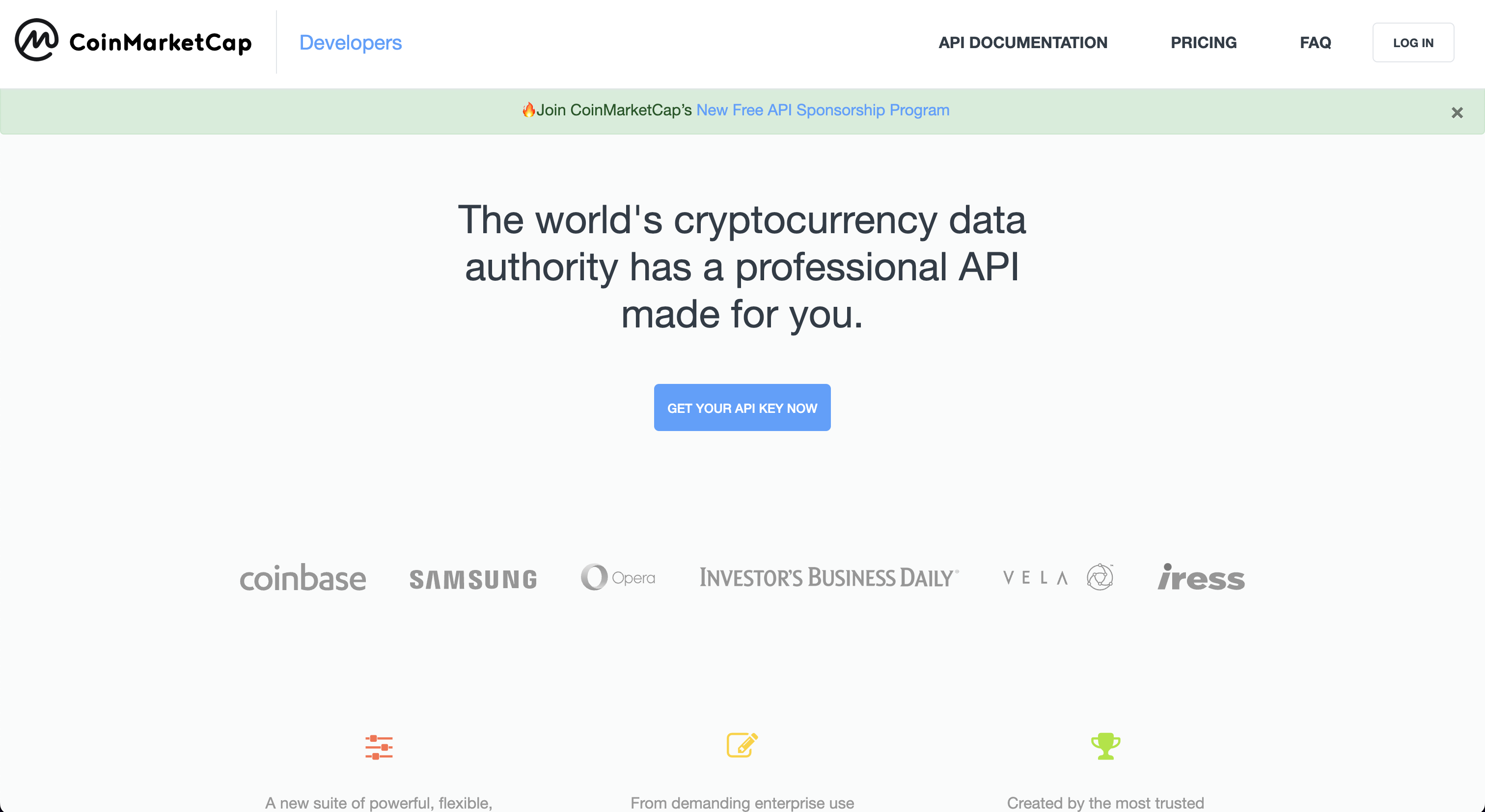
Click on, "Get Your Free API Key Now", which opens to the page:
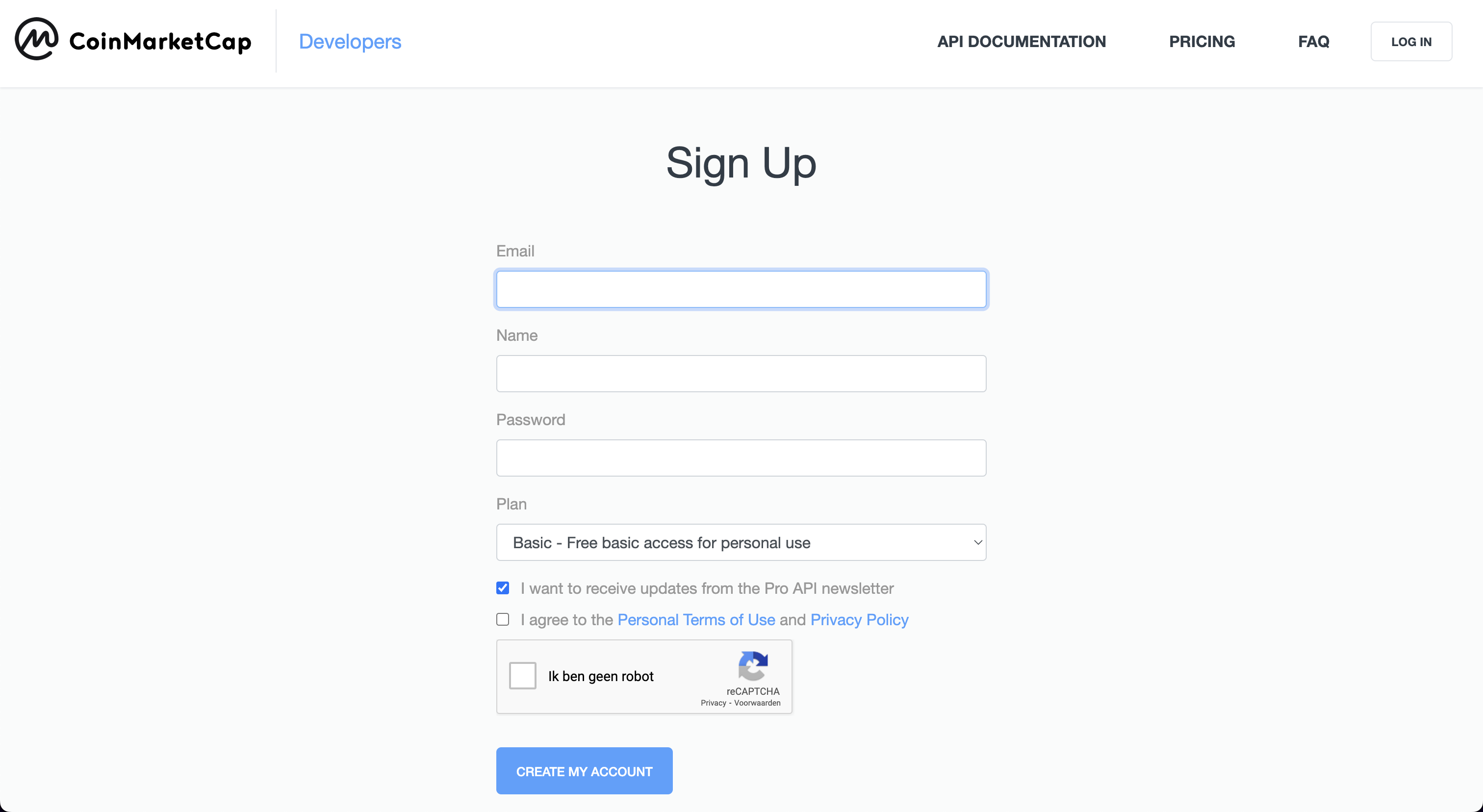
Once the account has been created, copy the API key displayed within the dashboard.
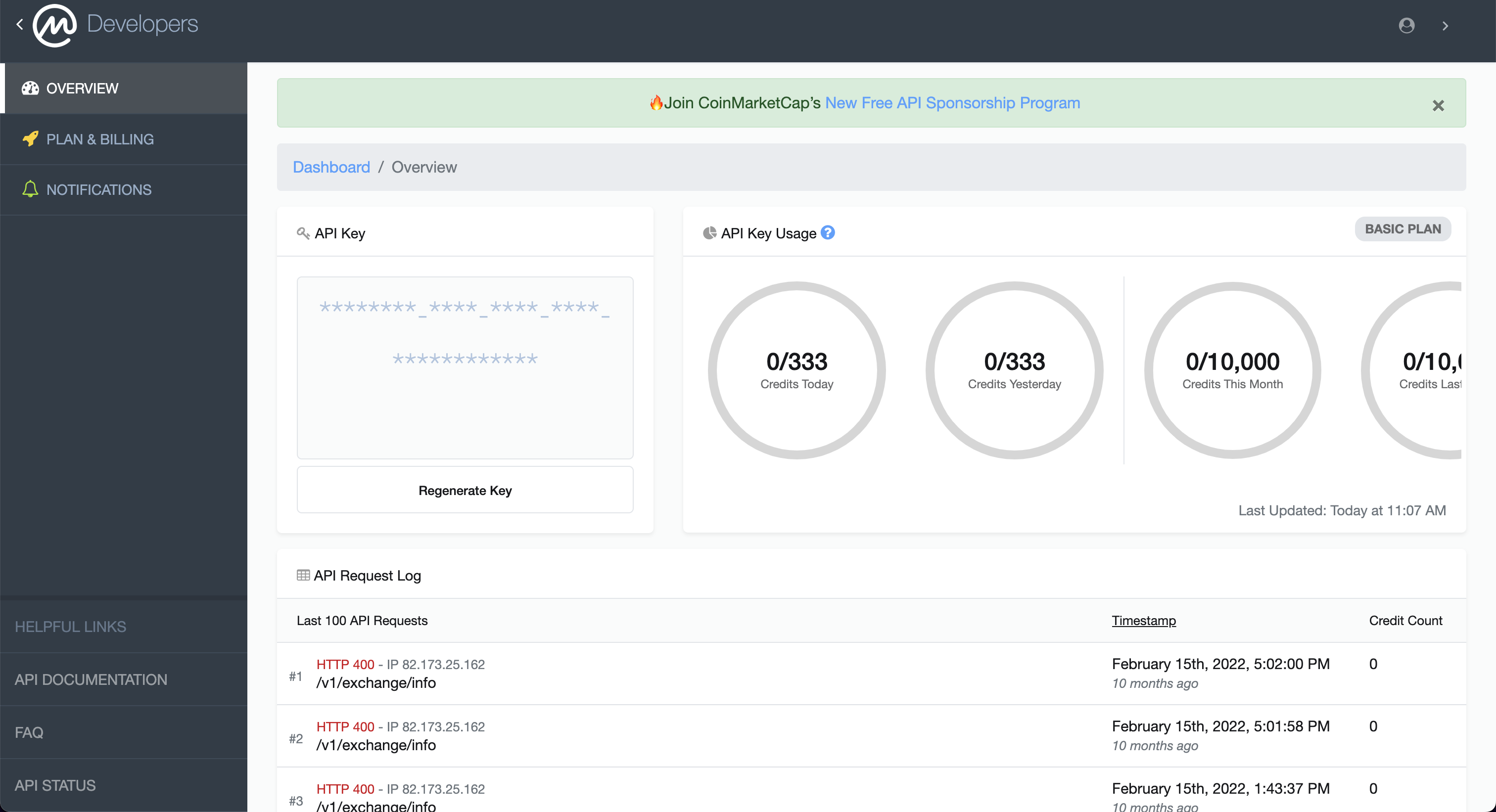
Enter the API key into the OpenBB Terminal by typing:
/keys/cmc REPLACE_WITH_KEY
Coinbase
Go to: https://help.coinbase.com/en/exchange/managing-my-account/how-to-create-an-api-key
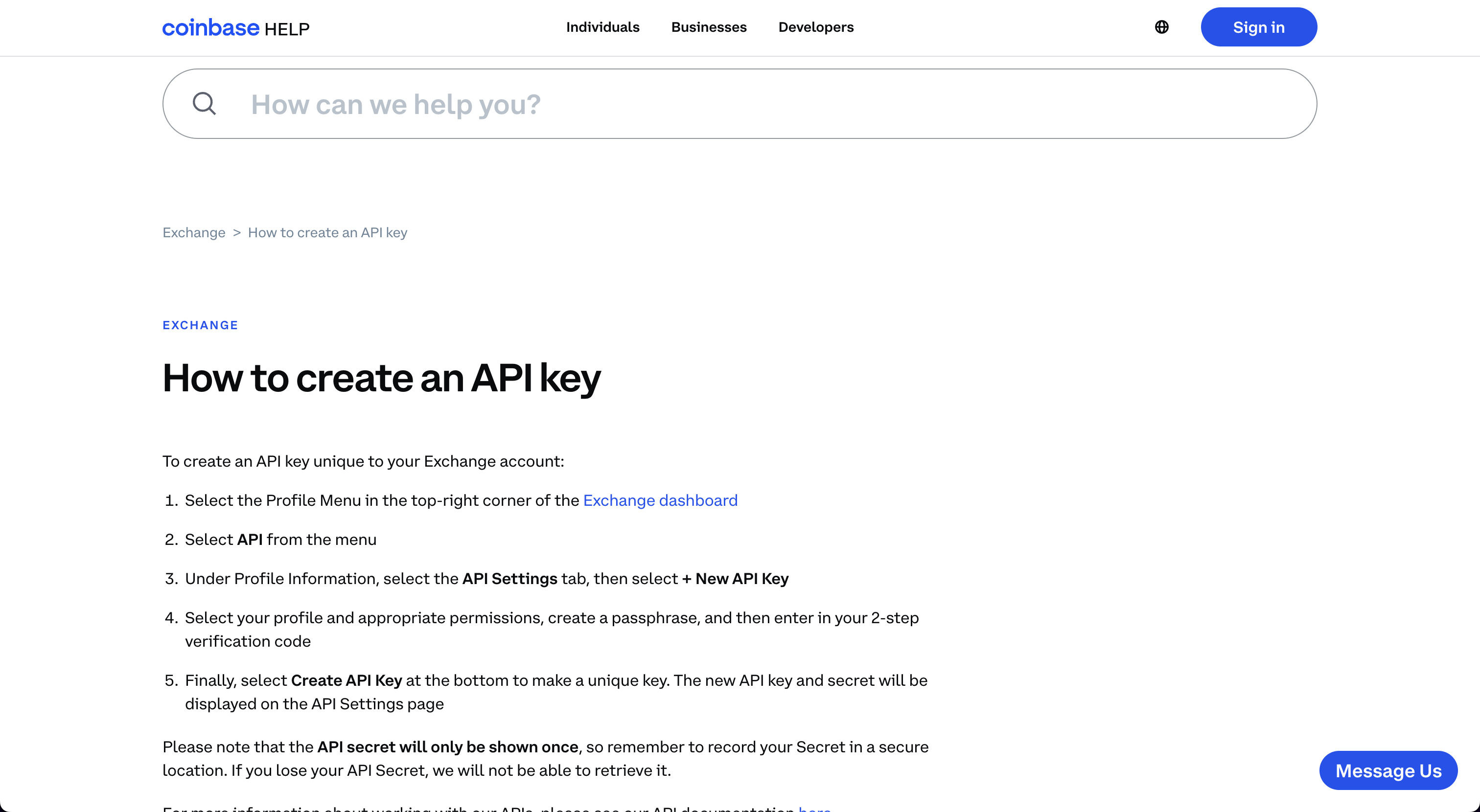
Follow the instructions to obtain the credentials for the specific account. Enter the three values into the OpenBB Terminal by typing:
/keys/coinbase -k REPLACE_WITH_KEY -s REPLACE_WITH_SECRET -p REPLACE_WITH_PASSPHRASE
Coinglass
Go to: https://www.coinglass.com/

Click, "Log in", and then sign up for an account. This opens the page:

With the account created, find the assigned API key within the account profile page. Enter this value into the OpenBB Terminal by typing:
/keys/coinglass REPLACE_WITH_KEY
Crypto Panic
Go to: https://cryptopanic.com/developers/api/
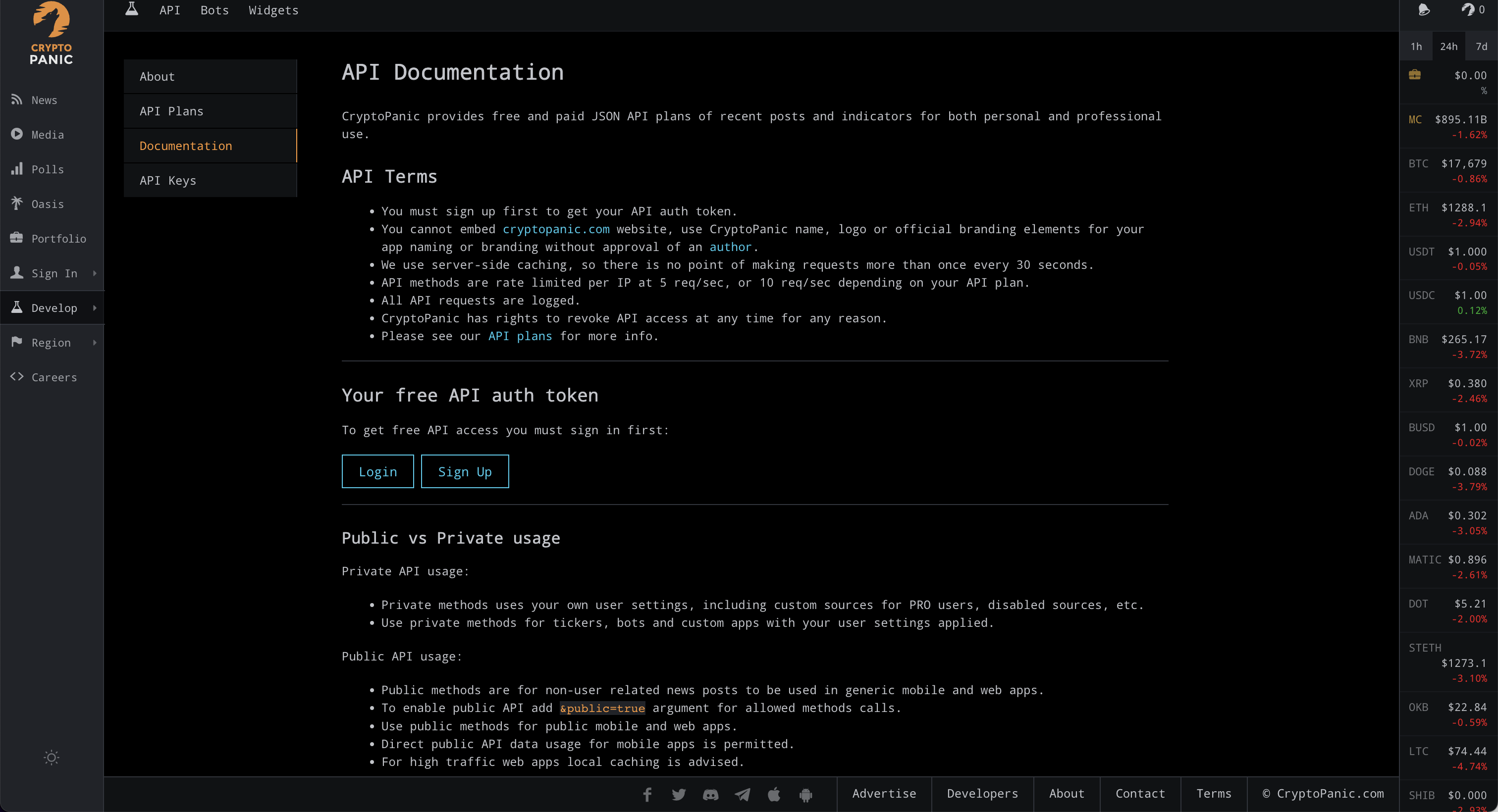
Click on, "Sign up", and after creating, the API Key will be displayed on the documentation page, "Your free API auth token".

Enter that value in the OpenBB Terminal by typing:
/keys/cpanic REPLACE_WITH_KEY
Degiro
Go to: https://www.degiro.com/

Click on, "Open an account", and then go through the registration process. After setting up the account, the login credentials can be entered in the OpenBB Terminal with:
/keys/degiro -u USERNAME -p PASSWORD
Instructions for setting up 2FA authorization are here.
EODHD
Go to: https://eodhistoricaldata.com/r/?ref=869U7F4J
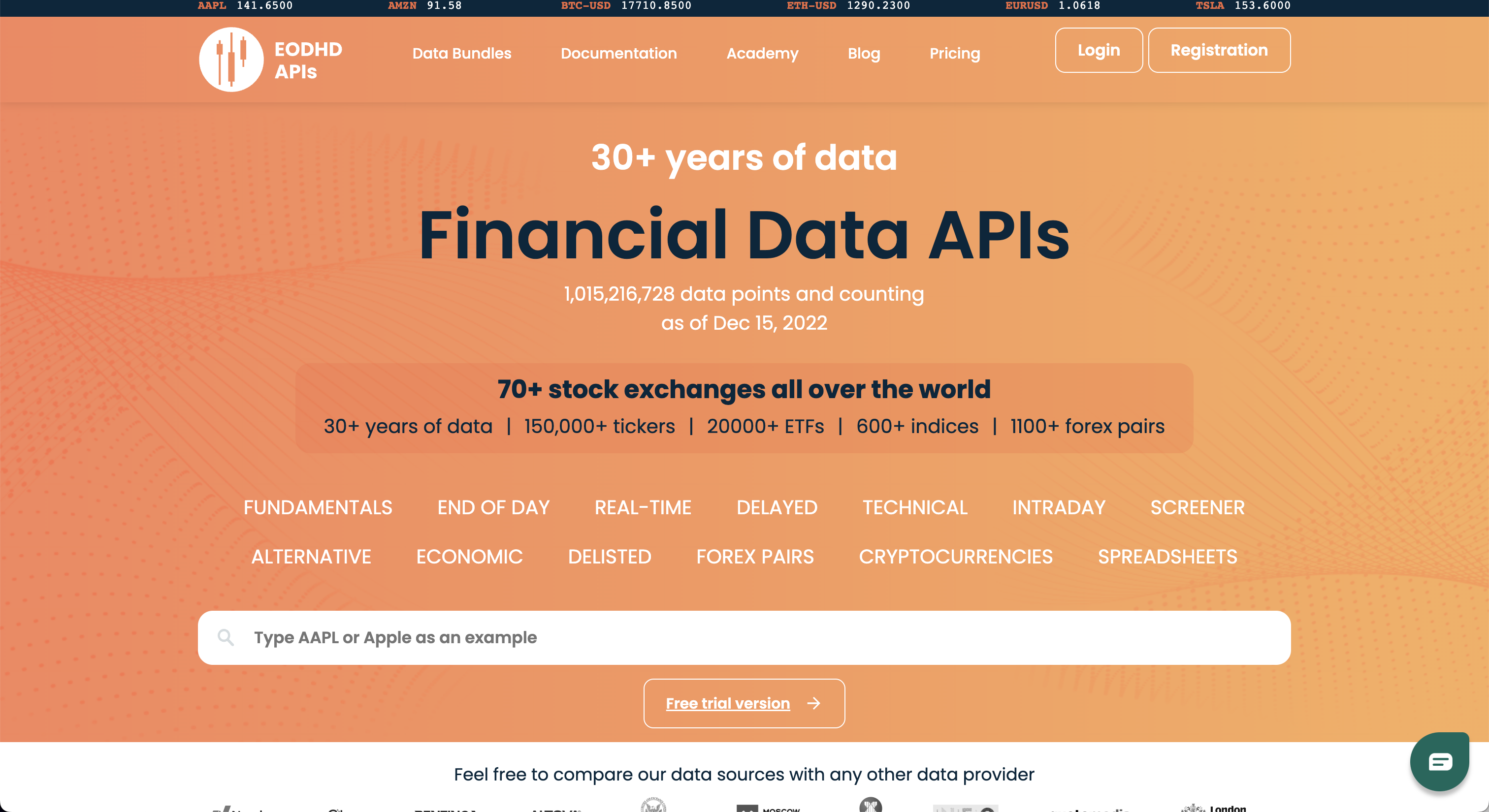
Clicking on, "Registration", opens the page:

Once registered, the API Key will be next to "API TOKEN".

Enter this string into the OpenBB Terminal by typing:
/keys/eodhd REPLACE_WITH_KEY
Finnhub
Go to: https://finnhub.io/

Click on, "Get free api key", to open the page:

Once the account has been created, find the API key in the account dashboard.
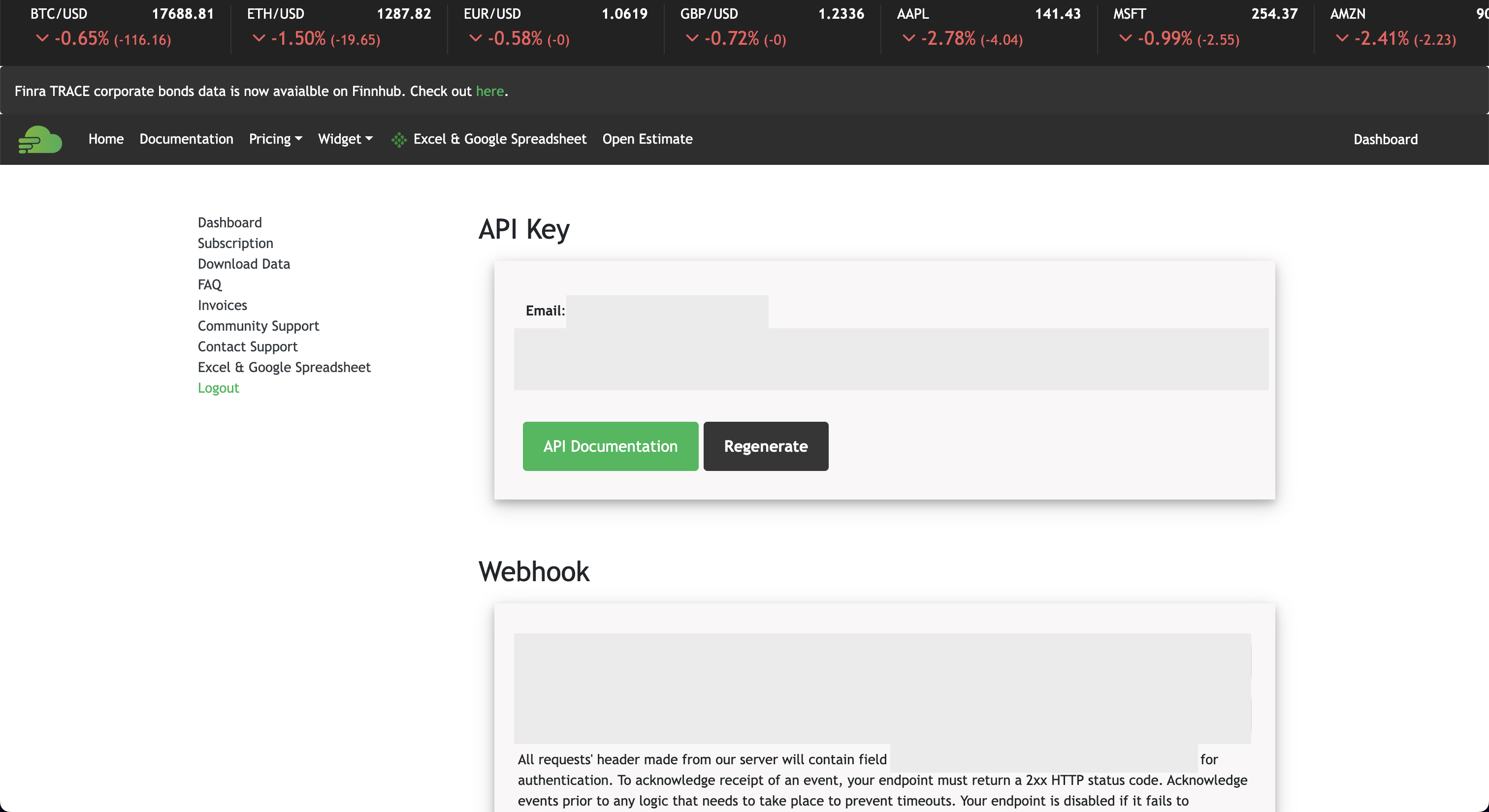
Add this key to the OpenBB Terminal by entering:
/keys/finnhub REPLACE_WITH_KEY
Financial Modeling Prep
Go to: https://site.financialmodelingprep.com/developer/docs
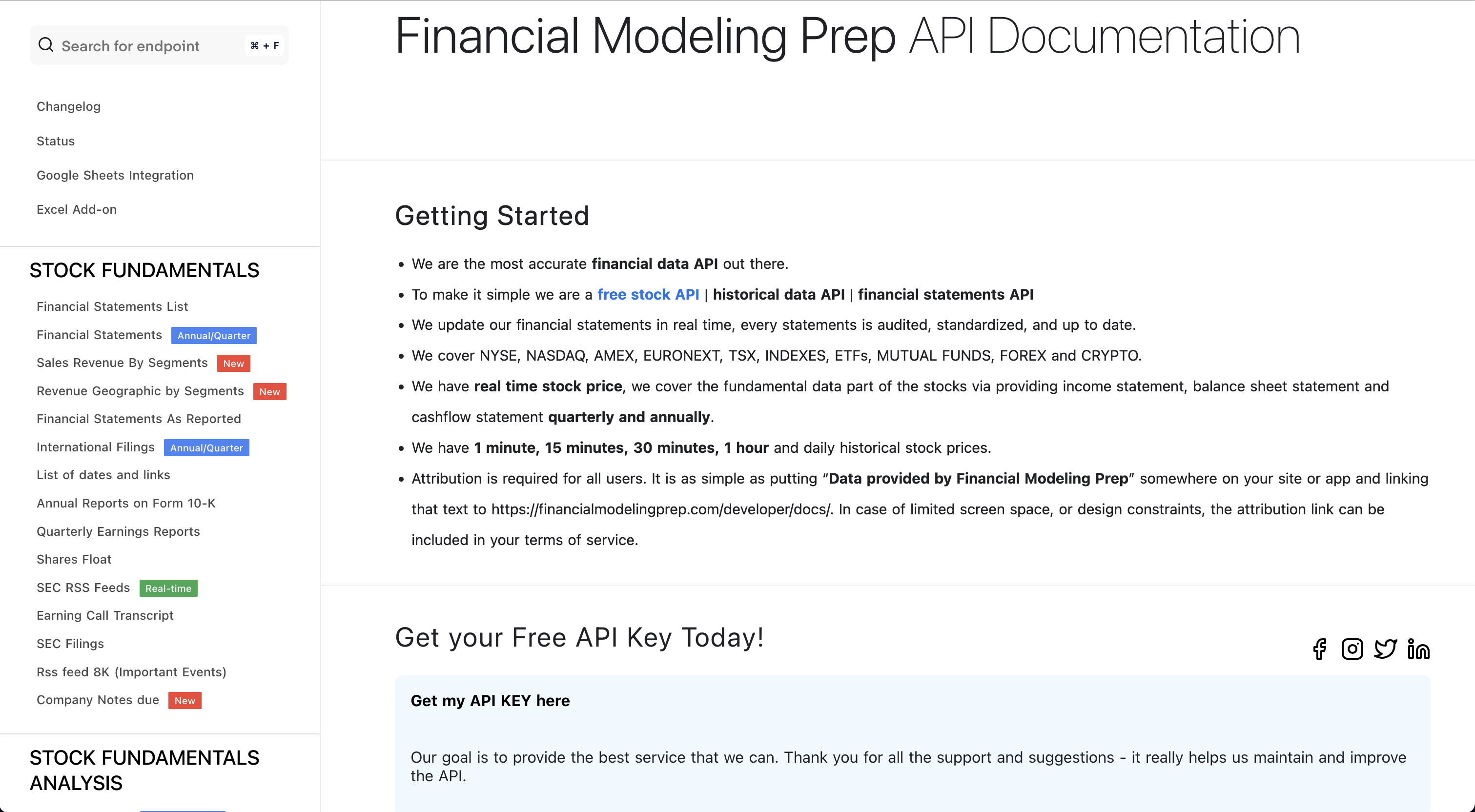
Click on, "Get my API KEY here", and sign up for a free account.
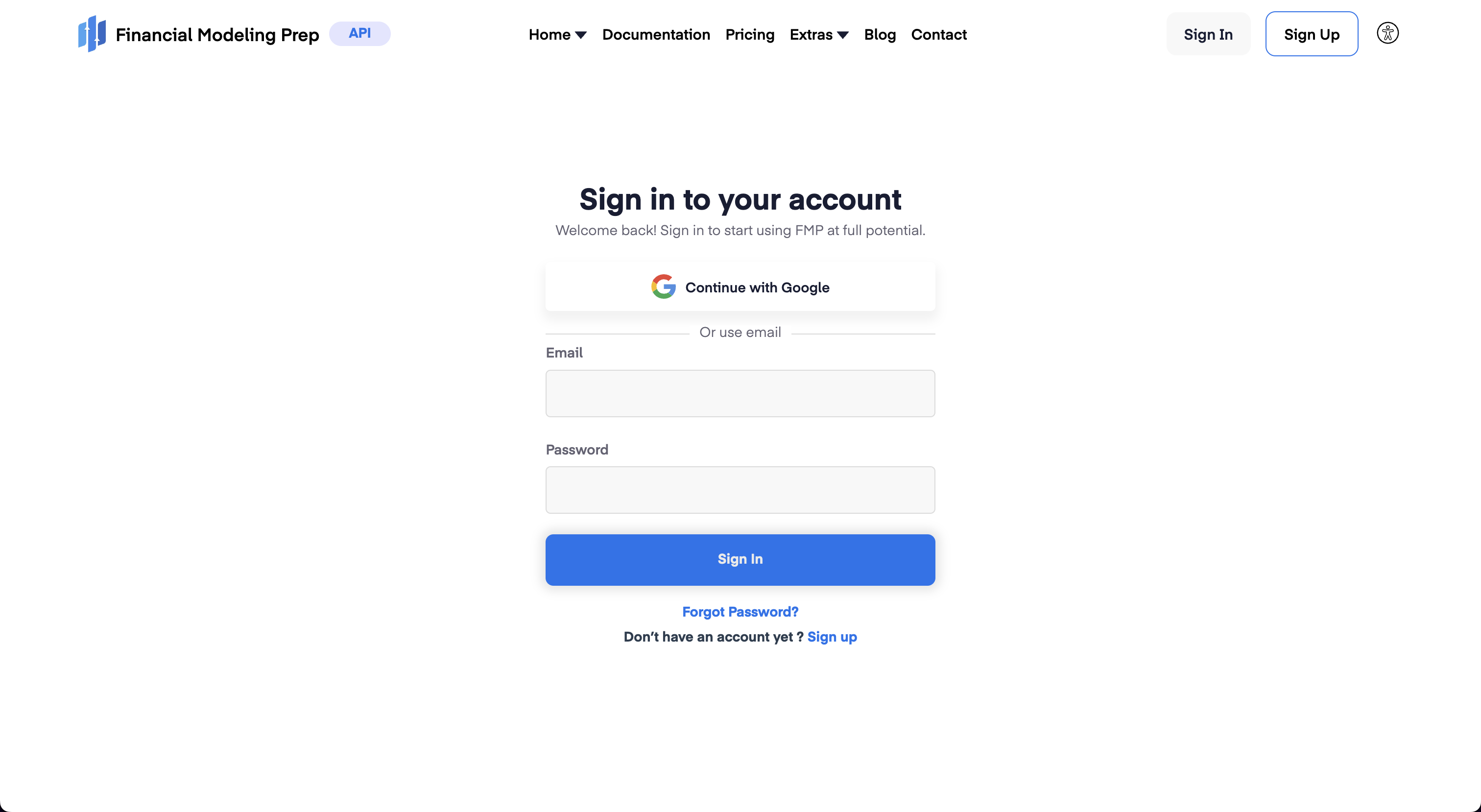
With an account created, sign in and navigate to the Dashboard, which shows the assigned token. by pressing the "Dashboard" button which will show the API key.

Enter the key into the OpenBB Terminal with:
/keys/fmp REPLACE_WITH_KEY
FRED
Go to: https://fred.stlouisfed.org

Click on, "My Account", create a new account or sign in with Google:
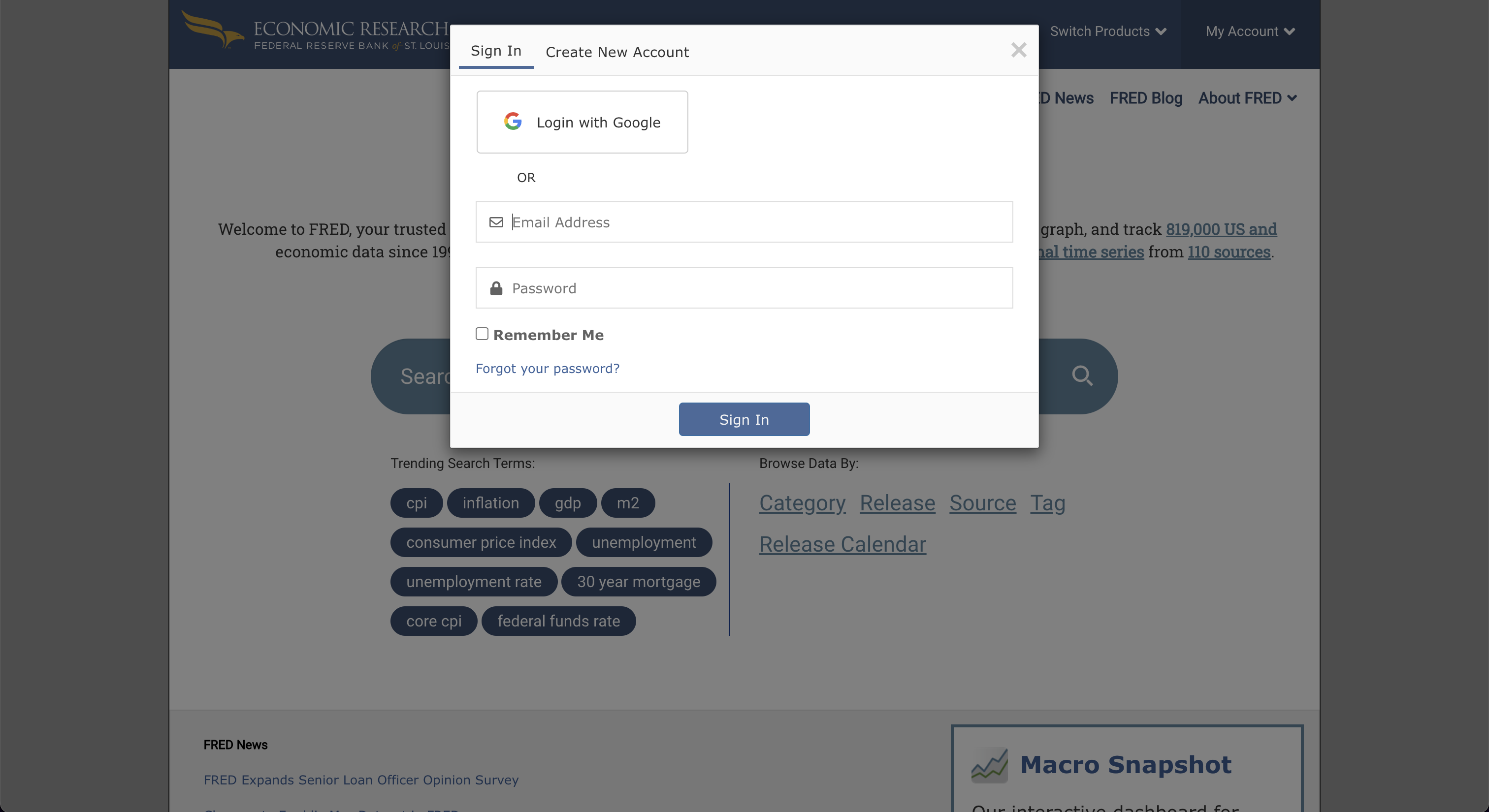
After completing the sign-up, go to "My Account", and select "API Keys". Then, click on, "Request API Key".
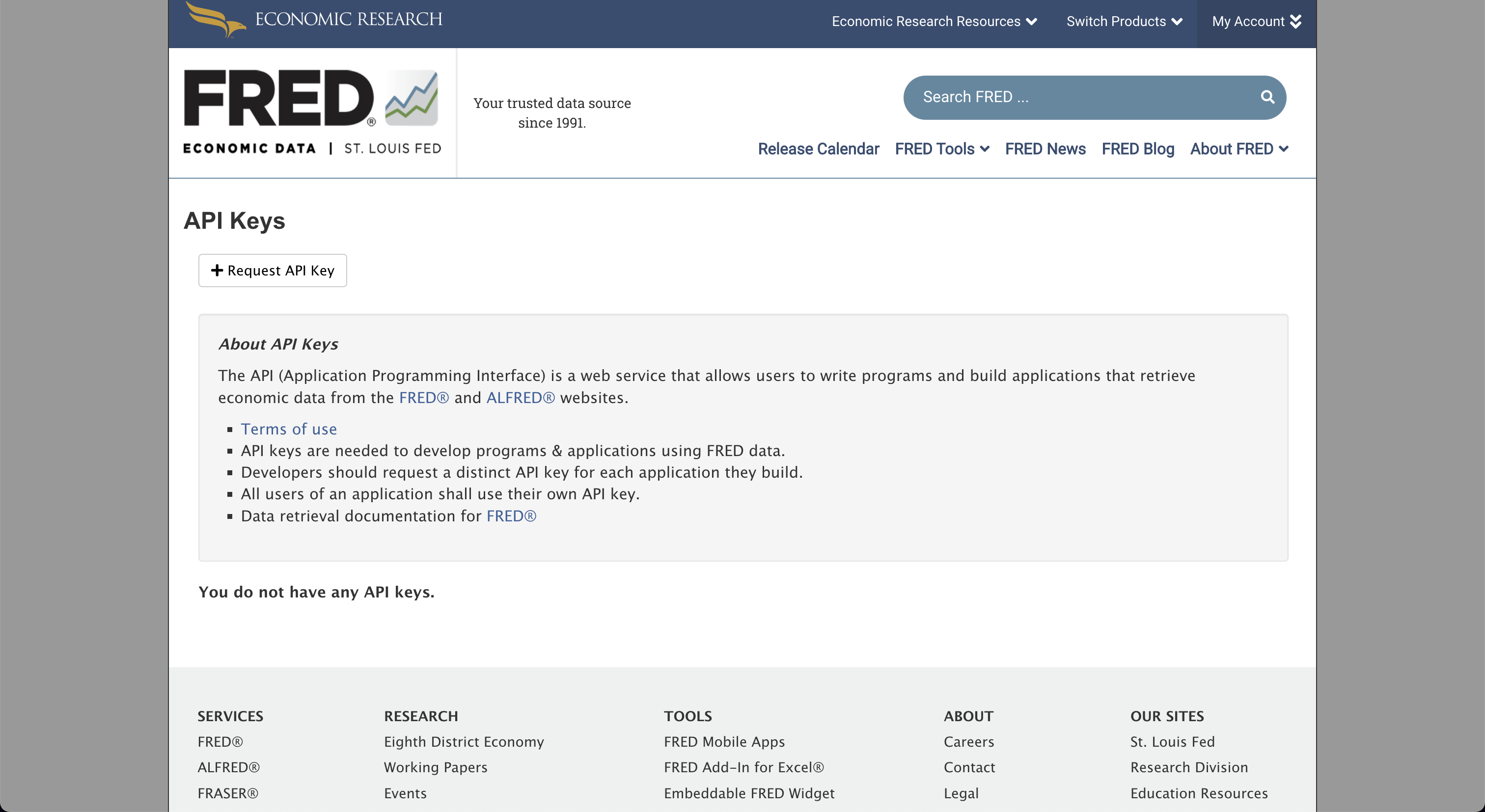
Fill in the box for information about the use-case for FRED, and by clicking, "Request API key", at the bottom of the page, the API key will be issued.

Enter the API key into the OpenBB Terminal with:
/keys/fred REPLACE_WITH_KEY
GitHub
Go to: https://github.com
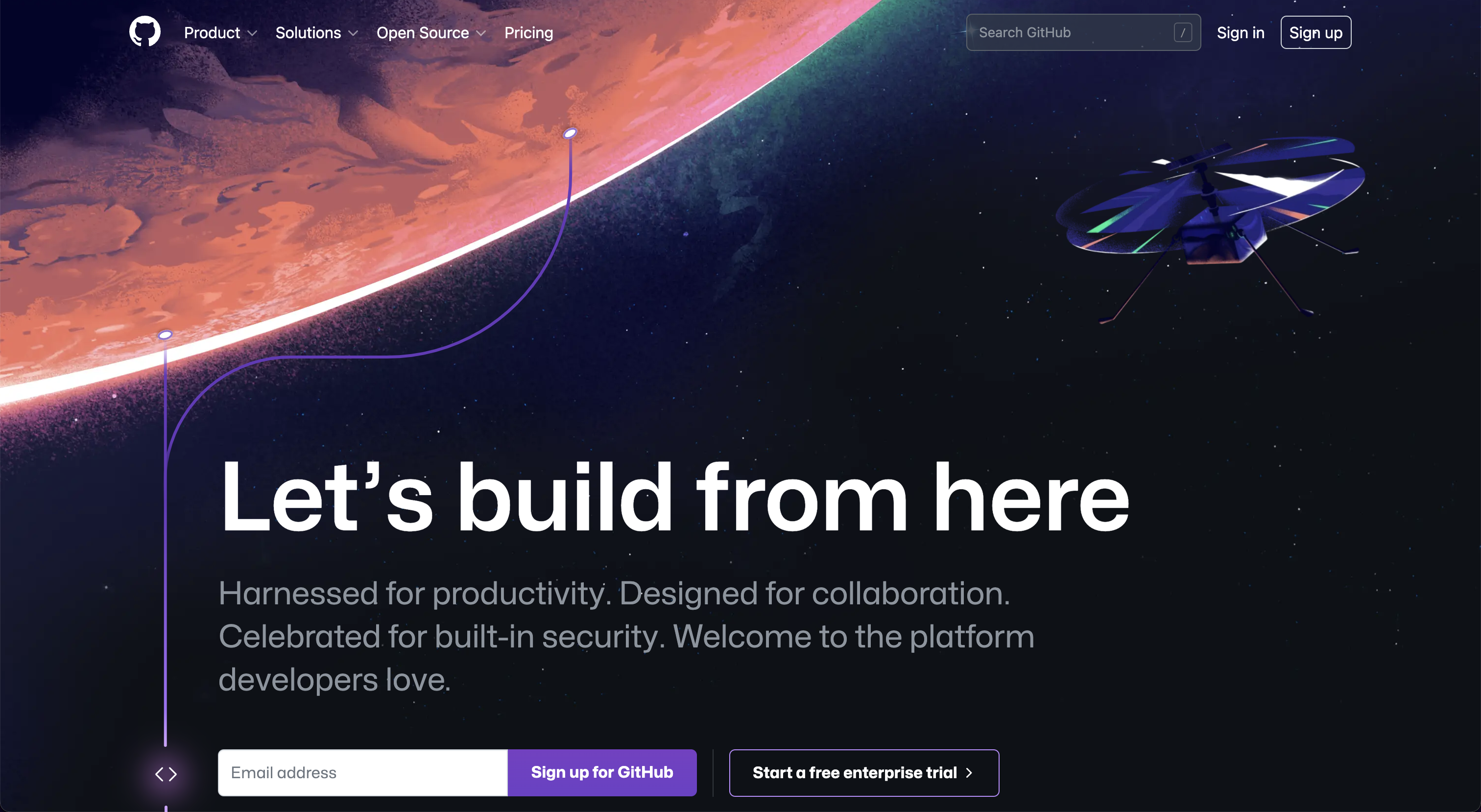
Sign up for, or sign in to, GitHub. Once logged in, navigate to the apps page, under account settings.
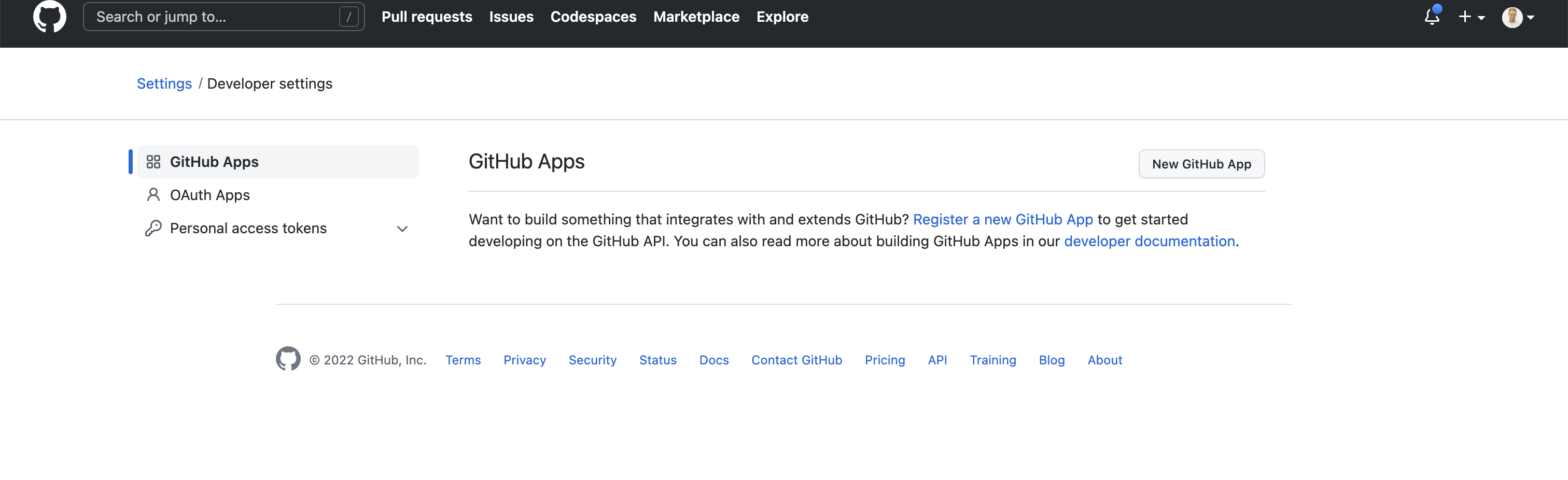
Select, "New GitHub App":
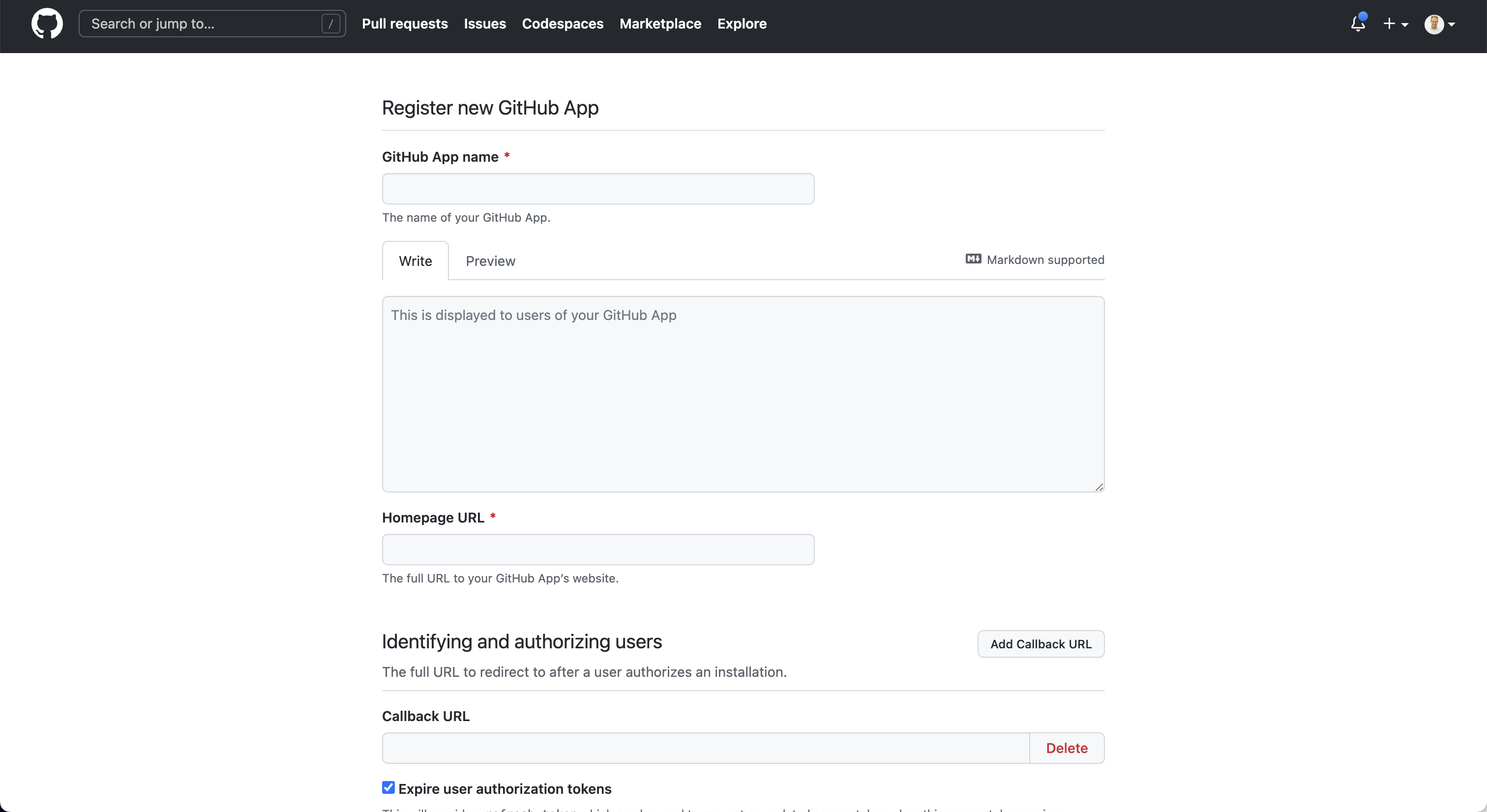
After creating the app, the key will be issued. Enter this token into the OpenBB Terminal with:
/keys/github REPLACE_WITH_KEY
Glassnode
Go to: https://studio.glassnode.com

Click on, "Sign up", and create an account:

After creating an account, navigate to the account settings and generate an API Key.
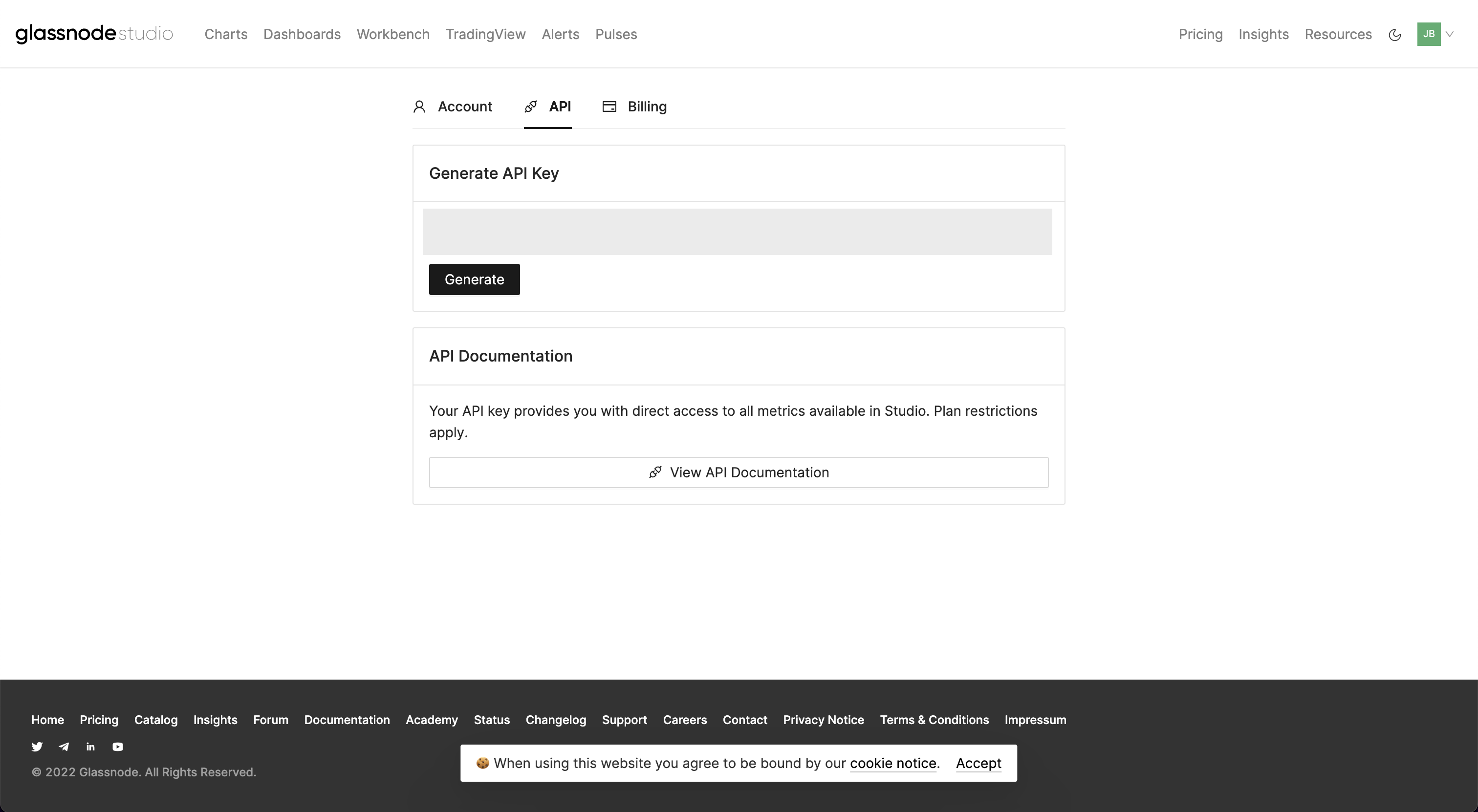
Enter this key in the OpenBB terminal with:
/keys/glassnode REPLACE_WITH_KEY
IEX Cloud
Go to: https://iexcloud.io
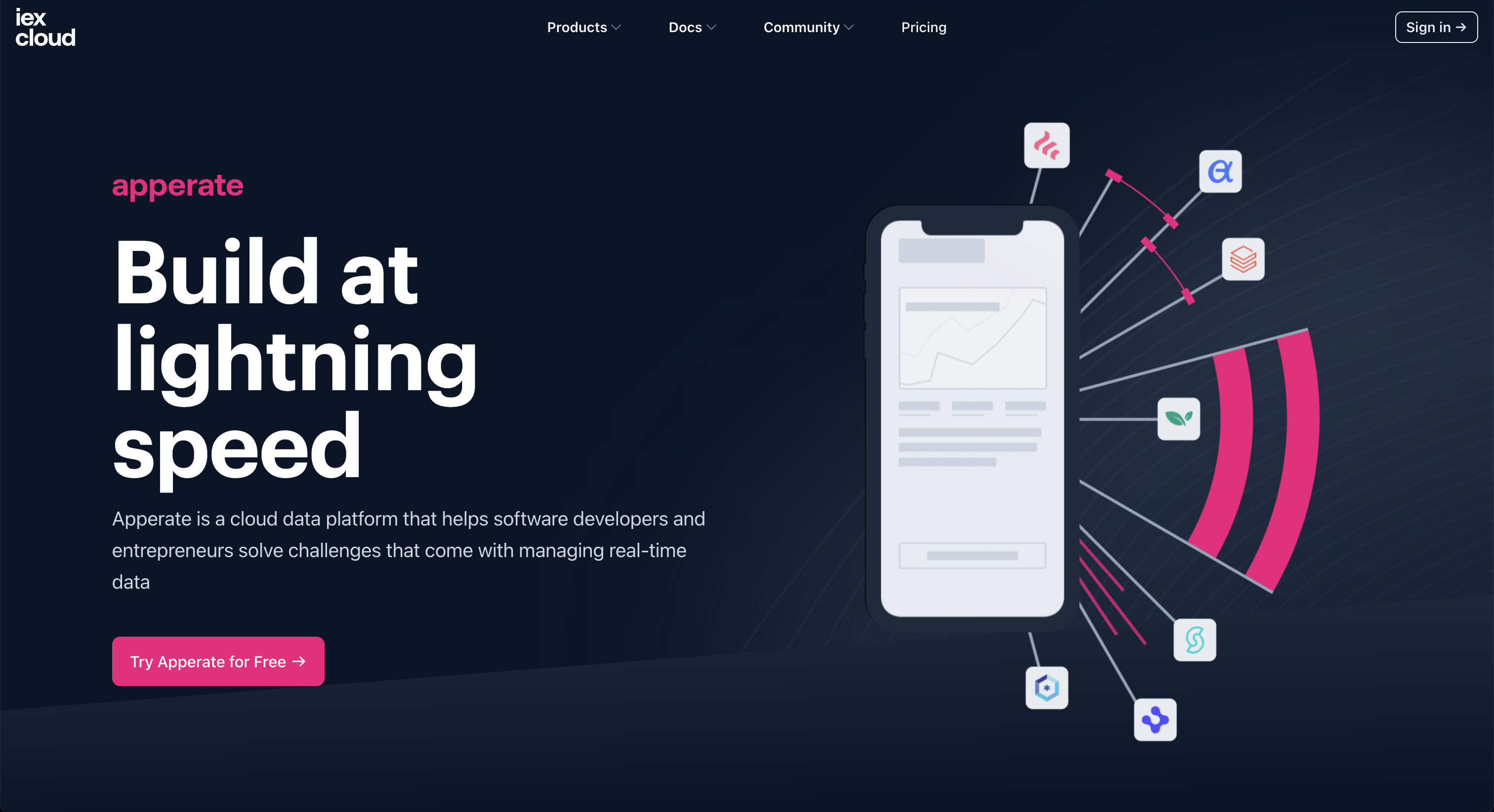
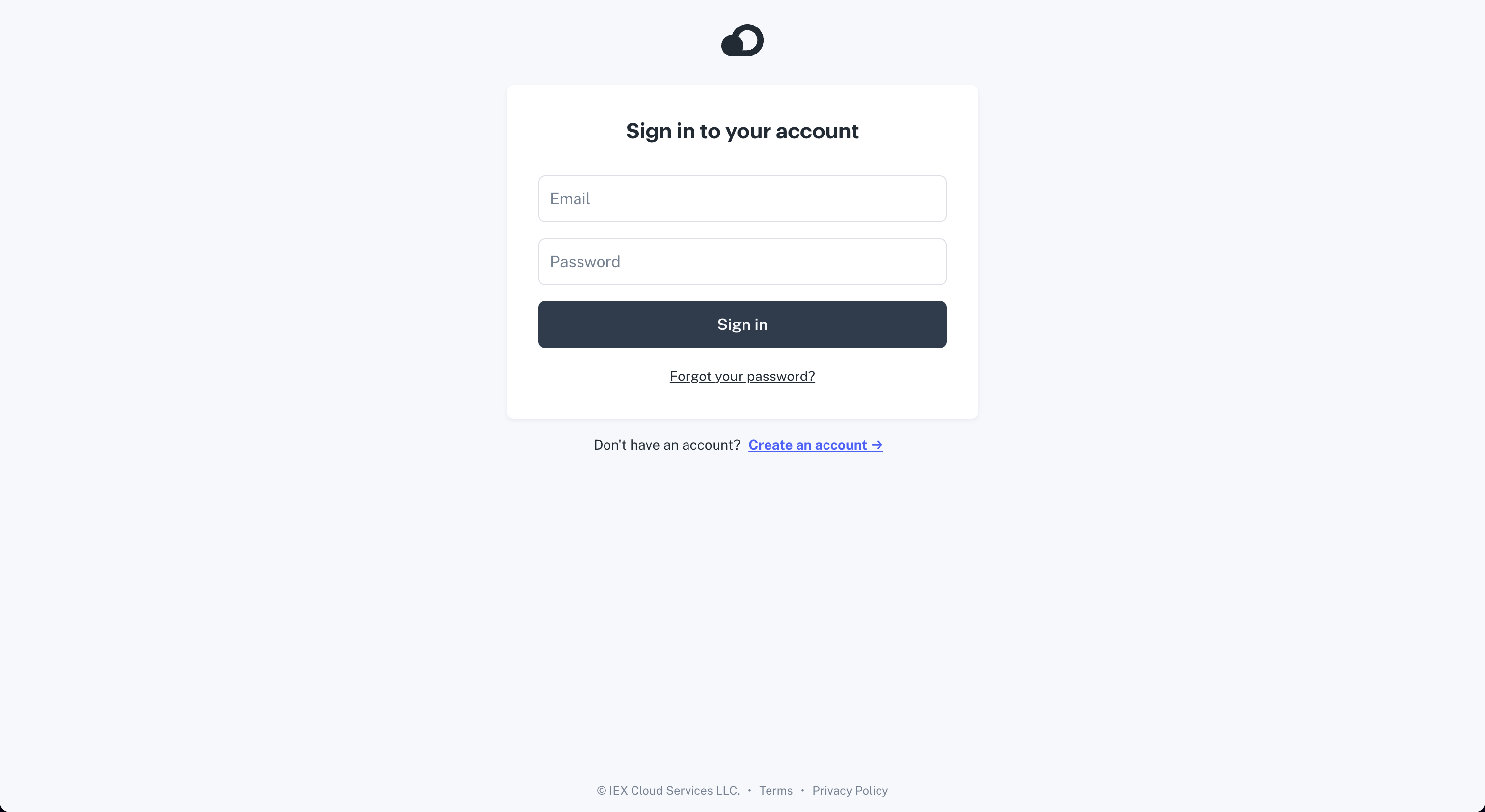
Click on, "Sign in", and then create a new account.
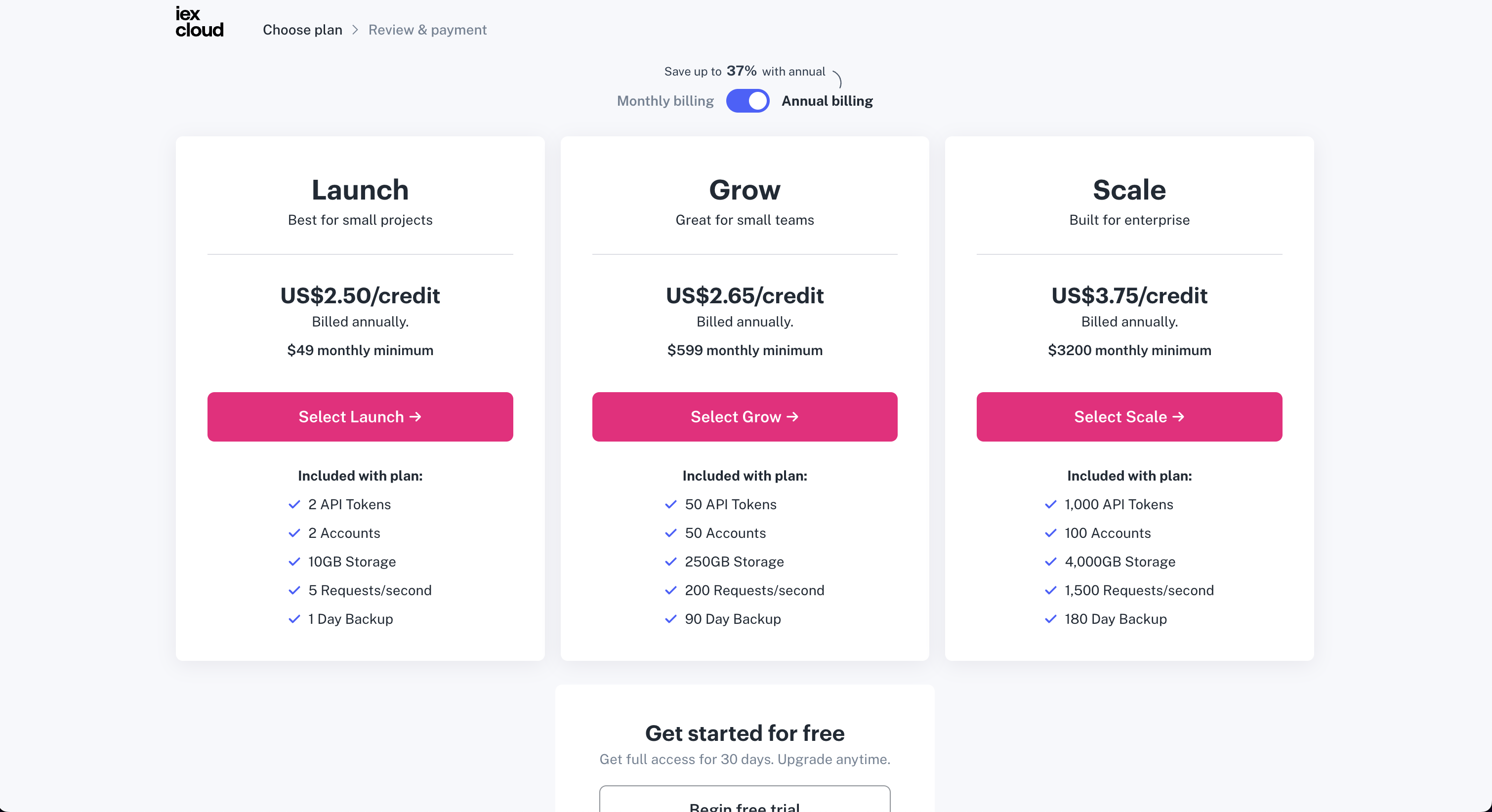
After signing up, select a plan. There is a choice for a free plan at the bottom.
After completing the sign-up process, the API Keyis found under the, "Access & Security", tab.
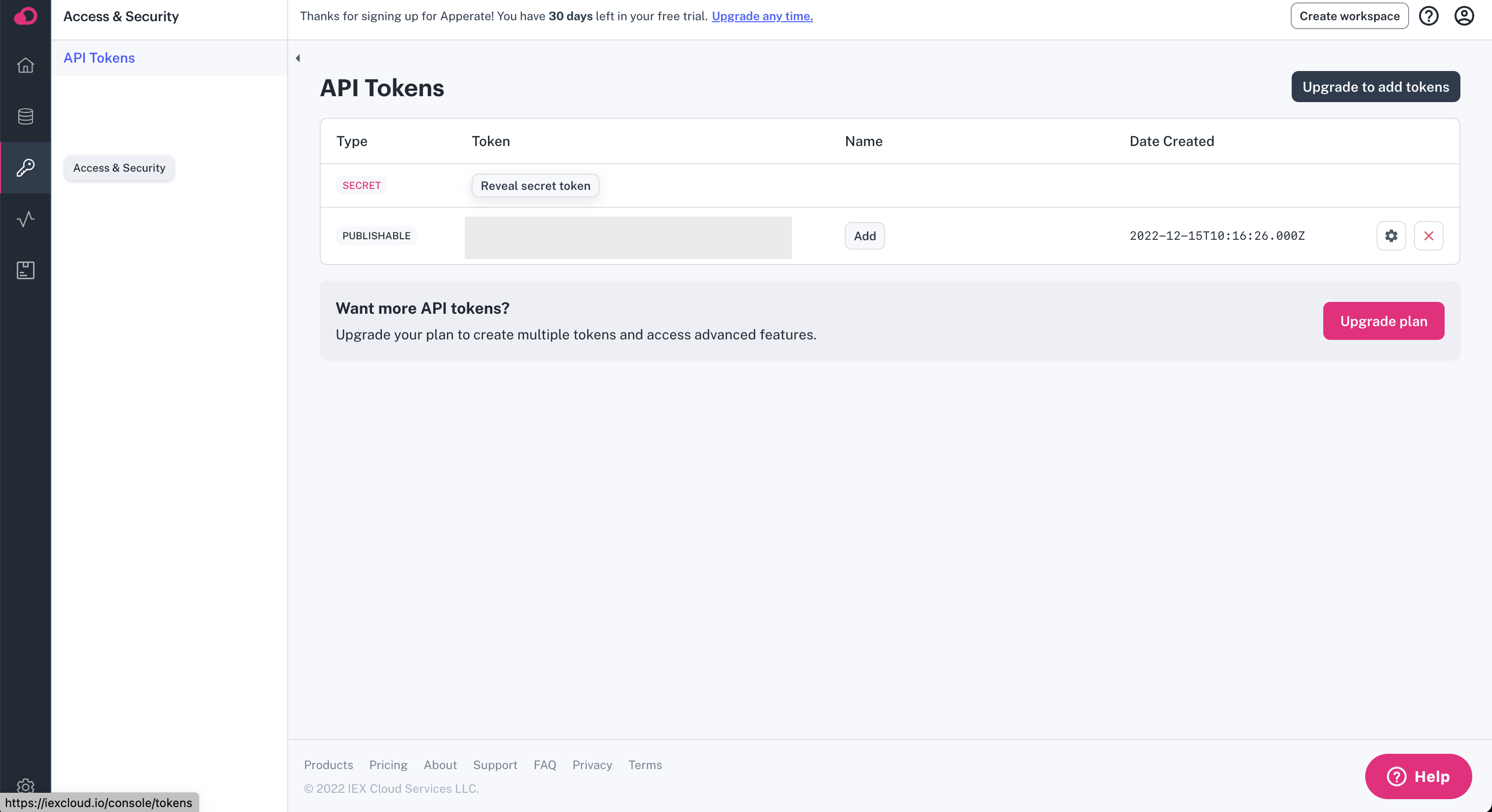
Add this API key to the OpenBB Terminal by entering:
/keys/iex REPLACE_WITH_KEY
Intrinio
Go to: https://intrinio.com/starter-plan

An API key will be issued with a subscription. Find the token value within the account dashboard, and enter it into the OpenBB Terminal with:
/keys/intrinio REPLACE_WITH_KEY
Messari
Go to: https://messari.io
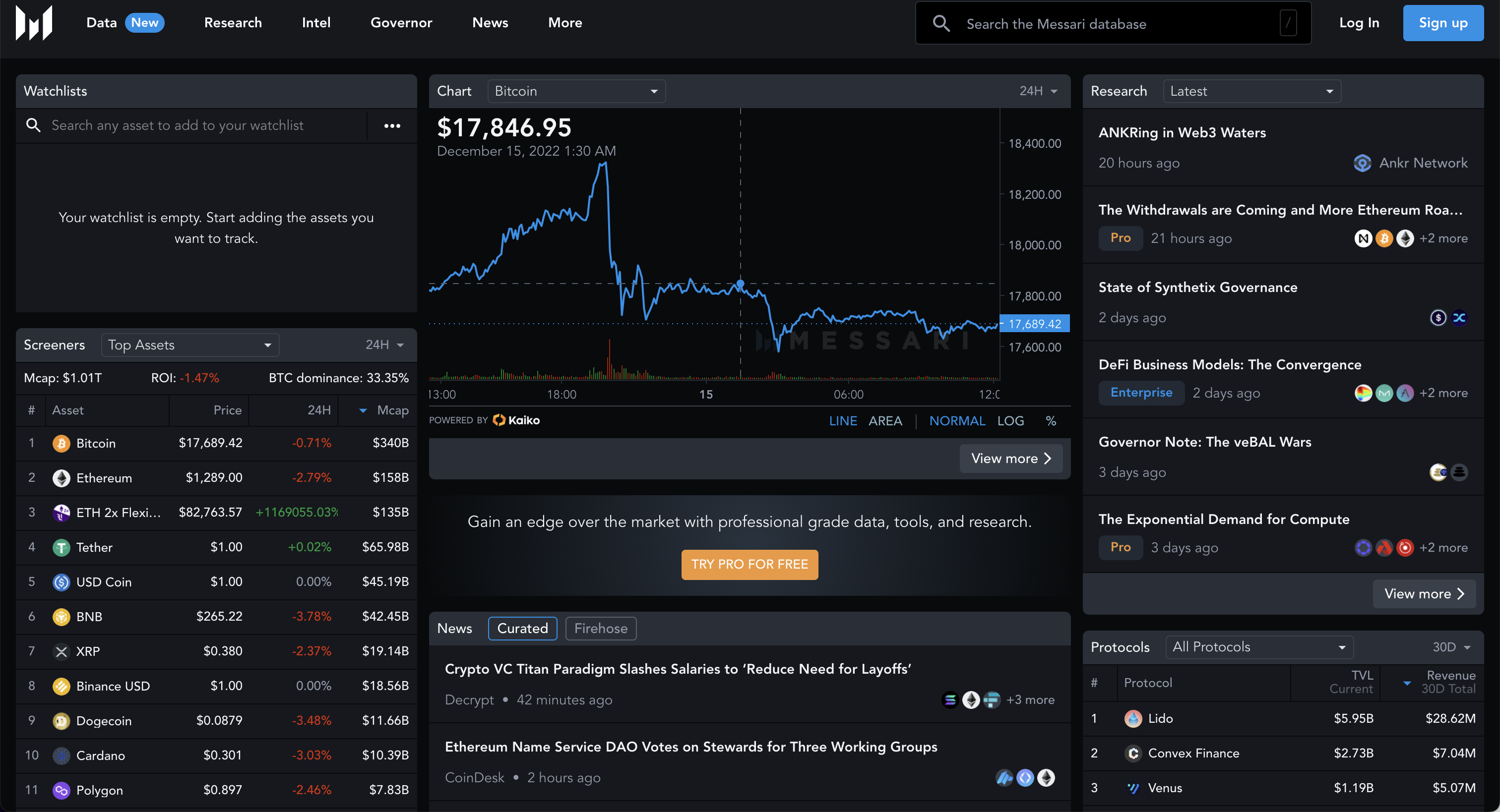
Click on, "Sign up", and create an account.

After creating the account, navigate to the account page, and click on the tab for, API Access.

Copy the API key and add it to the OpenBB Terminal by entering:
/keys/messari REPLACE_WITH_KEY
News API
Go to: https://newsapi.org
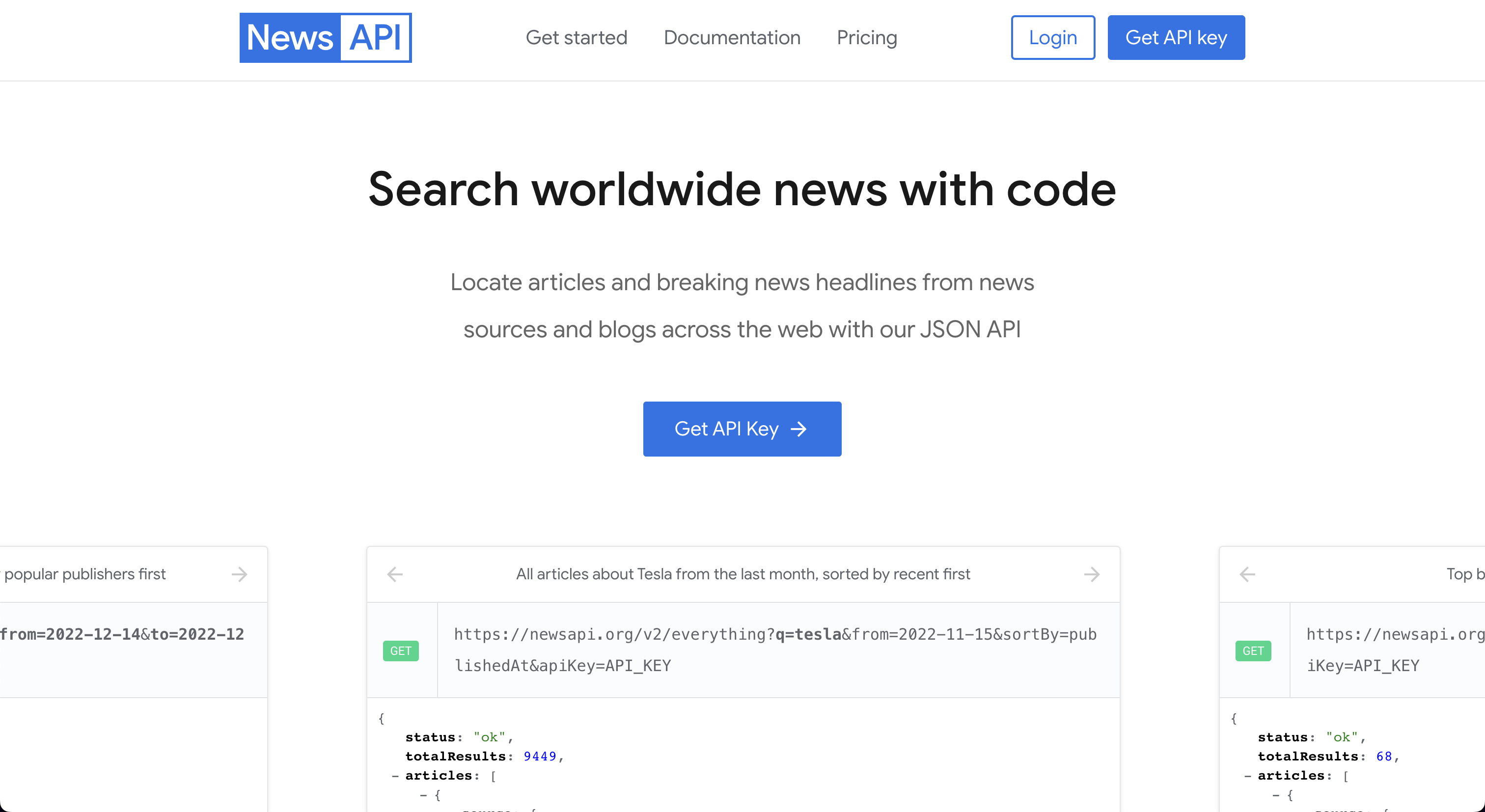
Click on, "Get API Key", and fill out the form.
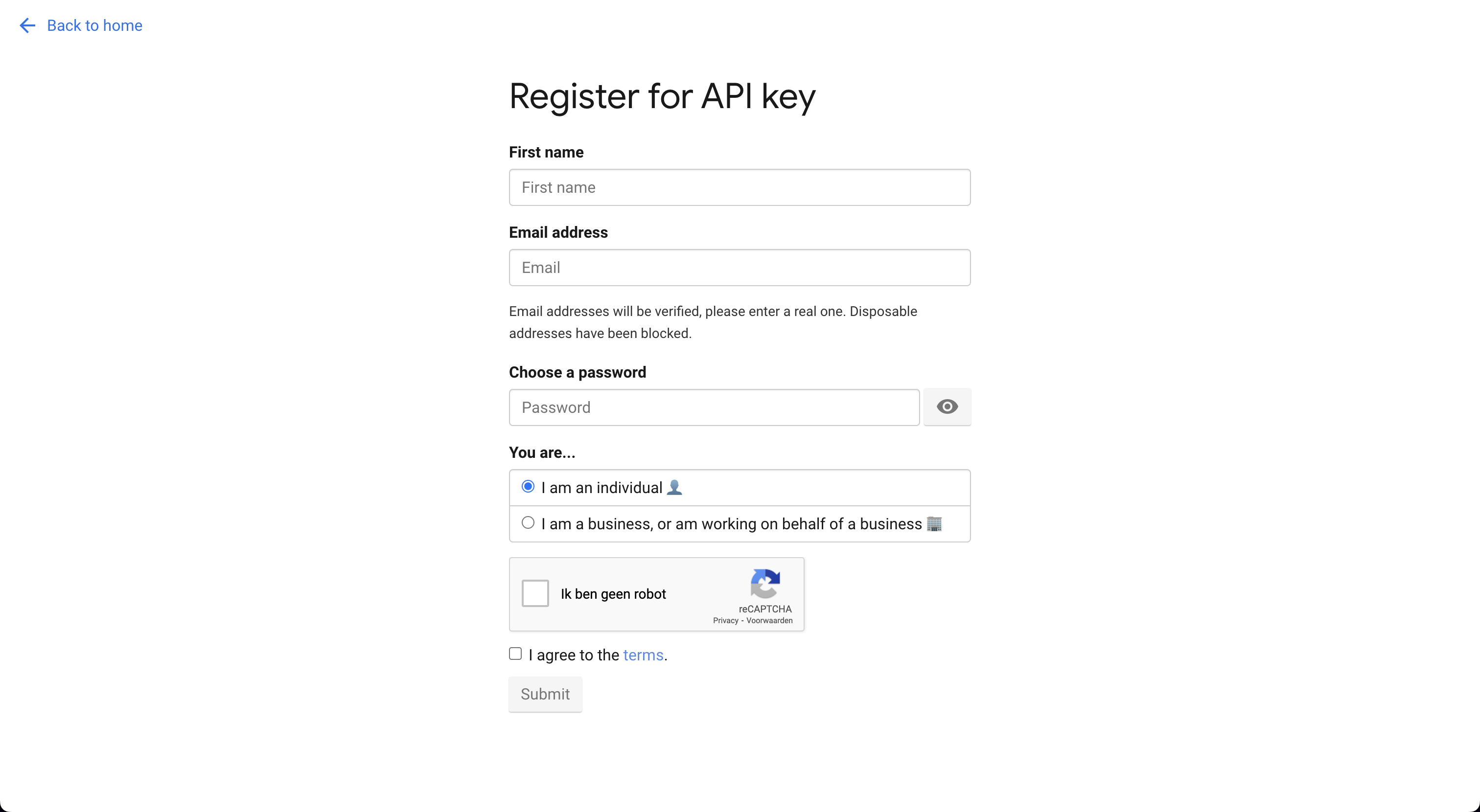
Register for an account and the next screen will provide the API Key.
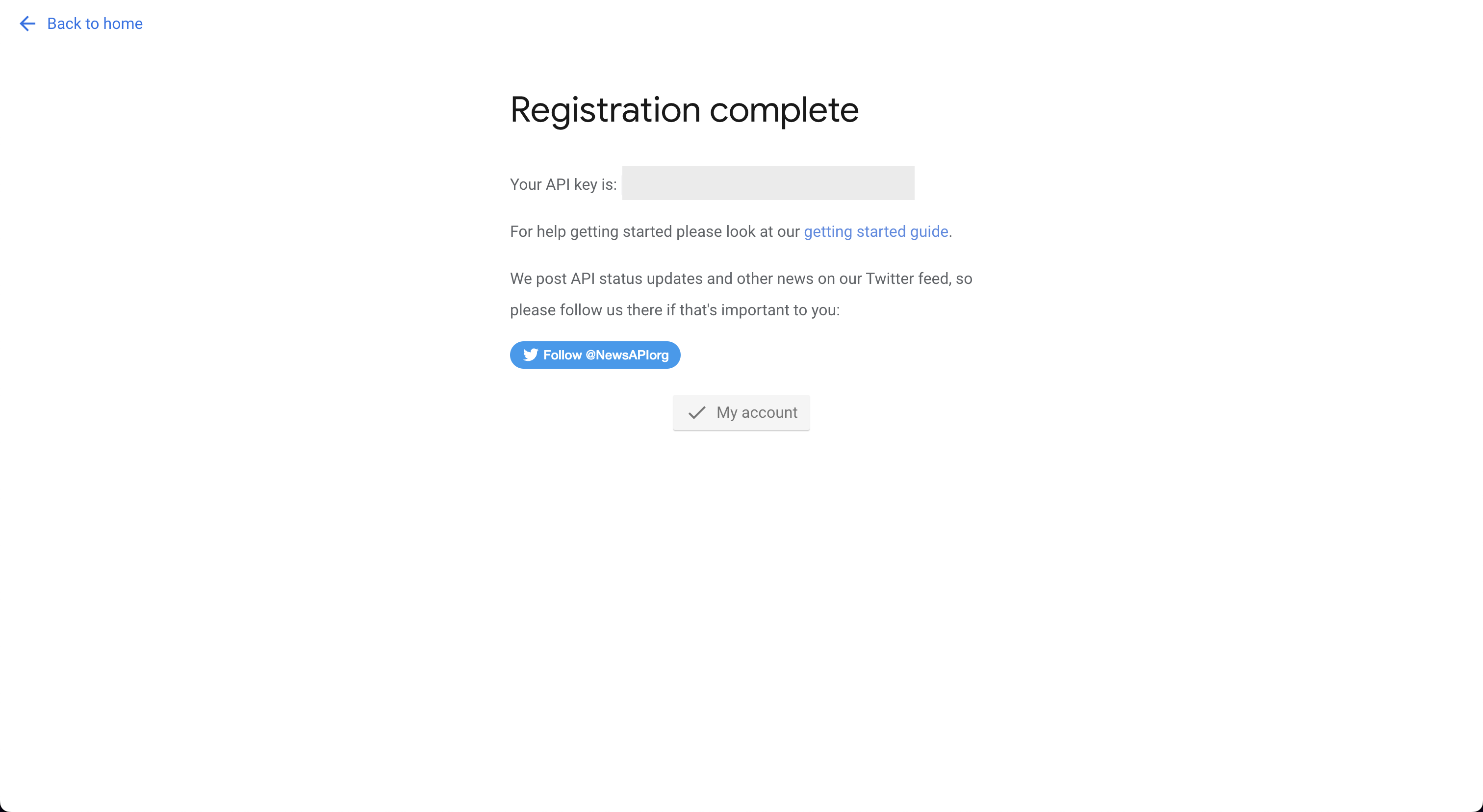
Add this API key into the OpenBB Terminal by entering:
/keys/news REPLACE_WITH_KEY
Oanda
Go to: https://developer.oanda.com

After creating an account, follow the steps below.

Upon completion of the account setup, enter the credentials into the OpenBB Terminal using the syntax:
/keys/oanda -a REPLACE_WITH_ACCOUNT -t REPLACE_WITH_TOKEN --account_type REPLACE_WITH_LIVE_OR_PRACTICE
Polygon
Go to: https://polygon.io
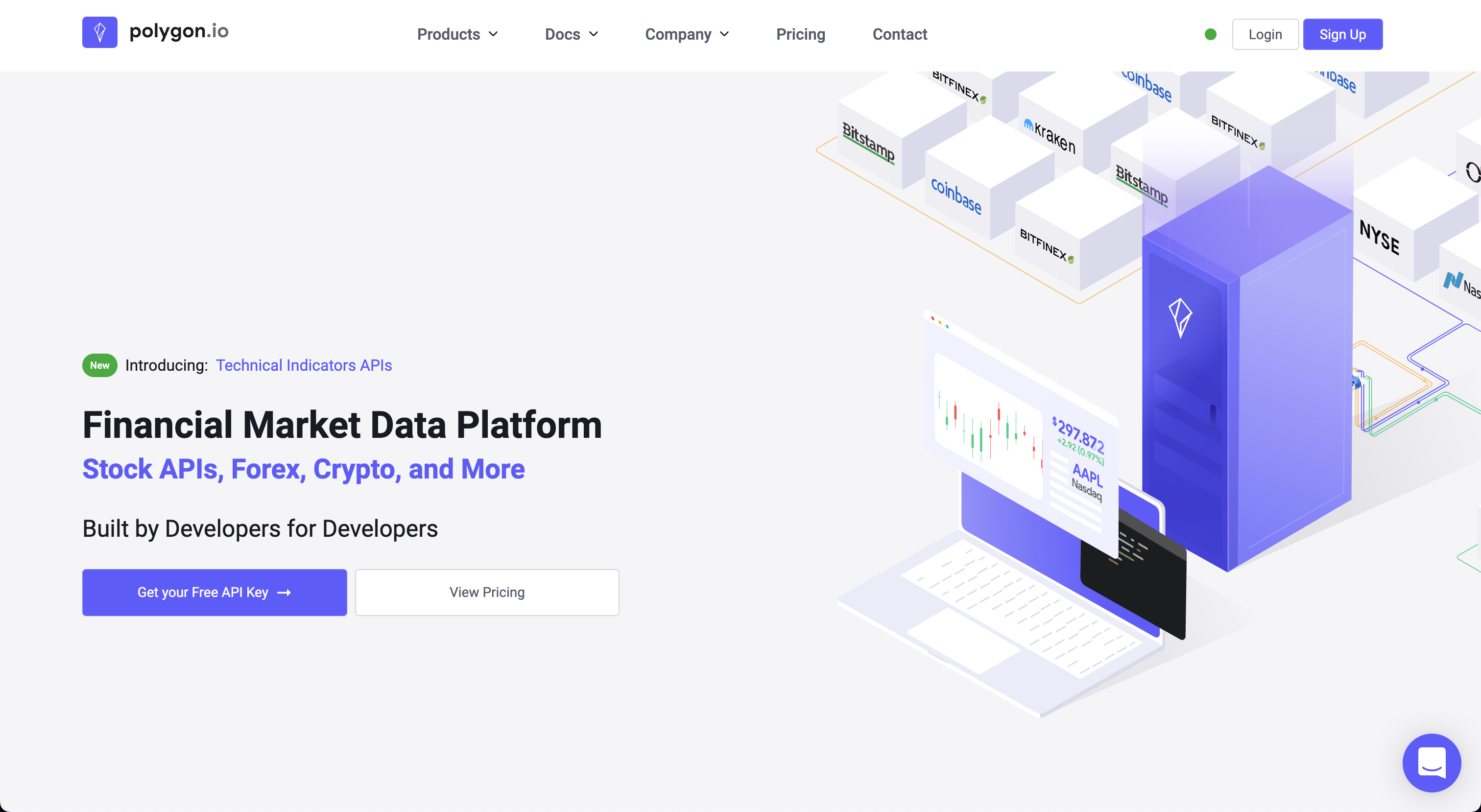
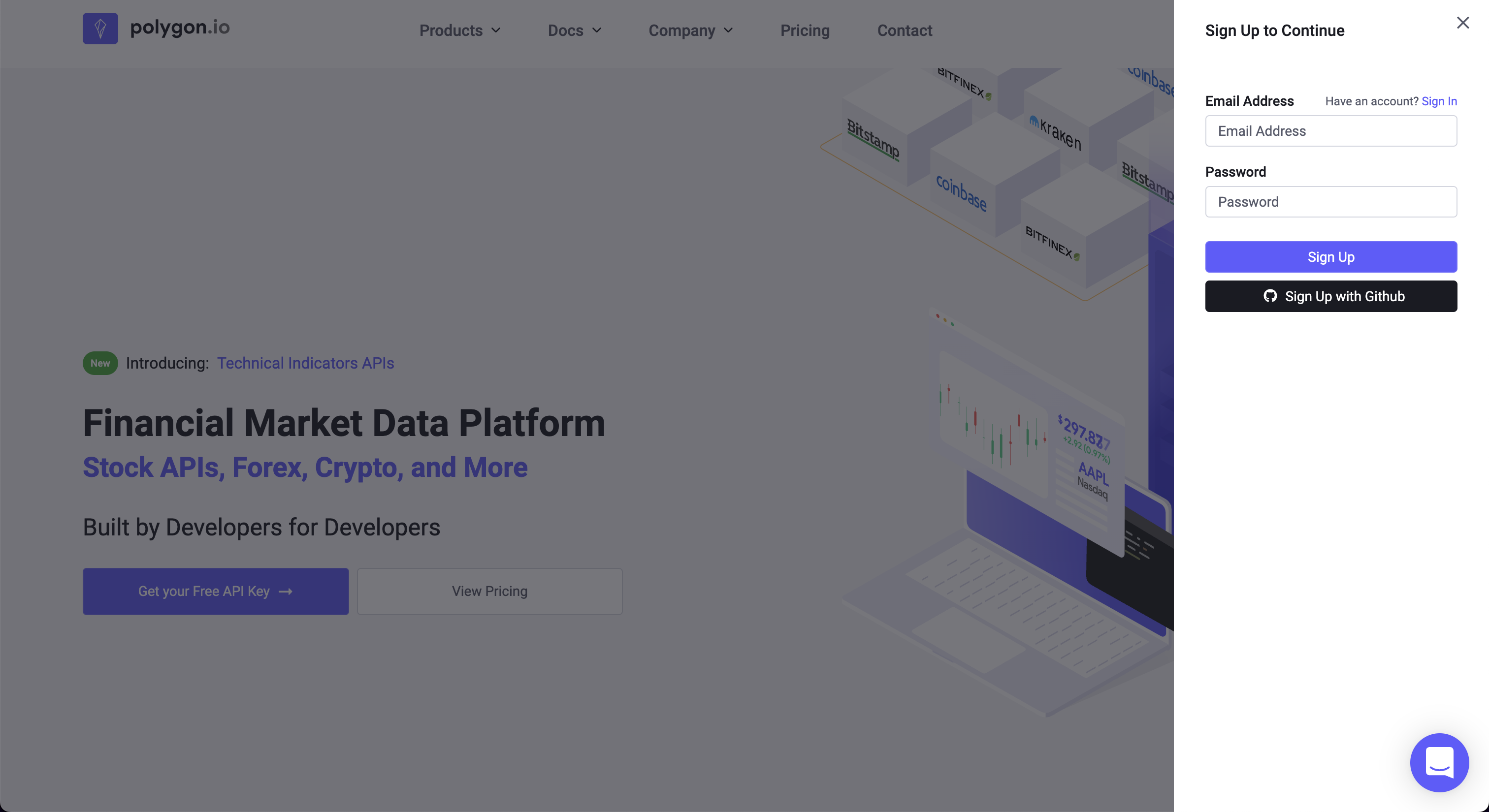
Click on, "Get your Free API Key".
After signing up, the API Key is found at the bottom of the account dashboard page.
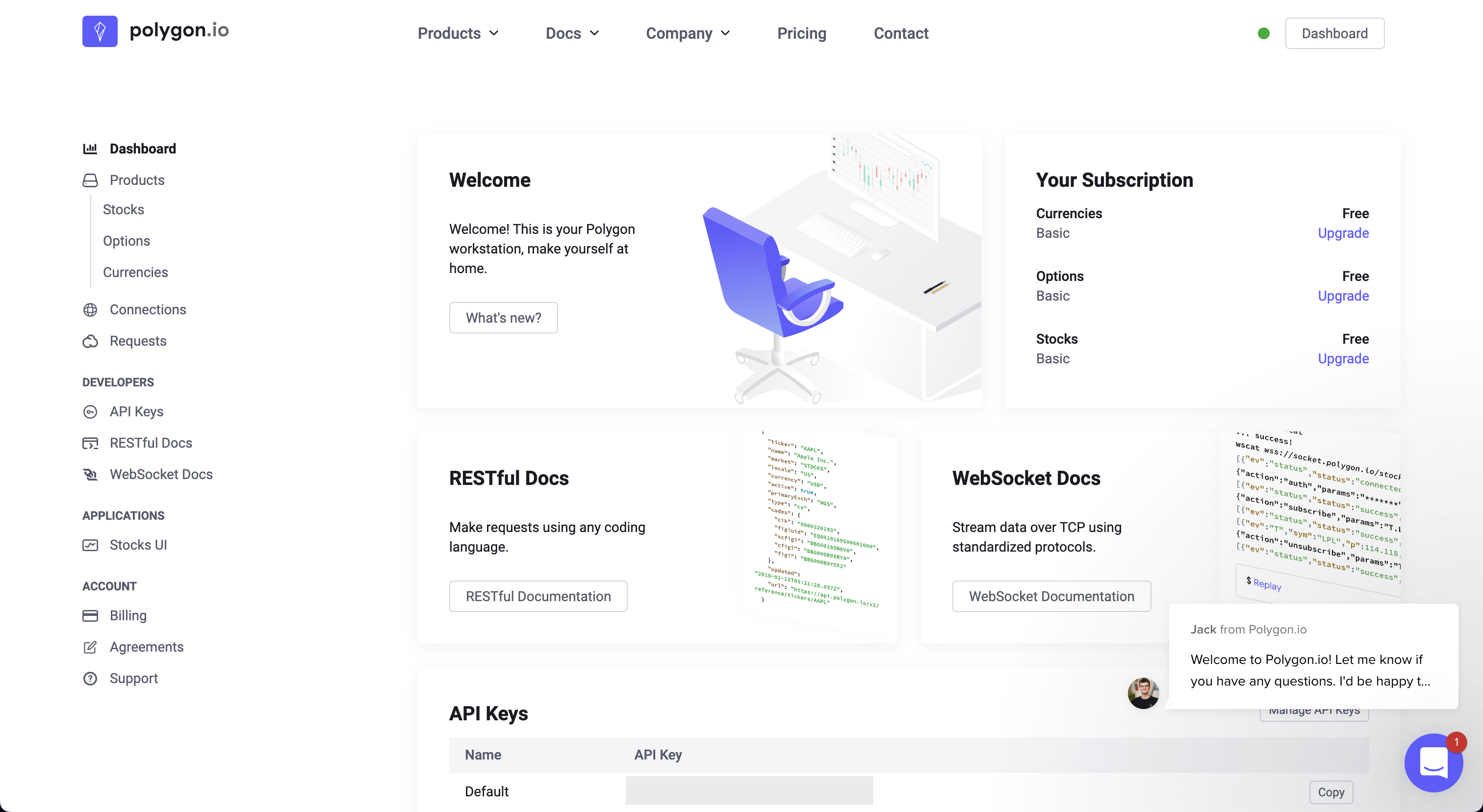
Enter the key into the OpenBB Terminal by typing:
/keys/polygon REPLACE_WITH_KEY
Quandl
Go to: https://www.quandl.com
Click on, "Sign Up", and register a new account.

Follow the sign-up instructions, and upon completion the API key will be assigned.

Enter the key into the OpenBB Terminal with:
/keys/quandl REPLACE_WITH_KEY
Sign in to Reddit, and then go to: https://old.reddit.com/prefs/apps/

Scroll down and click on "create application", selecting "script".
Once the application is created, you must register it here
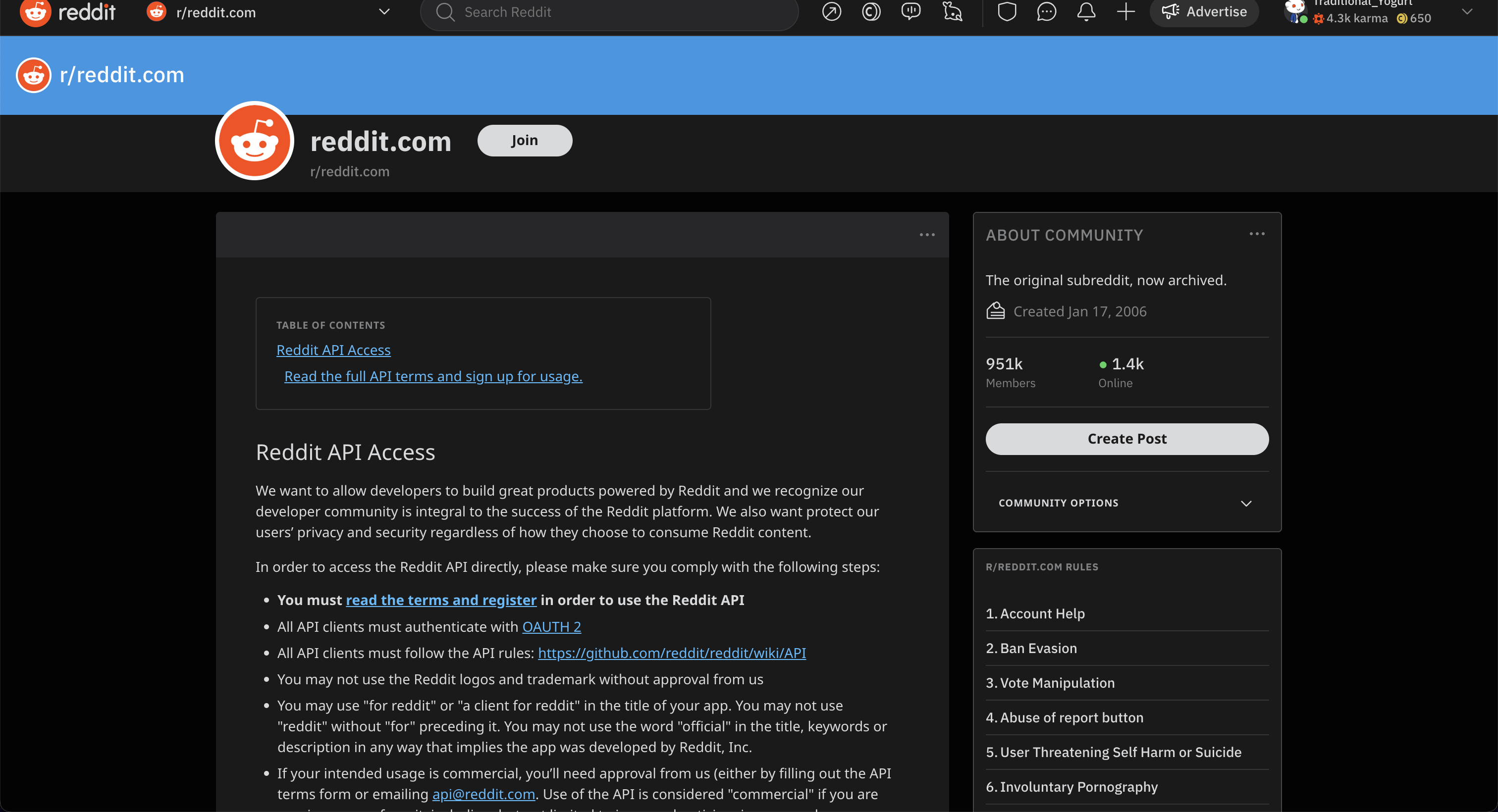
Click on, "Read the full API terms and sign up for usage", and fill out the form.
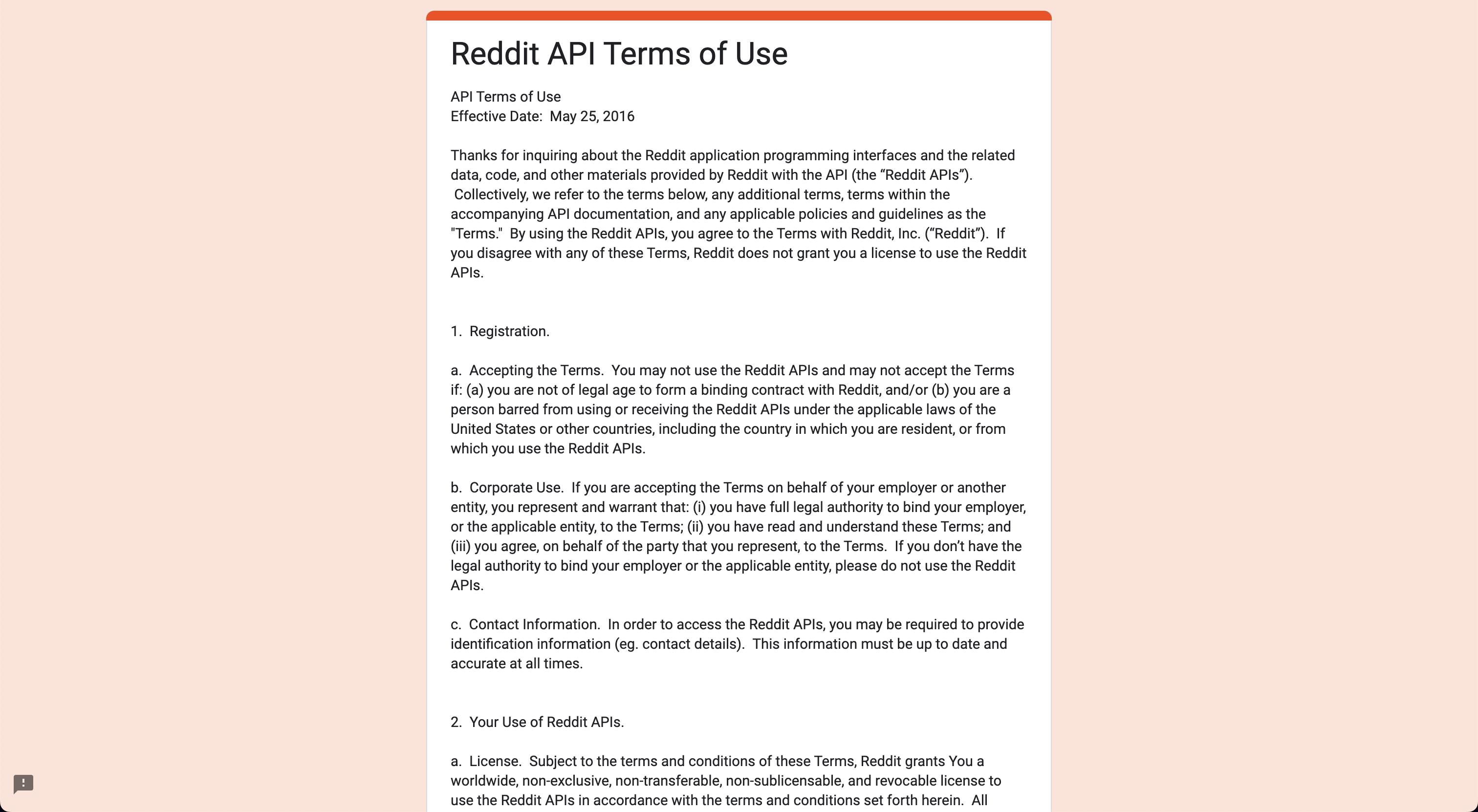
After submitting the form, check for a confirmation email. The credentials will be displayed here, enter them into the OpenBB Terminal in one line:
/keys/reddit -i REPLACE_WITH_CLIENT_ID -s REPLACE_WITH_CLIENT_SECRET -u REPLACE_WITH_REDDIT_USERNAME -p REPLACE_WITH_REDDIT_PASSWORD -a REPLACE_WITH_USER_AGENT
Robinhood
Go to: https://robinhood.com/us/en
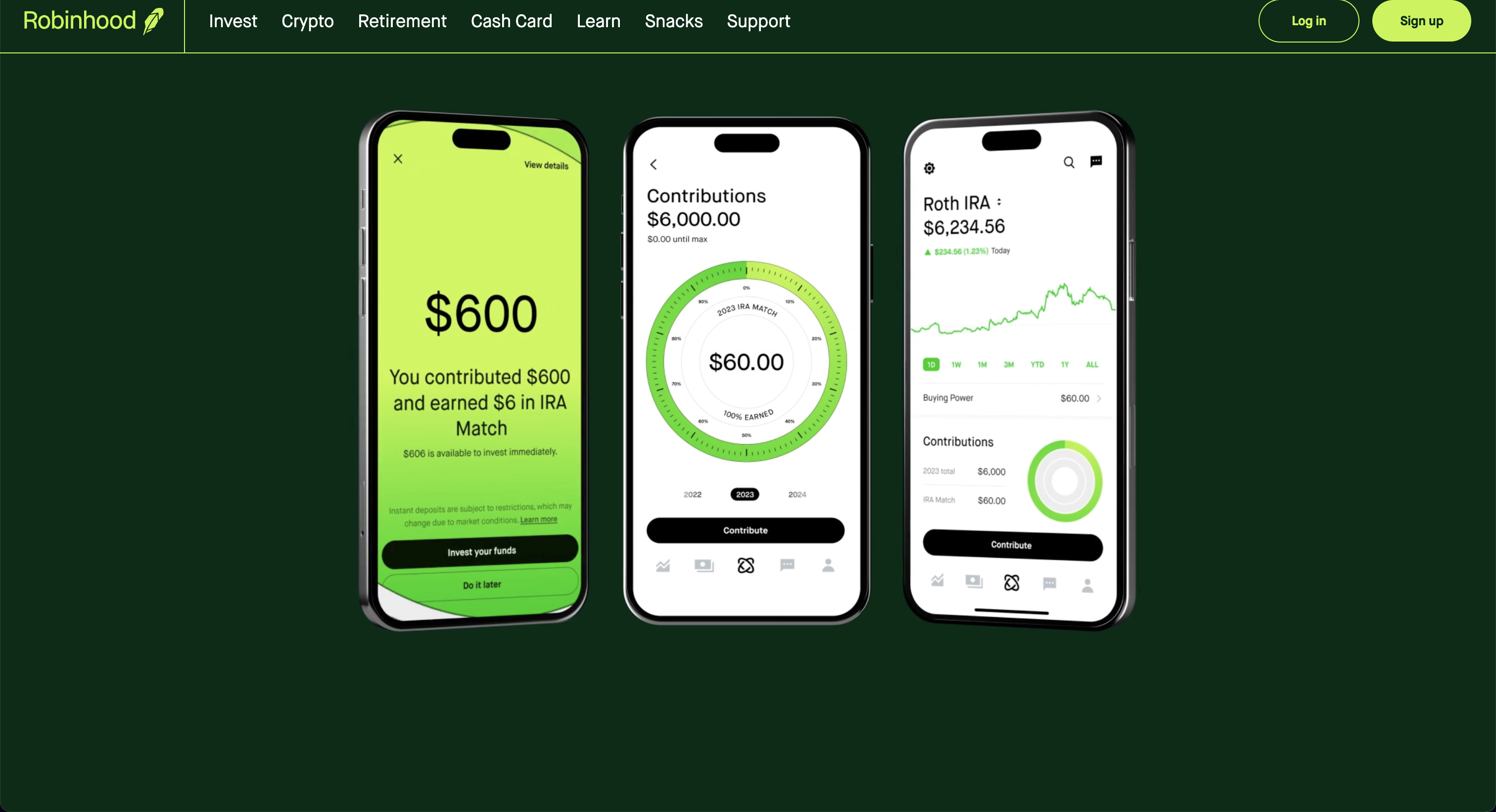
After registering for an account, it can be added to the OpenBB Terminal with:
/keys/rb -u REPLACE_WITH_USERNAME -p REPLACE_WITH_PASSWORD
The first login will request 2FA authorization from the device connected to the account.
Santiment
Go to: https://app.santiment.net
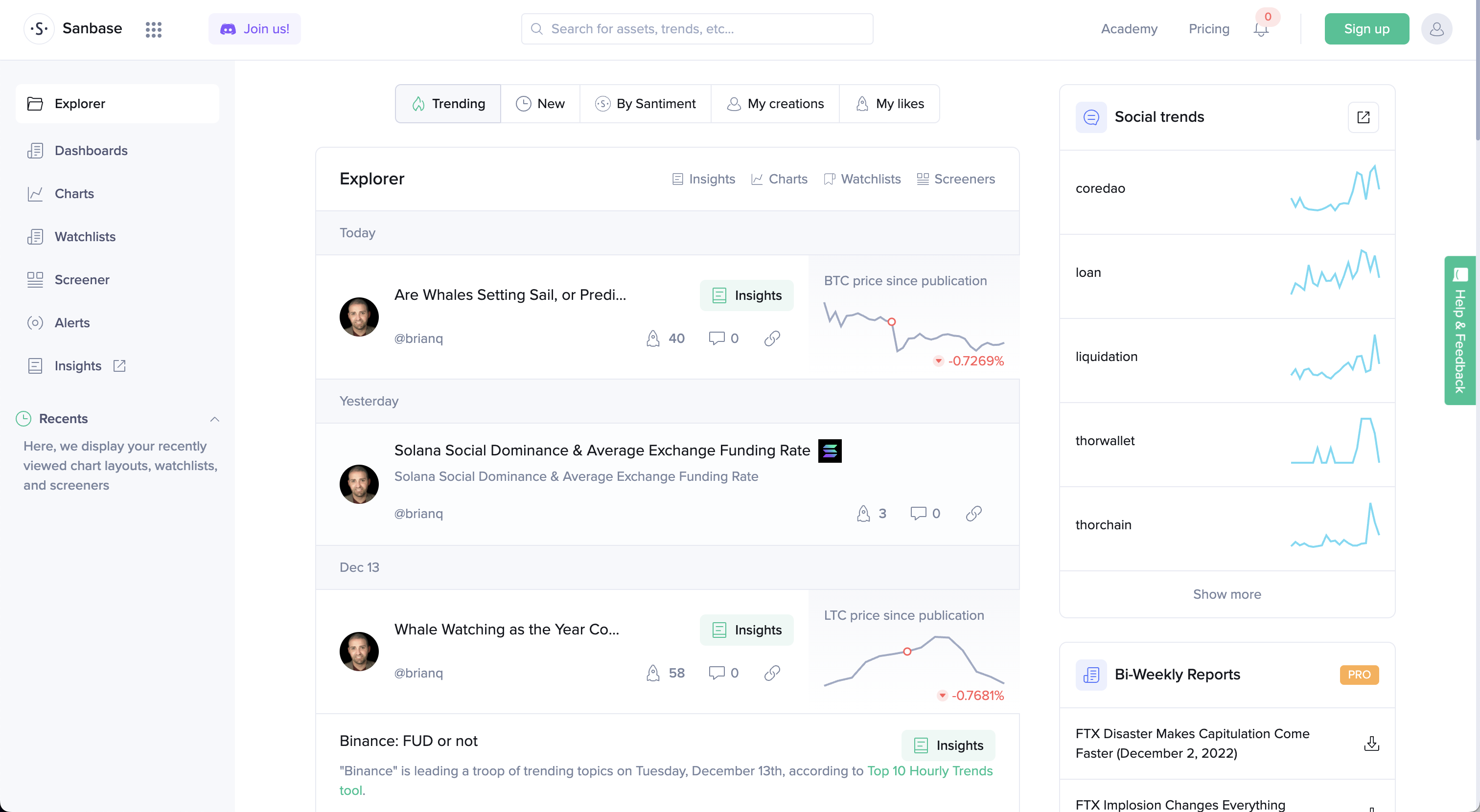
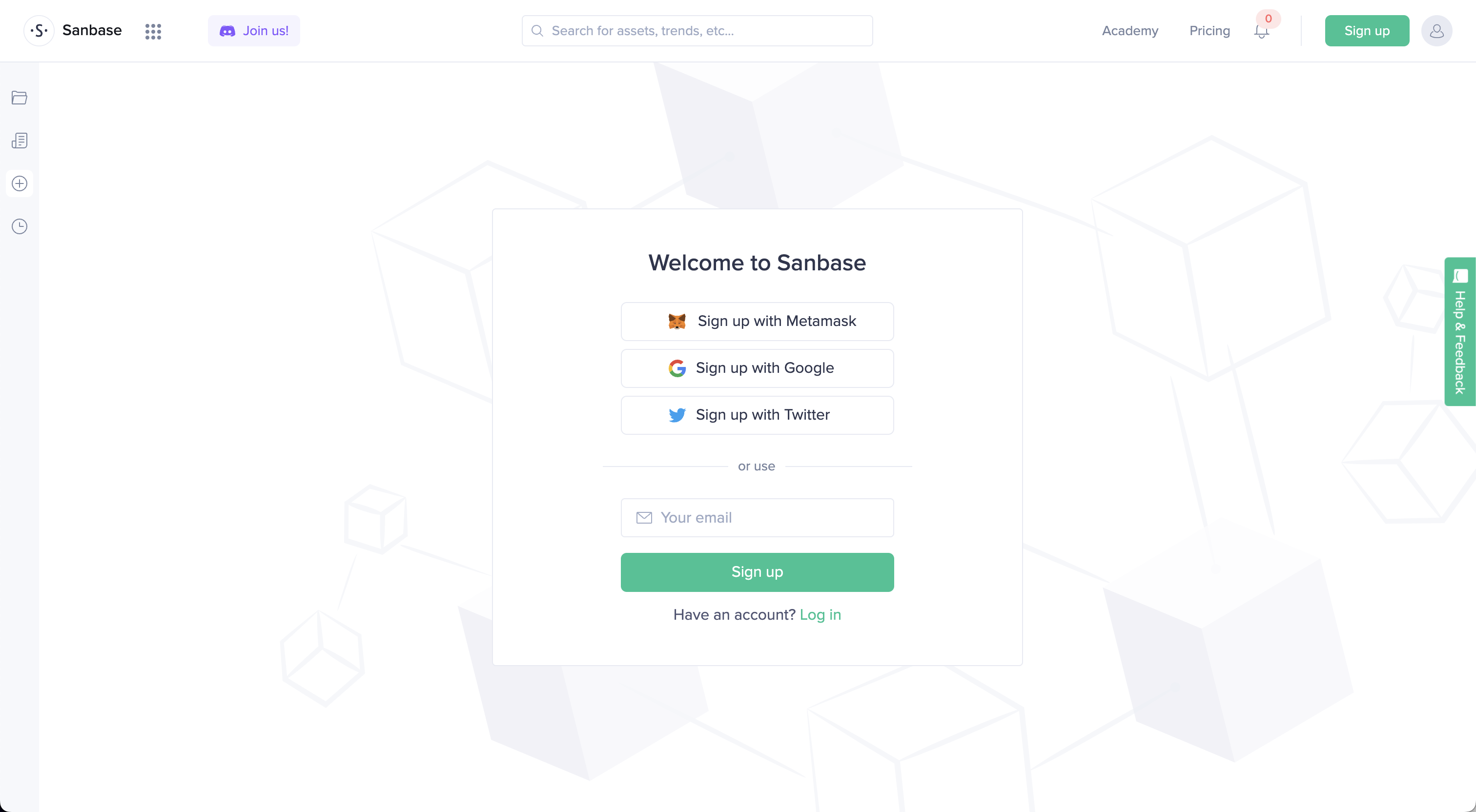
Click on, "Sign up", and register for an account.
Navigate to the account dashboard and generate a key.
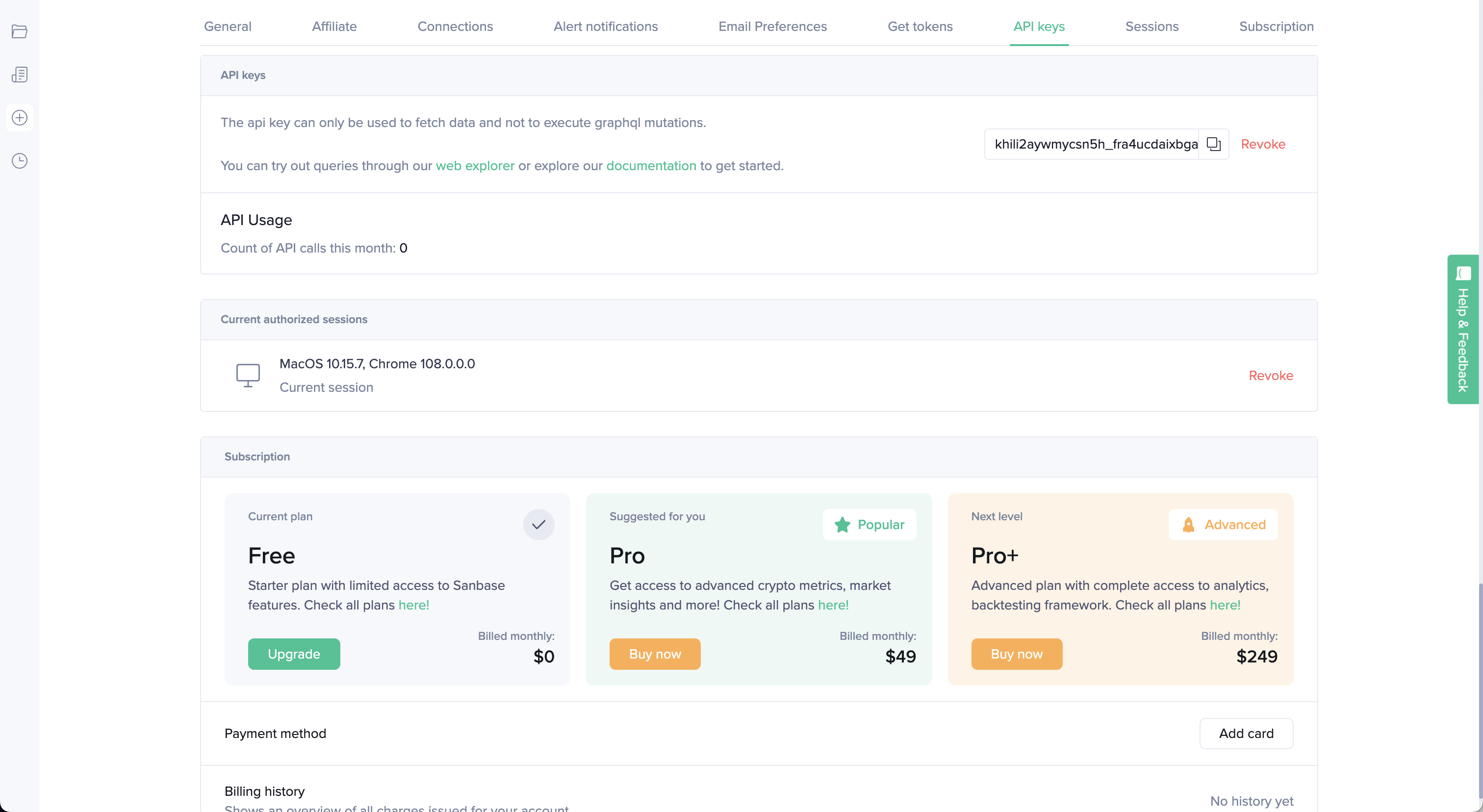
Add it to the OpenBB Terminal by entering:
/keys/santiment REPLACE_WITH_KEY
ShroomDK
Go to: https://sdk.flipsidecrypto.xyz/shroomdk
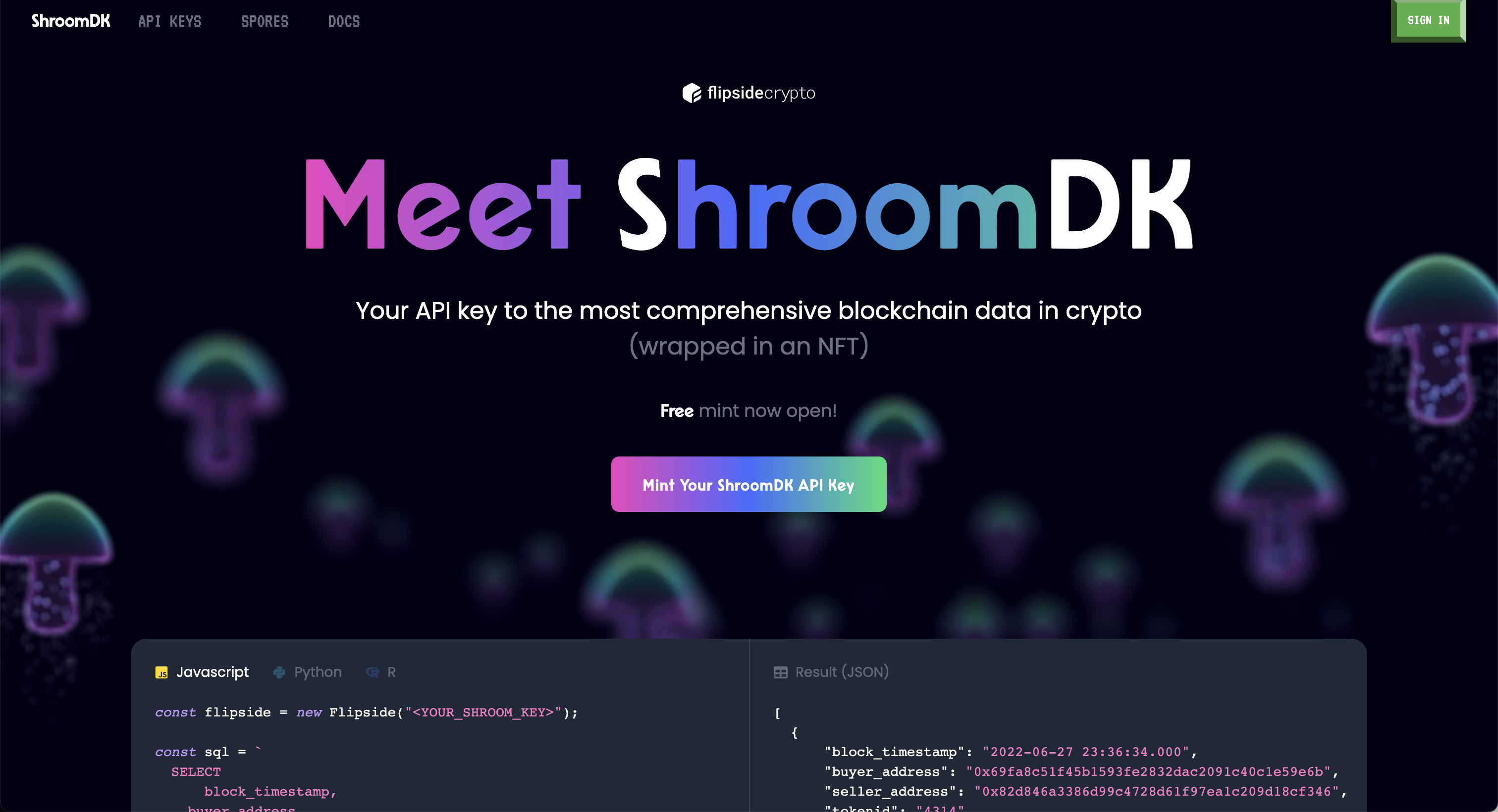
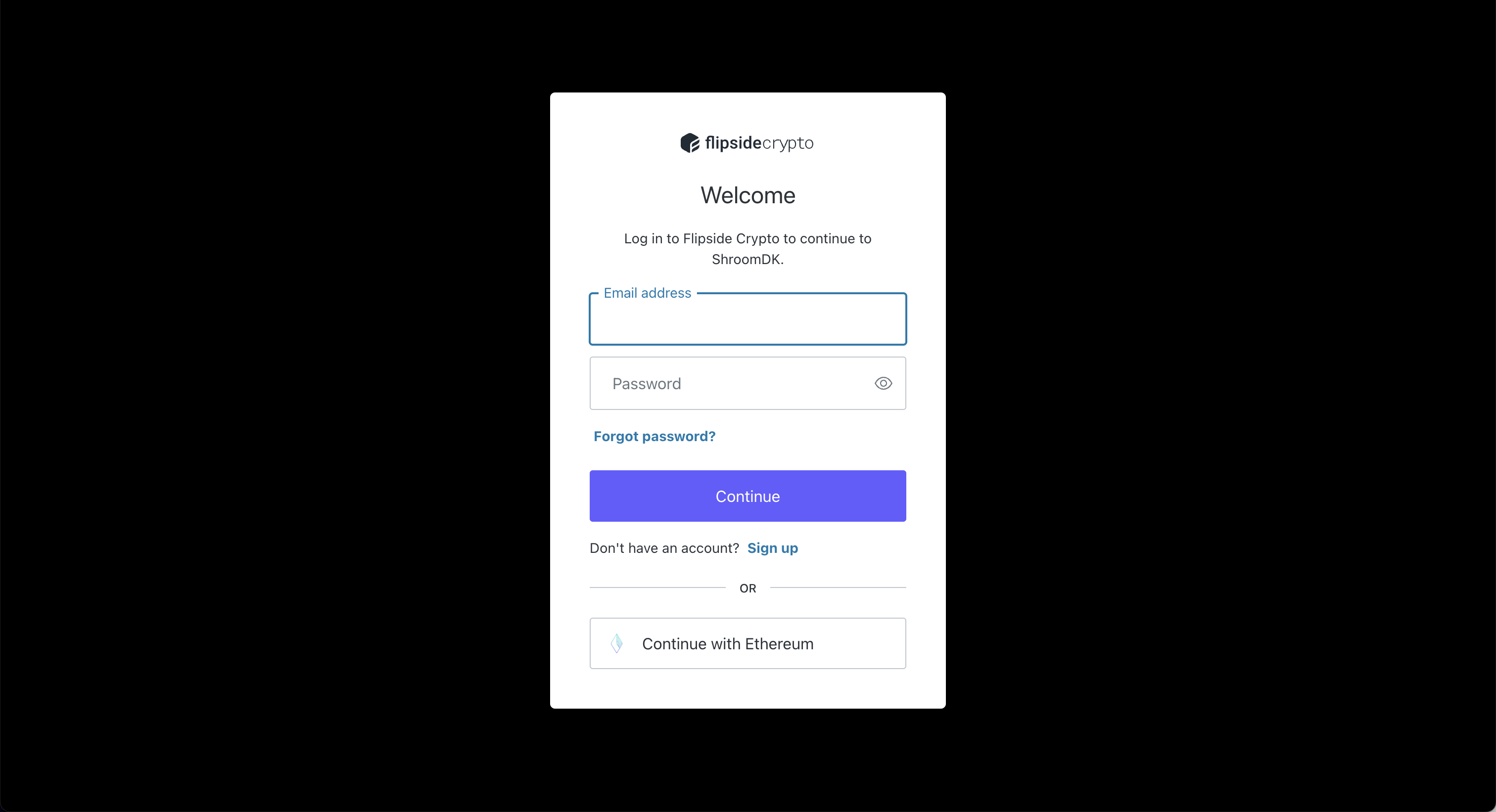
Click "Mint Your ShroomDK API Key", and sign up for an account.
Once created, connect a wallet to complete minting the NFT license. The API key will be displayed under the account.
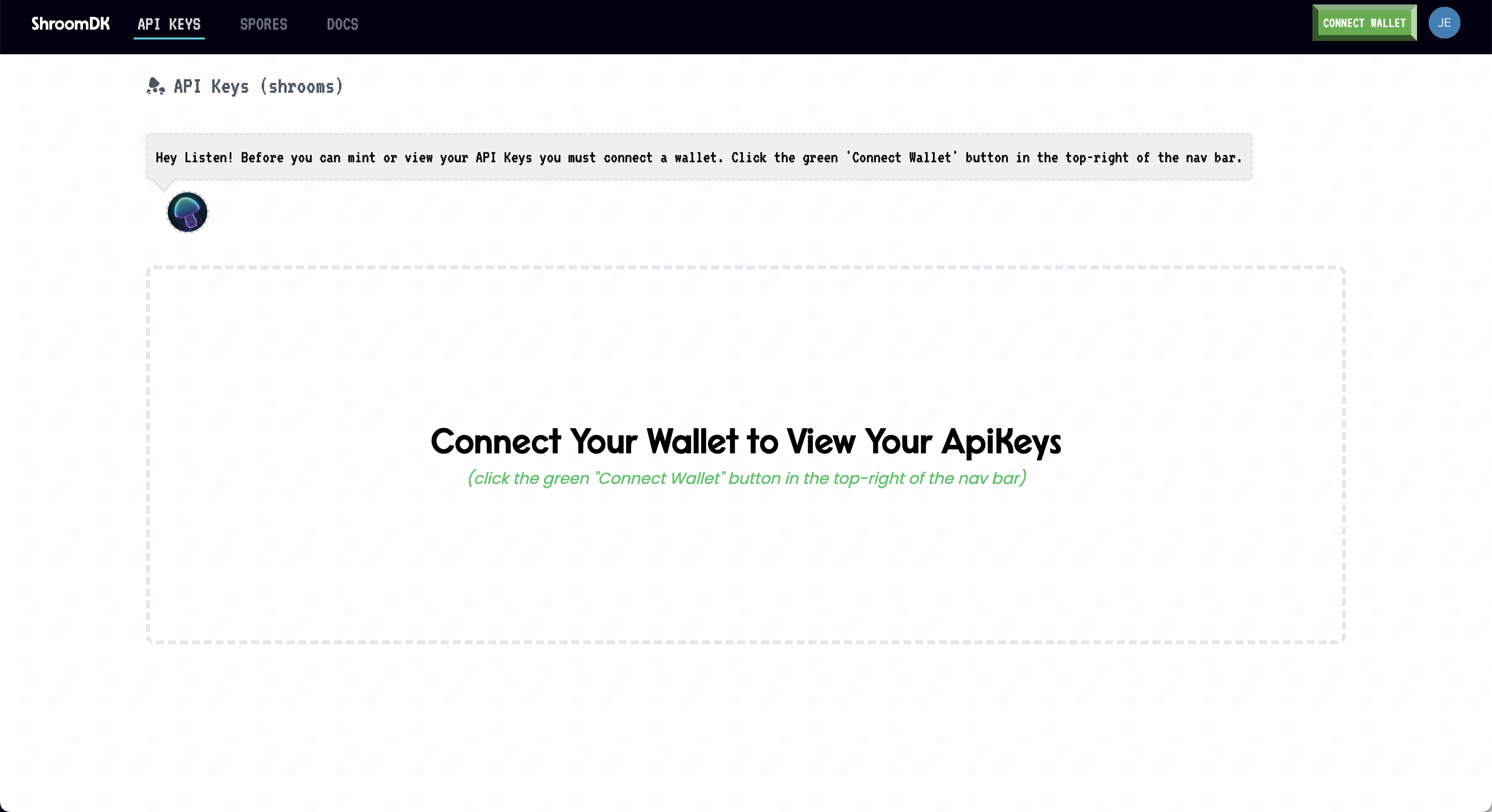
Enter it into the OpenBB Terminal by typing:
/keys/shroom REPLACE_WITH_KEY
Stocksera
Go to: https://stocksera.pythonanywhere.com

Click on, "Log in", and create an account.
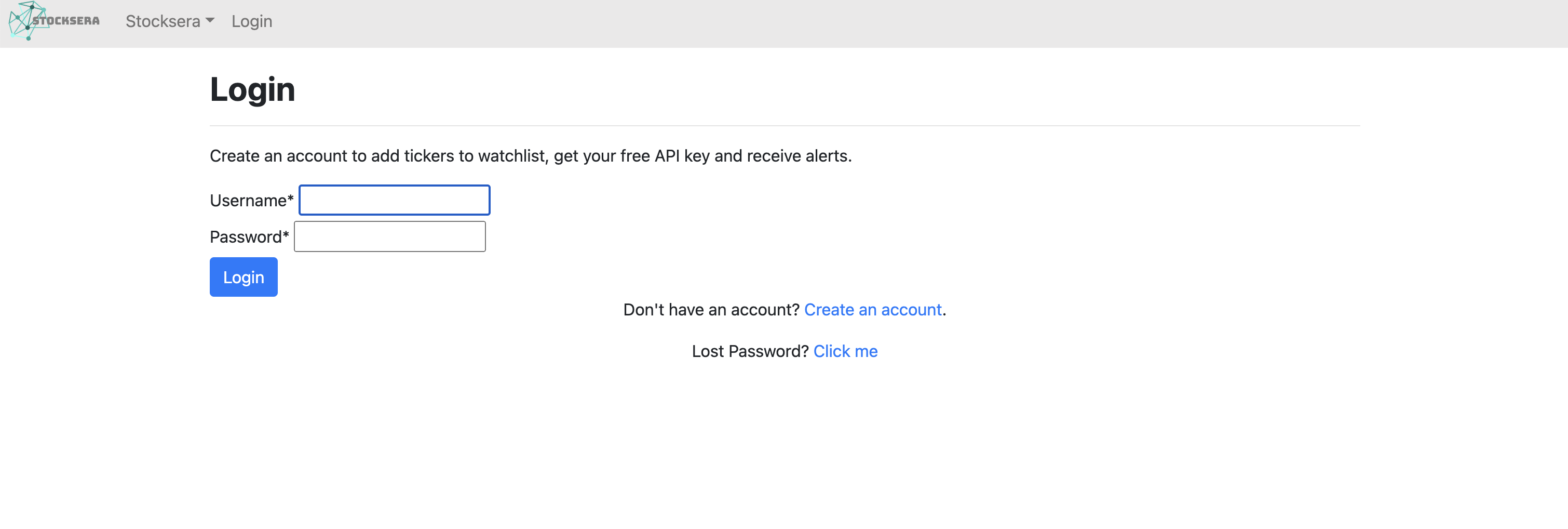
Once logged in, navigate to the "Developers" tab and copy the API key.
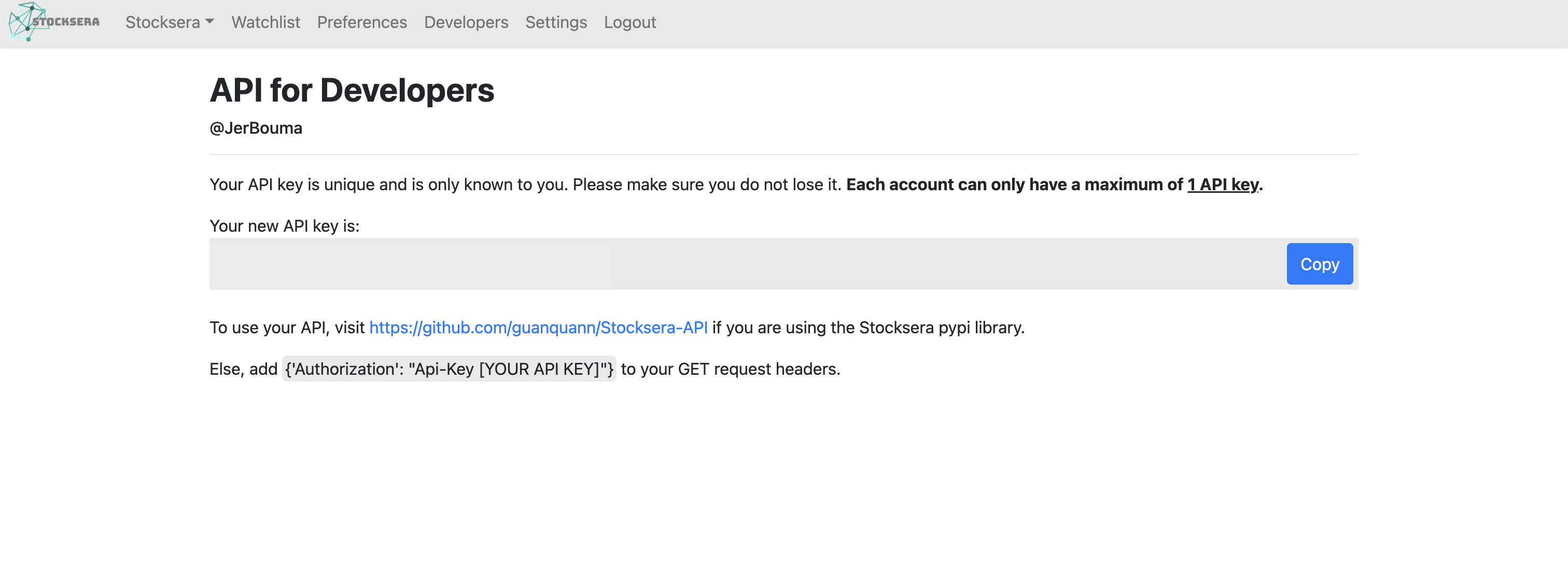
Add the key to the OpenBB Terminal by entering:
/keys/stocksera REPLACE_WITH_KEY
Token Terminal
Go to: https://tokenterminal.com
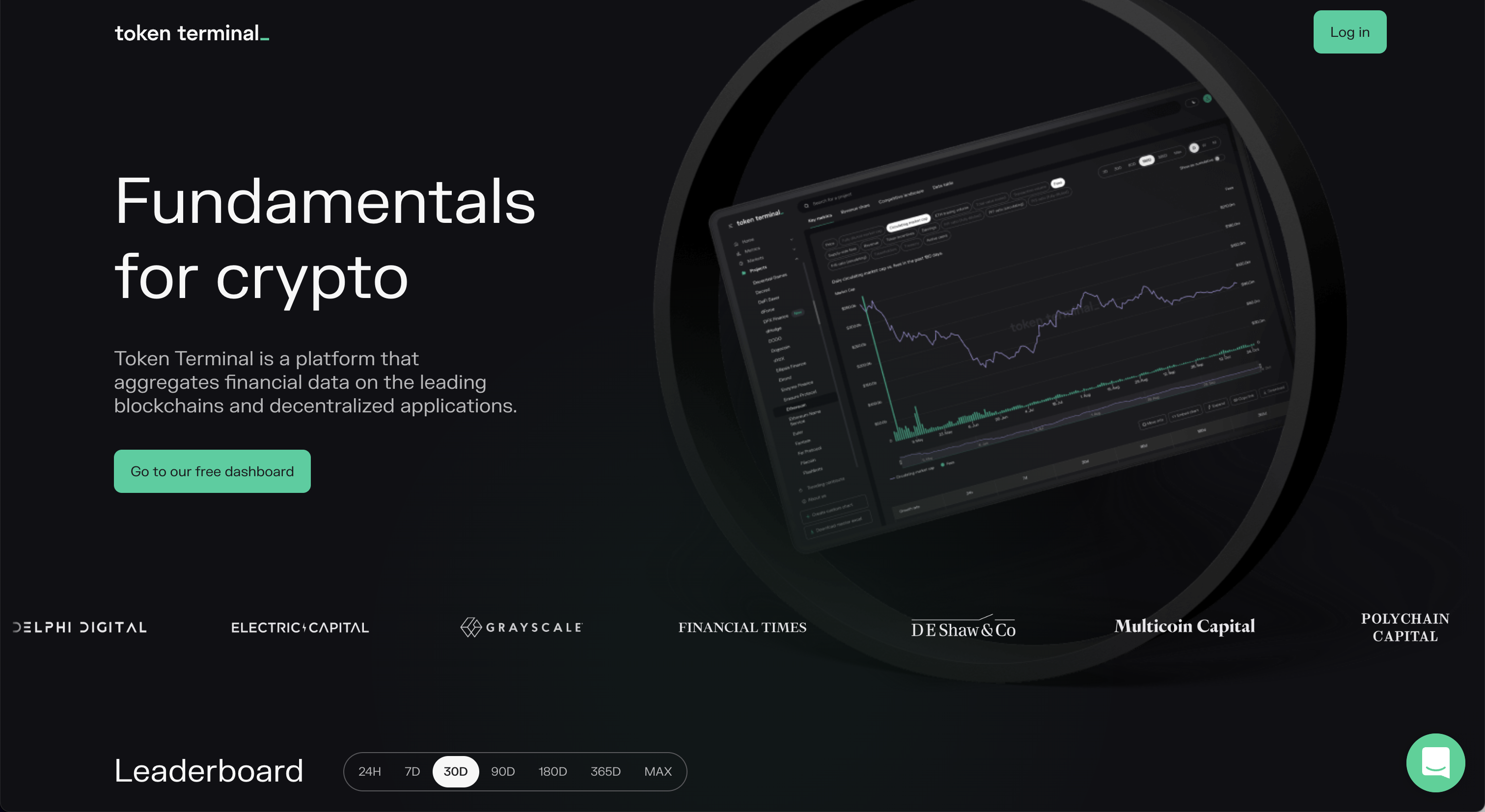
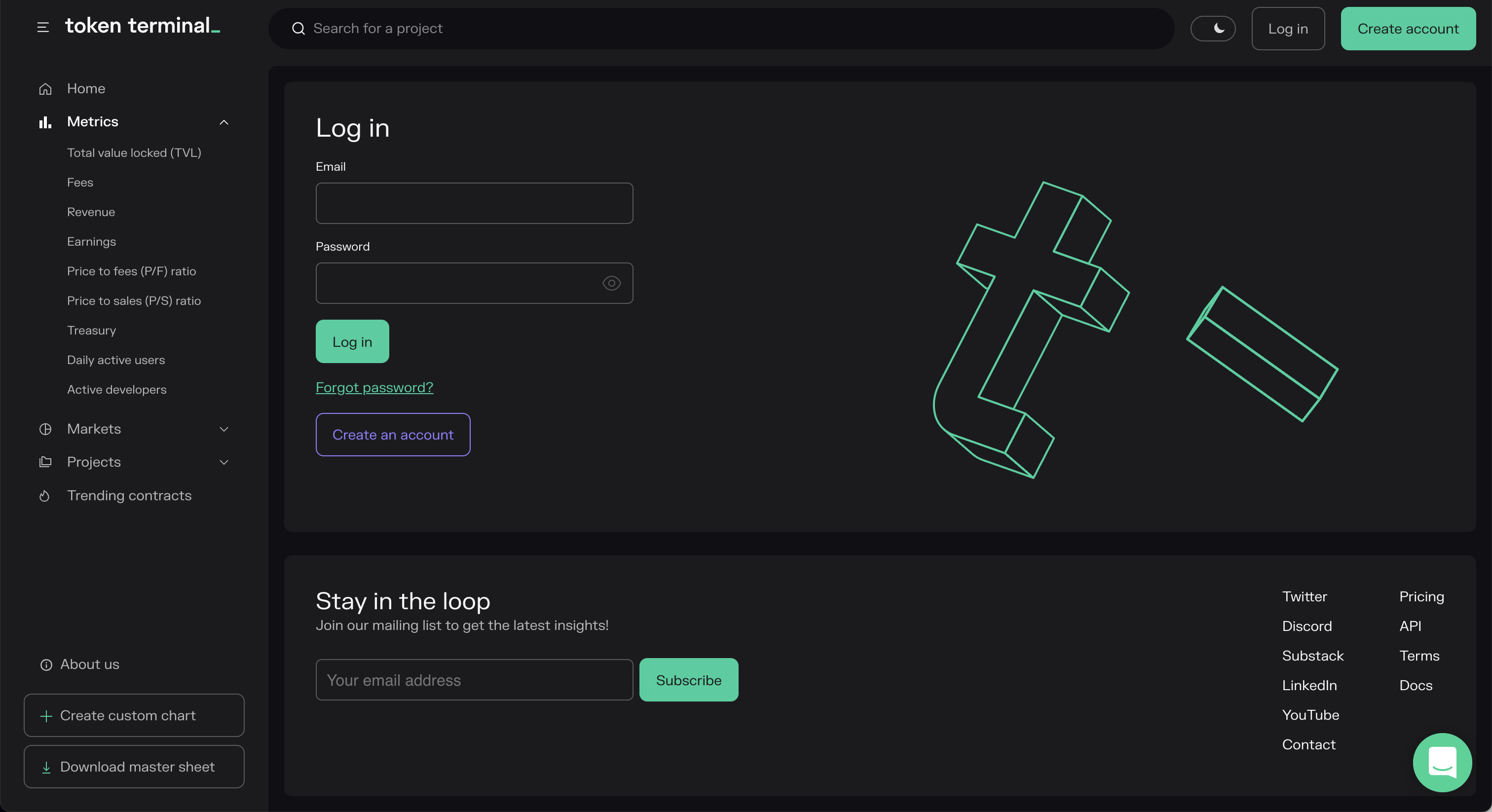
Click on, "Log in" and sign up for an account.
Verify the email address, and then navigate go to the "API" tab and copy the API key to the clipboard.
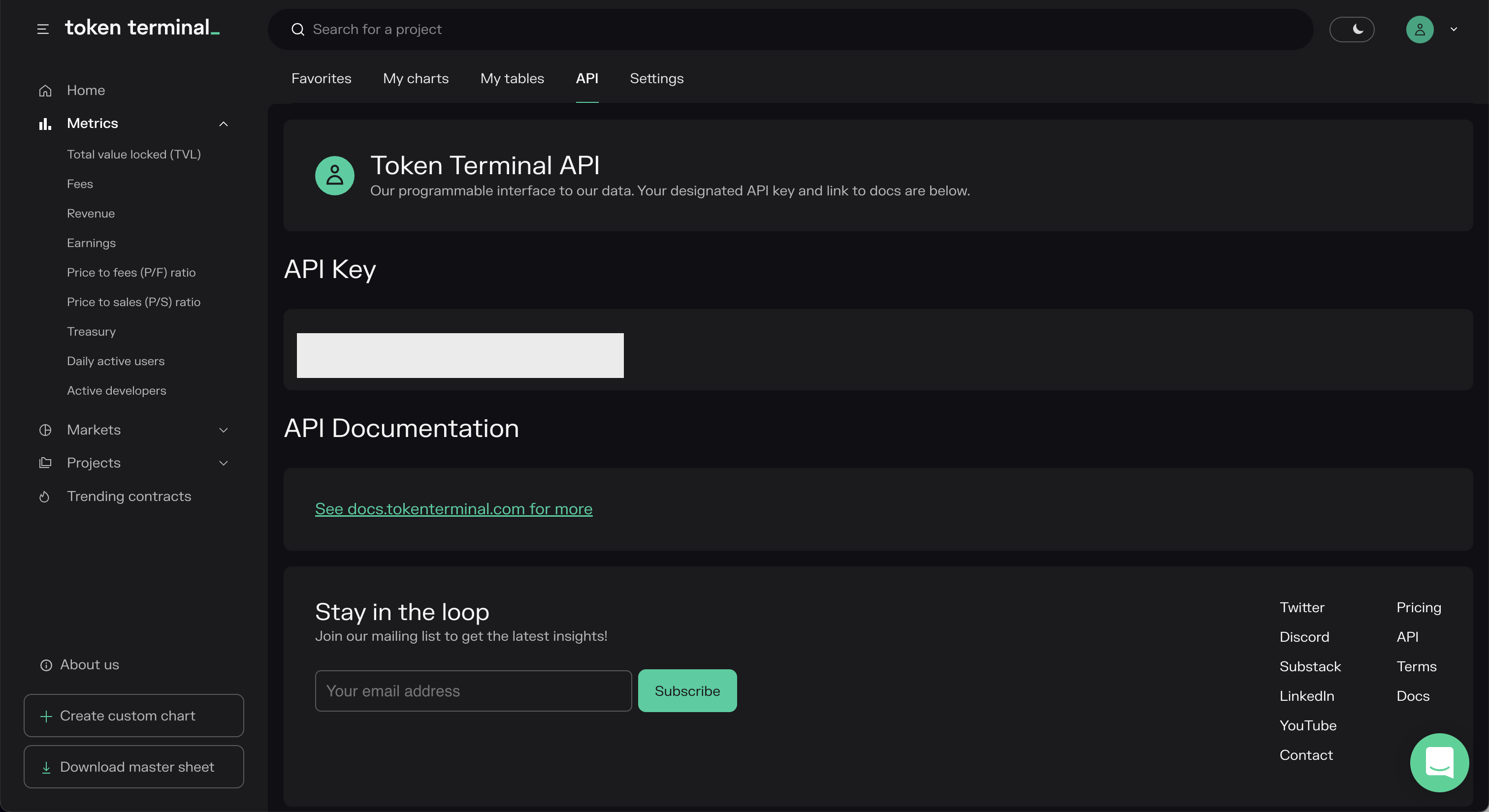
Add the key to the OpenBB Terminal by typing:
/keys/tokenterminal REPLACE_WITH_KEY
Tradier
Go to: https://documentation.tradier.com

Click on, "Open Account", to start the sign-up process. After the account has been setup, navigate to Tradier Broker Dash and create the application. Request a sandbox access token, and enter this key into the OpenBB Terminal with:
/keys/tradier REPLACE_WITH_KEY
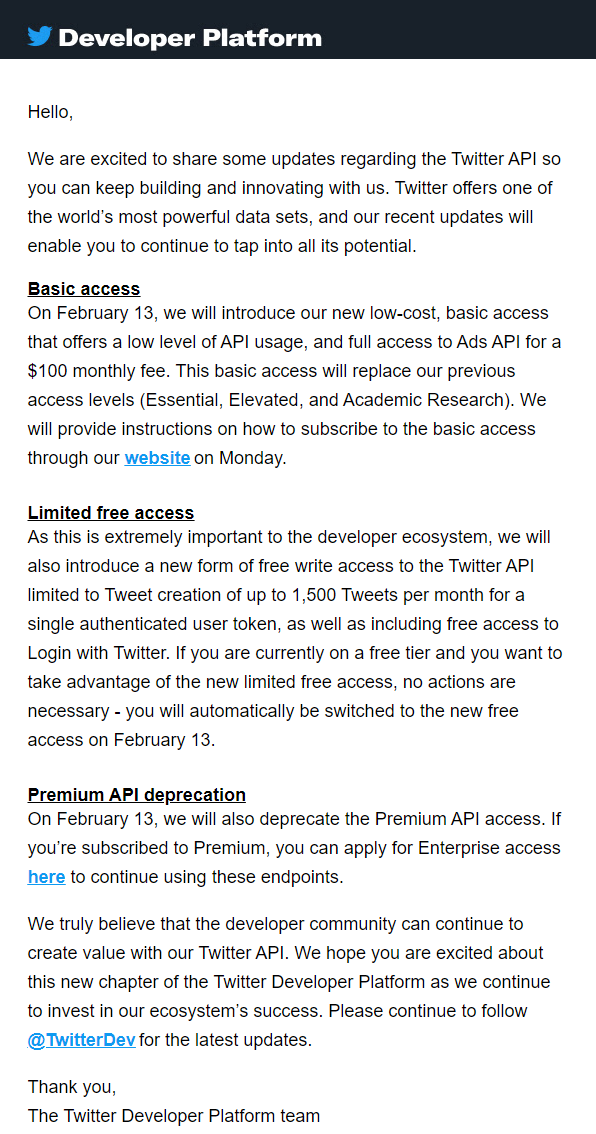
Upcoming changes to the Twitter API will deprecate the current functionality, it is uncertain if the current features will continue to work.
Whale Alert
Go to: https://docs.whale-alert.io
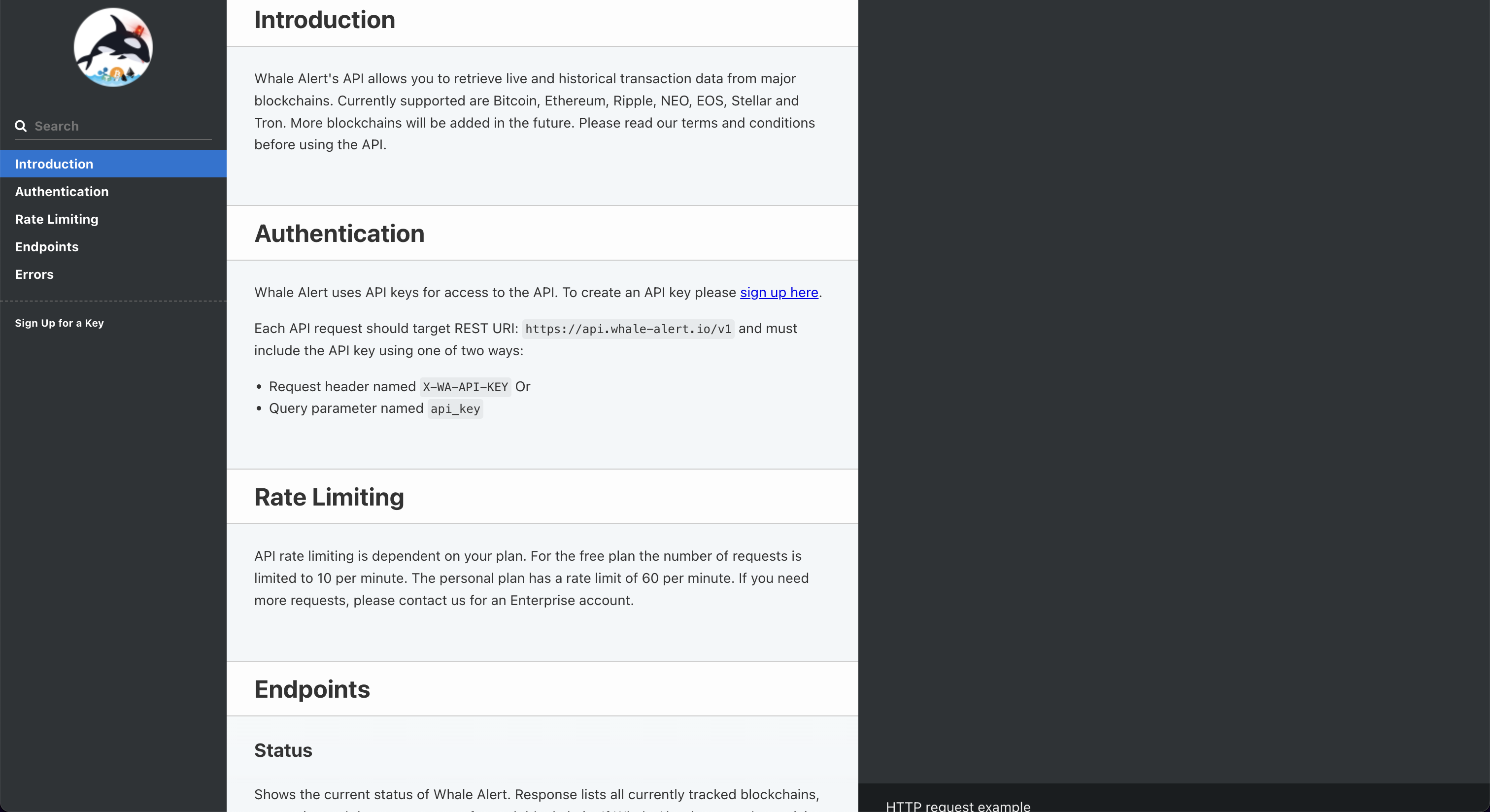
Click on, "sign up here".
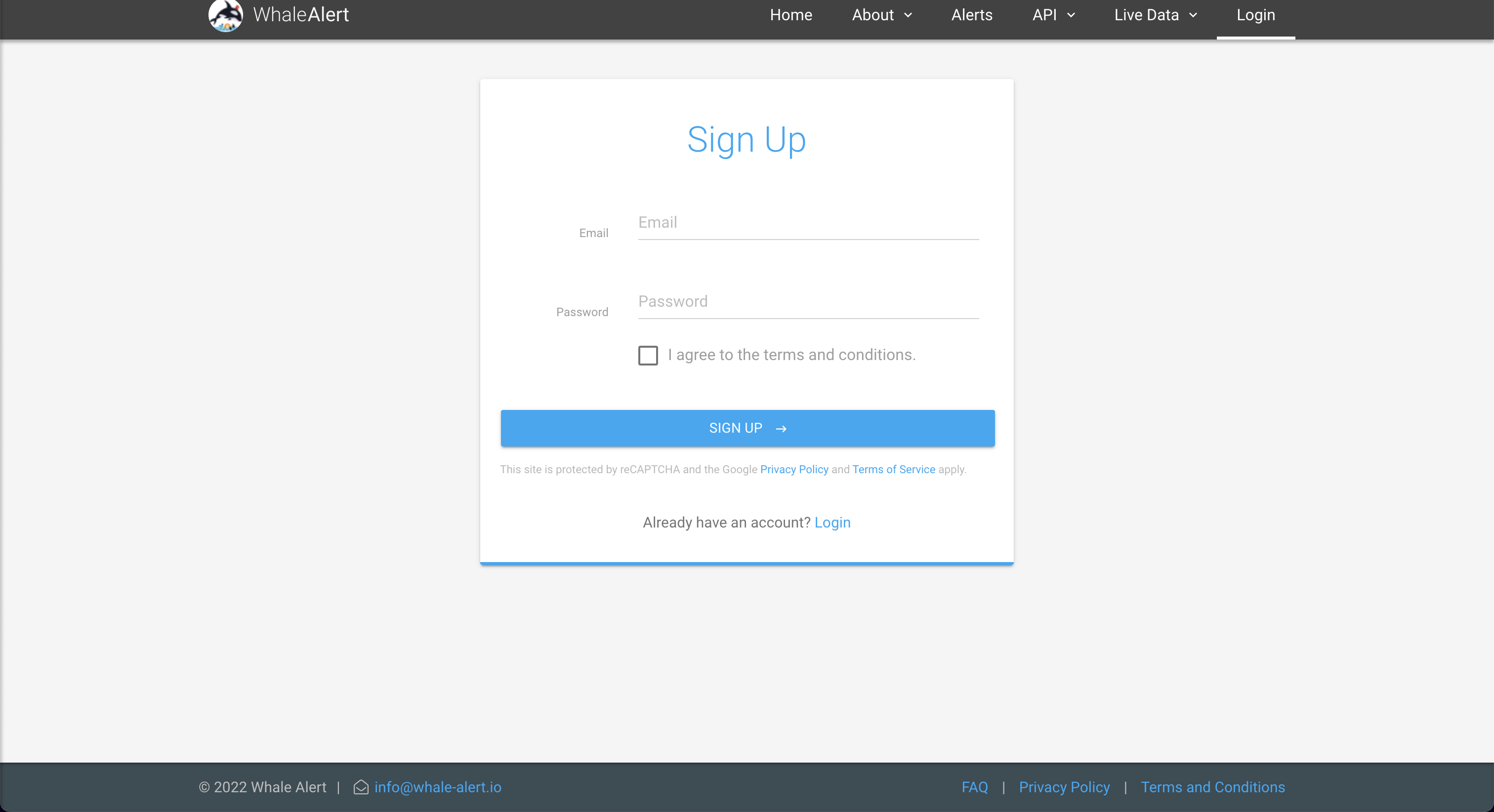
After creating the account, click on, "Create", to issue the API Key.

Enter the key into the OpenBB Terminal by typing:
/keys/walert REPLACE_WITH_KEY